$ cd ~/365tips
365tips: Microsoft 365 tips and how-to guides
Microsoft 365 tips that just work.
Practical guides to Teams, Outlook, OneDrive, SharePoint, Windows 11, Intune and security. Step by step, updated for the new Teams and Outlook, free and ad-free.
628articles in English
628in Dutch too
628updated in 2026
0ads or cookies
Top 50 guides
The guides that answer the most questions, a good place to start.
01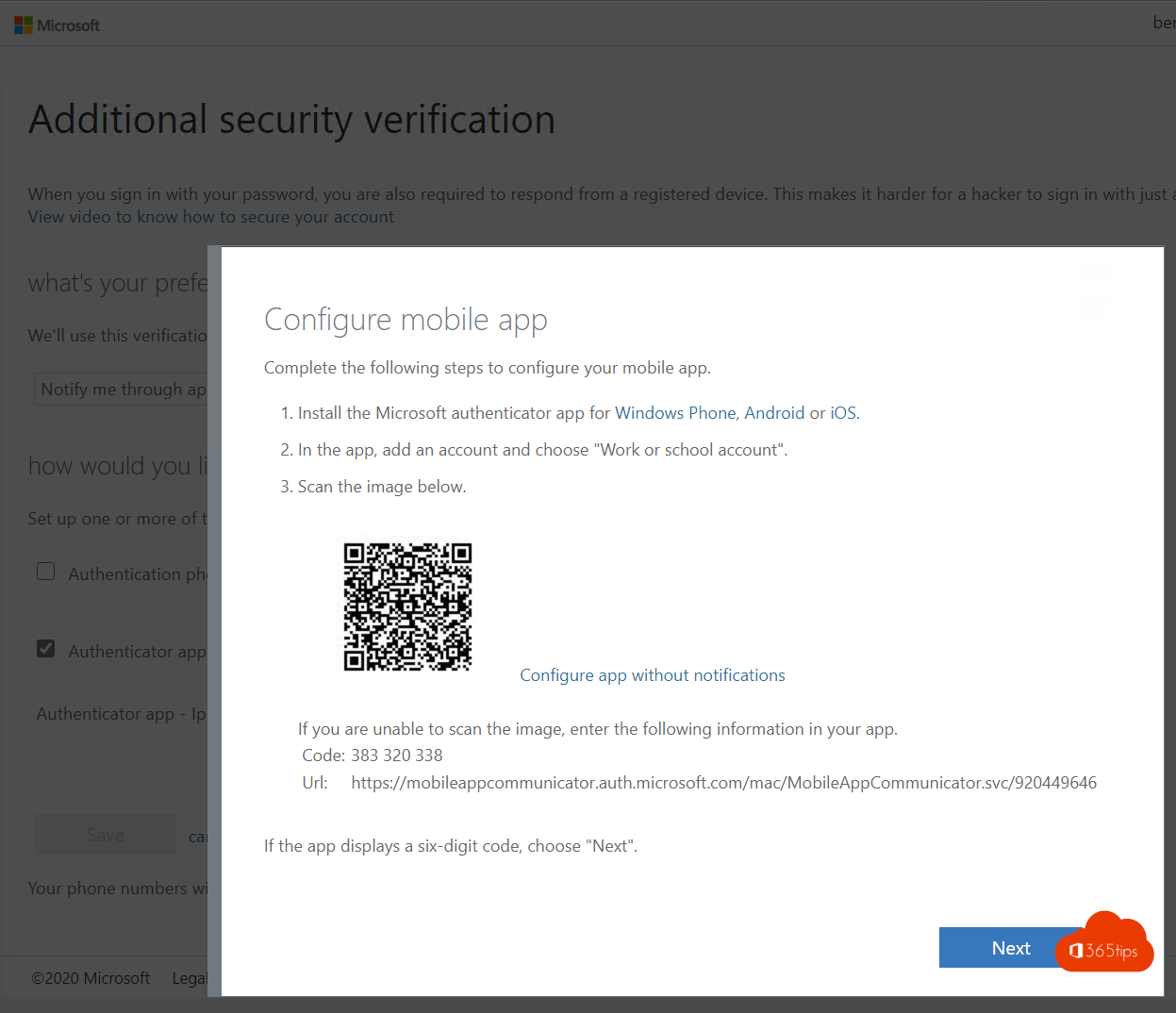 SecurityEnable multi-factor authentication (MFA) in Microsoft 365Turn on MFA in Microsoft 365 with security defaults or Conditional Access. Registering the Authenticator app and mandatory…
02
SecurityEnable multi-factor authentication (MFA) in Microsoft 365Turn on MFA in Microsoft 365 with security defaults or Conditional Access. Registering the Authenticator app and mandatory…
02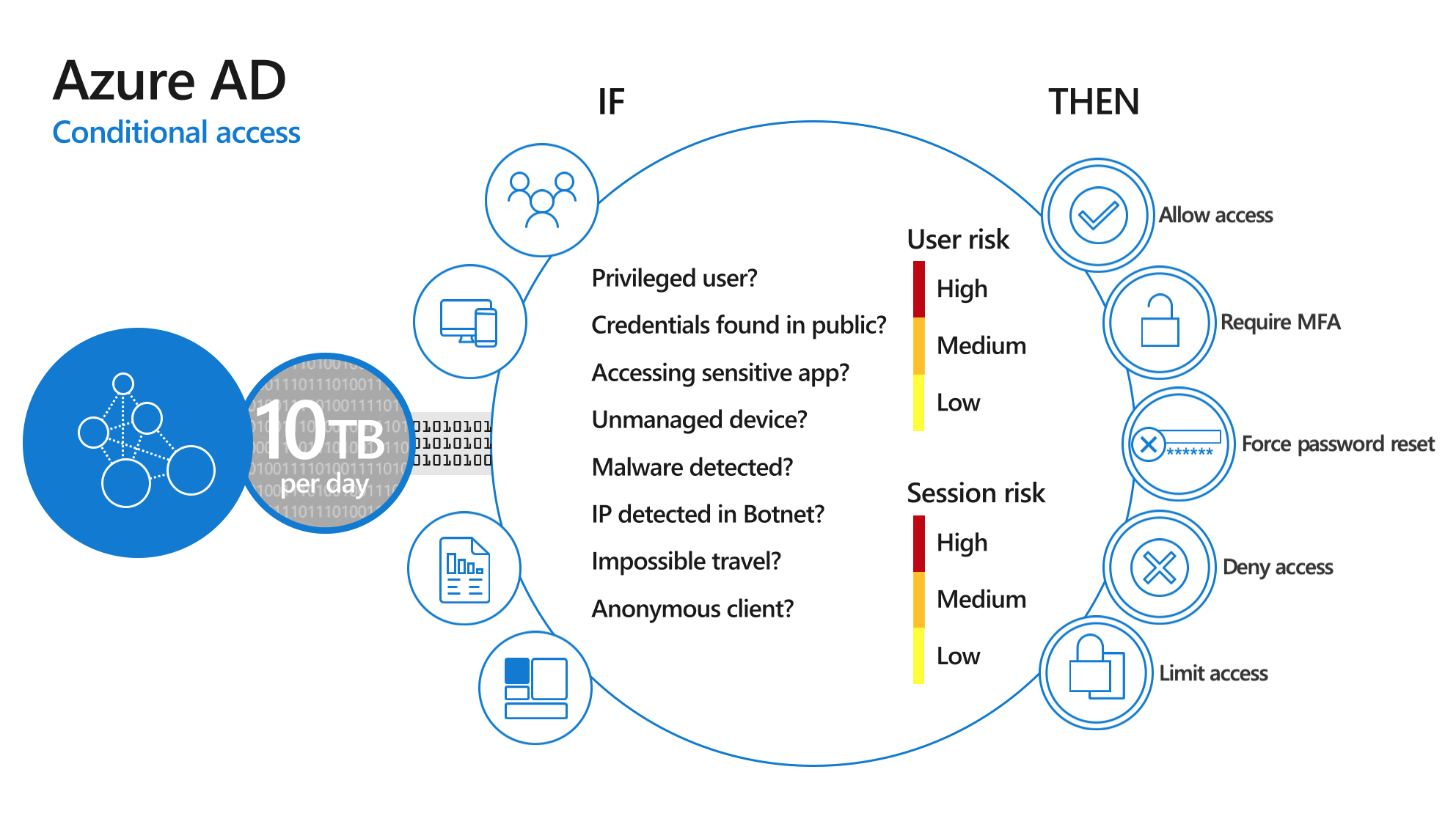 SecurityWhat is Multi-Factor Authentication (MFA)?MFA explained: the three kinds of factors, which methods are safest, why it matters and how to turn it on.
03
SecurityWhat is Multi-Factor Authentication (MFA)?MFA explained: the three kinds of factors, which methods are safest, why it matters and how to turn it on.
03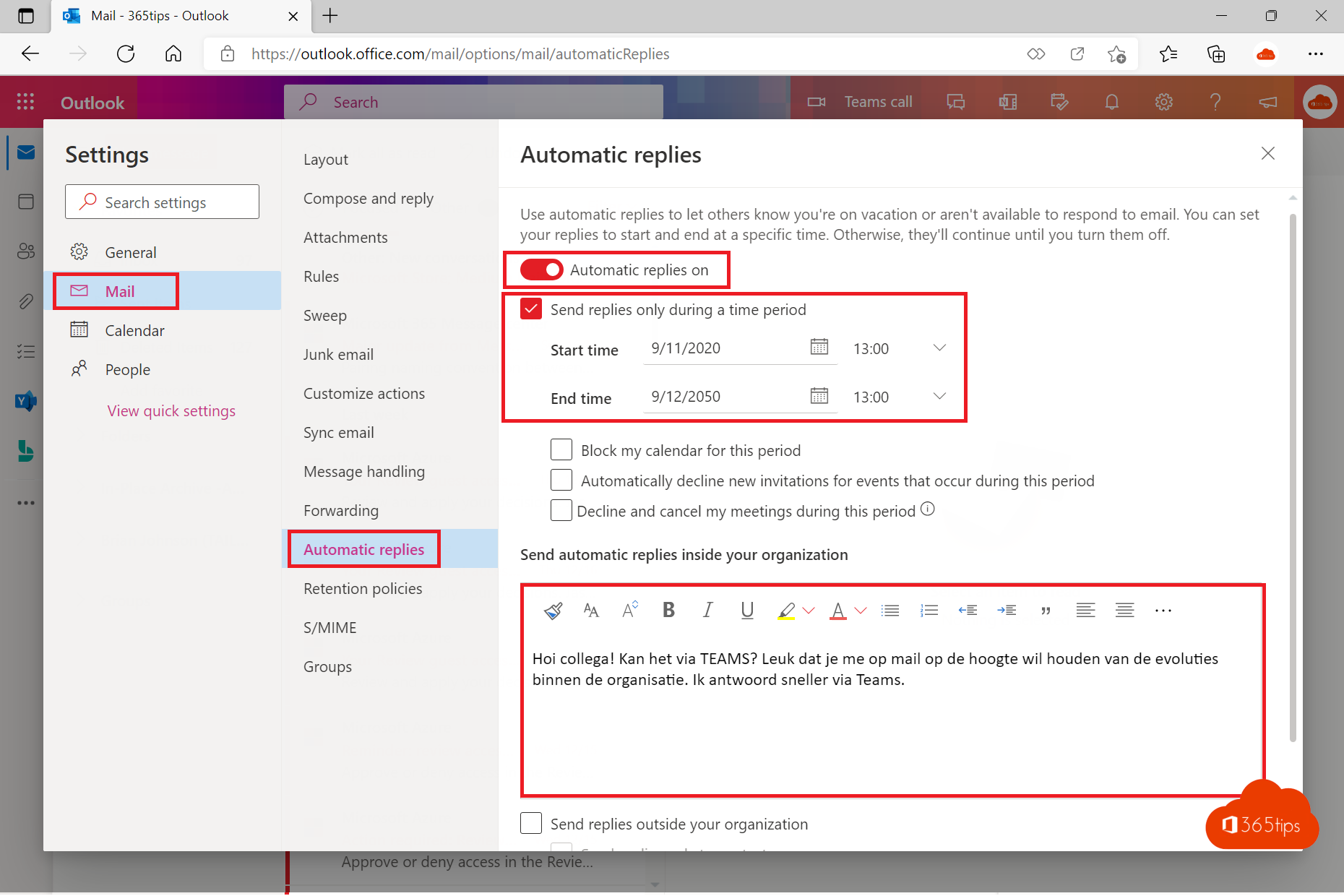 ExchangeSet an automatic reply (Out of Office) in OutlookSet an out-of-office reply in the new Outlook, on the web, in classic Outlook or on your phone. Separate external message…
04
ExchangeSet an automatic reply (Out of Office) in OutlookSet an out-of-office reply in the new Outlook, on the web, in classic Outlook or on your phone. Separate external message…
04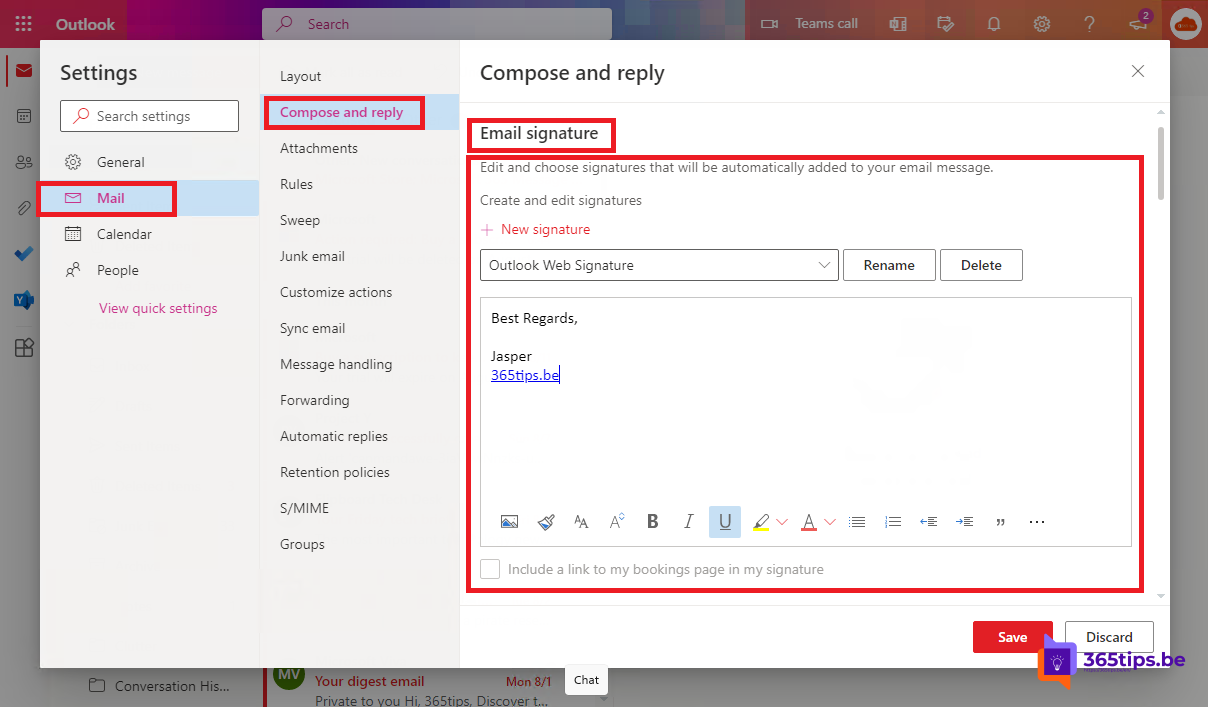 ExchangeSet up or change your email signature in OutlookCreate or change your email signature in the new Outlook, on the web, in classic Outlook and on mobile. Content tips and a…
05
ExchangeSet up or change your email signature in OutlookCreate or change your email signature in the new Outlook, on the web, in classic Outlook and on mobile. Content tips and a…
05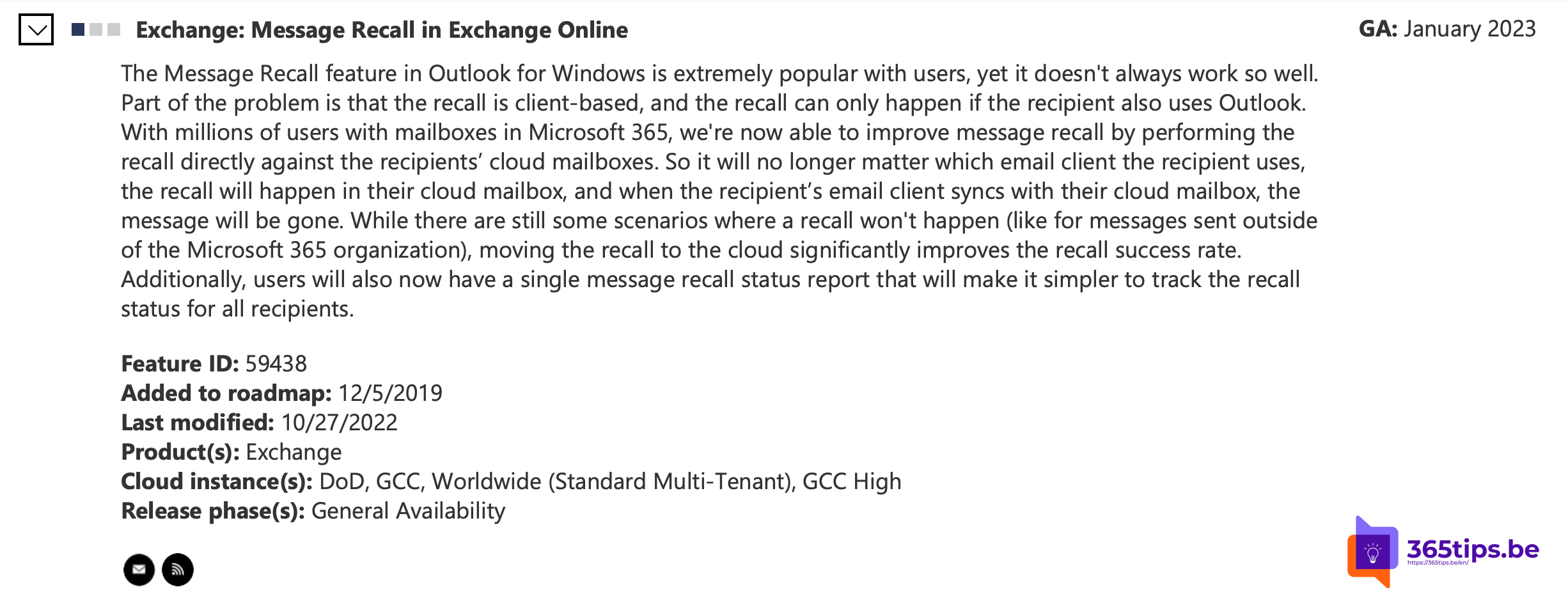 ExchangeRecall an email in Outlook with Exchange OnlineRecall a sent email in the new Outlook, on the web or in classic Outlook. When it works, when it doesn't and how the status…
06
ExchangeRecall an email in Outlook with Exchange OnlineRecall a sent email in the new Outlook, on the web or in classic Outlook. When it works, when it doesn't and how the status…
06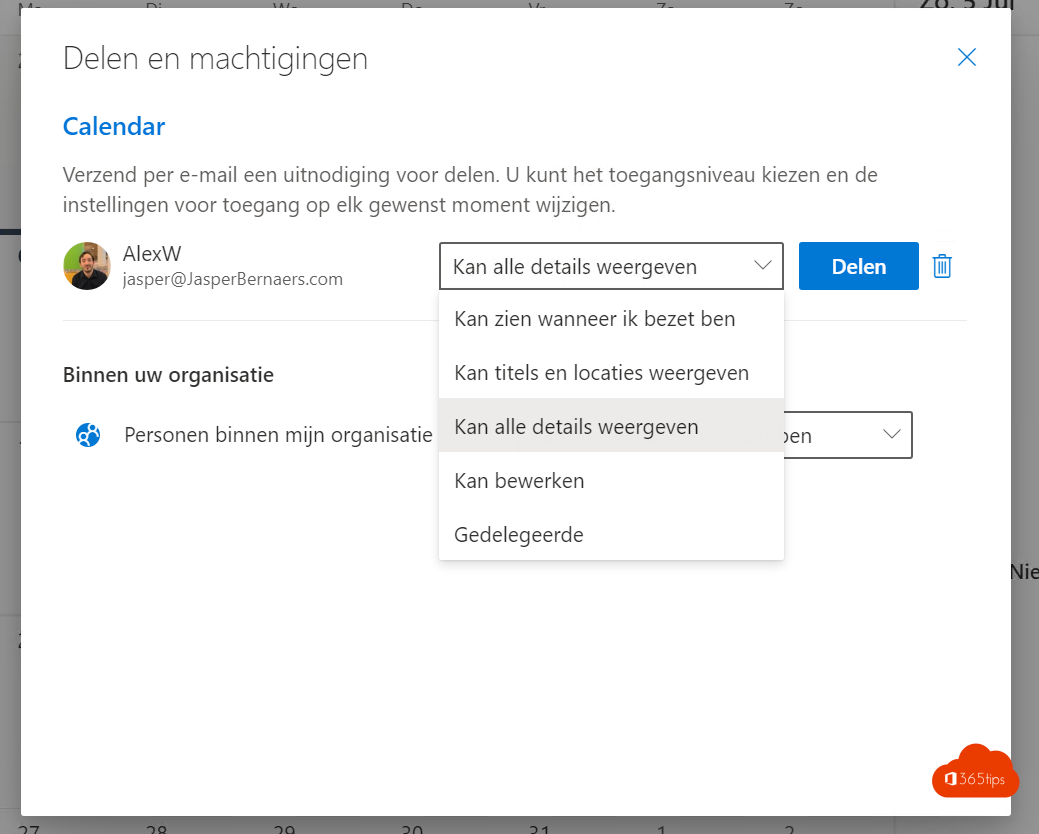 ExchangeShare your Outlook calendar with colleagues or external peopleShare your calendar in the new Outlook, on the web or in classic Outlook. Choose the permission level, share externally or…
07
ExchangeShare your Outlook calendar with colleagues or external peopleShare your calendar in the new Outlook, on the web or in classic Outlook. Choose the permission level, share externally or…
07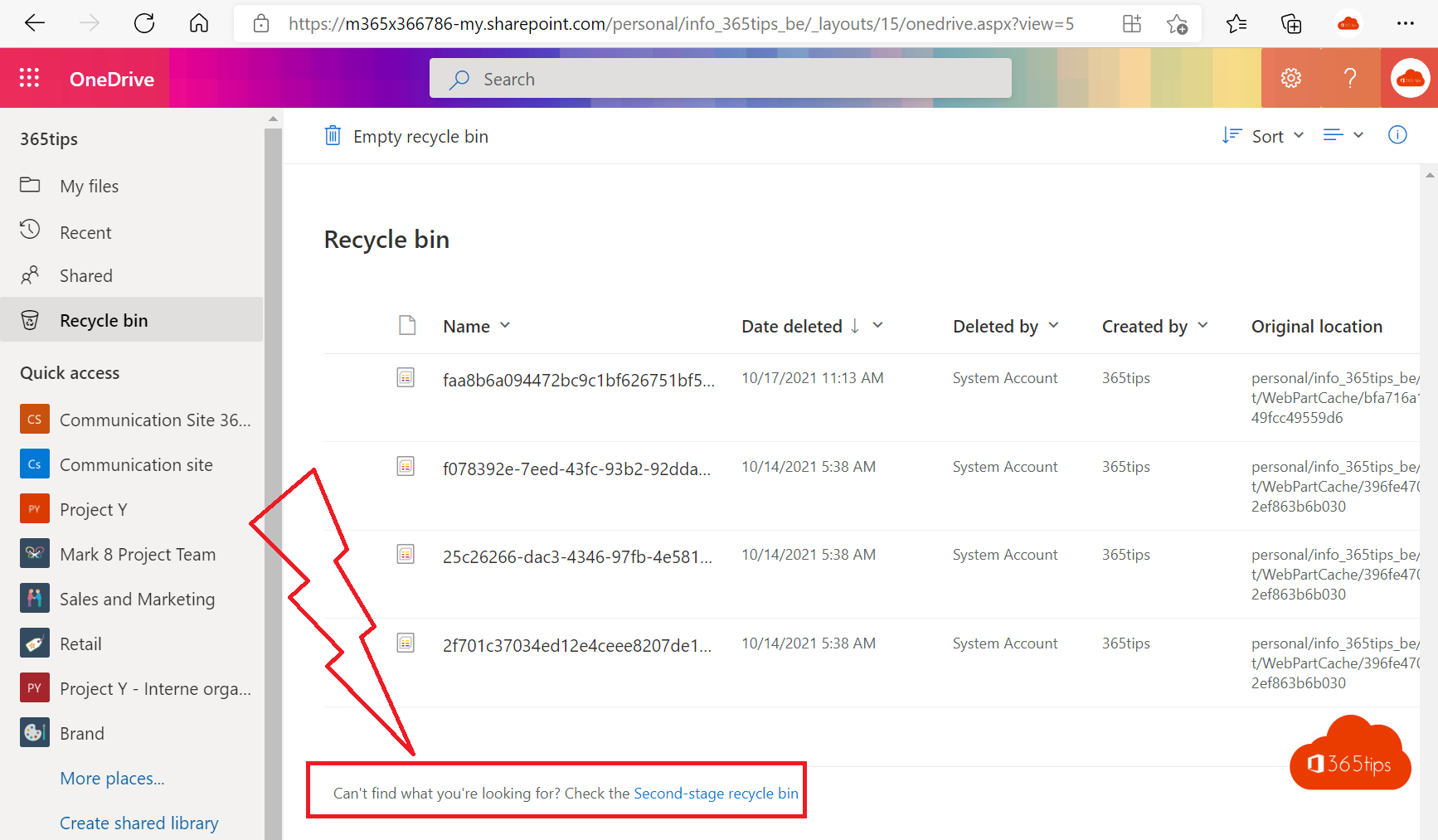 OneDriveRestore deleted OneDrive files up to 93 days after deletionGet deleted files back from the OneDrive recycle bin or second-stage recycle bin, or restore your whole OneDrive to an…
08
OneDriveRestore deleted OneDrive files up to 93 days after deletionGet deleted files back from the OneDrive recycle bin or second-stage recycle bin, or restore your whole OneDrive to an…
08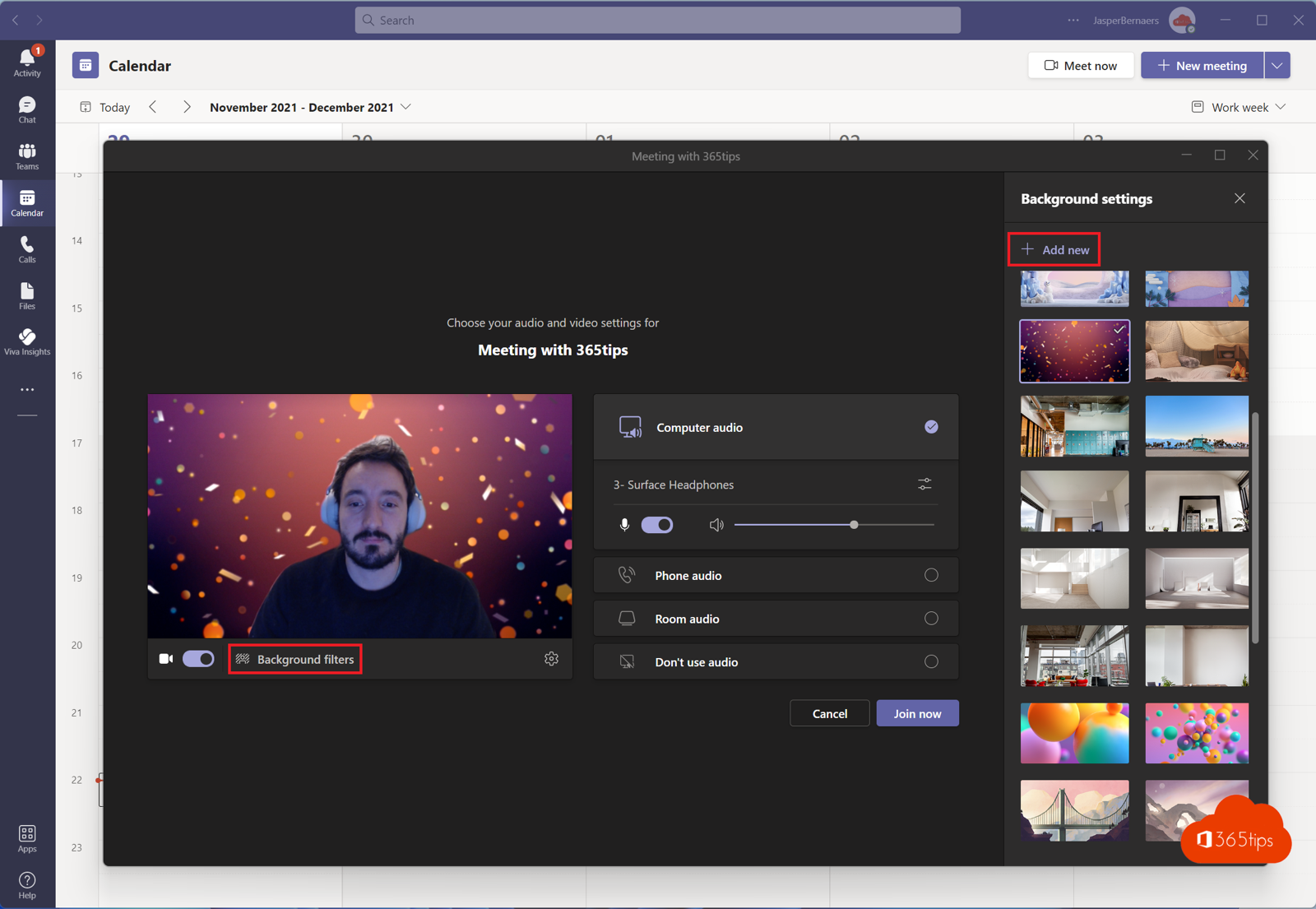 TeamsSet a custom background in Microsoft TeamsUse your own image as a background in Teams, before or during a meeting. Best format, blur and organisation-wide backgrounds…
09
TeamsSet a custom background in Microsoft TeamsUse your own image as a background in Teams, before or during a meeting. Best format, blur and organisation-wide backgrounds…
09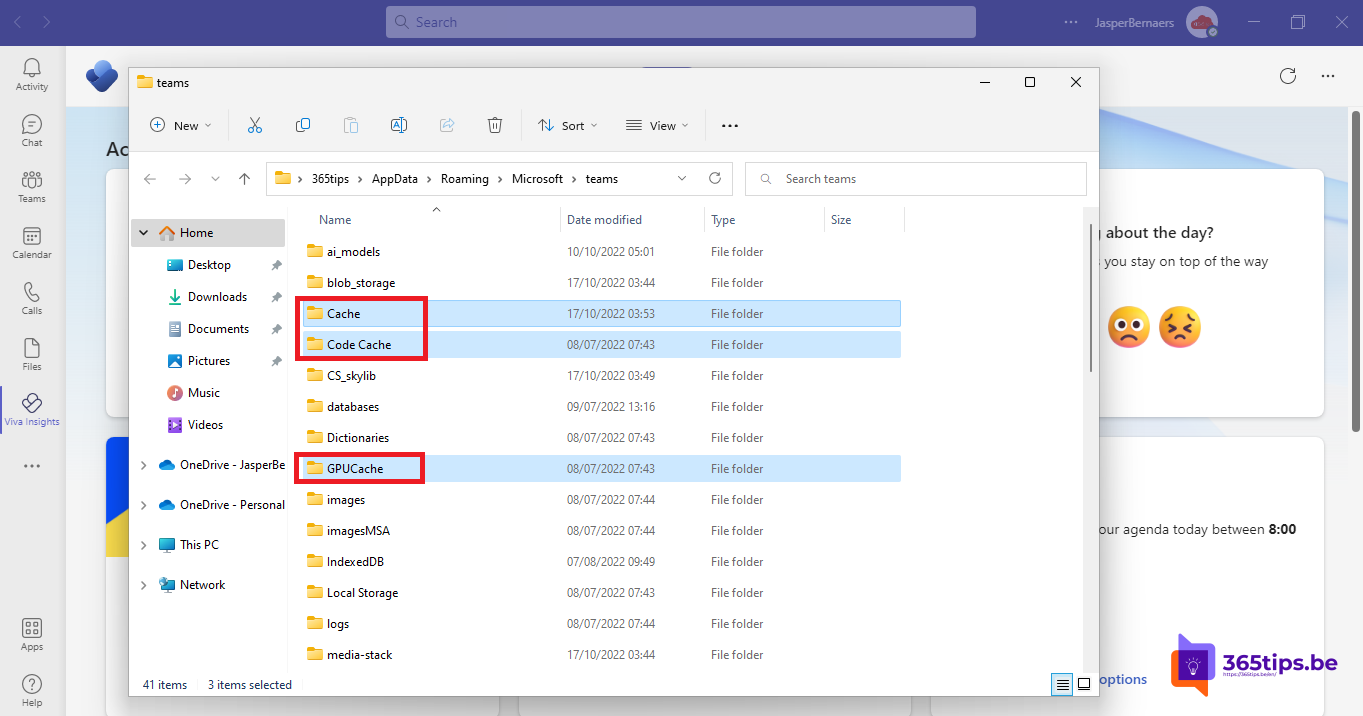 TeamsClear the Microsoft Teams cache on Windows and MacClear the new Teams cache on Windows 11 or Mac to fix slow starts, frozen screens and sign-in problems, without losing chats…
10
TeamsClear the Microsoft Teams cache on Windows and MacClear the new Teams cache on Windows 11 or Mac to fix slow starts, frozen screens and sign-in problems, without losing chats…
10 TeamsDownload and install Microsoft Teams on Windows, Mac and mobileDownload and install the right Teams app for work, school or personal use on Windows, Mac and mobile, or use Teams in the…
11
TeamsDownload and install Microsoft Teams on Windows, Mac and mobileDownload and install the right Teams app for work, school or personal use on Windows, Mac and mobile, or use Teams in the…
11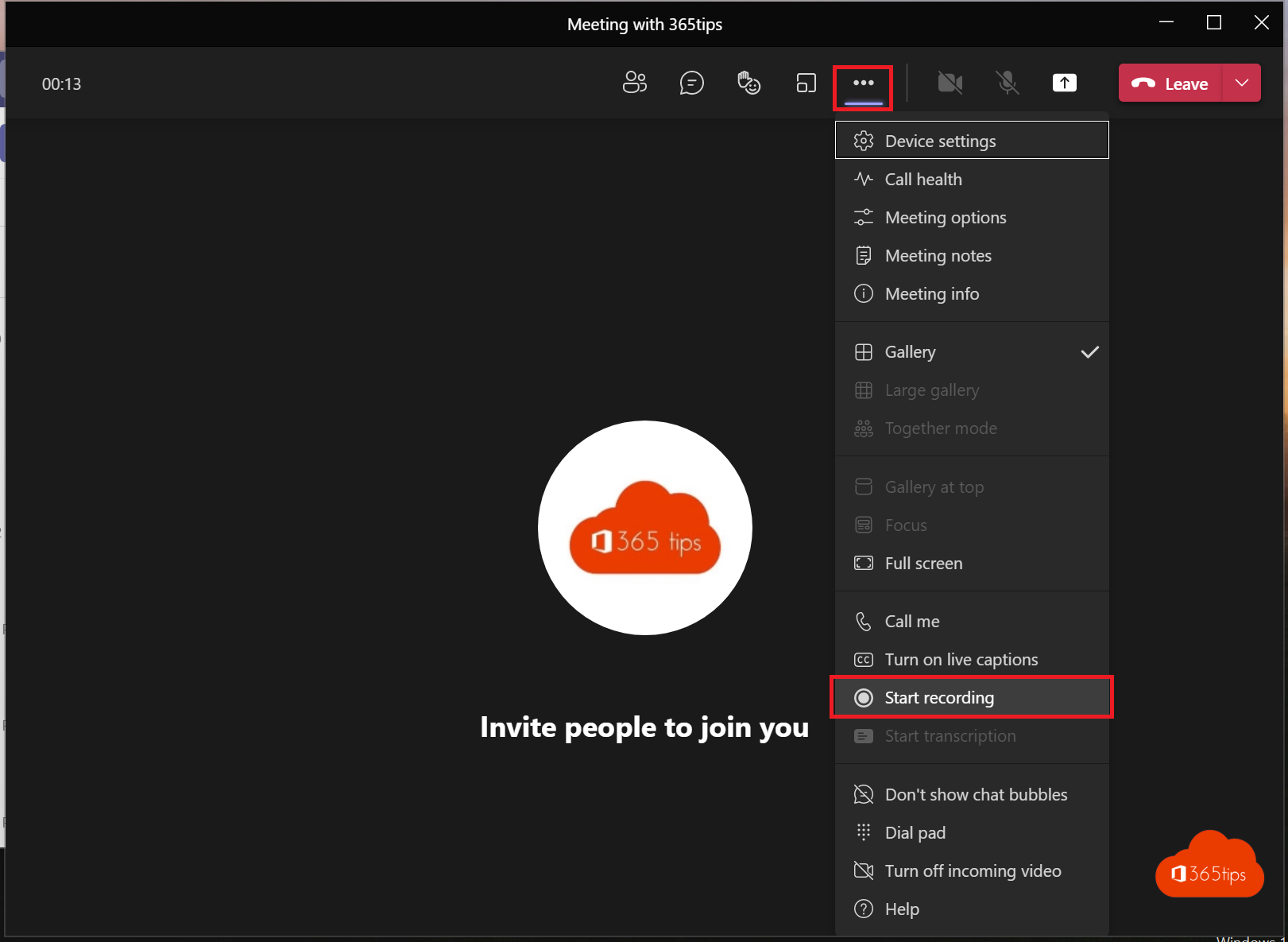 TeamsRecord, find and share a Microsoft Teams meetingRecord a Teams meeting with transcription. Who can record, where the recording is stored in OneDrive or SharePoint, how to…
12
TeamsRecord, find and share a Microsoft Teams meetingRecord a Teams meeting with transcription. Who can record, where the recording is stored in OneDrive or SharePoint, how to…
12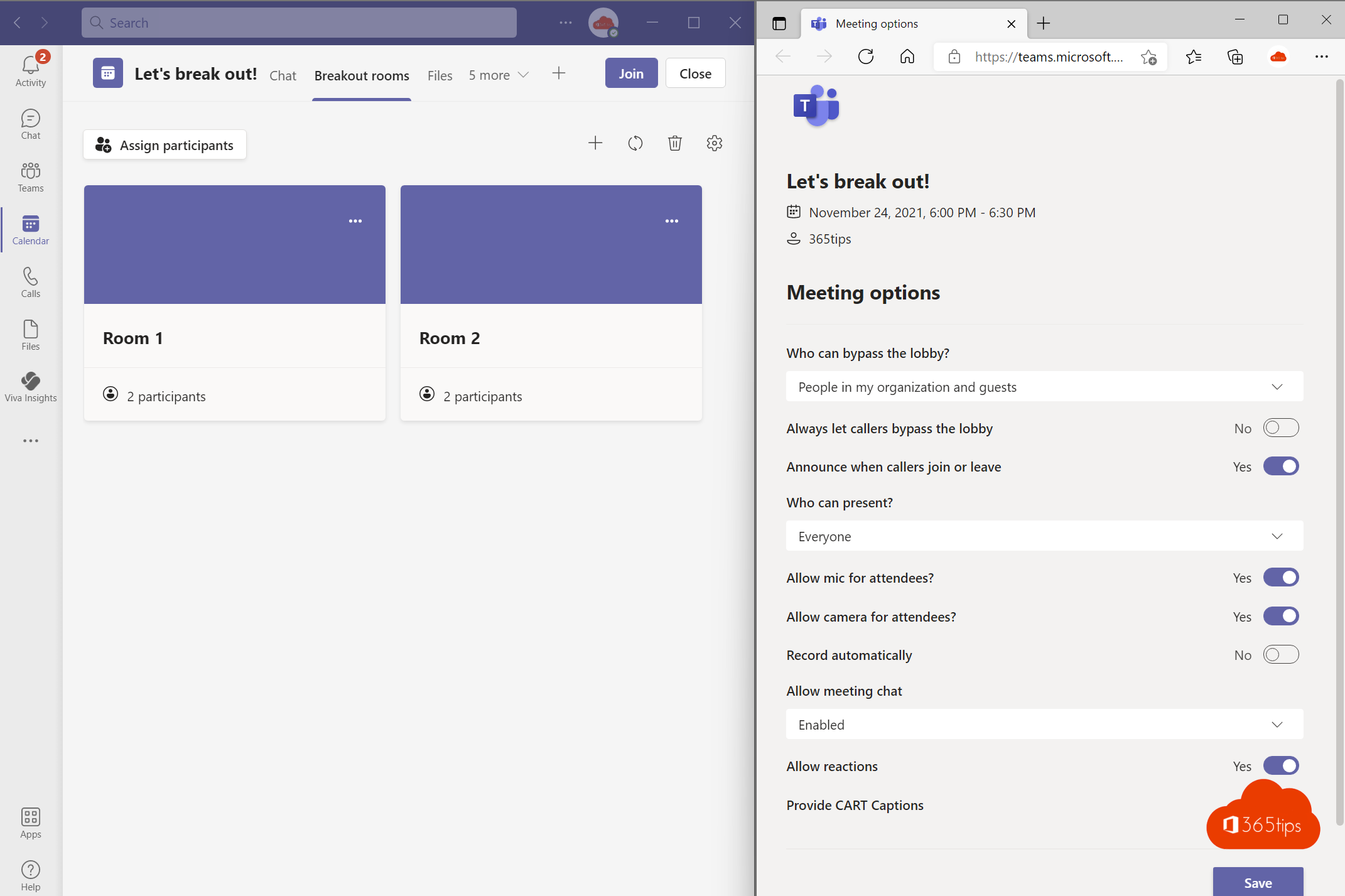 TeamsEverything about breakout rooms in Microsoft TeamsCreate breakout rooms in a Teams meeting, assign attendees, set a timer, use room managers and bring everyone back.
13
TeamsEverything about breakout rooms in Microsoft TeamsCreate breakout rooms in a Teams meeting, assign attendees, set a timer, use room managers and bring everyone back.
13 TeamsThe most useful Microsoft Teams keyboard shortcuts for Windows and MacThe most useful shortcuts for the new Teams app: navigation, chat, mute, camera, raise hand and screen sharing, for Windows…
14
TeamsThe most useful Microsoft Teams keyboard shortcuts for Windows and MacThe most useful shortcuts for the new Teams app: navigation, chat, mute, camera, raise hand and screen sharing, for Windows…
14 Windows 11The most useful keyboard shortcuts for Windows 11The handiest Windows 11 shortcuts: Start menu, File Explorer, Snap layouts, virtual desktops, Snipping Tool, clipboard and…
15
Windows 11The most useful keyboard shortcuts for Windows 11The handiest Windows 11 shortcuts: Start menu, File Explorer, Snap layouts, virtual desktops, Snipping Tool, clipboard and…
15 Windows 11Take a print screen, screenshot or screen recording in Windows 11Take a screenshot or screen recording in Windows 11 with Snipping Tool, Print Screen or Game Bar, and copy text from a…
16
Windows 11Take a print screen, screenshot or screen recording in Windows 11Take a screenshot or screen recording in Windows 11 with Snipping Tool, Print Screen or Game Bar, and copy text from a…
16 Windows 11Install or upgrade Windows 11 with an ISO fileDownload the Windows 11 ISO and use it to upgrade, do a clean install from USB or install Windows in a virtual machine.
17
Windows 11Install or upgrade Windows 11 with an ISO fileDownload the Windows 11 ISO and use it to upgrade, do a clean install from USB or install Windows in a virtual machine.
17 Windows 11Create a bootable Windows 11 USB driveCreate a bootable Windows 11 USB drive for free with Microsoft's Media Creation Tool or Rufus, and boot a PC from it to…
18
Windows 11Create a bootable Windows 11 USB driveCreate a bootable Windows 11 USB drive for free with Microsoft's Media Creation Tool or Rufus, and boot a PC from it to…
18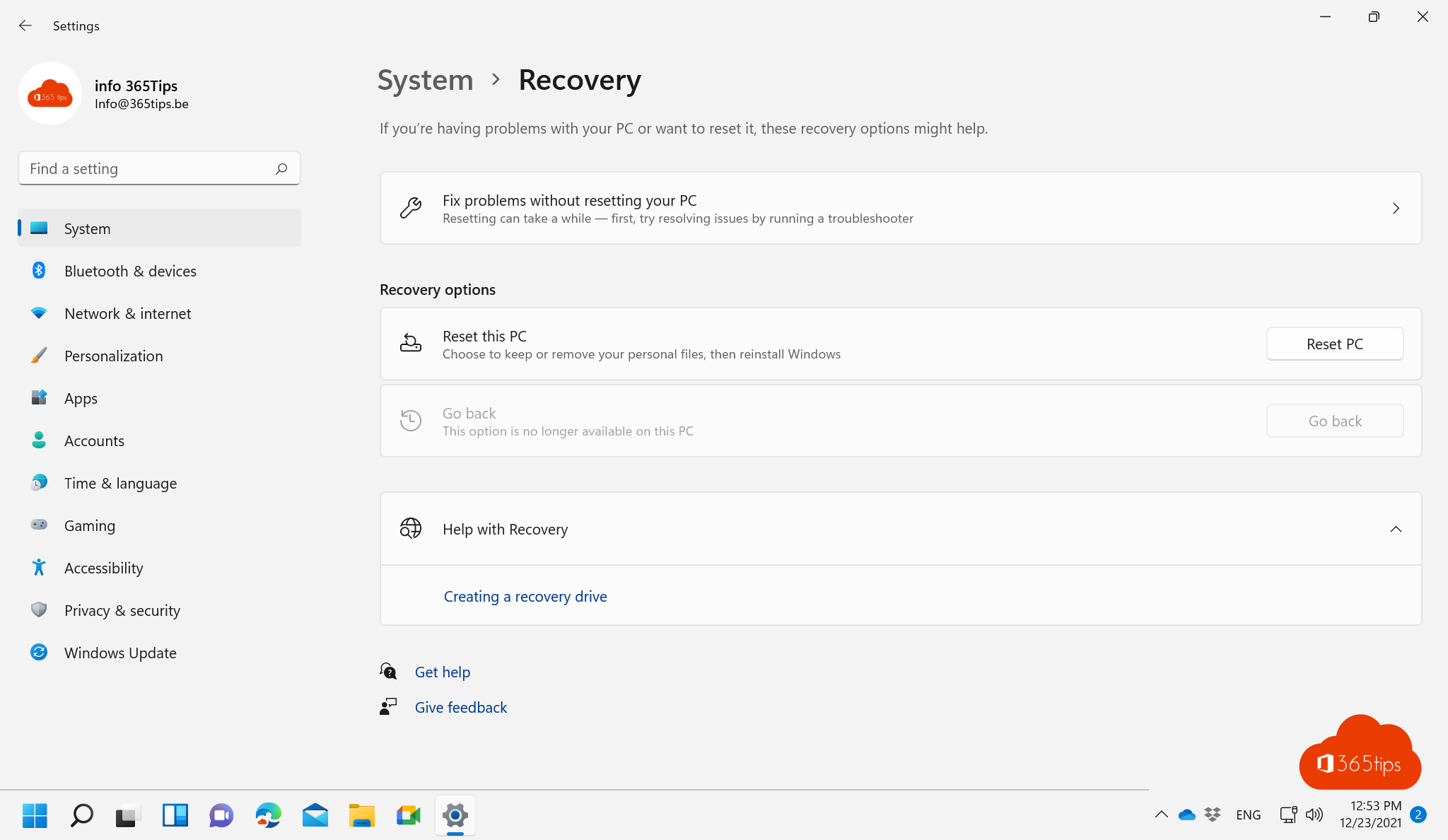 Windows 11Reset a Windows 11 PC to factory settingsReset your Windows 11 PC to factory settings, with or without your files, via cloud download or local reinstall. Even when…
19
Windows 11Reset a Windows 11 PC to factory settingsReset your Windows 11 PC to factory settings, with or without your files, via cloud download or local reinstall. Even when…
19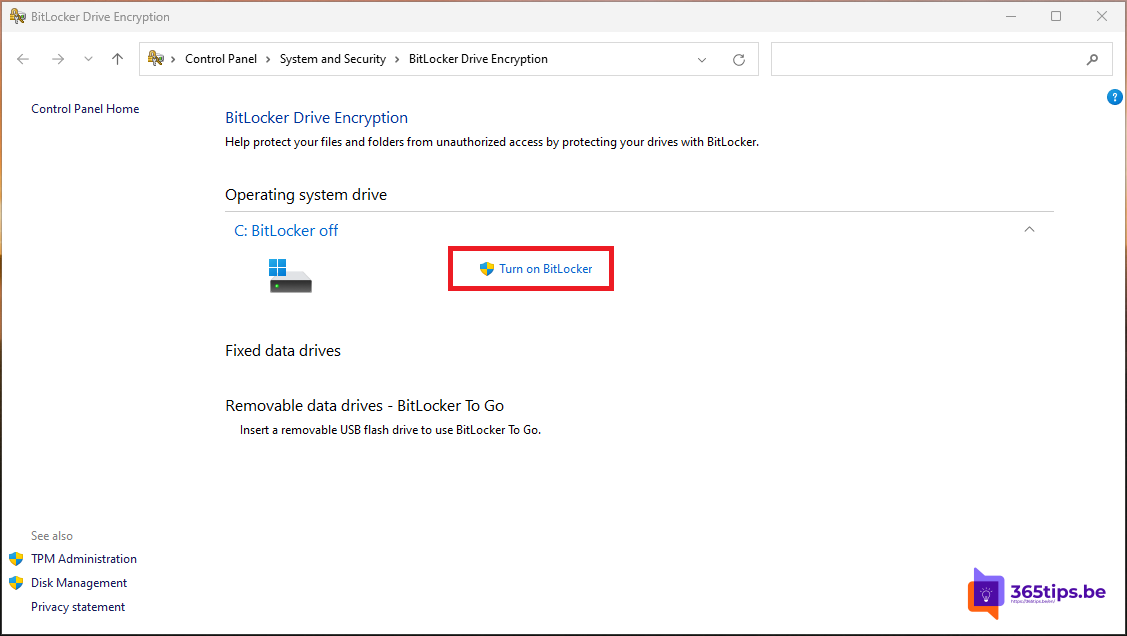 Windows 11Turn on BitLocker in Windows 11 and keep your recovery key safeEncrypt your drive with BitLocker in Windows 11. Device encryption in Home, storing and finding the recovery key, and…
20
Windows 11Turn on BitLocker in Windows 11 and keep your recovery key safeEncrypt your drive with BitLocker in Windows 11. Device encryption in Home, storing and finding the recovery key, and…
20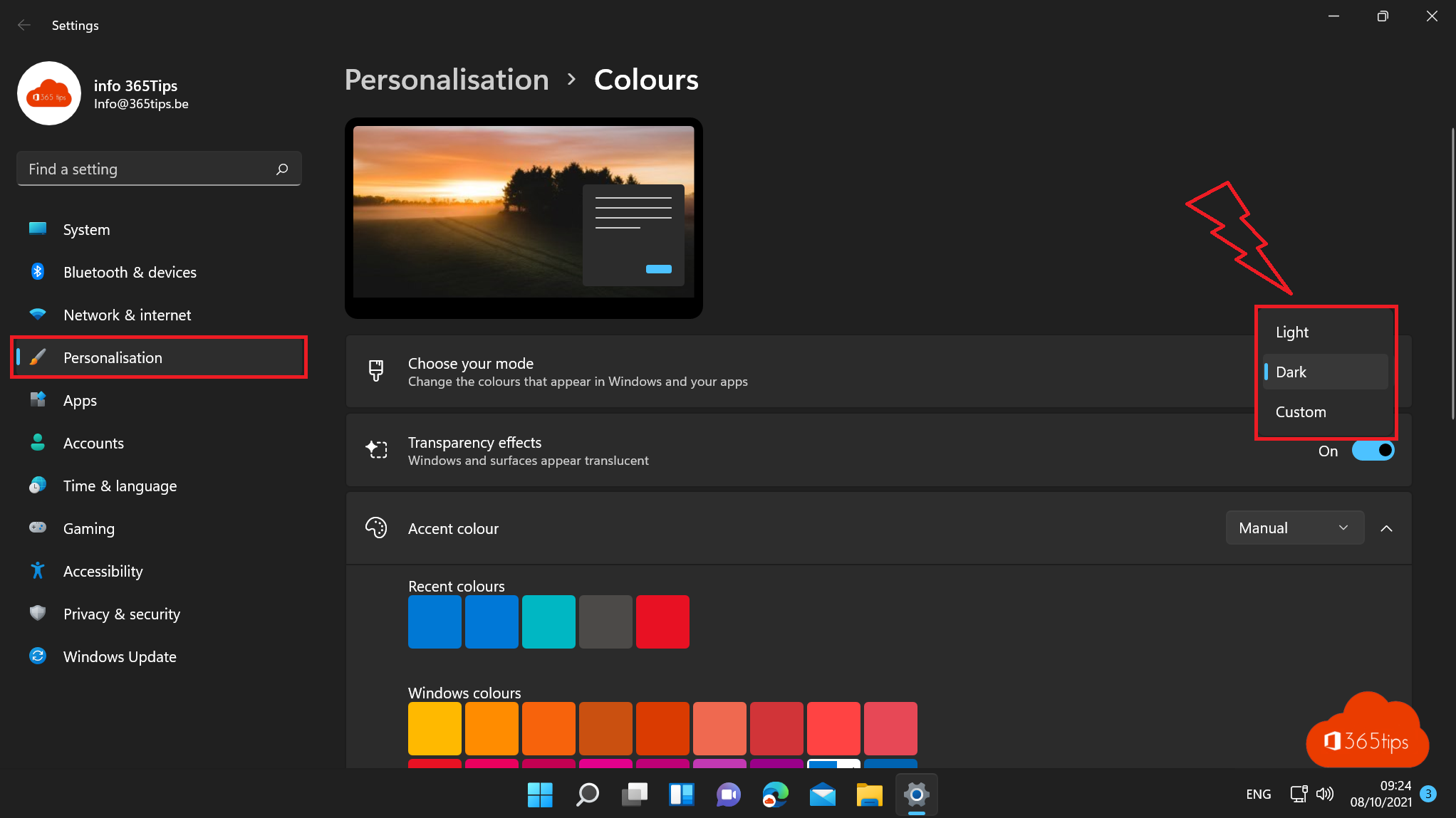 Windows 11How to turn on dark mode in Windows 11Turn on dark mode in Windows 11, combine dark and light apps, and make Word, Outlook, Teams and Edge dark too. Plus…
21
Windows 11How to turn on dark mode in Windows 11Turn on dark mode in Windows 11, combine dark and light apps, and make Word, Outlook, Teams and Edge dark too. Plus…
21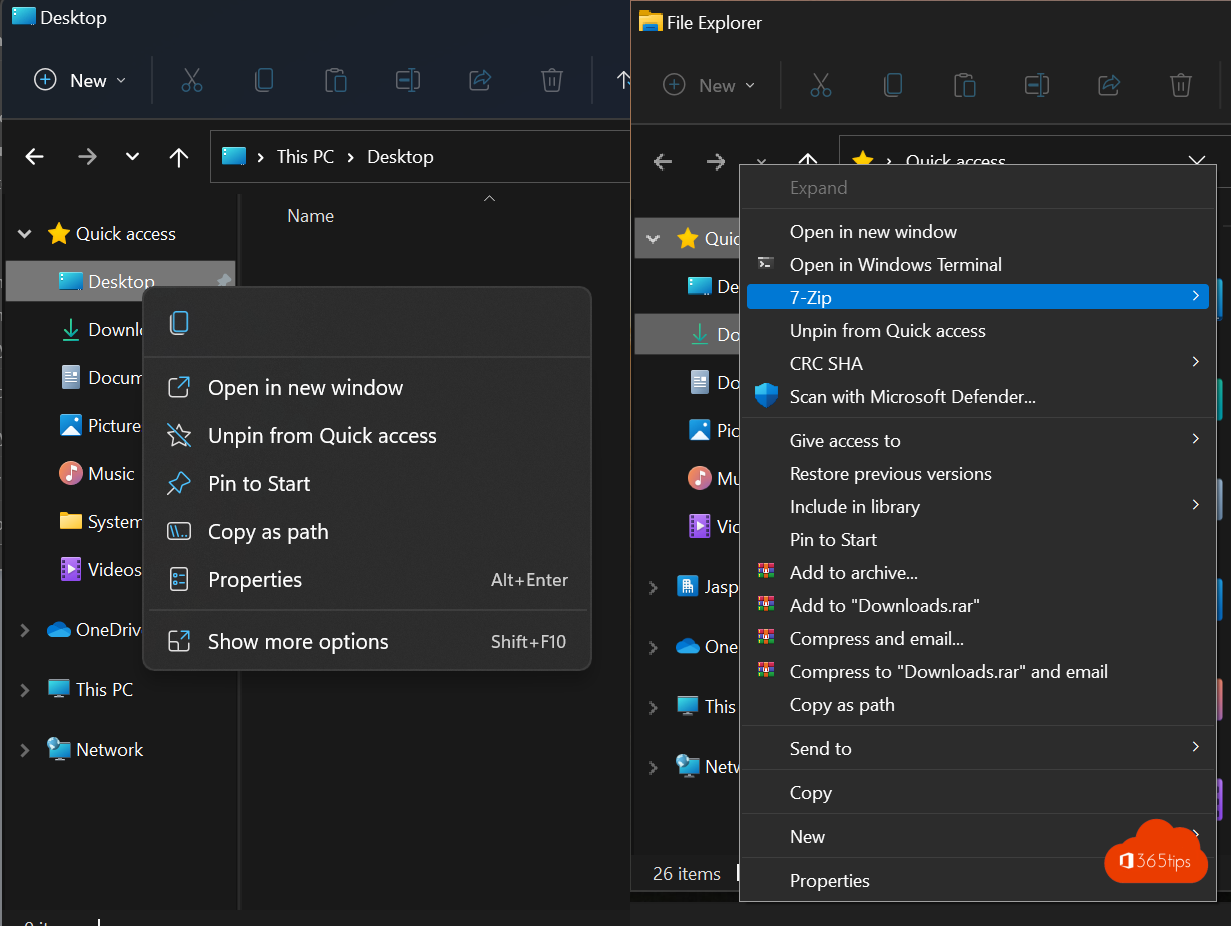 Windows 11How to get the full (classic) right-click menu back in Windows 11Get the full right-click menu back in Windows 11 like in Windows 10: once with Shift + right-click, or by default with one…
22
Windows 11How to get the full (classic) right-click menu back in Windows 11Get the full right-click menu back in Windows 11 like in Windows 10: once with Shift + right-click, or by default with one…
22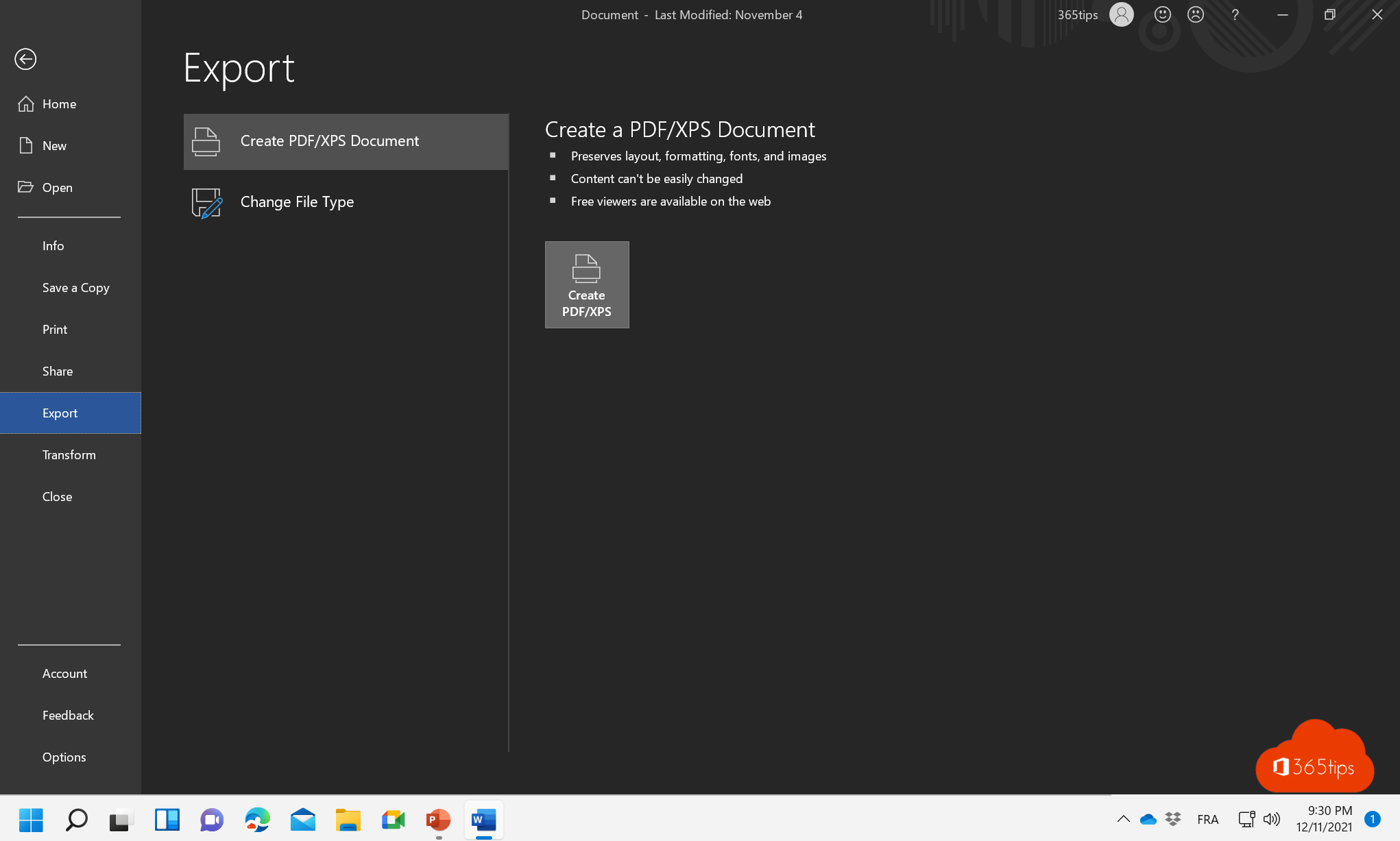 Microsoft 365Save a Word document as PDF on Windows, Mac and the webSave a Word document as PDF in Word for Windows, Mac or the web. Options for bookmarks, PDF/A, smaller files and password…
23
Microsoft 365Save a Word document as PDF on Windows, Mac and the webSave a Word document as PDF in Word for Windows, Mac or the web. Options for bookmarks, PDF/A, smaller files and password…
23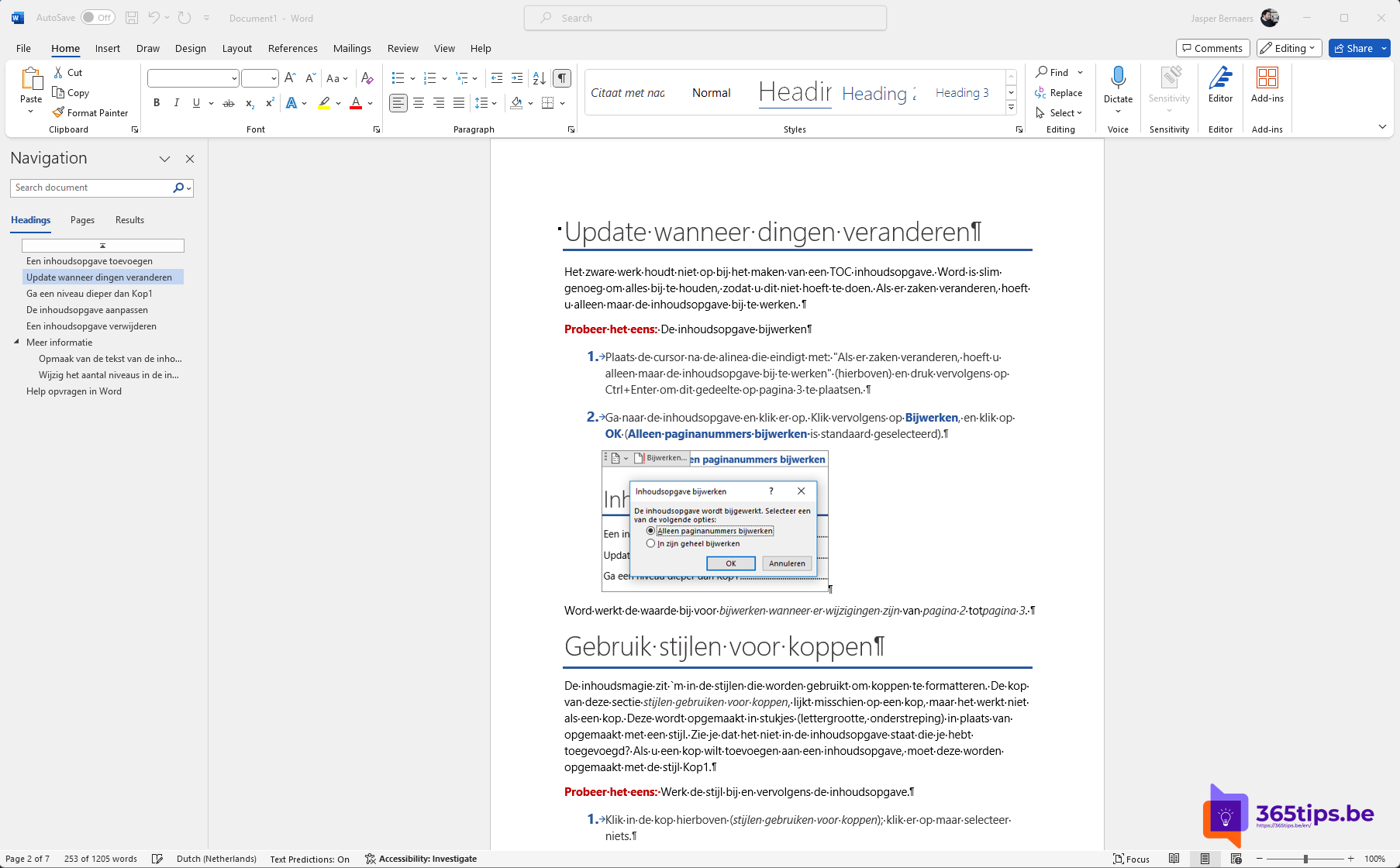 Microsoft 365Delete a page or blank page in Microsoft WordDelete a page with content or a stubborn blank page in Word. Formatting marks, page breaks, section breaks and the blank…
24
Microsoft 365Delete a page or blank page in Microsoft WordDelete a page with content or a stubborn blank page in Word. Formatting marks, page breaks, section breaks and the blank…
24 Microsoft 36510 Excel tips everyone should knowWork faster in Excel with tables, Flash Fill, XLOOKUP, PivotTables, conditional formatting, FILTER and handy shortcuts.
25
Microsoft 36510 Excel tips everyone should knowWork faster in Excel with tables, Flash Fill, XLOOKUP, PivotTables, conditional formatting, FILTER and handy shortcuts.
25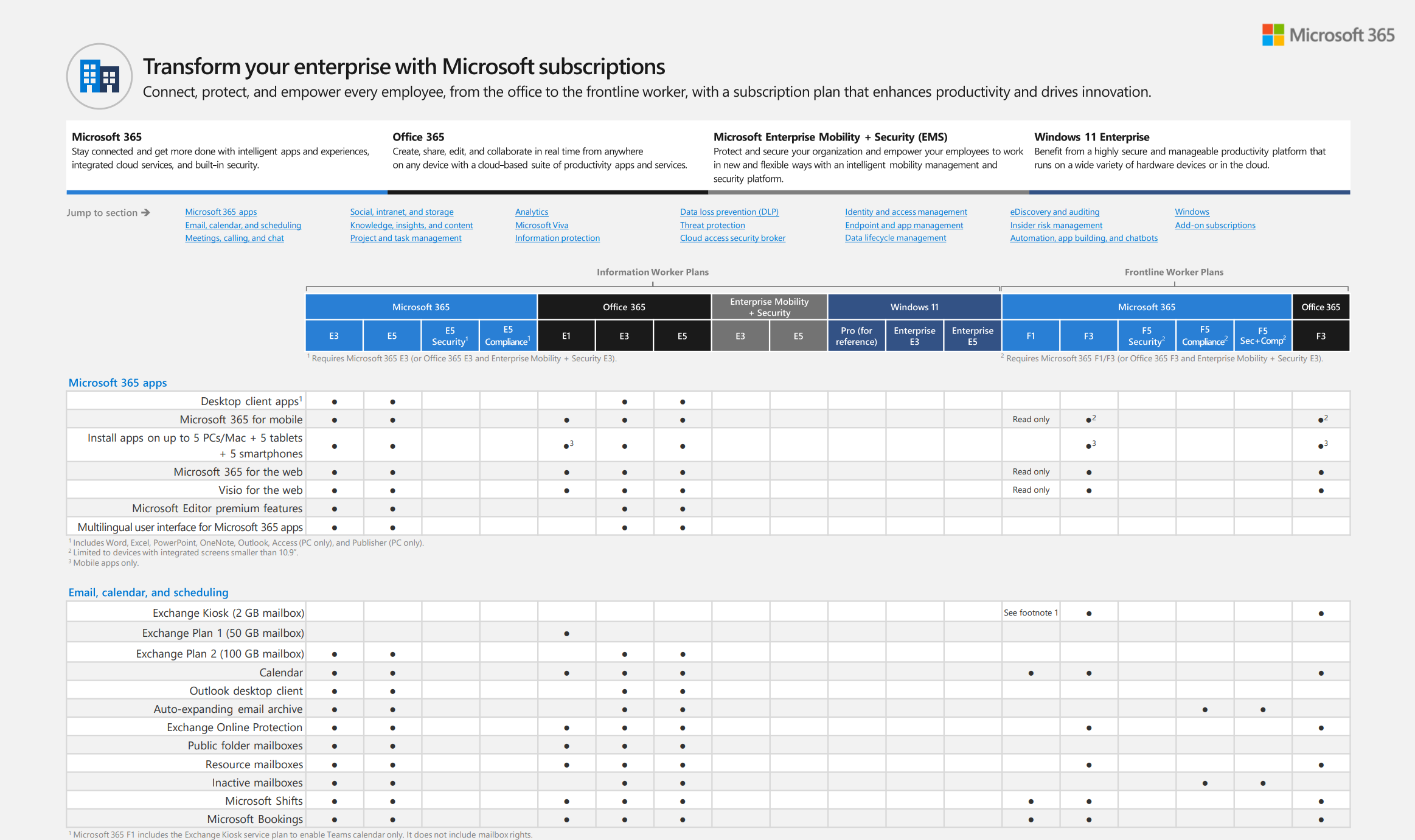 Microsoft 365Microsoft 365 licenses compared: which one do you need?Business Basic, Standard and Premium, E3, E5 and Frontline: what's included and which Microsoft 365 license fits your…
26
Microsoft 365Microsoft 365 licenses compared: which one do you need?Business Basic, Standard and Premium, E3, E5 and Frontline: what's included and which Microsoft 365 license fits your…
26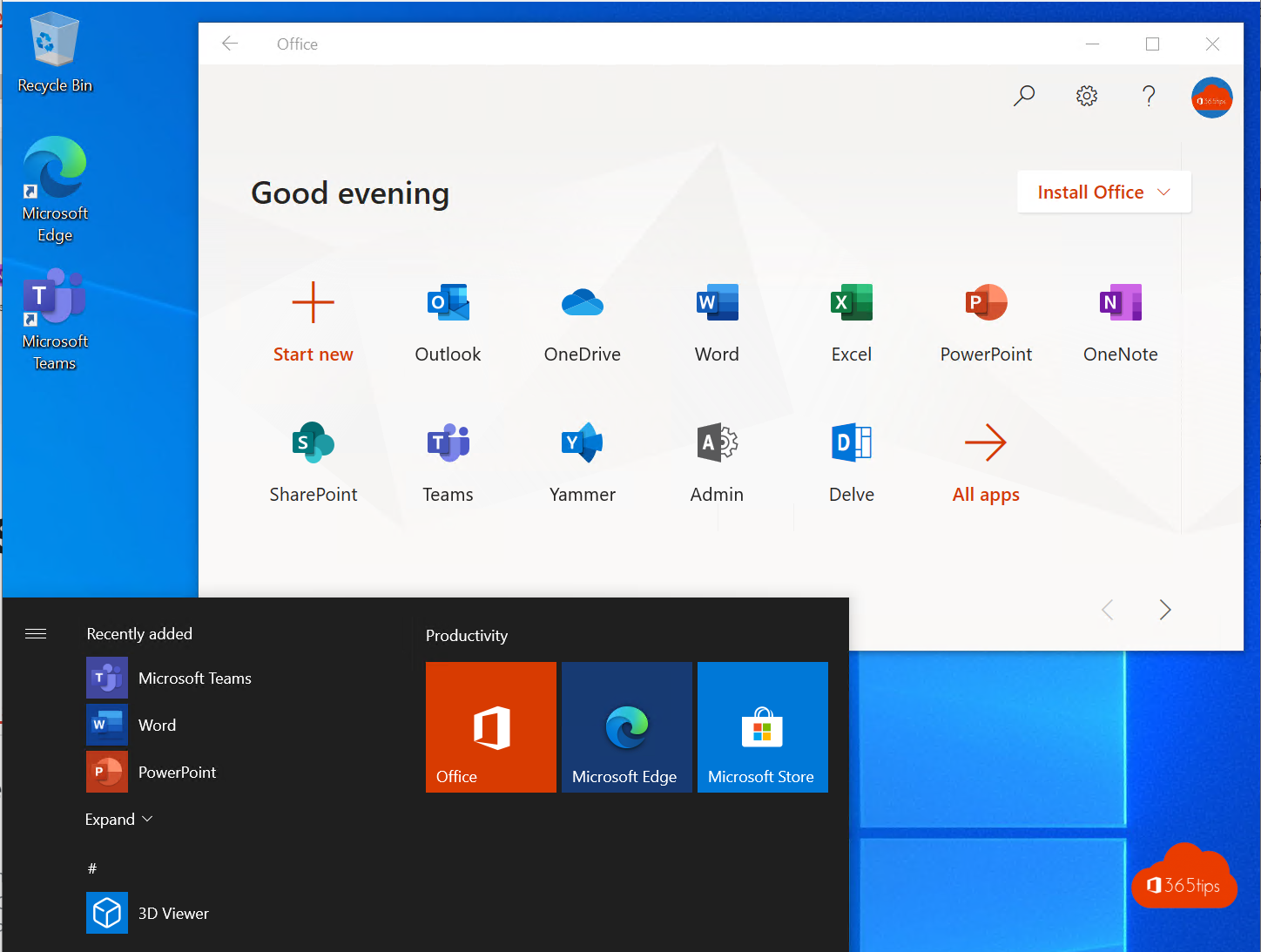 Microsoft 365All Microsoft 365 admin portals in one list: the right URLs in 2026All Microsoft 365 and Azure admin portals with their current URL: admin center, Entra, Intune, Defender, Purview, Exchange,…
27
Microsoft 365All Microsoft 365 admin portals in one list: the right URLs in 2026All Microsoft 365 and Azure admin portals with their current URL: admin center, Entra, Intune, Defender, Purview, Exchange,…
27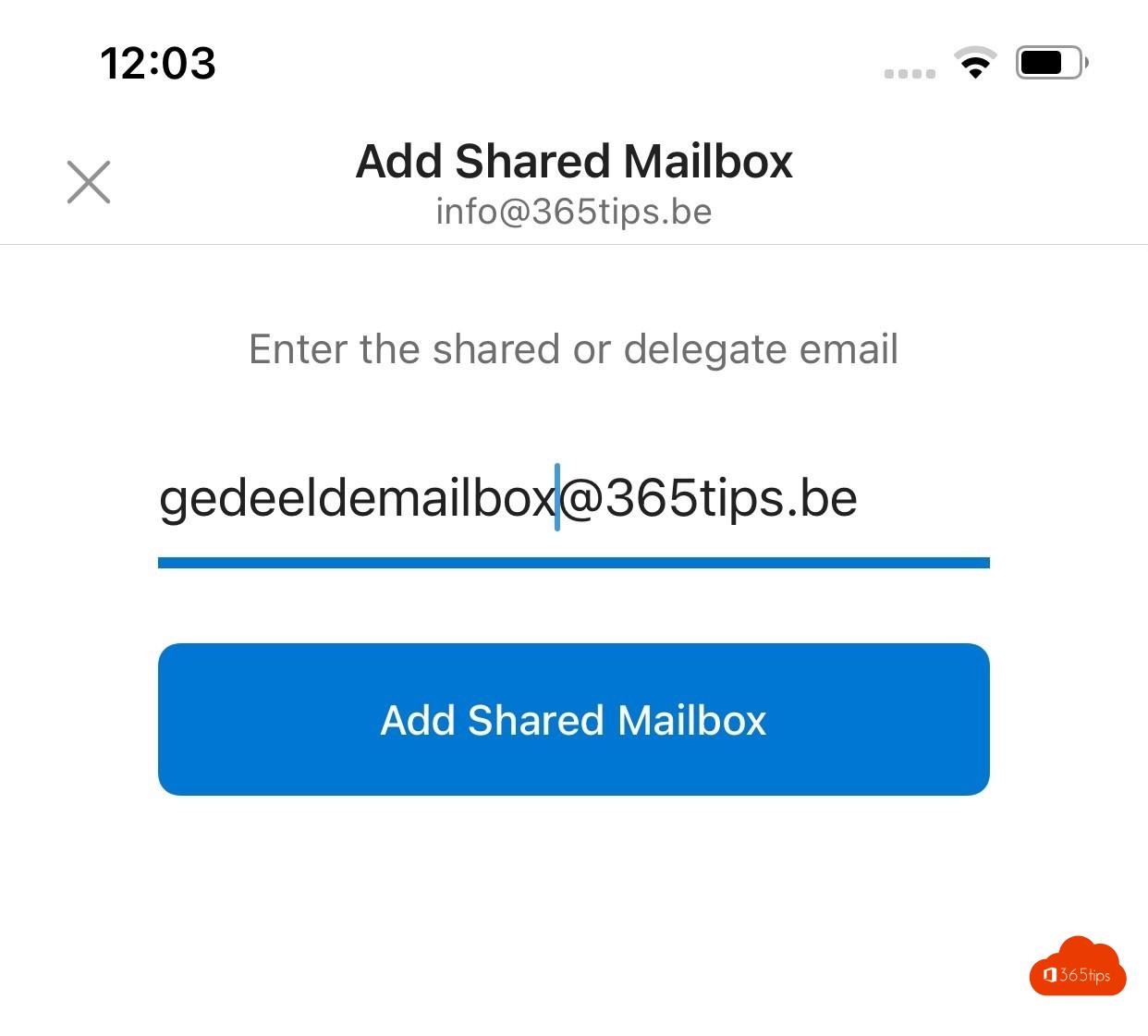 ExchangeAdd a shared mailbox in Outlook for iPhone and AndroidAdd a shared mailbox such as info@ in the Outlook app on iPhone or Android, and reply from the shared address.
28
ExchangeAdd a shared mailbox in Outlook for iPhone and AndroidAdd a shared mailbox such as info@ in the Outlook app on iPhone or Android, and reply from the shared address.
28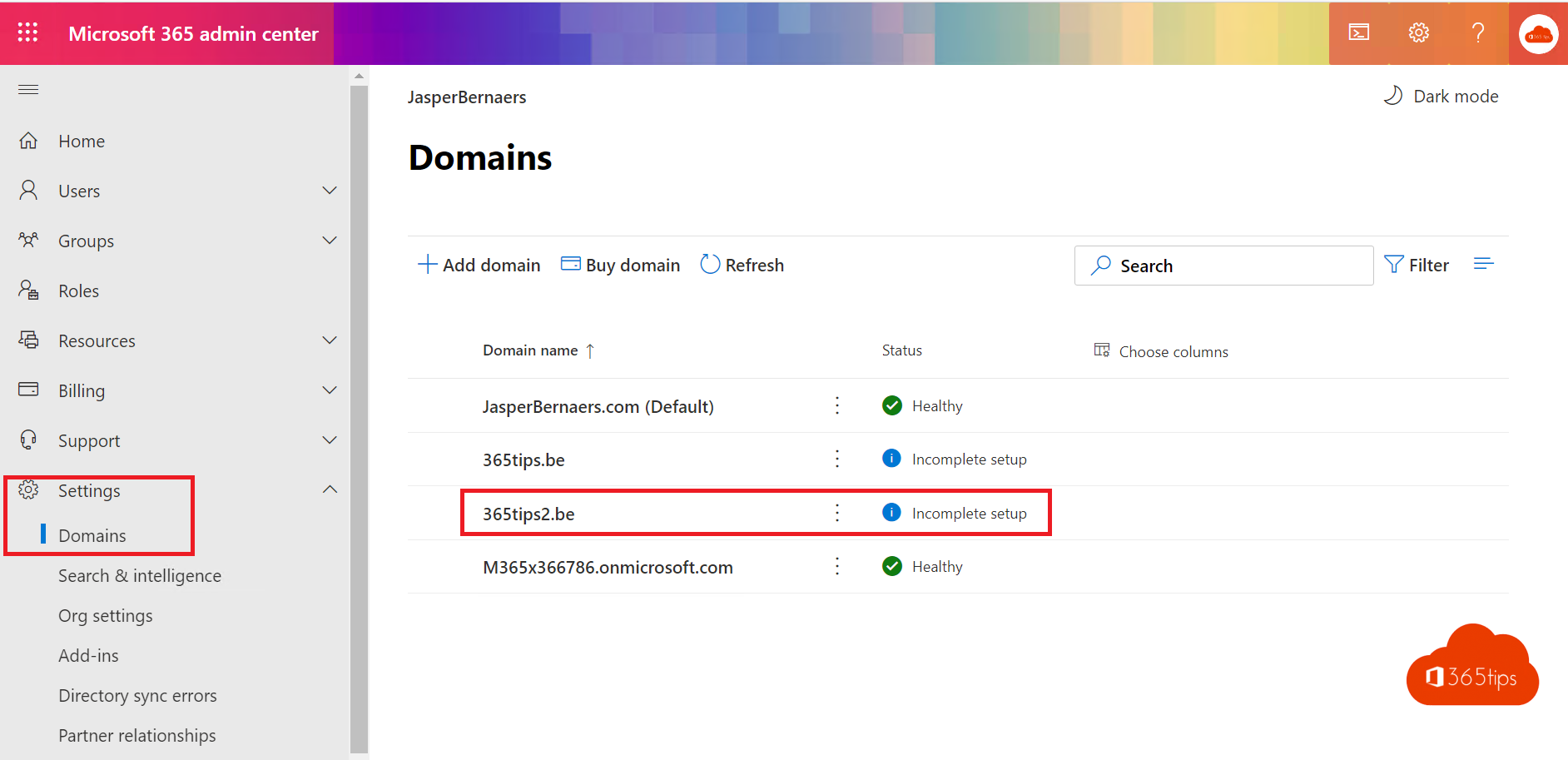 Microsoft 365Add your own domain to Microsoft 365Add your own domain to Microsoft 365: verify with a TXT record, set up the DNS records for email and give users the new…
29
Microsoft 365Add your own domain to Microsoft 365Add your own domain to Microsoft 365: verify with a TXT record, set up the DNS records for email and give users the new…
29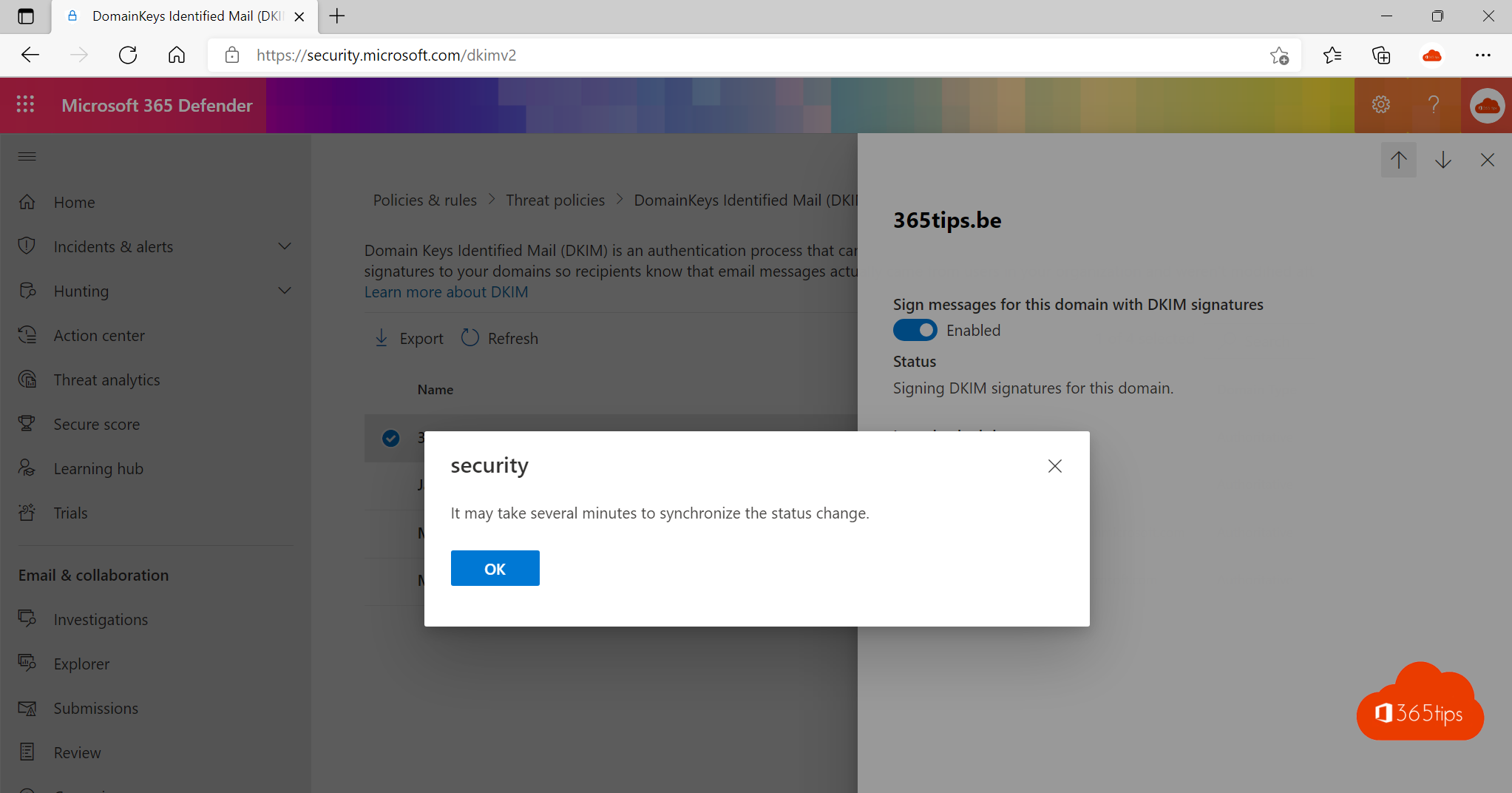 ExchangeEnable DKIM in Microsoft 365 for your own domainEnable DKIM for your domain in Microsoft 365 through the Defender portal or PowerShell, and combine it with SPF and DMARC…
30
ExchangeEnable DKIM in Microsoft 365 for your own domainEnable DKIM for your domain in Microsoft 365 through the Defender portal or PowerShell, and combine it with SPF and DMARC…
30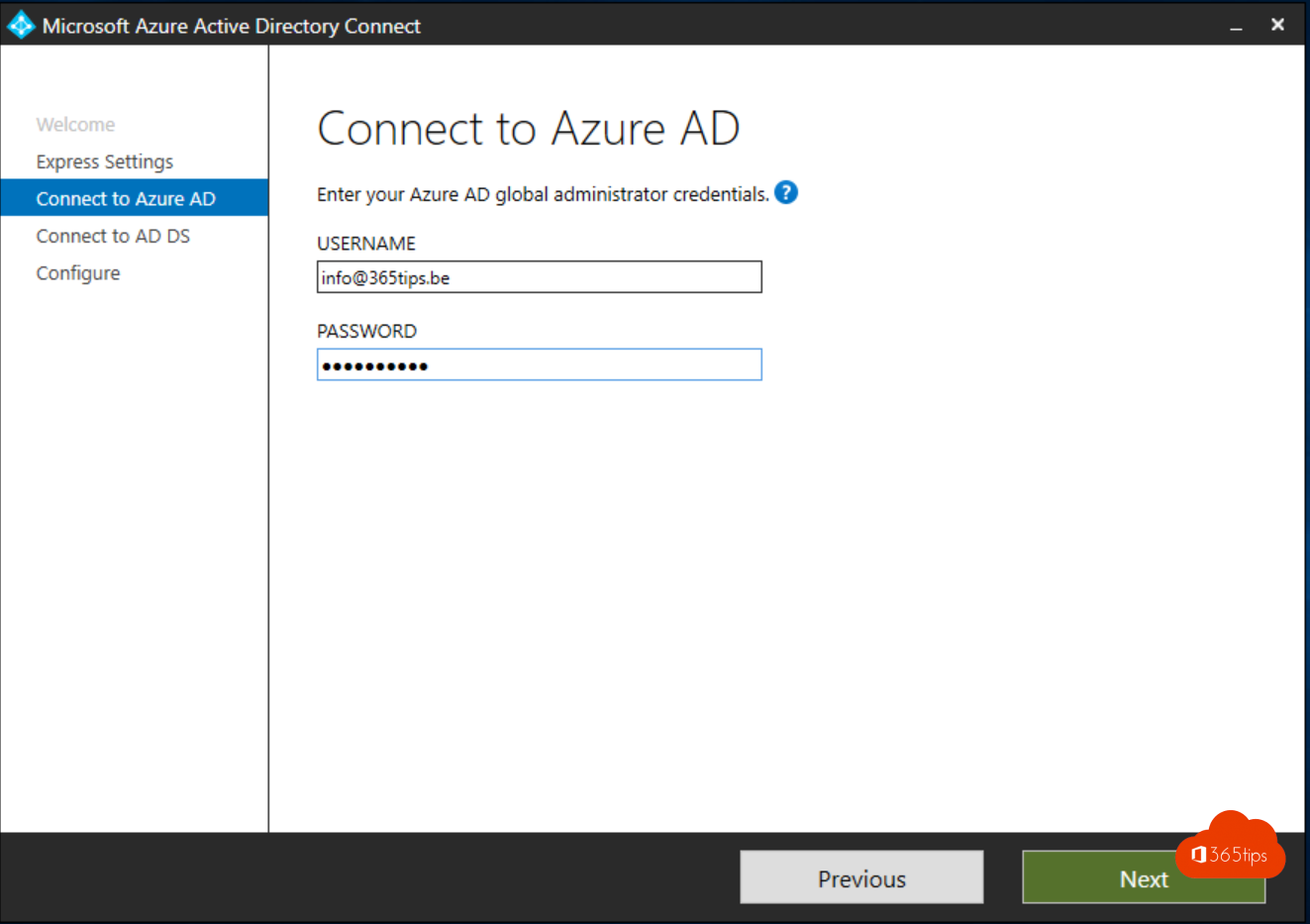 SecurityInstall and configure Microsoft Entra Connect (Azure AD Connect)Sync your on-premises Active Directory with Microsoft Entra ID through Entra Connect: preparation, installation, sign-in…
31
SecurityInstall and configure Microsoft Entra Connect (Azure AD Connect)Sync your on-premises Active Directory with Microsoft Entra ID through Entra Connect: preparation, installation, sign-in…
31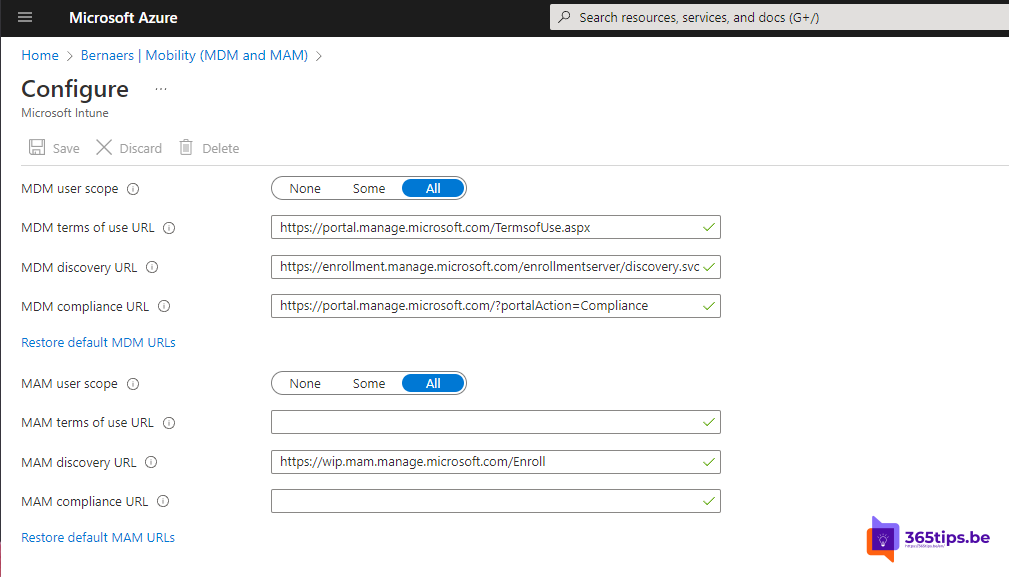 SecurityThe basic settings to start using Microsoft IntuneGet Microsoft Intune ready: licences, automatic enrolment, enrolment restrictions, compliance policies and the Apple and…
32
SecurityThe basic settings to start using Microsoft IntuneGet Microsoft Intune ready: licences, automatic enrolment, enrolment restrictions, compliance policies and the Apple and…
32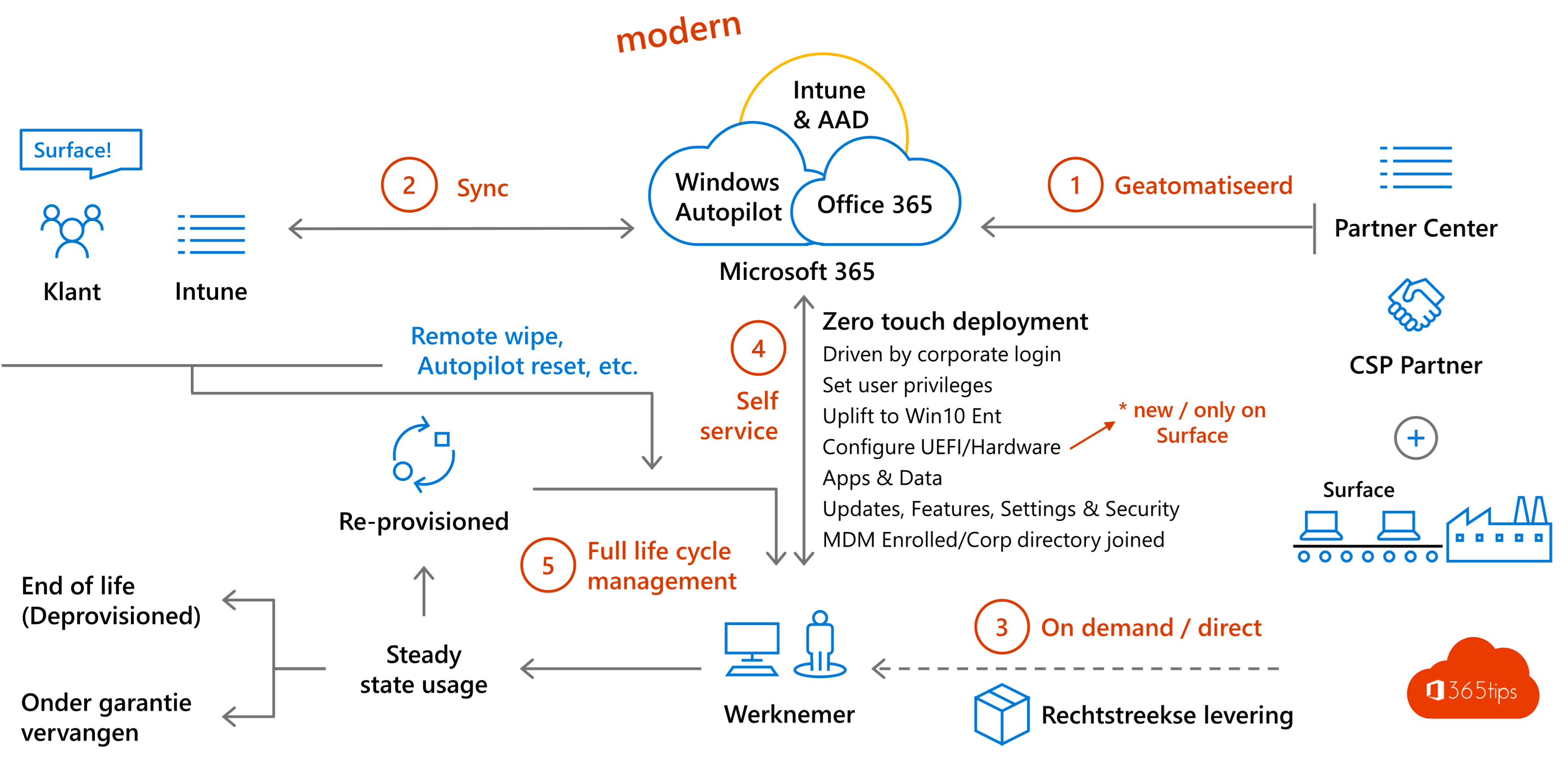 Windows 11Windows Autopilot: what it is and how to set it up in 4 stepsWith Windows Autopilot a new PC configures itself through Intune. What you need, which mode to pick and how to set up…
33
Windows 11Windows Autopilot: what it is and how to set it up in 4 stepsWith Windows Autopilot a new PC configures itself through Intune. What you need, which mode to pick and how to set up…
33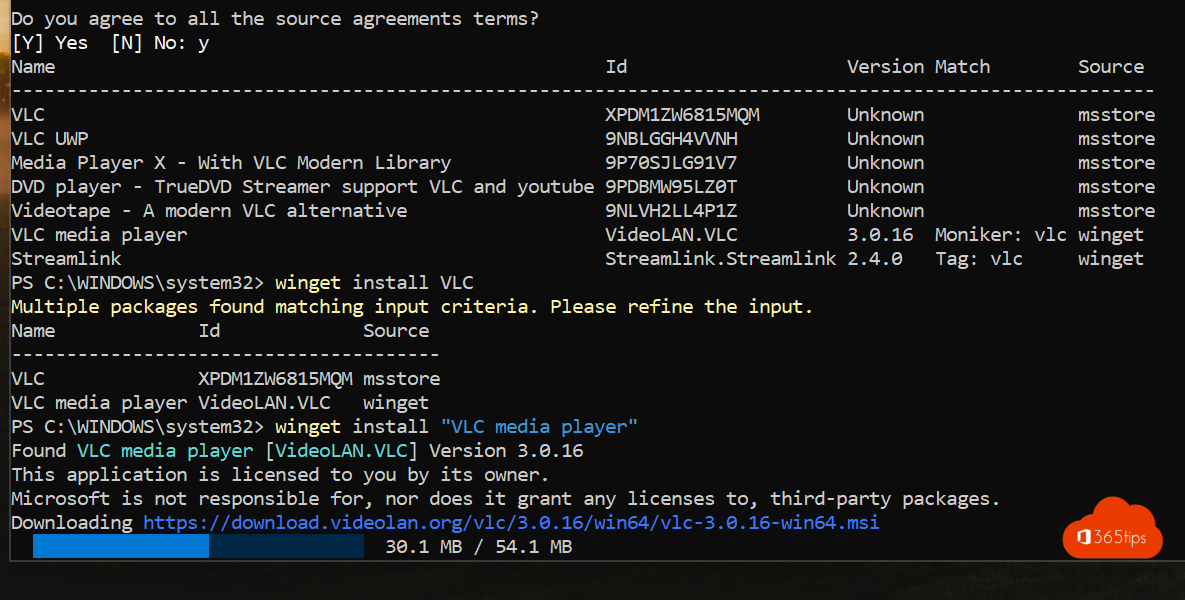 Windows 11Install and update software with winget on WindowsInstall, update and remove software with winget on Windows 11 or 10. Key commands, updating everything and exporting to a…
34
Windows 11Install and update software with winget on WindowsInstall, update and remove software with winget on Windows 11 or 10. Key commands, updating everything and exporting to a…
34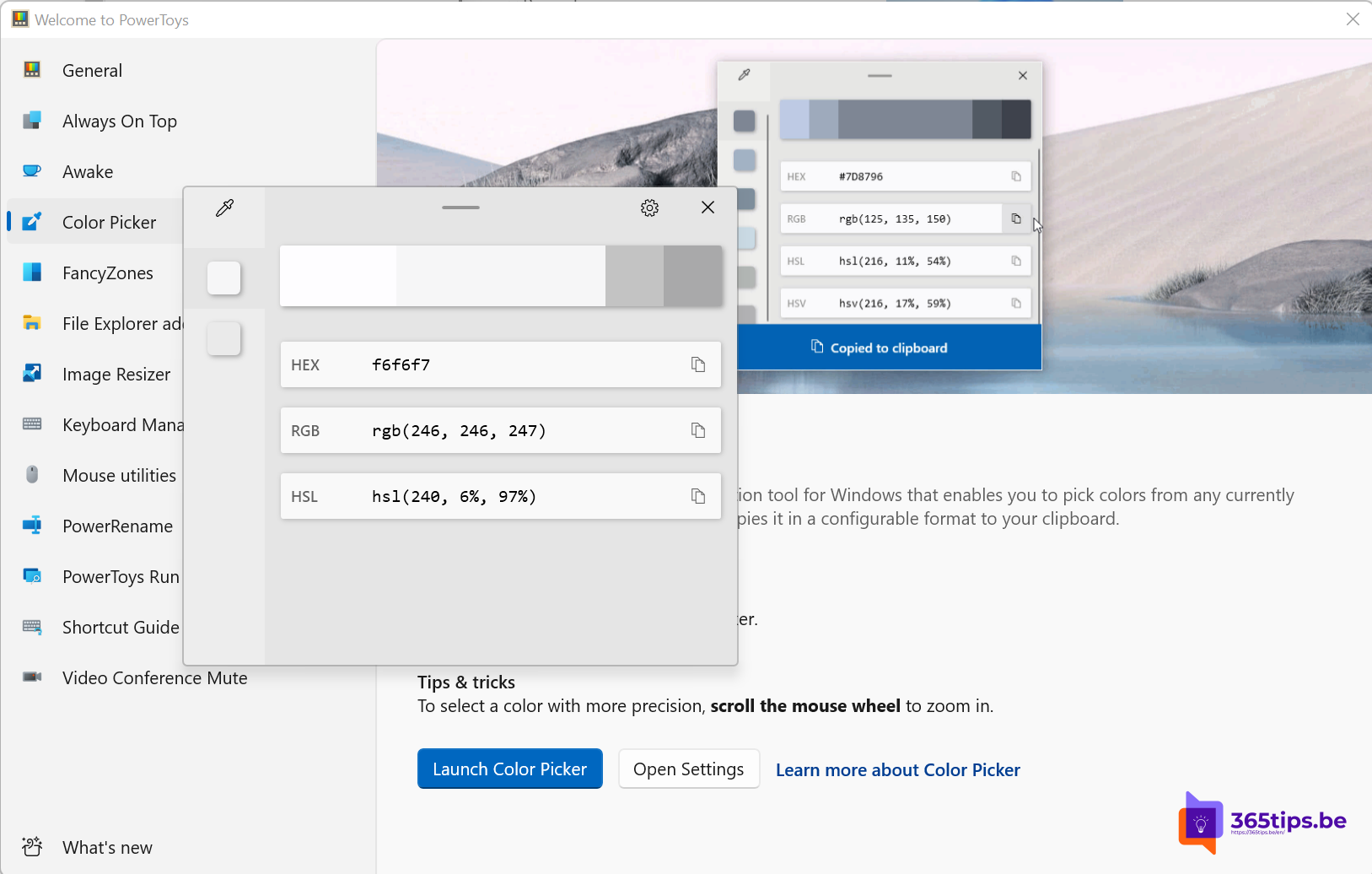 Windows 11Install PowerToys on Windows 11: the most useful toolsInstall Microsoft PowerToys on Windows 11 with winget or the Store and discover FancyZones, Text Extractor, Color Picker,…
35
Windows 11Install PowerToys on Windows 11: the most useful toolsInstall Microsoft PowerToys on Windows 11 with winget or the Store and discover FancyZones, Text Extractor, Color Picker,…
35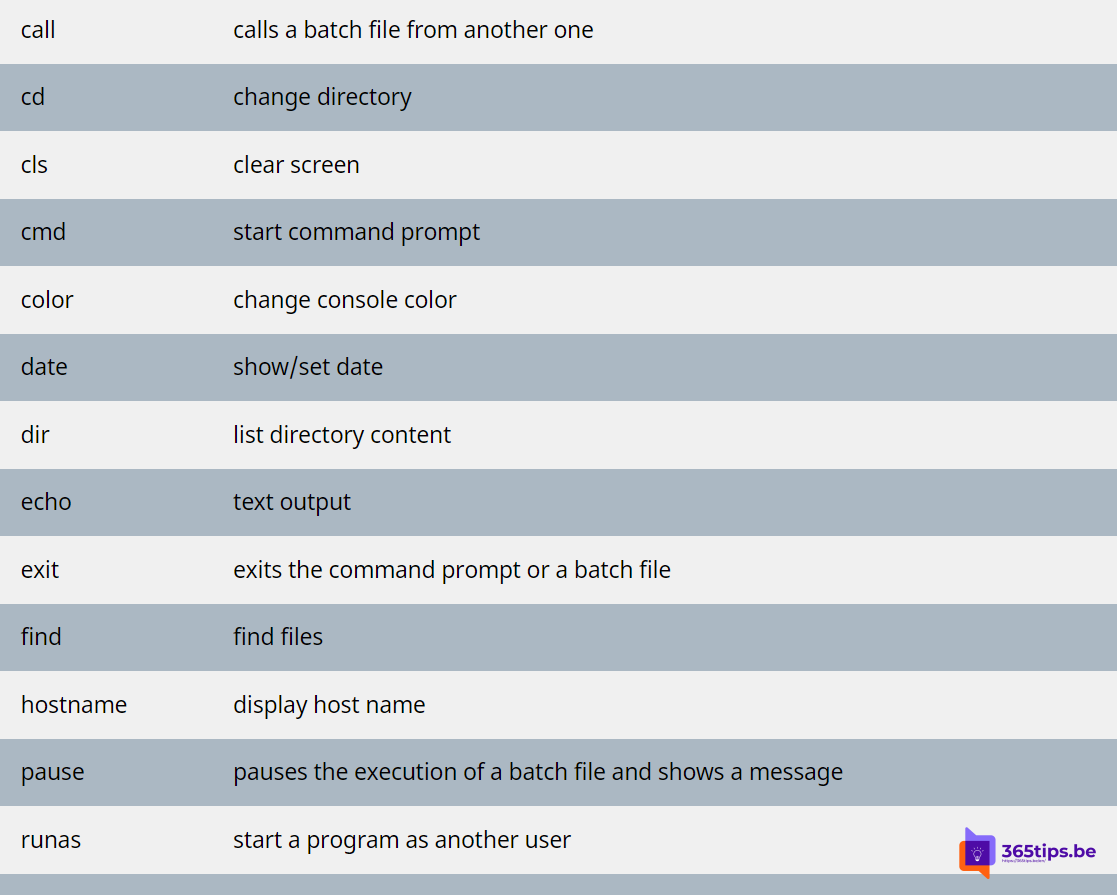 Windows 11The most useful CMD commands for WindowsAn overview of handy Command Prompt commands: network, system repair, Group Policy, processes and files, each with a short…
36
Windows 11The most useful CMD commands for WindowsAn overview of handy Command Prompt commands: network, system repair, Group Policy, processes and files, each with a short…
36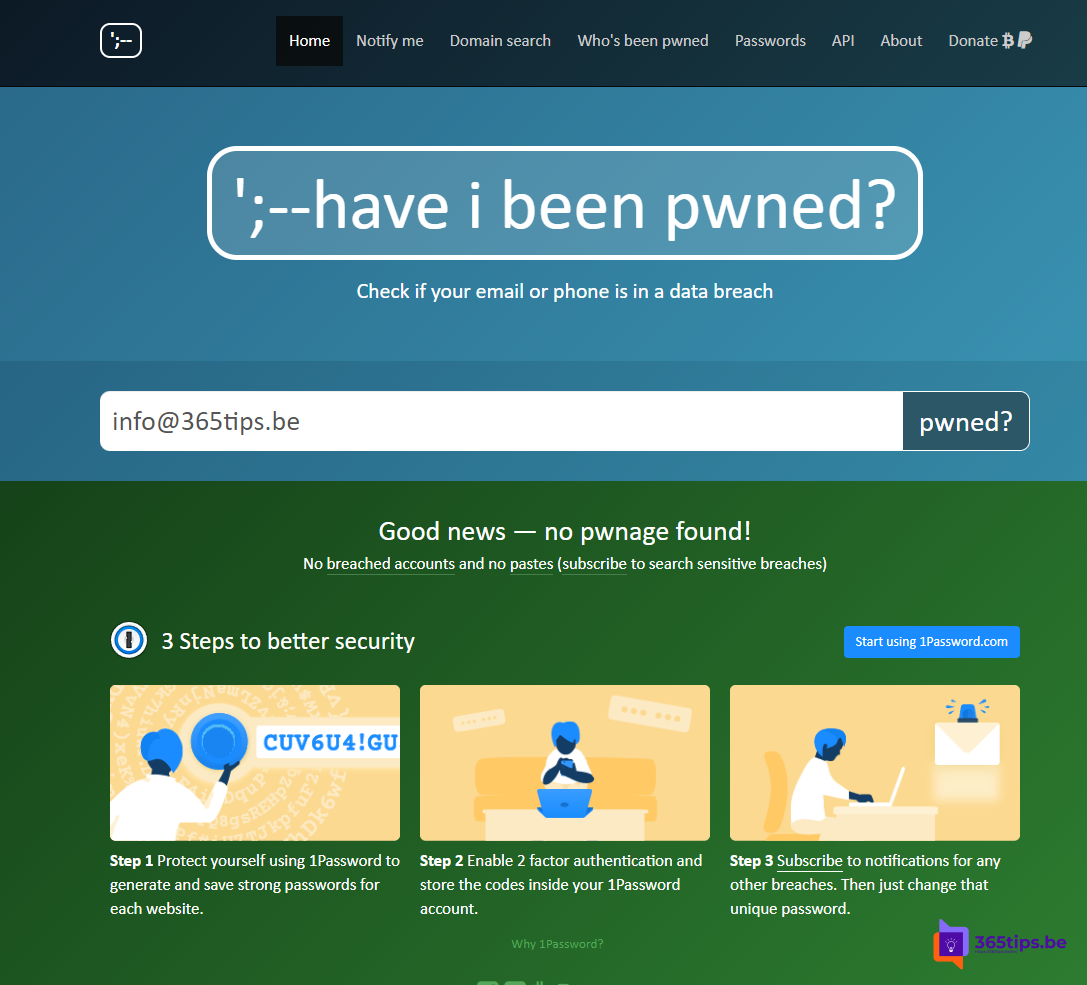 SecurityHave I Been Pwned: check whether your email is in a data breachCheck on Have I Been Pwned whether your email address or password is in a data breach, and what to do if it is.
37
SecurityHave I Been Pwned: check whether your email is in a data breachCheck on Have I Been Pwned whether your email address or password is in a data breach, and what to do if it is.
37 Microsoft 365What is generative AI and what can you do with it?Generative AI explained: how it works, what you can do with it in text, images and code, and what to watch out for at work.
38
Microsoft 365What is generative AI and what can you do with it?Generative AI explained: how it works, what you can do with it in text, images and code, and what to watch out for at work.
38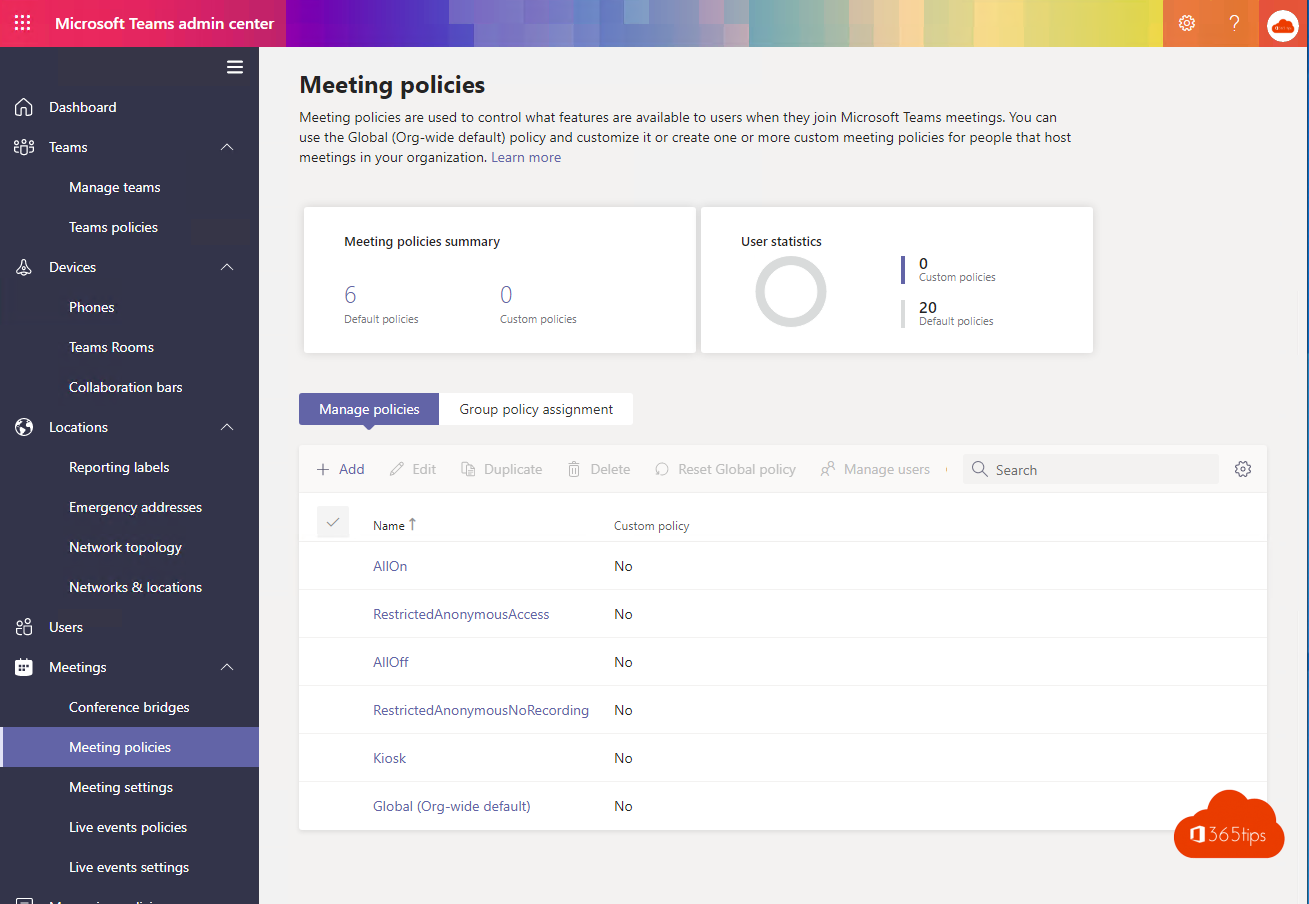 TeamsHow to create a free Microsoft Teams accountCreate a free Microsoft Teams account, see what the free version can do (60 minutes, 100 participants, 5 GB) and which plan…
39
TeamsHow to create a free Microsoft Teams accountCreate a free Microsoft Teams account, see what the free version can do (60 minutes, 100 participants, 5 GB) and which plan…
39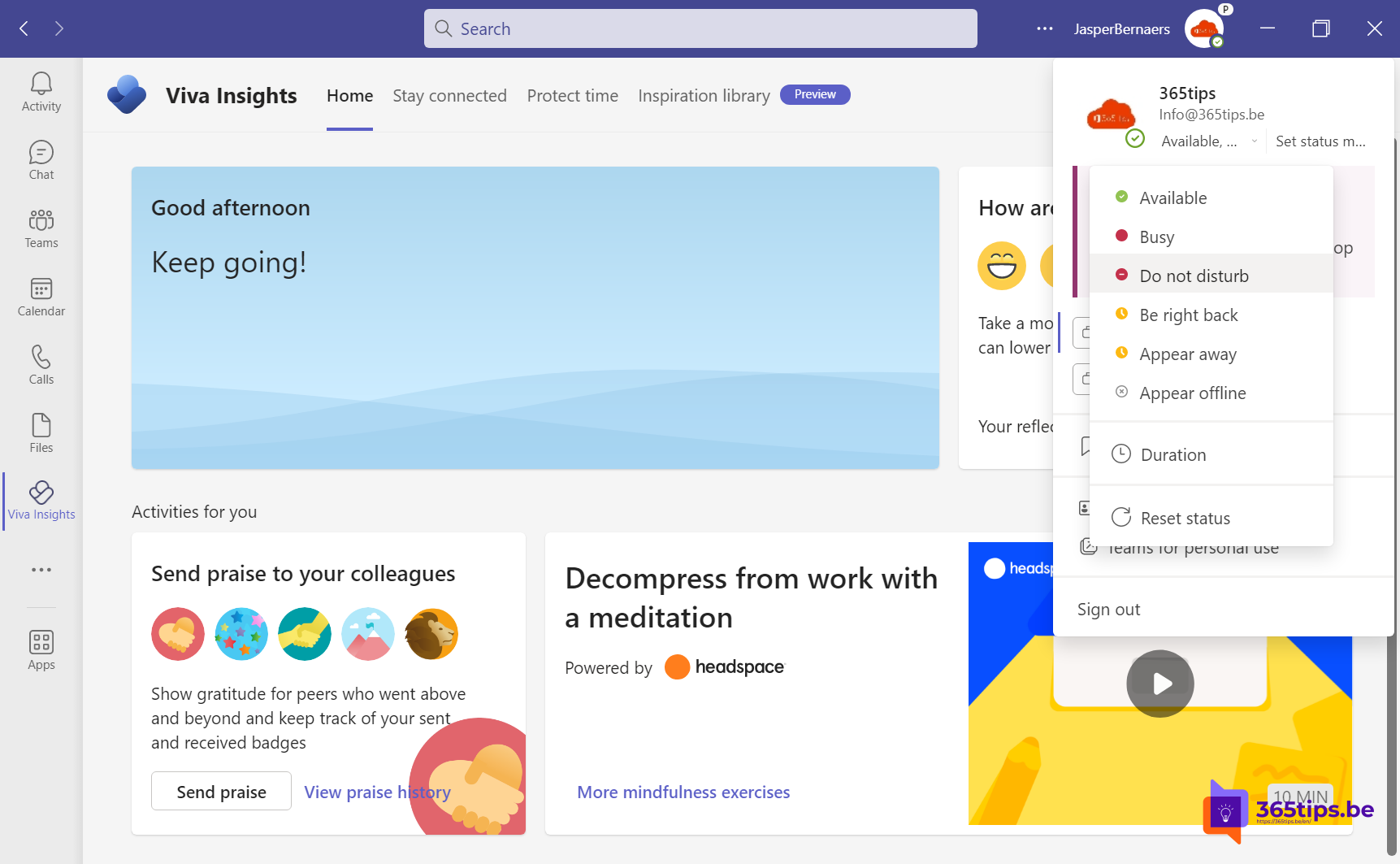 TeamsSet your status in Microsoft Teams: available, busy or do not disturbSet your Teams status to Available, Busy, Do not disturb or Appear away, with a duration, a status message and priority…
40
TeamsSet your status in Microsoft Teams: available, busy or do not disturbSet your Teams status to Available, Busy, Do not disturb or Appear away, with a duration, a status message and priority…
40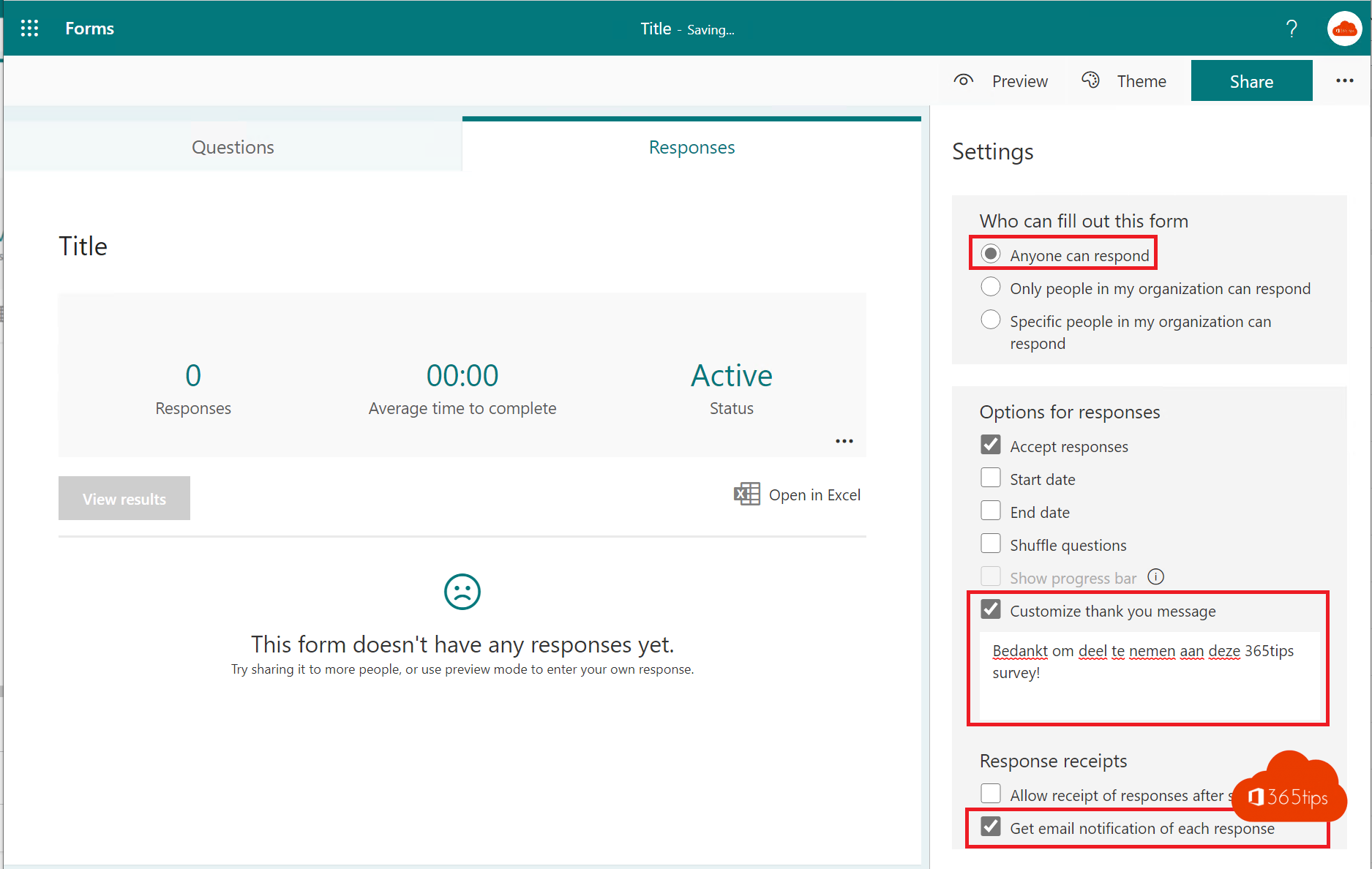 Microsoft 365Create and share a form or quiz with Microsoft FormsCreate a form or quiz in Microsoft Forms, add branching, choose who can respond and view results in charts or Excel.
41
Microsoft 365Create and share a form or quiz with Microsoft FormsCreate a form or quiz in Microsoft Forms, add branching, choose who can respond and view results in charts or Excel.
41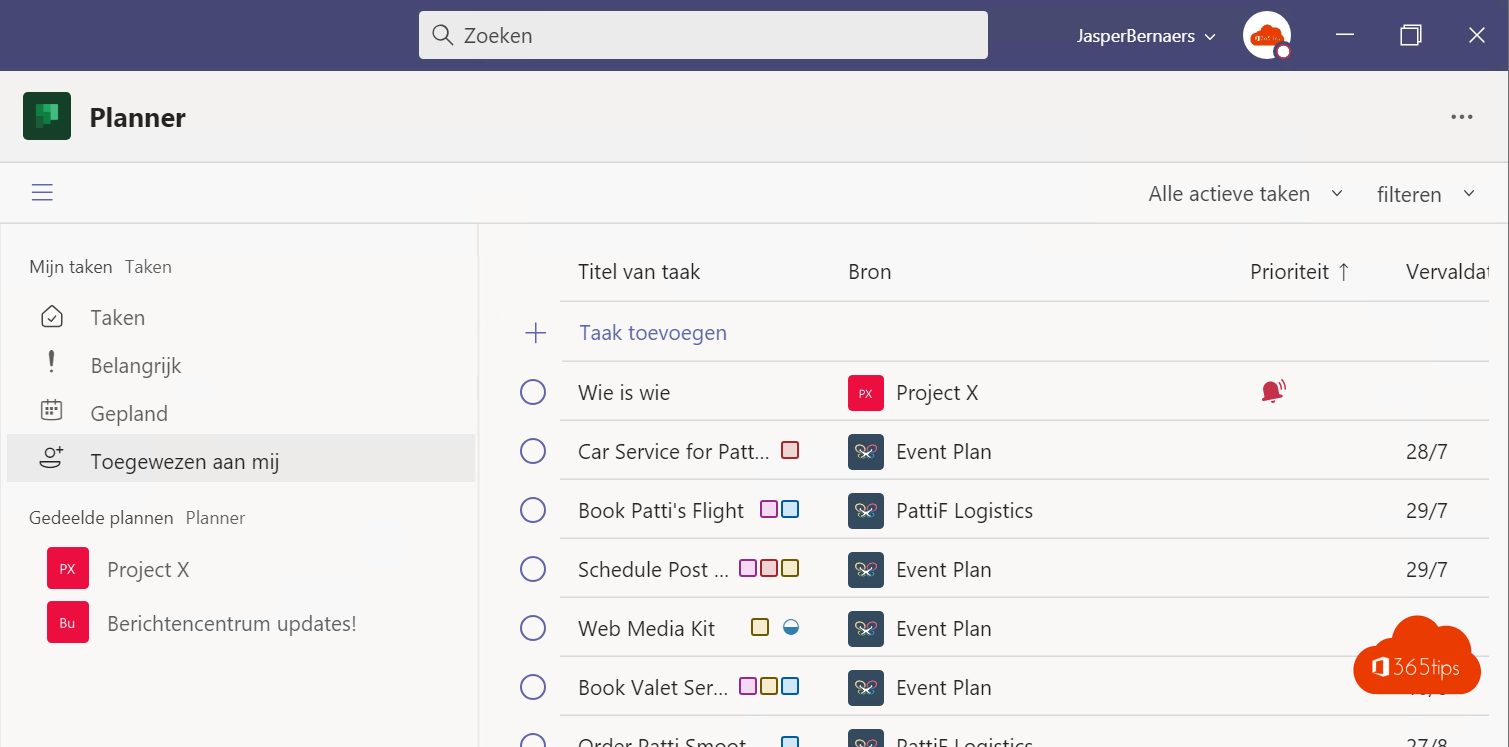 TeamsManage tasks with the Planner app in Microsoft TeamsUse the Planner app in Teams for personal tasks and shared plans, add a plan to a channel and see what premium plans offer.
42
TeamsManage tasks with the Planner app in Microsoft TeamsUse the Planner app in Teams for personal tasks and shared plans, add a plan to a channel and see what premium plans offer.
42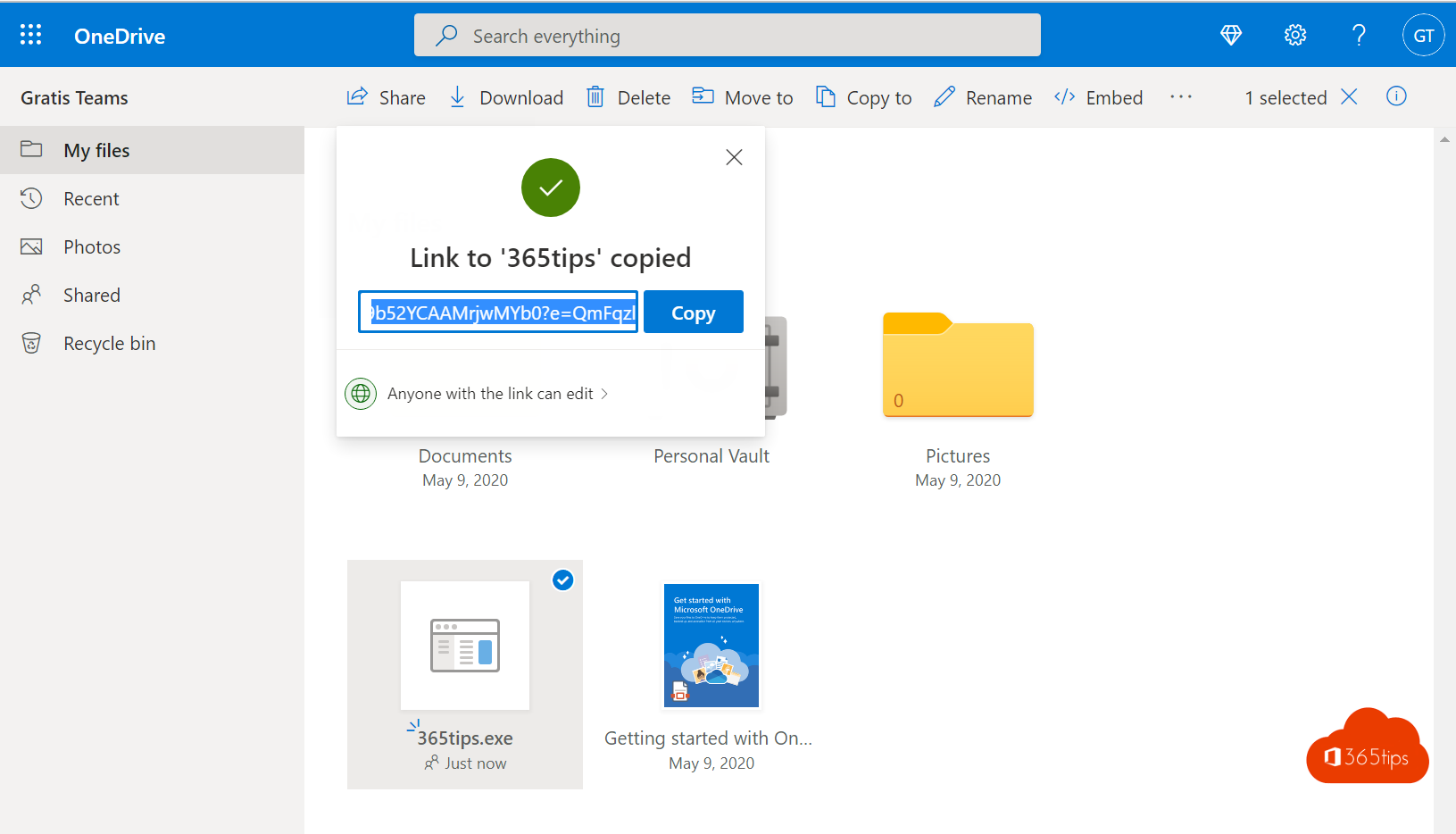 OneDriveShare and send large files securely with OneDriveShare files up to 250 GB securely with OneDrive. Choose who gets access and set an expiration date, password or download…
43
OneDriveShare and send large files securely with OneDriveShare files up to 250 GB securely with OneDrive. Choose who gets access and set an expiration date, password or download…
43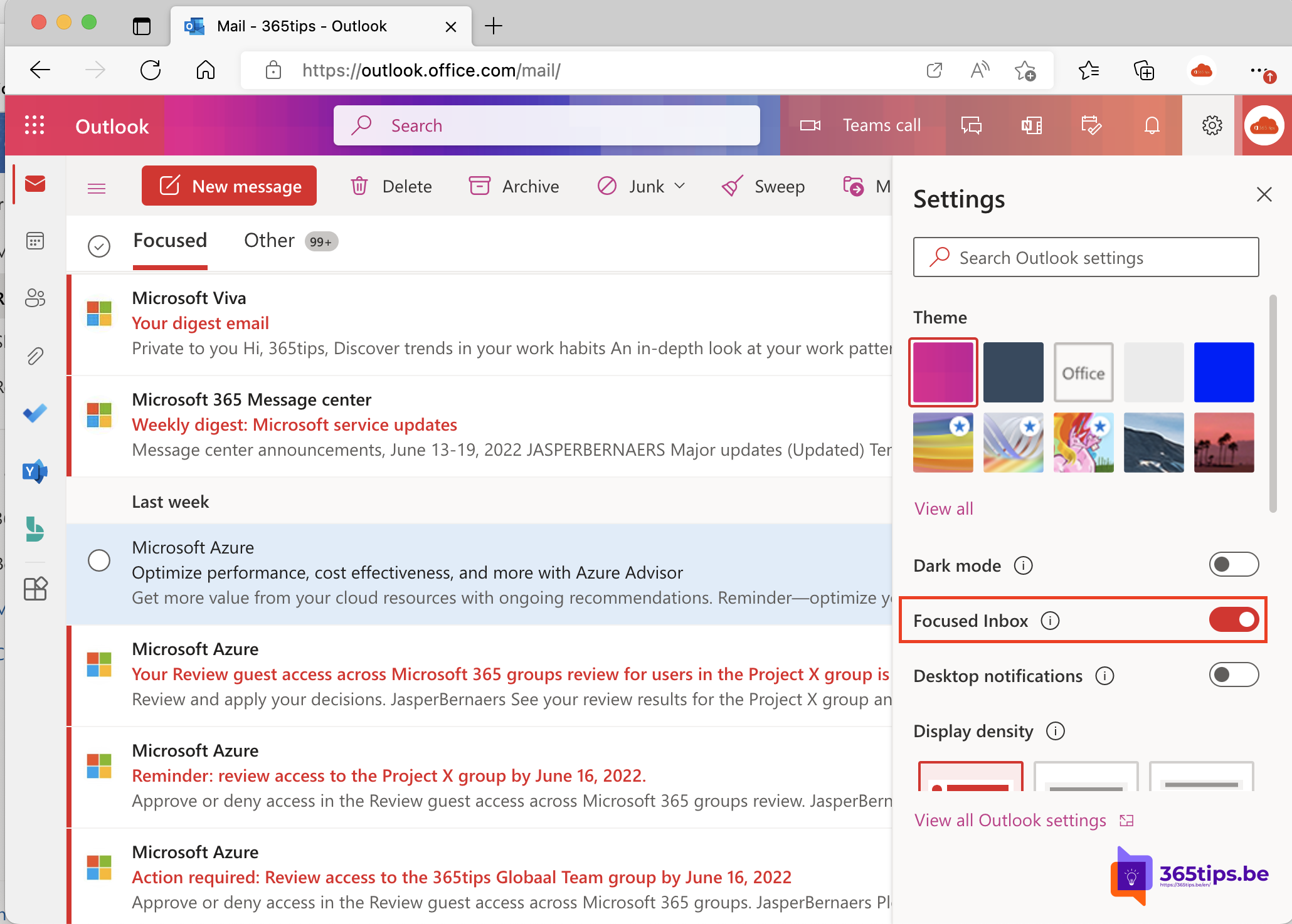 ExchangeTurn off Focused Inbox in Outlook, per user or for everyoneTurn off Focused Inbox in the new Outlook, on the web, in classic Outlook and on mobile. Or disable it for everyone with…
44
ExchangeTurn off Focused Inbox in Outlook, per user or for everyoneTurn off Focused Inbox in the new Outlook, on the web, in classic Outlook and on mobile. Or disable it for everyone with…
44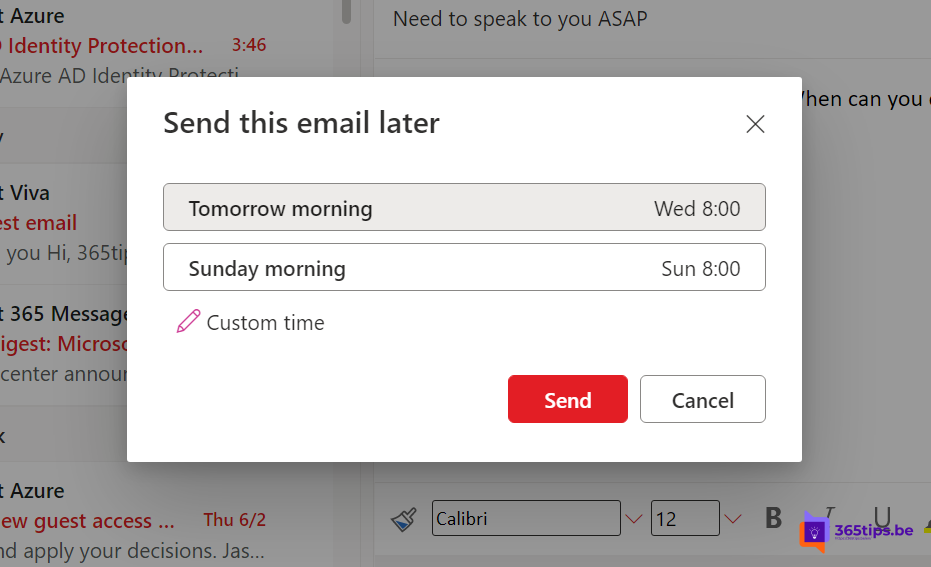 ExchangeSchedule, delay or undo sending an email in OutlookSchedule an email for later, undo send or delay all messages automatically in the new Outlook, Outlook on the web and…
45
ExchangeSchedule, delay or undo sending an email in OutlookSchedule an email for later, undo send or delay all messages automatically in the new Outlook, Outlook on the web and…
45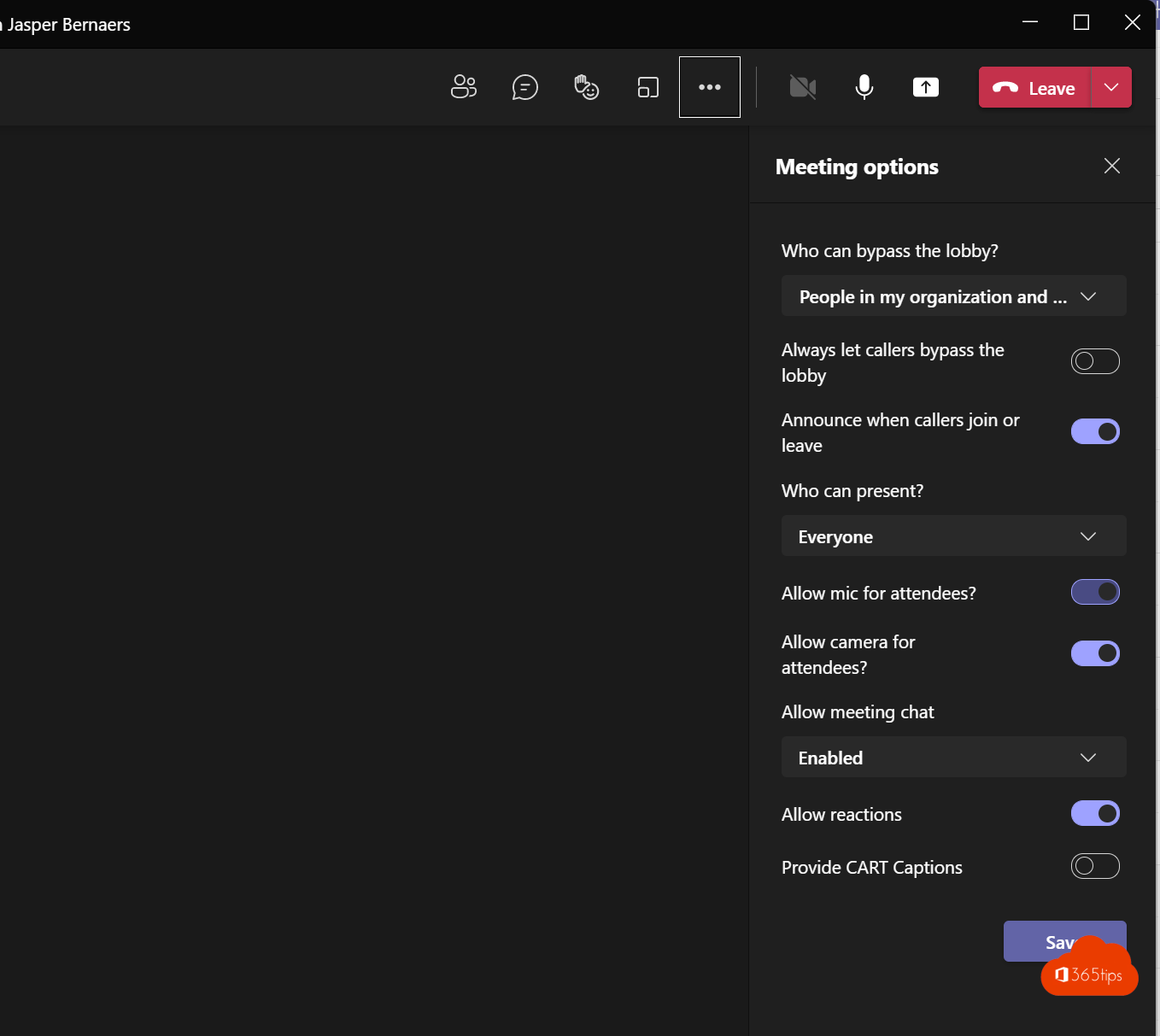 TeamsMute everyone in a Microsoft Teams meetingMute all attendees in a Teams meeting in one click and stop them from unmuting. Meeting options and raised hands explained.
46
TeamsMute everyone in a Microsoft Teams meetingMute all attendees in a Teams meeting in one click and stop them from unmuting. Meeting options and raised hands explained.
46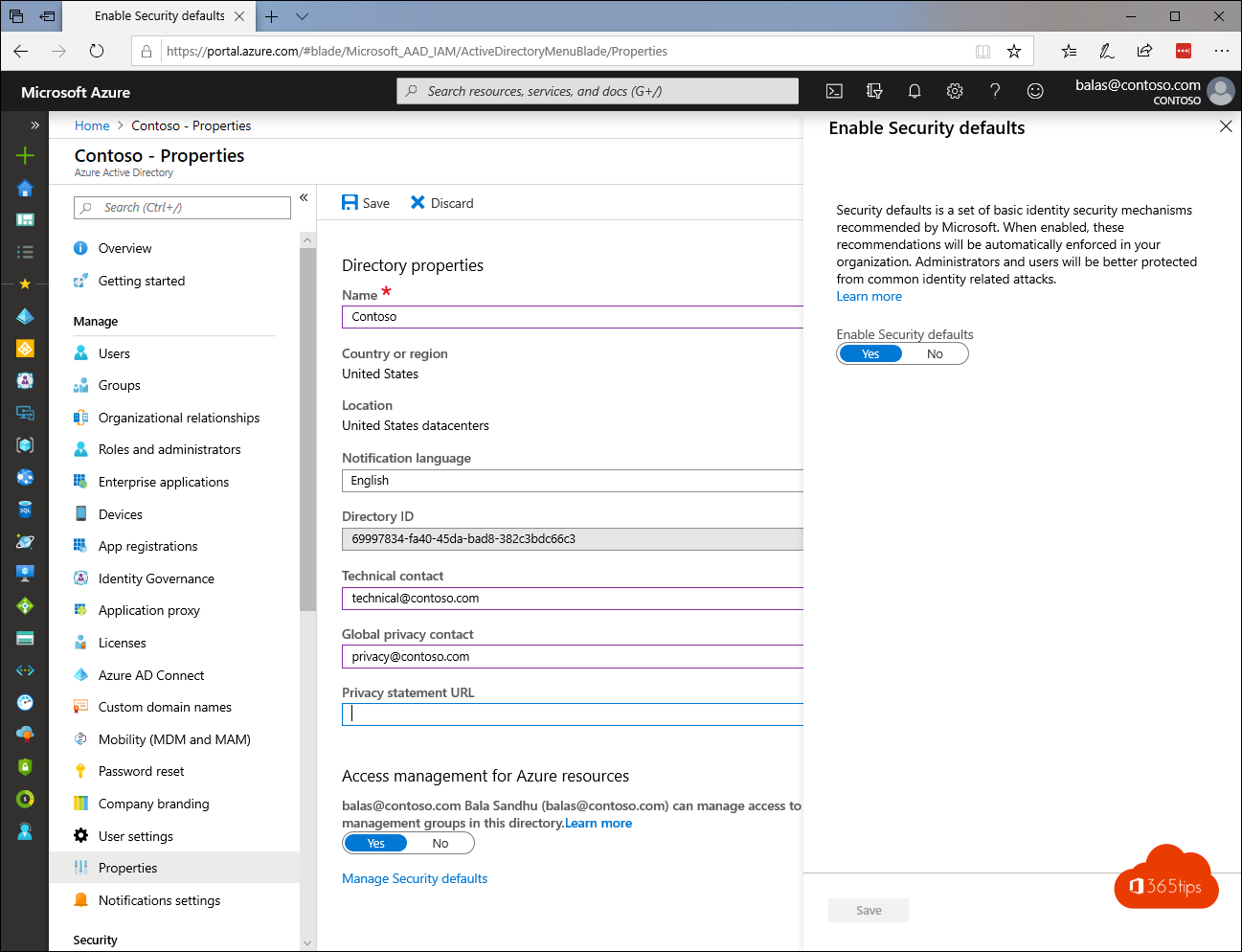 SecuritySecurity defaults in Microsoft Entra ID: what they do and how to enable themWhat security defaults in Microsoft Entra ID (formerly Azure AD) do, who they are for, how to turn them on or off, and when…
47
SecuritySecurity defaults in Microsoft Entra ID: what they do and how to enable themWhat security defaults in Microsoft Entra ID (formerly Azure AD) do, who they are for, how to turn them on or off, and when…
47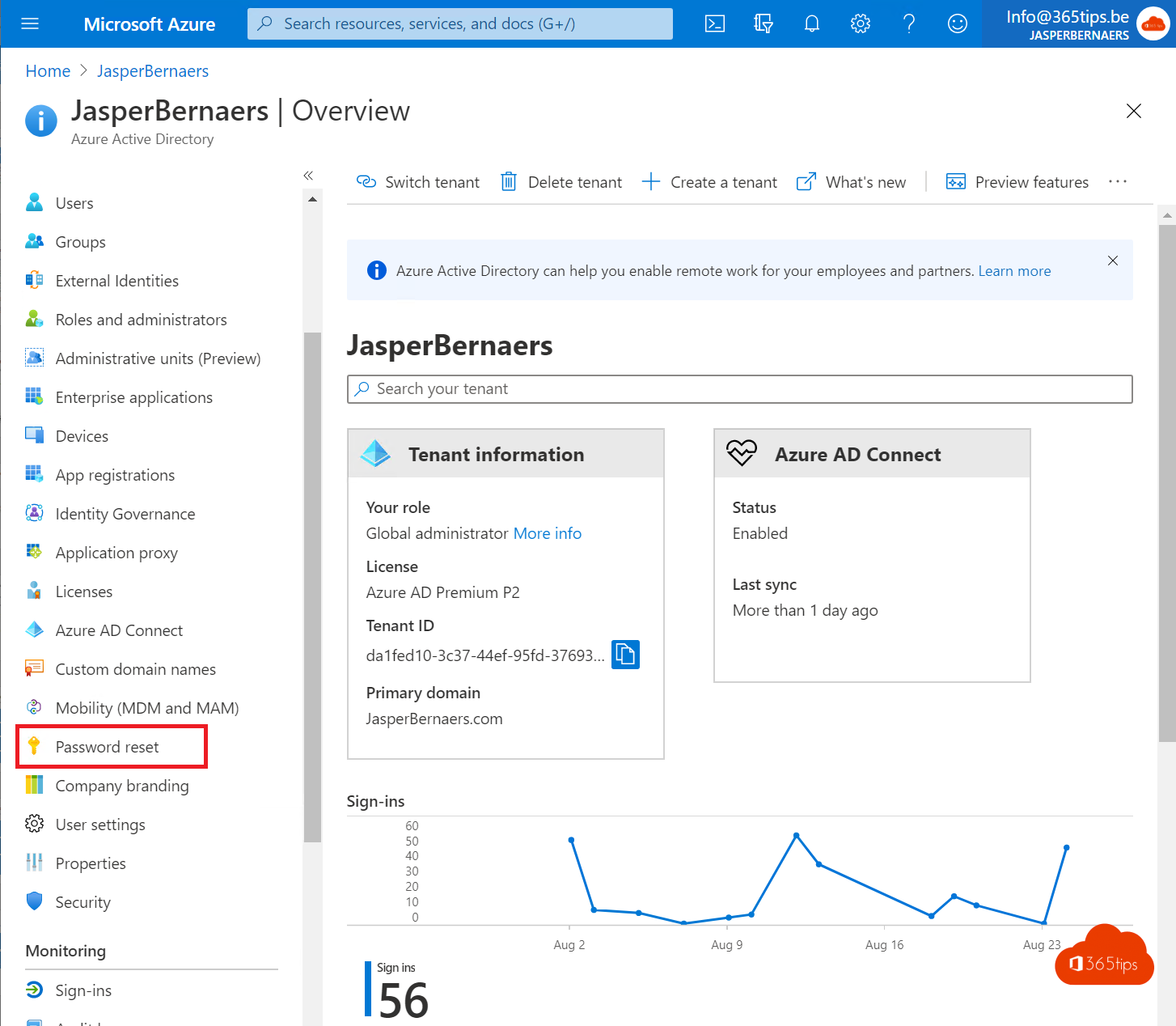 SecurityEnable Self-Service Password Reset (SSPR) in Microsoft Entra IDLet users reset their own password with SSPR in Microsoft Entra ID. Licensing, authentication methods and password writeback…
48
SecurityEnable Self-Service Password Reset (SSPR) in Microsoft Entra IDLet users reset their own password with SSPR in Microsoft Entra ID. Licensing, authentication methods and password writeback…
48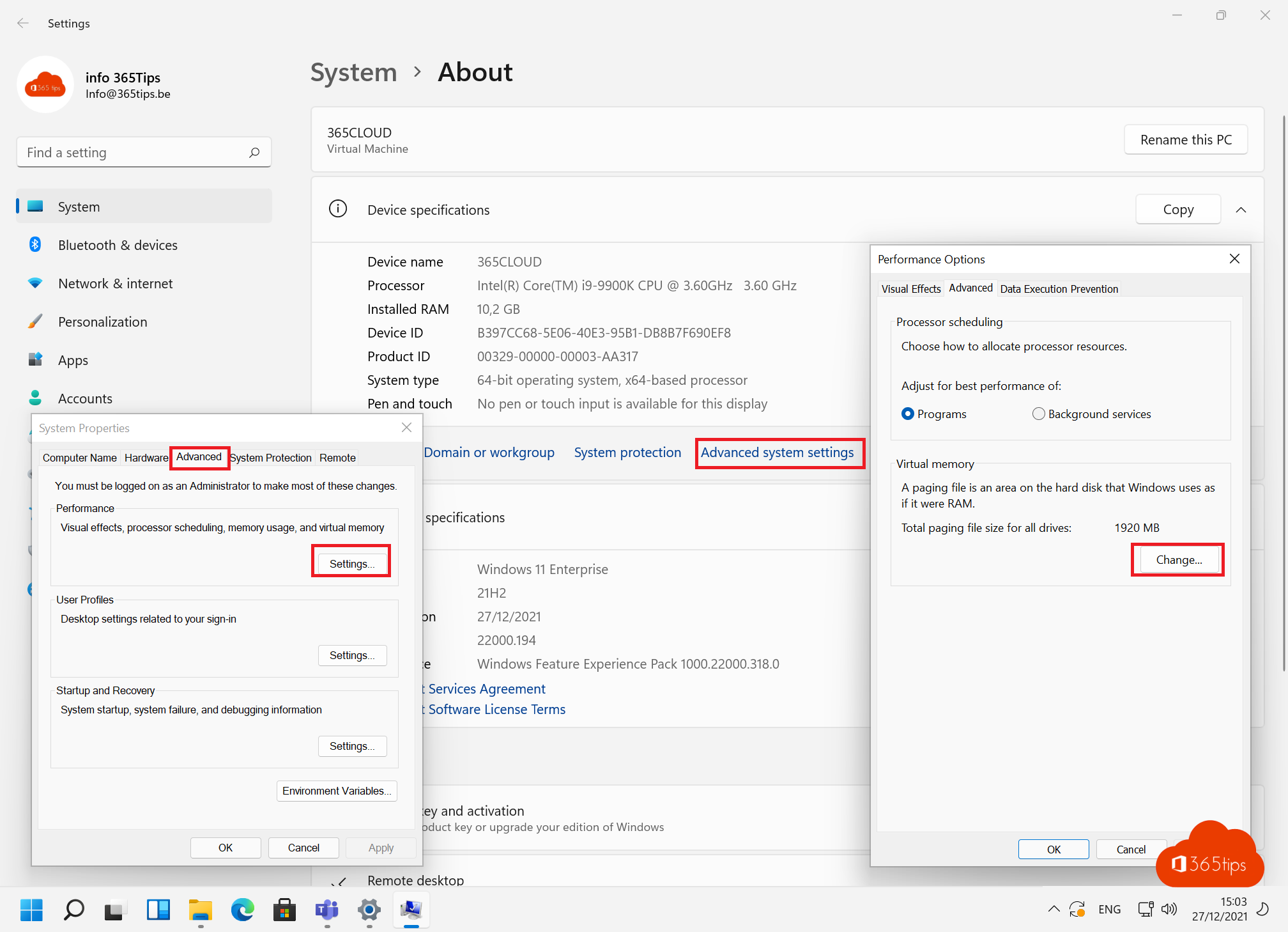 Windows 11Speed up a slow Windows 11 computer: 10 tipsSpeed up a slow Windows 11 PC: disable startup apps, free up space, set power mode, reduce visual effects, update and scan…
49
Windows 11Speed up a slow Windows 11 computer: 10 tipsSpeed up a slow Windows 11 PC: disable startup apps, free up space, set power mode, reduce visual effects, update and scan…
49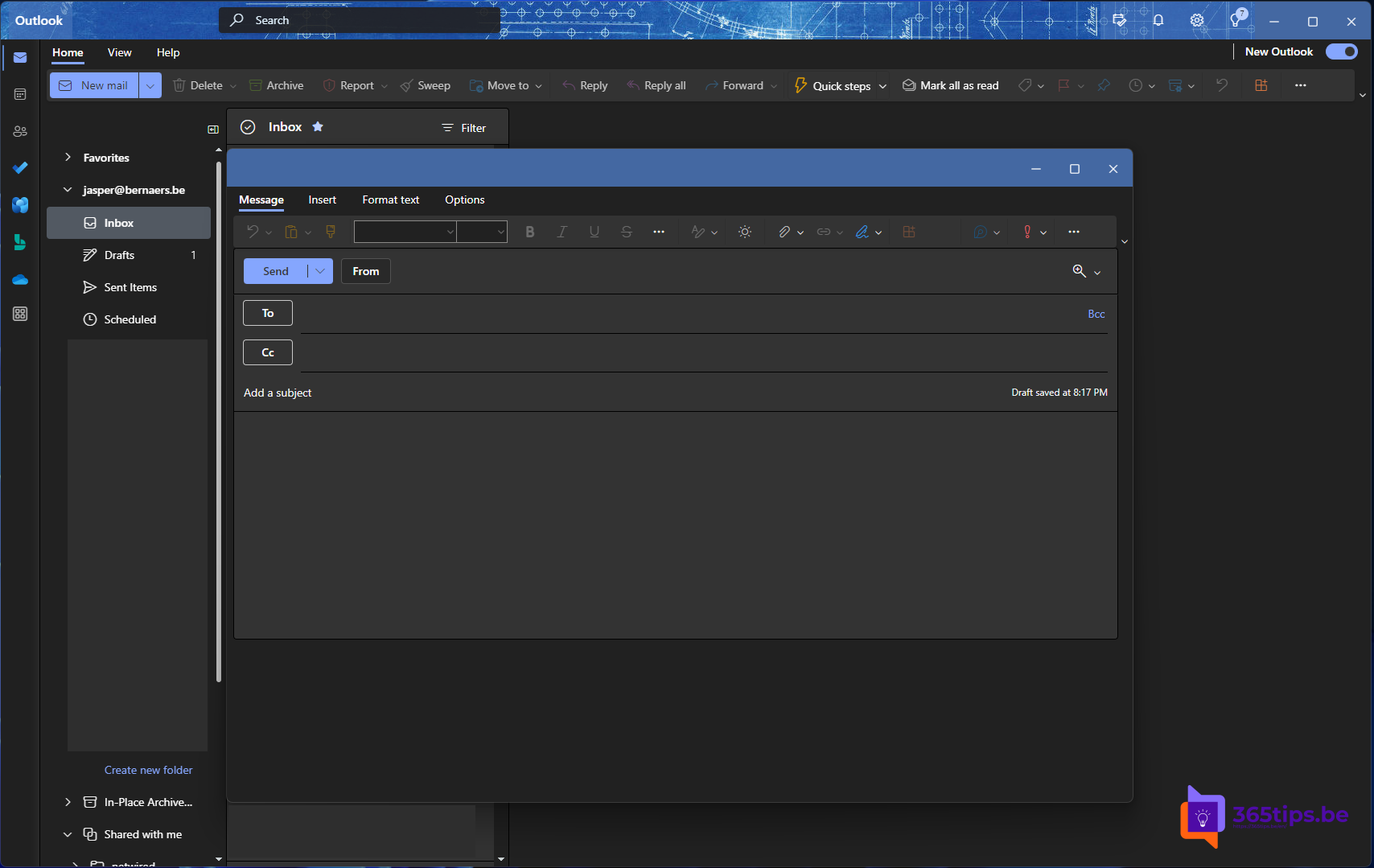 ExchangeThe new Outlook for Windows: switching and what changesSwitch to the new Outlook for Windows, see what's new and what to watch out for with add-ins and PST files.
50
ExchangeThe new Outlook for Windows: switching and what changesSwitch to the new Outlook for Windows, see what's new and what to watch out for with add-ins and PST files.
50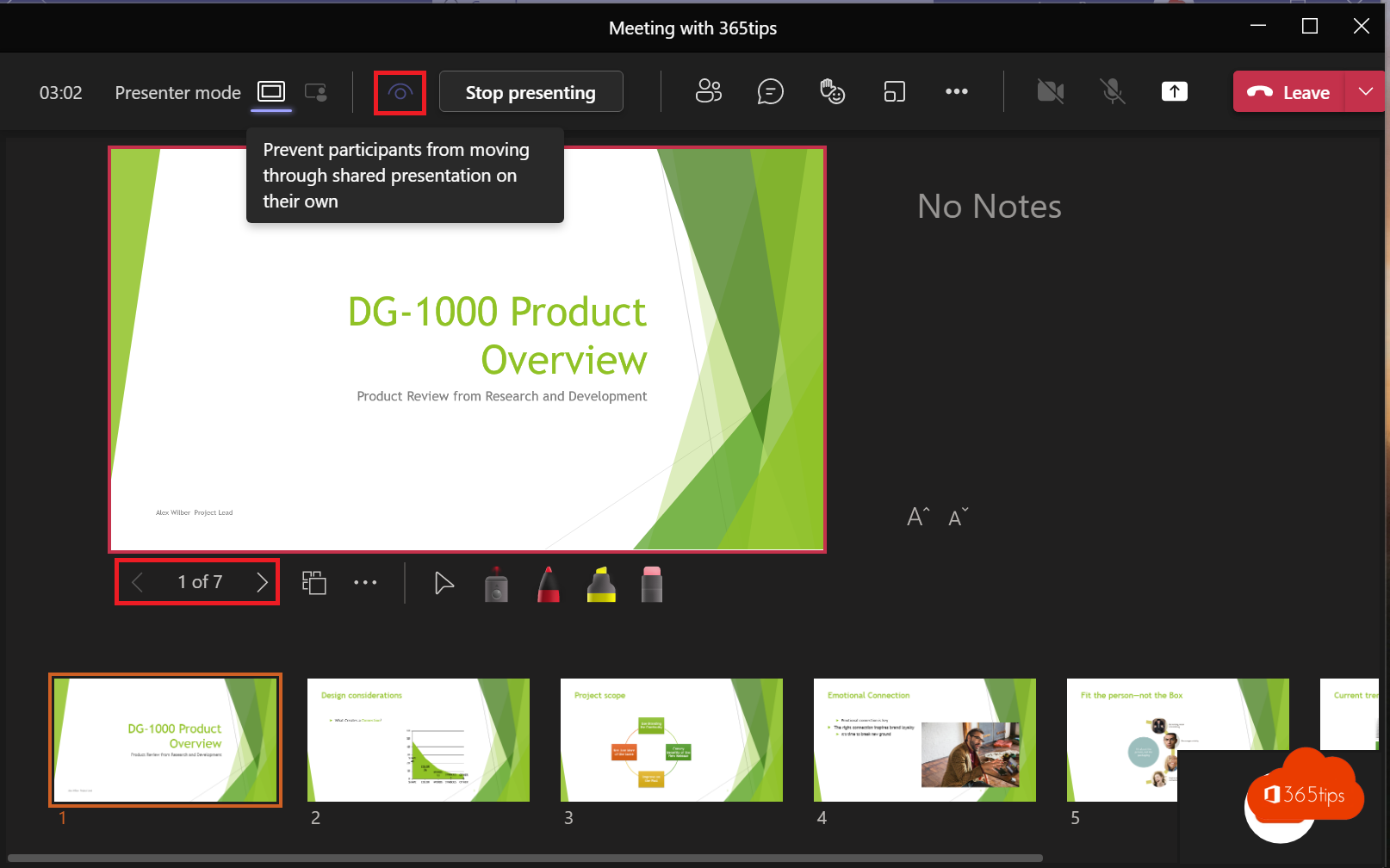 TeamsPresent a PowerPoint in Teams with PowerPoint LiveShare your presentation with PowerPoint Live instead of your screen: with notes, laser pointer, Cameo and less bandwidth.
SecurityEnable multi-factor authentication (MFA) in Microsoft 365Turn on MFA in Microsoft 365 with security defaults or Conditional Access. Registering the Authenticator app and mandatory…
02SecurityWhat is Multi-Factor Authentication (MFA)?MFA explained: the three kinds of factors, which methods are safest, why it matters and how to turn it on.
03ExchangeSet an automatic reply (Out of Office) in OutlookSet an out-of-office reply in the new Outlook, on the web, in classic Outlook or on your phone. Separate external message…
04ExchangeSet up or change your email signature in OutlookCreate or change your email signature in the new Outlook, on the web, in classic Outlook and on mobile. Content tips and a…
05ExchangeRecall an email in Outlook with Exchange OnlineRecall a sent email in the new Outlook, on the web or in classic Outlook. When it works, when it doesn't and how the status…
06ExchangeShare your Outlook calendar with colleagues or external peopleShare your calendar in the new Outlook, on the web or in classic Outlook. Choose the permission level, share externally or…
07OneDriveRestore deleted OneDrive files up to 93 days after deletionGet deleted files back from the OneDrive recycle bin or second-stage recycle bin, or restore your whole OneDrive to an…
08TeamsSet a custom background in Microsoft TeamsUse your own image as a background in Teams, before or during a meeting. Best format, blur and organisation-wide backgrounds…
09TeamsClear the Microsoft Teams cache on Windows and MacClear the new Teams cache on Windows 11 or Mac to fix slow starts, frozen screens and sign-in problems, without losing chats…
10TeamsDownload and install Microsoft Teams on Windows, Mac and mobileDownload and install the right Teams app for work, school or personal use on Windows, Mac and mobile, or use Teams in the…
11TeamsRecord, find and share a Microsoft Teams meetingRecord a Teams meeting with transcription. Who can record, where the recording is stored in OneDrive or SharePoint, how to…
12TeamsEverything about breakout rooms in Microsoft TeamsCreate breakout rooms in a Teams meeting, assign attendees, set a timer, use room managers and bring everyone back.
13TeamsThe most useful Microsoft Teams keyboard shortcuts for Windows and MacThe most useful shortcuts for the new Teams app: navigation, chat, mute, camera, raise hand and screen sharing, for Windows…
14Windows 11The most useful keyboard shortcuts for Windows 11The handiest Windows 11 shortcuts: Start menu, File Explorer, Snap layouts, virtual desktops, Snipping Tool, clipboard and…
15Windows 11Take a print screen, screenshot or screen recording in Windows 11Take a screenshot or screen recording in Windows 11 with Snipping Tool, Print Screen or Game Bar, and copy text from a…
16Windows 11Install or upgrade Windows 11 with an ISO fileDownload the Windows 11 ISO and use it to upgrade, do a clean install from USB or install Windows in a virtual machine.
17Windows 11Create a bootable Windows 11 USB driveCreate a bootable Windows 11 USB drive for free with Microsoft's Media Creation Tool or Rufus, and boot a PC from it to…
18Windows 11Reset a Windows 11 PC to factory settingsReset your Windows 11 PC to factory settings, with or without your files, via cloud download or local reinstall. Even when…
19Windows 11Turn on BitLocker in Windows 11 and keep your recovery key safeEncrypt your drive with BitLocker in Windows 11. Device encryption in Home, storing and finding the recovery key, and…
20Windows 11How to turn on dark mode in Windows 11Turn on dark mode in Windows 11, combine dark and light apps, and make Word, Outlook, Teams and Edge dark too. Plus…
21Windows 11How to get the full (classic) right-click menu back in Windows 11Get the full right-click menu back in Windows 11 like in Windows 10: once with Shift + right-click, or by default with one…
22Microsoft 365Save a Word document as PDF on Windows, Mac and the webSave a Word document as PDF in Word for Windows, Mac or the web. Options for bookmarks, PDF/A, smaller files and password…
23Microsoft 365Delete a page or blank page in Microsoft WordDelete a page with content or a stubborn blank page in Word. Formatting marks, page breaks, section breaks and the blank…
24Microsoft 36510 Excel tips everyone should knowWork faster in Excel with tables, Flash Fill, XLOOKUP, PivotTables, conditional formatting, FILTER and handy shortcuts.
25Microsoft 365Microsoft 365 licenses compared: which one do you need?Business Basic, Standard and Premium, E3, E5 and Frontline: what's included and which Microsoft 365 license fits your…
26Microsoft 365All Microsoft 365 admin portals in one list: the right URLs in 2026All Microsoft 365 and Azure admin portals with their current URL: admin center, Entra, Intune, Defender, Purview, Exchange,…
27ExchangeAdd a shared mailbox in Outlook for iPhone and AndroidAdd a shared mailbox such as info@ in the Outlook app on iPhone or Android, and reply from the shared address.
28Microsoft 365Add your own domain to Microsoft 365Add your own domain to Microsoft 365: verify with a TXT record, set up the DNS records for email and give users the new…
29ExchangeEnable DKIM in Microsoft 365 for your own domainEnable DKIM for your domain in Microsoft 365 through the Defender portal or PowerShell, and combine it with SPF and DMARC…
30SecurityInstall and configure Microsoft Entra Connect (Azure AD Connect)Sync your on-premises Active Directory with Microsoft Entra ID through Entra Connect: preparation, installation, sign-in…
31SecurityThe basic settings to start using Microsoft IntuneGet Microsoft Intune ready: licences, automatic enrolment, enrolment restrictions, compliance policies and the Apple and…
32Windows 11Windows Autopilot: what it is and how to set it up in 4 stepsWith Windows Autopilot a new PC configures itself through Intune. What you need, which mode to pick and how to set up…
33Windows 11Install and update software with winget on WindowsInstall, update and remove software with winget on Windows 11 or 10. Key commands, updating everything and exporting to a…
34Windows 11Install PowerToys on Windows 11: the most useful toolsInstall Microsoft PowerToys on Windows 11 with winget or the Store and discover FancyZones, Text Extractor, Color Picker,…
35Windows 11The most useful CMD commands for WindowsAn overview of handy Command Prompt commands: network, system repair, Group Policy, processes and files, each with a short…
36SecurityHave I Been Pwned: check whether your email is in a data breachCheck on Have I Been Pwned whether your email address or password is in a data breach, and what to do if it is.
37Microsoft 365What is generative AI and what can you do with it?Generative AI explained: how it works, what you can do with it in text, images and code, and what to watch out for at work.
38TeamsHow to create a free Microsoft Teams accountCreate a free Microsoft Teams account, see what the free version can do (60 minutes, 100 participants, 5 GB) and which plan…
39TeamsSet your status in Microsoft Teams: available, busy or do not disturbSet your Teams status to Available, Busy, Do not disturb or Appear away, with a duration, a status message and priority…
40Microsoft 365Create and share a form or quiz with Microsoft FormsCreate a form or quiz in Microsoft Forms, add branching, choose who can respond and view results in charts or Excel.
41TeamsManage tasks with the Planner app in Microsoft TeamsUse the Planner app in Teams for personal tasks and shared plans, add a plan to a channel and see what premium plans offer.
42OneDriveShare and send large files securely with OneDriveShare files up to 250 GB securely with OneDrive. Choose who gets access and set an expiration date, password or download…
43ExchangeTurn off Focused Inbox in Outlook, per user or for everyoneTurn off Focused Inbox in the new Outlook, on the web, in classic Outlook and on mobile. Or disable it for everyone with…
44ExchangeSchedule, delay or undo sending an email in OutlookSchedule an email for later, undo send or delay all messages automatically in the new Outlook, Outlook on the web and…
45TeamsMute everyone in a Microsoft Teams meetingMute all attendees in a Teams meeting in one click and stop them from unmuting. Meeting options and raised hands explained.
46SecuritySecurity defaults in Microsoft Entra ID: what they do and how to enable themWhat security defaults in Microsoft Entra ID (formerly Azure AD) do, who they are for, how to turn them on or off, and when…
47SecurityEnable Self-Service Password Reset (SSPR) in Microsoft Entra IDLet users reset their own password with SSPR in Microsoft Entra ID. Licensing, authentication methods and password writeback…
48Windows 11Speed up a slow Windows 11 computer: 10 tipsSpeed up a slow Windows 11 PC: disable startup apps, free up space, set power mode, reduce visual effects, update and scan…
49ExchangeThe new Outlook for Windows: switching and what changesSwitch to the new Outlook for Windows, see what's new and what to watch out for with add-ins and PST files.
50TeamsPresent a PowerPoint in Teams with PowerPoint LiveShare your presentation with PowerPoint Live instead of your screen: with notes, laser pointer, Cameo and less bandwidth.
All articles
Filter by topic or search above.- Automatically review guests in Microsoft Teams with access reviewsSecurity · 20 Oct 2026
- Add a domain as a UPN suffix in Active DirectoryAzure · 20 Oct 2026
- Add people to a group chat with an @mentionTeams · 20 Oct 2026
- Add your work account to your own Windows computerWindows 11 · 20 Oct 2026
- Microsoft 365 reports: built-in or with AdminDroidMicrosoft 365 · 20 Oct 2026
- Turn on and use Adoption Score (formerly Productivity Score)Microsoft 365 · 20 Oct 2026
- Christmas cards from around the world, made with AIMicrosoft 365 · 20 Oct 2026
- The complete guide to Apple's Journal appHow-to · 20 Oct 2026
- Use Apple passwords on Windows with iCloud for WindowsSecurity · 20 Oct 2026
- Request approval for files in SharePoint or TeamsMicrosoft 365 · 20 Oct 2026
- Automatically delete meeting recordings in Microsoft TeamsTeams · 20 Oct 2026
- Your raised hand is lowered automatically after you speak in TeamsTeams · 20 Oct 2026
- Build a Windows Autopilot demo environment in about an hourWindows 11 · 20 Oct 2026
- Manage Microsoft Teams with PowerShell in Azure Cloud ShellAzure · 20 Oct 2026
- ChatGPT models in Azure: Azure OpenAI and Azure AI FoundryAzure · 20 Oct 2026
- Download Azure Storage Explorer and connect to AzureAzure · 20 Oct 2026
- The AzureAD module is retired: move to Microsoft Graph PowerShellAzure · 20 Oct 2026
- Basic authentication in Exchange Online is permanently disabledExchange · 20 Oct 2026
- The benefits of an Exchange migration to Microsoft 365Exchange · 20 Oct 2026
- 15 useful prompts for ChatGPT and Microsoft CopilotMicrosoft 365 · 20 Oct 2026
- The best free software for Windows 11 by categoryWindows 11 · 20 Oct 2026
- The best VPN for Windows 11: how to choose the right oneWindows 11 · 20 Oct 2026
- How to create images with Bing Image Creator in the app and browserHow-to · 20 Oct 2026
- The best birthday backgrounds for Microsoft TeamsTeams · 20 Oct 2026
- Block or allow channel meetings in Microsoft TeamsTeams · 20 Oct 2026
- Restrict downloads of Teams meeting recordingsTeams · 20 Oct 2026
- Set a timer for breakout rooms in TeamsTeams · 20 Oct 2026
- Set up a delegate for calls in Microsoft TeamsTeams · 20 Oct 2026
- Put your camera feed in your slides with Cameo in PowerPoint and TeamsTeams · 20 Oct 2026
- Can't add anyone to a private channel in Teams: the fixTeams · 20 Oct 2026
- Cast content from your phone to a Microsoft Teams RoomTeams · 20 Oct 2026
- Celebrate the holidays with Microsoft TeamsTeams · 20 Oct 2026
- Add and use a channel calendar in Microsoft TeamsTeams · 20 Oct 2026
- Install and update software with ChocolateyWindows 11 · 20 Oct 2026
- Christmas backgrounds for Microsoft TeamsTeams · 20 Oct 2026
- Make a personal Christmas card with AI in Microsoft DesignerMicrosoft 365 · 20 Oct 2026
- Set up a class in Teams with the OneNote Class NotebookTeams · 20 Oct 2026
- cmd.ms: reach every Microsoft admin portal with short commandsMicrosoft 365 · 20 Oct 2026
- Work on one file with several people at the same timeMicrosoft 365 · 20 Oct 2026
- Turn on the compact chat list in Microsoft TeamsTeams · 20 Oct 2026
- Compare two files or PDFs with Microsoft 365 CopilotHow-to · 20 Oct 2026
- Compare Microsoft 365 plans: which features are in which plan?Microsoft 365 · 20 Oct 2026
- Convert a standard channel to private (or back) in TeamsTeams · 20 Oct 2026
- Coding with Copilot in Edge and GitHub CopilotHow-to · 20 Oct 2026
- Use Copilot in classic Outlook on Windows 11Microsoft 365 · 20 Oct 2026
- Copilot in SharePoint: create pages and build agentsMicrosoft 365 · 20 Oct 2026
- Copilot at home: from Copilot Pro to Microsoft 365 Personal and FamilyMicrosoft 365 · 20 Oct 2026
- Brainstorm with Copilot in Microsoft WhiteboardMicrosoft 365 · 20 Oct 2026
- Copilot Notebooks: bring your files and notes together for CopilotMicrosoft 365 · 20 Oct 2026
- Create a PowerPoint presentation from a PDF or Word file with CopilotMicrosoft 365 · 20 Oct 2026
- The Copilot Prompt Gallery (formerly Copilot Lab): 10 useful promptsMicrosoft 365 · 20 Oct 2026
- Create meeting minutes in Teams with Microsoft 365 CopilotTeams · 20 Oct 2026
- Introduce Copilot with Microsoft's user onboarding toolkitMicrosoft 365 · 20 Oct 2026
- Copilot on WhatsApp is ending: how to keep using CopilotMicrosoft 365 · 20 Oct 2026
- Schedule a Teams meeting and share the link in one clickTeams · 20 Oct 2026
- Create an Apple Account on iPhone, Mac, Windows or AndroidHow-to · 20 Oct 2026
- Create, turn in and grade assignments in Microsoft Teams for EducationTeams · 20 Oct 2026
- Create images from words in Microsoft Copilot and DesignerMicrosoft 365 · 20 Oct 2026
- Create an Exchange Online mailbox in a hybrid Exchange environmentExchange · 20 Oct 2026
- Add custom tiles to the Microsoft 365 app launcherMicrosoft 365 · 20 Oct 2026
- Set custom notification sounds in Microsoft TeamsTeams · 20 Oct 2026
- Turn on dark mode in Windows 10 (and Windows 11)Windows 11 · 20 Oct 2026
- Turn on dark mode in Microsoft WordMicrosoft 365 · 20 Oct 2026
- Change the default address book in OutlookHow-to · 20 Oct 2026
- Set Edge or another browser as default on iPhone and iPadHow-to · 20 Oct 2026
- Make Defender for Endpoint and Defender for Identity work togetherSecurity · 20 Oct 2026
- Set up Microsoft Defender for Identity and Defender for Cloud AppsSecurity · 20 Oct 2026
- Set up Defender for Office 365 with preset policies and the configuration analyzerSecurity · 20 Oct 2026
- The recommended configuration for Microsoft Defender for Office 365Security · 20 Oct 2026
- Deliver emails during your colleagues' working hoursMicrosoft 365 · 20 Oct 2026
- Delete a Microsoft 365 group or distribution group with PowerShellExchange · 20 Oct 2026
- Delete or temporarily deactivate your Instagram accountHow-to · 20 Oct 2026
- Configure Delivery Optimization in Microsoft Intune: a good starting pointWindows 11 · 20 Oct 2026
- Download and deploy Microsoft Edge for Business on Windows Server 2016 and 2019How-to · 20 Oct 2026
- 15 steps to build a digital workplace with Microsoft 365Microsoft 365 · 20 Oct 2026
- Download and install Windows 11: all official methodsWindows 11 · 20 Oct 2026
- Download and update SQL Server Management Studio (SSMS)How-to · 20 Oct 2026
- Download Windows 11 Insider Preview via Settings or ISOWindows 11 · 20 Oct 2026
- Dynamic view in Microsoft Teams meetingsTeams · 20 Oct 2026
- Turn on experimental features with edge://flagsHow-to · 20 Oct 2026
- Manage Microsoft Edge with the Edge management service in the Microsoft 365 admin centerMicrosoft 365 · 20 Oct 2026
- Upload and edit photos with Microsoft DesignerHow-to · 20 Oct 2026
- Use emoji, GIFs and stickers in Teams and OutlookTeams · 20 Oct 2026
- Use emoji in Windows 11, Outlook and Microsoft TeamsWindows 11 · 20 Oct 2026
- Create a list from Excel in Microsoft TeamsTeams · 20 Oct 2026
- Exchange migration to Microsoft 365: an action planExchange · 20 Oct 2026
- Use tabs in Windows 11 File Explorer: tips and keyboard shortcutsWindows 11 · 20 Oct 2026
- Find your saved posts on LinkedInHow-to · 20 Oct 2026
- Fix the DRIVER_PNP_WATCHDOG blue screen in Windows 11Windows 11 · 20 Oct 2026
- Fix the 0x0 0x0 error code on a Windows PCWindows 11 · 20 Oct 2026
- See flagged emails as tasks in Planner in TeamsTeams · 20 Oct 2026
- Forward emails automatically to a Teams channelTeams · 20 Oct 2026
- The best free software for drawing on a Windows PCWindows 11 · 20 Oct 2026
- Use Word, Excel, PowerPoint and OneNote for free in your browserMicrosoft 365 · 20 Oct 2026
- Free Microsoft Teams backgrounds: travel, nature and officeTeams · 20 Oct 2026
- View a Microsoft Teams meeting in full screenTeams · 20 Oct 2026
- Quick start: sign in and get started with OneDrive for work or schoolOneDrive · 20 Oct 2026
- Get started with Microsoft Power Pages in 3 stepsHow-to · 20 Oct 2026
- Set Google as the default search engine in Microsoft Edge, also via IntuneHow-to · 20 Oct 2026
- Use Google Drive or Dropbox in Microsoft TeamsTeams · 20 Oct 2026
- Guide: everything you need to know about Google DriveHow-to · 20 Oct 2026
- Google Meet on Windows: install it as an app with Edge or ChromeHow-to · 20 Oct 2026
- Use green screen in Microsoft TeamsTeams · 20 Oct 2026
- Assign Microsoft 365 licenses automatically with groups in Entra IDMicrosoft 365 · 20 Oct 2026
- Start a group chat with internal and external contacts in TeamsTeams · 20 Oct 2026
- Check and manage guest access in Microsoft TeamsTeams · 20 Oct 2026
- How many gigabytes are in a terabyte?How-to · 20 Oct 2026
- No more echo in Microsoft Teams thanks to howling detectionTeams · 20 Oct 2026
- Sign in to iCloud.com with a passkey in any browserSecurity · 20 Oct 2026
- Set IKEA backgrounds in Microsoft TeamsTeams · 20 Oct 2026
- Have Teams messages read aloud with Immersive ReaderTeams · 20 Oct 2026
- iMovie on Mac, iPhone and iPad: 10 handy features and tipsHow-to · 20 Oct 2026
- Install the Copilot app in Windows 11 from the Microsoft StoreWindows 11 · 20 Oct 2026
- Install and configure Exchange Server as a hybrid serverExchange · 20 Oct 2026
- Install a public iOS beta on your iPhone or iPadHow-to · 20 Oct 2026
- Install Signal and set it up securely on your phone and computerSecurity · 20 Oct 2026
- Install and use Slack on Windows 10 and 11How-to · 20 Oct 2026
- Install WhatsApp on your Windows PC or Mac (or use Teams?)How-to · 20 Oct 2026
- Install Windows 11 and bring the PC into Intune right awayWindows 11 · 20 Oct 2026
- Install Windows 11 from a USB drive in 3 stepsWindows 11 · 20 Oct 2026
- Install Zoom Workplace on your Windows PC or MacHow-to · 20 Oct 2026
- How to create an instant poll in a Teams meetingTeams · 20 Oct 2026
- Intelligent recap for Microsoft Teams meetingsTeams · 20 Oct 2026
- Invite a distribution list or Microsoft 365 group to a Teams meetingTeams · 20 Oct 2026
- Set up and use Emergency SOS on your iPhoneHow-to · 20 Oct 2026
- Join a Teams meeting without a Microsoft accountTeams · 20 Oct 2026
- Use Kahoot! in Microsoft Teams: starter guideTeams · 20 Oct 2026
- Learn Microsoft Teams with Kevin Stratvert's YouTube videosTeams · 20 Oct 2026
- Find legacy authentication with sign-in logs and Log AnalyticsSecurity · 20 Oct 2026
- Create LEGO-style images with AI: tips and 20 promptsMicrosoft 365 · 20 Oct 2026
- Set LEGO backgrounds in Microsoft TeamsTeams · 20 Oct 2026
- Limit access to documents on unmanaged devicesSecurity · 20 Oct 2026
- Use live reactions in a Microsoft Teams meetingTeams · 20 Oct 2026
- Live Share in Microsoft Teams: collaborate in apps during meetingsTeams · 20 Oct 2026
- Lobby chat in Microsoft Teams: chat before you're admittedTeams · 20 Oct 2026
- Make someone from outside your organization a presenter in TeamsTeams · 20 Oct 2026
- Phone calls with Microsoft Teams: everything you need to knowTeams · 20 Oct 2026
- Manually download and install the latest version of Windows 11Windows 11 · 20 Oct 2026
- 5 tips to measure Microsoft 365 adoptionMicrosoft 365 · 20 Oct 2026
- Mention everyone in a group chat with @everyoneTeams · 20 Oct 2026
- Sync Microsoft 365 message center posts with PlannerMicrosoft 365 · 20 Oct 2026
- Analyze an email with the Message Header AnalyzerExchange · 20 Oct 2026
- How to message yourself in WhatsAppHow-to · 20 Oct 2026
- A quick guide to the Microsoft 365 admin center for adminsMicrosoft 365 · 20 Oct 2026
- The most important admin roles in Microsoft 365Security · 20 Oct 2026
- Backup and restore in Microsoft 365: built-in, Microsoft 365 Backup or third-partyMicrosoft 365 · 20 Oct 2026
- Microsoft 365 licenses compared: which one do you need?Microsoft 365 · 20 Oct 2026
- Get started with Microsoft 365 Copilot Chat (formerly Bing Chat Enterprise)Security · 20 Oct 2026
- Use Microsoft 365 Copilot in DutchMicrosoft 365 · 20 Oct 2026
- The Microsoft 365 Copilot license: what you get and how to buy itMicrosoft 365 · 20 Oct 2026
- Microsoft 365 E3 or E5: what's the difference and which to choose?Microsoft 365 · 20 Oct 2026
- Microsoft 365 for education: set up your school and classMicrosoft 365 · 20 Oct 2026
- Microsoft 365 F1 and F3: licenses for frontline workersMicrosoft 365 · 20 Oct 2026
- Microsoft 365 starter guide: sign in, apps, email and securityMicrosoft 365 · 20 Oct 2026
- A Microsoft 365 migration: create structure and collaborationMicrosoft 365 · 20 Oct 2026
- Microsoft 365 guides: the official learning resourcesMicrosoft 365 · 20 Oct 2026
- Microsoft 365 is down: what now, and how to keep working?Microsoft 365 · 20 Oct 2026
- Microsoft 365 Personal or Family: the differenceMicrosoft 365 · 20 Oct 2026
- Run your own Microsoft 365 security assessment in 5 stepsSecurity · 20 Oct 2026
- Microsoft 365 or Google Workspace: what are the differences?Microsoft 365 · 20 Oct 2026
- Get started with Microsoft Designer: create designs with AIMicrosoft 365 · 20 Oct 2026
- Download and install Microsoft Edge on macOSHow-to · 20 Oct 2026
- Use Microsoft Editor in Word and OutlookMicrosoft 365 · 20 Oct 2026
- From UserVoice to the Feedback portal: how to give feedbackMicrosoft 365 · 20 Oct 2026
- Use Microsoft Forms in Teams and PowerPointTeams · 20 Oct 2026
- Use Microsoft Lists in a Teams channelMicrosoft 365 · 20 Oct 2026
- How to enable and use Microsoft Loop in Microsoft 365Microsoft 365 · 20 Oct 2026
- Microsoft Reading Coach: practice reading for free with AIMicrosoft 365 · 20 Oct 2026
- Use Microsoft Teams with Apple CarPlayTeams · 20 Oct 2026
- How is Microsoft Teams built technically?Teams · 20 Oct 2026
- Basic guide to Microsoft Teams for beginnersTeams · 20 Oct 2026
- Happy birthday, Microsoft Teams: a short historyTeams · 20 Oct 2026
- All Microsoft Teams blogs: articles, sources and community blogsTeams · 20 Oct 2026
- Is Microsoft Teams down? How to check service healthTeams · 20 Oct 2026
- Microsoft Teams explained for kids, parents and teachersTeams · 20 Oct 2026
- How to activate and use Microsoft Teams for freeTeams · 20 Oct 2026
- What are the limits and specifications of Microsoft Teams?Teams · 20 Oct 2026
- Microsoft Teams on a Mac with Apple silicon (M1, M2 and newer)Teams · 20 Oct 2026
- View and organize chats and channels together in the new TeamsTeams · 20 Oct 2026
- A project plan to roll out Microsoft Teams successfullyTeams · 20 Oct 2026
- Single sign-on (SSO) for Microsoft Teams with Microsoft Entra IDSecurity · 20 Oct 2026
- The best video tutorials for Microsoft Teams and Microsoft 365Teams · 20 Oct 2026
- Microsoft Teams vs WhatsApp: when to use which appTeams · 20 Oct 2026
- Microsoft Teams vs Zoom: the differences side by sideTeams · 20 Oct 2026
- Get started with Microsoft Viva in Microsoft 365Microsoft 365 · 20 Oct 2026
- Microsoft Whiteboard: tips to sketch and brainstorm togetherTeams · 20 Oct 2026
- Migrate distribution groups to Exchange Online with PowerShellExchange · 20 Oct 2026
- Why and how to migrate distribution groups to Microsoft 365Exchange · 20 Oct 2026
- Migrate personal files and network drives to OneDriveOneDrive · 20 Oct 2026
- Stop traditional management and start modern management with IntuneWindows 11 · 20 Oct 2026
- The 10 most read 365tips articles of 2021How-to · 20 Oct 2026
- Move your OneNote notebooks to OneDriveOneDrive · 20 Oct 2026
- Meetings and calls in a separate window in Microsoft TeamsTeams · 20 Oct 2026
- Turn on multilingual Teams meeting invitationsTeams · 20 Oct 2026
- Microsoft 365 in multiple tenants from one Active DirectoryAzure · 20 Oct 2026
- Play music in Teams with music modeTeams · 20 Oct 2026
- Set nature wallpapers in Windows 11Windows 11 · 20 Oct 2026
- The new Microsoft Teams: what's different?Teams · 20 Oct 2026
- The new Microsoft Teams app: what's different and are you on it?Teams · 20 Oct 2026
- The new Outlook for Windows: switching and what changesExchange · 20 Oct 2026
- Why the new Teams is faster (and what to do if it's still slow)Teams · 20 Oct 2026
- New Year backgrounds for Microsoft Teams, Zoom and Google MeetTeams · 20 Oct 2026
- From text to audio: create an Audio Overview with NotebookLMHow-to · 20 Oct 2026
- Get a notification as soon as a colleague is available in TeamsTeams · 20 Oct 2026
- OBS Studio and Microsoft Teams: how to use the virtual cameraTeams · 20 Oct 2026
- Old Office versions and Exchange Online: what's unsupported and what to doExchange · 20 Oct 2026
- Set up good governance for OneDrive for workOneDrive · 20 Oct 2026
- OneDrive features for better collaborationOneDrive · 20 Oct 2026
- The redesigned OneDrive in Microsoft 365: Home, Shared, People and CopilotOneDrive · 20 Oct 2026
- The most useful OneNote keyboard shortcuts for WindowsHow-to · 20 Oct 2026
- OneNote for Windows 10 end of support: use OneNote insteadMicrosoft 365 · 20 Oct 2026
- Open a chat in a separate window in Teams, even during meetingsTeams · 20 Oct 2026
- Set organization-wide backgrounds in Microsoft TeamsTeams · 20 Oct 2026
- The most useful tips for email in Microsoft OutlookExchange · 20 Oct 2026
- Share an email from Outlook in Microsoft TeamsTeams · 20 Oct 2026
- Your own Microsoft 365 environment with your own domainMicrosoft 365 · 20 Oct 2026
- The most useful keyboard shortcuts for Paint in WindowsWindows 11 · 20 Oct 2026
- Parent connection: reach parents through Microsoft Teams for EducationTeams · 20 Oct 2026
- Use your personal Microsoft account without a passwordSecurity · 20 Oct 2026
- Pause the process list in Task Manager with the Ctrl keyWindows 11 · 20 Oct 2026
- Use Phone Link with your iPhone on Windows 11Windows 11 · 20 Oct 2026
- Set up a photo gallery in Microsoft Teams with Tiles viewTeams · 20 Oct 2026
- Keep track of all your tasks with Planner in TeamsTeams · 20 Oct 2026
- Open apps, chats and tabs in a separate window in TeamsTeams · 20 Oct 2026
- Present a PowerPoint in Teams with PowerPoint LiveTeams · 20 Oct 2026
- Present Live in PowerPoint is gone: use PowerPoint LiveMicrosoft 365 · 20 Oct 2026
- Present a PowerPoint deck from the Teams app on your phoneTeams · 20 Oct 2026
- Prevent attendees from browsing your presentation in TeamsTeams · 20 Oct 2026
- Prevent interruptions by muting attendees in TeamsTeams · 20 Oct 2026
- Save Word, Excel and PowerPoint files to OneNoteMicrosoft 365 · 20 Oct 2026
- Project for the web is now Microsoft Planner: how to work with itMicrosoft 365 · 20 Oct 2026
- Public, private or org-wide: which type of team should you choose?Teams · 20 Oct 2026
- Get a push notification when your manager emails youExchange · 20 Oct 2026
- Create a guest team and make the General channel read-onlyTeams · 20 Oct 2026
- The three most important reasons to enable MFASecurity · 20 Oct 2026
- Ten reasons to use OneDrive for work or schoolOneDrive · 20 Oct 2026
- Outlook: recall or replace an email you sentExchange · 20 Oct 2026
- Give the General channel a custom name in Microsoft TeamsTeams · 20 Oct 2026
- Change your organization's SharePoint URL (tenant rename)Microsoft 365 · 20 Oct 2026
- Report spam and phishing in the Outlook app and on your computerSecurity · 20 Oct 2026
- 4 ways to reset an iPhone without a computerHow-to · 20 Oct 2026
- Restore a deleted mailbox into another mailbox in Exchange OnlineExchange · 20 Oct 2026
- Restore a deleted team in Microsoft TeamsTeams · 20 Oct 2026
- Let people know whether you'll attend a meeting in person or onlineTeams · 20 Oct 2026
- Live stream a Teams meeting to YouTube or other platforms with RTMPTeams · 20 Oct 2026
- Use the same SMTP domain in multiple Microsoft 365 tenantsExchange · 20 Oct 2026
- Save messages in Microsoft Teams and find them again fastTeams · 20 Oct 2026
- Save Outlook emails as files and send them as attachmentsExchange · 20 Oct 2026
- Save a message for later in Microsoft TeamsTeams · 20 Oct 2026
- Schedule a post on LinkedInHow-to · 20 Oct 2026
- Make a screen recording with PowerPointHow-to · 20 Oct 2026
- Enable Seamless Single Sign-On for your organizationAzure · 20 Oct 2026
- Search Microsoft Teams quickly, without the old commandsTeams · 20 Oct 2026
- Search quickly in Windows 11 and Microsoft TeamsWindows 11 · 20 Oct 2026
- Make Microsoft Teams more secure in four stepsSecurity · 20 Oct 2026
- The ten most important security measures for remote workSecurity · 20 Oct 2026
- Give a colleague a compliment with Praise in TeamsTeams · 20 Oct 2026
- From Azure Information Protection to sensitivity labels in Microsoft PurviewSecurity · 20 Oct 2026
- Set up Microsoft Teams in an existing organizationTeams · 20 Oct 2026
- Share computer sound in Teams on a MacBook or iMacTeams · 20 Oct 2026
- Share large files with Dropbox and request filesHow-to · 20 Oct 2026
- Share large files with Google Drive and stay in controlHow-to · 20 Oct 2026
- Share Loop components and files with external users in Teams chatsTeams · 20 Oct 2026
- Share a list so colleagues can enter dataMicrosoft 365 · 20 Oct 2026
- Share your screen, a window or a whiteboard in TeamsTeams · 20 Oct 2026
- Create and use shared channels in Microsoft TeamsTeams · 20 Oct 2026
- Handle shared mailbox emails in Teams with Power AutomateTeams · 20 Oct 2026
- Set up good governance for SharePoint OnlineMicrosoft 365 · 20 Oct 2026
- Apply site templates in SharePoint OnlineMicrosoft 365 · 20 Oct 2026
- Get a sharper recording of a Teams meetingTeams · 20 Oct 2026
- Shorten a Teams meeting link: MSTeams.link and alternativesTeams · 20 Oct 2026
- Sign in to Microsoft 365, the admin center or AzureMicrosoft 365 · 20 Oct 2026
- Sign in to Microsoft Teams: a basic guideTeams · 20 Oct 2026
- From Skype for Business to Microsoft Teams: Teams Only modeTeams · 20 Oct 2026
- Make a slow Teams mobile app faster on Android and iPhoneTeams · 20 Oct 2026
- Snapchat filters in Microsoft Teams: Snap Camera no longer existsTeams · 20 Oct 2026
- Snapchat Lenses and Snap Camera in Microsoft Teams: what now?Teams · 20 Oct 2026
- Spatial audio in Microsoft TeamsTeams · 20 Oct 2026
- Present better with Speaker Coach in PowerPoint and TeamsMicrosoft 365 · 20 Oct 2026
- The speed of creation: why you're a designer today (with a little help from AI)Microsoft 365 · 20 Oct 2026
- Listen to Spotify in any web browserHow-to · 20 Oct 2026
- Set up and use the Staff Notebook in Microsoft Teams for EducationTeams · 20 Oct 2026
- Download and set Star Wars backgrounds for Microsoft TeamsTeams · 20 Oct 2026
- Enable and use Storyline in Viva Engage (Yammer)Microsoft 365 · 20 Oct 2026
- 10 tips to study smarter with ChatGPT or Microsoft CopilotHow-to · 20 Oct 2026
- Free summer backgrounds for Microsoft Teams: sun, sea and beachTeams · 20 Oct 2026
- Share and sync files across multiple Microsoft 365 organizationsOneDrive · 20 Oct 2026
- Tags in Microsoft Teams: create, use and manageTeams · 20 Oct 2026
- Set up Targeted release (formerly First Release) in Microsoft 365Microsoft 365 · 20 Oct 2026
- Align the Start button and taskbar to the left in Windows 11Windows 11 · 20 Oct 2026
- Create and manage team templates in the Teams admin centerTeams · 20 Oct 2026
- A tour of the Microsoft Teams admin centerTeams · 20 Oct 2026
- What replaced Advisor for Teams? How to plan a Teams rolloutTeams · 20 Oct 2026
- Get started with Microsoft Teams on iPhone and iPadTeams · 20 Oct 2026
- Microsoft Teams automatically ends forgotten meetingsTeams · 20 Oct 2026
- Chatting in Microsoft Teams: four scenarios and when to use eachTeams · 20 Oct 2026
- Chat with Teams users outside your organization, including personal accountsTeams · 20 Oct 2026
- Microsoft Teams for education: large gallery, breakout rooms and moreTeams · 20 Oct 2026
- Technical governance for Microsoft Teams: best practicesTeams · 20 Oct 2026
- Ten success factors for setting up Microsoft TeamsTeams · 20 Oct 2026
- Use the Microsoft Teams help menu for trainingTeams · 20 Oct 2026
- From Teams Live Events to town halls: plan a large eventTeams · 20 Oct 2026
- Turn waiting in the lobby on or off in Microsoft TeamsTeams · 20 Oct 2026
- Ten tips for good meeting etiquette in Microsoft TeamsTeams · 20 Oct 2026
- How many people can you see in a Teams meeting? All views explainedTeams · 20 Oct 2026
- 3 tips for efficient Teams meetings as an assistantTeams · 20 Oct 2026
- Meetings in a separate window and Together mode in TeamsTeams · 20 Oct 2026
- Try new Teams features early: preview programs on desktop and mobileTeams · 20 Oct 2026
- The Teams Payments app: what happened and alternativesTeams · 20 Oct 2026
- 20 handy PowerShell scripts to manage Microsoft TeamsTeams · 20 Oct 2026
- Set up Microsoft Teams to manage projectsTeams · 20 Oct 2026
- Enable Public preview in Microsoft Teams for new featuresTeams · 20 Oct 2026
- Teams recordings in OneDrive and SharePoint: where are they?Teams · 20 Oct 2026
- Control who records and who sees recordings, transcripts and AI notes in TeamsTeams · 20 Oct 2026
- Change your ringtone in Microsoft TeamsTeams · 20 Oct 2026
- Use a content camera in Microsoft Teams RoomsTeams · 20 Oct 2026
- Join with a meeting ID and passcode on Teams RoomsTeams · 20 Oct 2026
- Suggested replies and searching within a chat in Microsoft TeamsTeams · 20 Oct 2026
- Teaching with Microsoft Teams: where to find good video tutorialsTeams · 20 Oct 2026
- The most useful Microsoft Teams features in one listTeams · 20 Oct 2026
- The Wiki in Teams channels is retired: what to use nowTeams · 20 Oct 2026
- Microsoft Teams in Windows 11: what changedTeams · 20 Oct 2026
- Let users forward email externally for a limited time in Exchange OnlineExchange · 20 Oct 2026
- Test the Microsoft Teams Android app on your PC with BlueStacksTeams · 20 Oct 2026
- The best Thanksgiving backgrounds for Microsoft TeamsTeams · 20 Oct 2026
- Create custom scenes for Together mode in Microsoft TeamsTeams · 20 Oct 2026
- Together mode in Microsoft Teams: one shared virtual spaceTeams · 20 Oct 2026
- How the Microsoft Teams update mechanism worksTeams · 20 Oct 2026
- The 10 most beautiful US cities as Microsoft Teams backgroundsTeams · 20 Oct 2026
- Use an existing SharePoint list in Microsoft ListsMicrosoft 365 · 20 Oct 2026
- These free websites are so useful they almost feel illegalHow-to · 20 Oct 2026
- Make users change their password automatically when at riskSecurity · 20 Oct 2026
- Install Veeam Backup for Microsoft 365 and create a first backupMicrosoft 365 · 20 Oct 2026
- Video calls with Microsoft Teams: how it worksTeams · 20 Oct 2026
- Record and send a short video clip in Microsoft TeamsTeams · 20 Oct 2026
- Use video filters and effects in Microsoft TeamsTeams · 20 Oct 2026
- Official Microsoft Viva backgrounds for TeamsTeams · 20 Oct 2026
- Add Viva Engage, formerly Yammer, to Microsoft TeamsTeams · 20 Oct 2026
- Warner Bros backgrounds for Teams, Zoom and Google MeetTeams · 20 Oct 2026
- What is generative AI and what can you do with it?Microsoft 365 · 20 Oct 2026
- What is Multi-Factor Authentication (MFA)?Security · 20 Oct 2026
- What is Microsoft 365 Copilot and which versions exist?Microsoft 365 · 20 Oct 2026
- What is Microsoft Lists and how do you start?Microsoft 365 · 20 Oct 2026
- What's new in Microsoft Teams? How to keep up with new featuresTeams · 20 Oct 2026
- WhatsApp Web and the desktop app: 12 tips and tricksHow-to · 20 Oct 2026
- Why and when to choose an Exchange hybridExchange · 20 Oct 2026
- Five reasons to start with Microsoft 365 Business PremiumMicrosoft 365 · 20 Oct 2026
- Five reasons to start with Microsoft Teams, and how to beginTeams · 20 Oct 2026
- Windows 10 is no longer supported: update and move onWindows 11 · 20 Oct 2026
- Windows 11 22H2 is out of support: update and use the Start menu featuresWindows 11 · 20 Oct 2026
- AI features in Windows 11: the Copilot app, Paint, Photos and moreWindows 11 · 20 Oct 2026
- Seven tips to work more productively in Windows 11Windows 11 · 20 Oct 2026
- The Windows 11 wallpapers in 4K: download and set themWindows 11 · 20 Oct 2026
- Test Windows Insider builds with an update ring in IntuneWindows 11 · 20 Oct 2026
- Winter backgrounds for Microsoft Teams and your desktopTeams · 20 Oct 2026
- WordPad removed from Windows 11: the best alternativesWindows 11 · 20 Oct 2026
- Set your work hours and work location in Outlook and TeamsTeams · 20 Oct 2026
- Work fully online with Word, Excel and PowerPointMicrosoft 365 · 20 Oct 2026
- Five ways to work with external users in TeamsTeams · 20 Oct 2026
- Create and book workspaces in Exchange Online and OutlookExchange · 20 Oct 2026
- Write texts faster with ChatGPT or Microsoft CopilotMicrosoft 365 · 20 Oct 2026
- Schedule Zoom meetings in Outlook with Zoom for OutlookHow-to · 20 Oct 2026
- Get started with Zoom: install, meet and tipsHow-to · 20 Oct 2026
- Add your own domain to Microsoft 365Microsoft 365 · 19 Oct 2026
- Add an email alias in Microsoft 365, Exchange or Active DirectoryExchange · 19 Oct 2026
- Add a footnote or endnote in Microsoft WordMicrosoft 365 · 19 Oct 2026
- Add public holidays to your Outlook calendar automaticallyExchange · 19 Oct 2026
- Add multiple users to a team at once in Microsoft TeamsTeams · 19 Oct 2026
- Add a SharePoint page, site or list to Microsoft TeamsTeams · 19 Oct 2026
- Add a user in Windows 11 with a Microsoft or local accountWindows 11 · 19 Oct 2026
- Turn on brightness correction and soft focus in Microsoft TeamsTeams · 19 Oct 2026
- Assign admin roles in Microsoft 365Security · 19 Oct 2026
- Set up alert policies in Microsoft 365Security · 19 Oct 2026
- Safely allow an email domain in Microsoft 365Exchange · 19 Oct 2026
- Android apps on Windows 11: the subsystem is gone, here are the alternativesWindows 11 · 19 Oct 2026
- Request and give approvals with the Approvals app in TeamsTeams · 19 Oct 2026
- Run a phishing simulation with Attack simulation trainingSecurity · 19 Oct 2026
- Track attendance with the Microsoft Teams attendance reportTeams · 19 Oct 2026
- Search the Microsoft 365 audit log with PurviewSecurity · 19 Oct 2026
- Reset a Windows device with Autopilot Reset in IntuneSecurity · 19 Oct 2026
- Show and use the BCC field in OutlookExchange · 19 Oct 2026
- Block Exchange ActiveSync and allow only the Outlook appExchange · 19 Oct 2026
- Block automatic forwarding and outgoing email in Microsoft 365Exchange · 19 Oct 2026
- Block downloading Microsoft 365 files on unmanaged devicesSecurity · 19 Oct 2026
- Block specific file types from OneDrive syncOneDrive · 19 Oct 2026
- Create a kanban board with board view in Microsoft ListsMicrosoft 365 · 19 Oct 2026
- Everything about breakout rooms in Microsoft TeamsTeams · 19 Oct 2026
- Bulk import users or guests with a CSV fileMicrosoft 365 · 19 Oct 2026
- Use categories and colors in your Teams and Outlook calendarTeams · 19 Oct 2026
- Change or transfer the owner of an Azure subscriptionAzure · 19 Oct 2026
- Change or fix your keyboard layout in Windows 11 (QWERTY, AZERTY)Windows 11 · 19 Oct 2026
- Change or reset your password in Microsoft 365Security · 19 Oct 2026
- Change the primary user of a device in Microsoft IntuneSecurity · 19 Oct 2026
- Change your profile photo in Microsoft Teams and Microsoft 365Teams · 19 Oct 2026
- Change the folder where Microsoft Teams downloads filesTeams · 19 Oct 2026
- Change the language of Microsoft TeamsTeams · 19 Oct 2026
- Change a UserPrincipalName (UPN) in Microsoft 365 and Entra IDMicrosoft 365 · 19 Oct 2026
- Change the Windows display language, region and keyboardWindows 11 · 19 Oct 2026
- Add a Chat with me in Teams link to your email signatureTeams · 19 Oct 2026
- Check where and when your Microsoft account was signed inSecurity · 19 Oct 2026
- Clean up Microsoft Teams automatically with expiration policies and archivingTeams · 19 Oct 2026
- Clear the Microsoft Teams cache on Windows and MacTeams · 19 Oct 2026
- The most useful CMD commands for WindowsWindows 11 · 19 Oct 2026
- The co-organizer role in a Microsoft Teams meetingTeams · 19 Oct 2026
- Connect to Exchange Online PowerShell with MFA or a certificateExchange · 19 Oct 2026
- Create a standard, private or shared channel in Microsoft TeamsTeams · 19 Oct 2026
- Create a communication site in SharePoint OnlineMicrosoft 365 · 19 Oct 2026
- Create and share a form or quiz with Microsoft FormsMicrosoft 365 · 19 Oct 2026
- Create a free Microsoft account or Outlook.com addressHow-to · 19 Oct 2026
- Create and publish a page in SharePoint OnlineMicrosoft 365 · 19 Oct 2026
- Create a Power App from a SharePoint listMicrosoft 365 · 19 Oct 2026
- Create a task from a chat message in Microsoft TeamsTeams · 19 Oct 2026
- Create and organise a team in Microsoft TeamsTeams · 19 Oct 2026
- Create a bootable Windows 11 USB driveWindows 11 · 19 Oct 2026
- Set a custom background in Microsoft TeamsTeams · 19 Oct 2026
- Turn on dark mode in Outlook on the web, Windows and mobileExchange · 19 Oct 2026
- Delete a message or an entire chat in Microsoft TeamsTeams · 19 Oct 2026
- Delete your LinkedIn account (or put it in hibernation)How-to · 19 Oct 2026
- Delete a page or blank page in Microsoft WordMicrosoft 365 · 19 Oct 2026
- Delete a user in Microsoft 365: soft delete and hard deleteMicrosoft 365 · 19 Oct 2026
- Install the Intune Company Portal automatically on all computersWindows 11 · 19 Oct 2026
- Deploy and manage Microsoft Edge with Microsoft IntuneSecurity · 19 Oct 2026
- Deploy the Microsoft 365 apps with Microsoft IntuneSecurity · 19 Oct 2026
- Package and deploy Win32 apps with Microsoft IntuneSecurity · 19 Oct 2026
- Turn on desktop notifications in Outlook on the webExchange · 19 Oct 2026
- Turn off attendees' cameras in a Microsoft Teams meetingTeams · 19 Oct 2026
- Turn off chat for users in Microsoft TeamsTeams · 19 Oct 2026
- Turn off or limit chat in a Teams meetingTeams · 19 Oct 2026
- Turn off Entra Connect and manage all objects in the cloudSecurity · 19 Oct 2026
- Disable guest access for one Microsoft Teams teamTeams · 19 Oct 2026
- Disable Meet now in Teams so students can't start meetingsTeams · 19 Oct 2026
- Disable the "Stay signed in?" prompt in Microsoft 365Security · 19 Oct 2026
- Set up Data Loss Prevention (DLP) in Microsoft Teams with PurviewSecurity · 19 Oct 2026
- Download and install Microsoft Teams on Windows, Mac and mobileTeams · 19 Oct 2026
- Create a dynamic distribution group in Exchange OnlineExchange · 19 Oct 2026
- Set up automatic sign-in and sync in Microsoft Edge with IntuneSecurity · 19 Oct 2026
- Take control of an Azure subscription as a Global AdministratorAzure · 19 Oct 2026
- Set up email forwarding in Exchange OnlineExchange · 19 Oct 2026
- Set up or change your email signature in OutlookExchange · 19 Oct 2026
- Send an email to a Microsoft Teams channelTeams · 19 Oct 2026
- Enable DKIM in Microsoft 365 for your own domainExchange · 19 Oct 2026
- Enable multi-factor authentication (MFA) in Microsoft 365Security · 19 Oct 2026
- End a Microsoft Teams meeting for everyone at onceTeams · 19 Oct 2026
- Enhanced security mode in Microsoft EdgeSecurity · 19 Oct 2026
- Add a Windows device to Microsoft Entra and Intune manuallySecurity · 19 Oct 2026
- Install and configure Microsoft Entra Connect (Azure AD Connect)Security · 19 Oct 2026
- Microsoft Entra ID P1 in Microsoft 365 Business Premium: what do you get?Security · 19 Oct 2026
- Entra joined, hybrid joined or registered: which should you choose?Security · 19 Oct 2026
- 10 Excel tips everyone should knowMicrosoft 365 · 19 Oct 2026
- Convert an Excel file into a list in Microsoft ListsMicrosoft 365 · 19 Oct 2026
- Download and export all emails to a PST file in OutlookExchange · 19 Oct 2026
- Set up external access in Microsoft TeamsTeams · 19 Oct 2026
- Use tabs in File Explorer in Windows 11Windows 11 · 19 Oct 2026
- Receive files with a file request in OneDriveOneDrive · 19 Oct 2026
- Find the IP address of your iPhone, iPad or MacHow-to · 19 Oct 2026
- Give folders a colour in Microsoft Teams, SharePoint and OneDriveOneDrive · 19 Oct 2026
- Start a Microsoft Entra Connect sync manuallySecurity · 19 Oct 2026
- Force quit a frozen app on a Mac: 5 waysHow-to · 19 Oct 2026
- Assign the Global Reader role in Microsoft 365Security · 19 Oct 2026
- Have I Been Pwned: check whether your email is in a data breachSecurity · 19 Oct 2026
- Schedule and host a webinar with Microsoft TeamsTeams · 19 Oct 2026
- Install the Exchange Online PowerShell module (ExchangeOnlineManagement)Exchange · 19 Oct 2026
- Install the Microsoft 365 apps (Office) on a MacMicrosoft 365 · 19 Oct 2026
- Install the Microsoft 365 apps (Office) on your Windows PCMicrosoft 365 · 19 Oct 2026
- Install Outlook on the web as an app in Edge or ChromeExchange · 19 Oct 2026
- Install, update and use PowerShell 7 on WindowsHow-to · 19 Oct 2026
- Install PowerToys on Windows 11: the most useful toolsWindows 11 · 19 Oct 2026
- Install Remote Server Administration Tools (RSAT) on Windows 11Windows 11 · 19 Oct 2026
- Install and use the Microsoft Teams PowerShell moduleTeams · 19 Oct 2026
- Install or upgrade Windows 11 with an ISO fileWindows 11 · 19 Oct 2026
- The basic settings to start using Microsoft IntuneSecurity · 19 Oct 2026
- Create a team code so colleagues can join your team themselvesTeams · 19 Oct 2026
- Join a Microsoft Teams meeting as an external participantTeams · 19 Oct 2026
- Join a Teams meeting with a meeting ID and passcodeTeams · 19 Oct 2026
- Join a Windows 11 computer to an Active Directory domainWindows 11 · 19 Oct 2026
- Join the Windows Insider Program for Windows 11Windows 11 · 19 Oct 2026
- Remove yourself as a guest from another Teams organizationTeams · 19 Oct 2026
- Use live translated captions in Microsoft Teams meetingsTeams · 19 Oct 2026
- Lock a Microsoft Teams meetingTeams · 19 Oct 2026
- Use Loop components in Teams chats, channels and meetingsTeams · 19 Oct 2026
- Set up Full Access, Send As and Send on Behalf in Exchange OnlineExchange · 19 Oct 2026
- Manage users and groups in Microsoft Entra IDMicrosoft 365 · 19 Oct 2026
- Keep all Windows PCs up to date with Microsoft IntuneWindows 11 · 19 Oct 2026
- Mark a message as unread in Microsoft TeamsTeams · 19 Oct 2026
- Meeting roles in Microsoft Teams: organizer, presenter and attendeeTeams · 19 Oct 2026
- Limit your mobile data usage in Windows 11Windows 11 · 19 Oct 2026
- Where is your Microsoft 365 tenant's data stored?Microsoft 365 · 19 Oct 2026
- Create a Microsoft 365 tenant for testingMicrosoft 365 · 19 Oct 2026
- Usage reports and Adoption Score in the Microsoft 365 admin centerMicrosoft 365 · 19 Oct 2026
- Set up Microsoft Bookings so others can schedule appointments themselvesMicrosoft 365 · 19 Oct 2026
- Get started with Microsoft Lists in 3 stepsMicrosoft 365 · 19 Oct 2026
- Improve your security with Microsoft Secure ScoreSecurity · 19 Oct 2026
- The most useful Microsoft Teams keyboard shortcuts for Windows and MacTeams · 19 Oct 2026
- Install and use Microsoft Teams on Ubuntu and LinuxTeams · 19 Oct 2026
- Use Microsoft Whiteboard in Teams channels and meetingsTeams · 19 Oct 2026
- Mirror or unmirror your video in Microsoft TeamsTeams · 19 Oct 2026
- Move or copy files and folders in SharePoint and TeamsOneDrive · 19 Oct 2026
- Use multiple accounts at once in Microsoft TeamsTeams · 19 Oct 2026
- Mute everyone in a Microsoft Teams meetingTeams · 19 Oct 2026
- Mute Microsoft Teams notifications during meetings and set them up smartlyTeams · 19 Oct 2026
- Stop combining taskbar buttons in Windows 11Windows 11 · 19 Oct 2026
- Set up noise suppression and voice isolation in Microsoft TeamsTeams · 19 Oct 2026
- Automatically back up your desktop, documents and pictures with OneDriveOneDrive · 19 Oct 2026
- The 10 most useful features of OneDrive for work or schoolOneDrive · 19 Oct 2026
- Get started with OneNote in Microsoft 365: guide and tipsMicrosoft 365 · 19 Oct 2026
- Open Word, Excel and PowerPoint from Teams in the desktop app or browserTeams · 19 Oct 2026
- Open replies and forwards in a new window in OutlookExchange · 19 Oct 2026
- Owners, members and guests in Microsoft Teams: who can do what?Teams · 19 Oct 2026
- Enable passwordless sign-in in Microsoft 365 in 3 stepsSecurity · 19 Oct 2026
- Manage tasks with the Planner app in Microsoft TeamsTeams · 19 Oct 2026
- Create polls in Microsoft Teams with Polls and Microsoft FormsTeams · 19 Oct 2026
- Work in multiple windows with Microsoft TeamsTeams · 19 Oct 2026
- PowerShell for Microsoft 365: a guide for beginnersHow-to · 19 Oct 2026
- Use presenter mode (Standout, Side-by-side, Reporter) in Microsoft TeamsTeams · 19 Oct 2026
- Prevent others from deleting your tasks in Microsoft PlannerMicrosoft 365 · 19 Oct 2026
- Prevent a Teams meeting invite from being forwardedTeams · 19 Oct 2026
- Collect questions with Q&A in Microsoft Teams meetingsTeams · 19 Oct 2026
- Set quiet hours in Microsoft Teams so you're not disturbed in the eveningTeams · 19 Oct 2026
- Raise your hand in a Microsoft Teams meetingTeams · 19 Oct 2026
- Create a read-only folder in Microsoft TeamsTeams · 19 Oct 2026
- Recall an email in Outlook with Exchange OnlineExchange · 19 Oct 2026
- Updates for other Microsoft products and optional updates in Windows 11Windows 11 · 19 Oct 2026
- Record, find and share a Microsoft Teams meetingTeams · 19 Oct 2026
- Recover deleted emails in Outlook and Exchange OnlineExchange · 19 Oct 2026
- Recover an unsaved Word or Excel fileMicrosoft 365 · 19 Oct 2026
- Completely remove a guest or old account from SharePoint OnlineMicrosoft 365 · 19 Oct 2026
- Rename a Teams channel together with its SharePoint folderTeams · 19 Oct 2026
- Reply to a specific message in Microsoft TeamsTeams · 19 Oct 2026
- Reset a Windows 11 PC to factory settingsWindows 11 · 19 Oct 2026
- Restore deleted OneDrive files up to 93 days after deletionOneDrive · 19 Oct 2026
- Restrict who can create a team in Microsoft TeamsTeams · 19 Oct 2026
- Detect risky sign-ins and users with Microsoft Entra ID ProtectionSecurity · 19 Oct 2026
- Save email attachments to OneDrive automaticallyOneDrive · 19 Oct 2026
- Save a Word document as PDF on Windows, Mac and the webMicrosoft 365 · 19 Oct 2026
- Turn a paper document or scan into editable textHow-to · 19 Oct 2026
- Schedule, delay or undo sending an email in OutlookExchange · 19 Oct 2026
- Schedule a Microsoft Teams meeting in your calendarTeams · 19 Oct 2026
- Use a scheduling poll (formerly FindTime) in OutlookMicrosoft 365 · 19 Oct 2026
- Record your screen in Windows 11 without extra softwareWindows 11 · 19 Oct 2026
- Take a screenshot or screen recording on a Mac, iPhone or iPadHow-to · 19 Oct 2026
- Take a print screen, screenshot or screen recording in Windows 11Windows 11 · 19 Oct 2026
- Secure score in Microsoft Defender for CloudAzure · 19 Oct 2026
- Enable Self-Service Password Reset (SSPR) in Microsoft Entra IDSecurity · 19 Oct 2026
- Send email from an alias in Exchange Online and OutlookExchange · 19 Oct 2026
- Set an automatic reply (Out of Office) in OutlookExchange · 19 Oct 2026
- Set your status in Microsoft Teams: available, busy or do not disturbTeams · 19 Oct 2026
- Set up your work email in the Outlook app on iPhone or AndroidExchange · 19 Oct 2026
- Share your screen with computer sound in Microsoft TeamsTeams · 19 Oct 2026
- Share files in a Teams chat, channel or via a linkTeams · 19 Oct 2026
- Share and send large files securely with OneDriveOneDrive · 19 Oct 2026
- Share your Outlook calendar with colleagues or external peopleExchange · 19 Oct 2026
- Share an Outlook email to a Teams chat or channelTeams · 19 Oct 2026
- Share a Teams message with people who don't use TeamsTeams · 19 Oct 2026
- Share a Word document in review mode with Can reviewMicrosoft 365 · 19 Oct 2026
- Add a shared mailbox in Outlook for iPhone and AndroidExchange · 19 Oct 2026
- Automatically keep sent items in a shared mailboxExchange · 19 Oct 2026
- Get notified when someone changes a SharePoint or Teams fileMicrosoft 365 · 19 Oct 2026
- Sharing options greyed out in Teams, SharePoint or OneDrive: how to fix itOneDrive · 19 Oct 2026
- Keep declined meetings on your Outlook calendarExchange · 19 Oct 2026
- Shut down, restart or hibernate a Windows 11 PCWindows 11 · 19 Oct 2026
- Skype has been retired: switch to Microsoft Teams (free)Teams · 19 Oct 2026
- Speed up a slow Windows 11 computer: 10 tipsWindows 11 · 19 Oct 2026
- Use Spotlight in Microsoft Teams to feature the speakerTeams · 19 Oct 2026
- Stop Microsoft Teams from starting automatically on Windows and macOSTeams · 19 Oct 2026
- Sync passwords, favorites and settings in Microsoft EdgeHow-to · 19 Oct 2026
- Open Microsoft Teams files in File Explorer with a shortcut or syncOneDrive · 19 Oct 2026
- Enable, create and use system restore points in Windows 11Windows 11 · 19 Oct 2026
- Open Task Manager and stop or start services in Windows 11Windows 11 · 19 Oct 2026
- Stop members deleting channels, tabs and apps in TeamsTeams · 19 Oct 2026
- Give every Outlook meeting a Teams link automaticallyTeams · 19 Oct 2026
- Play a Teams meeting recording fasterTeams · 19 Oct 2026
- Set or create a theme in Windows 11Windows 11 · 19 Oct 2026
- Translate a document or text in Word and PowerPointMicrosoft 365 · 19 Oct 2026
- Turn off Focused Inbox in Outlook, per user or for everyoneExchange · 19 Oct 2026
- Turn live reactions on or off in Microsoft Teams meetingsTeams · 19 Oct 2026
- Turn read receipts on or off in Microsoft TeamsTeams · 19 Oct 2026
- Turn on BitLocker in Windows 11 and keep your recovery key safeWindows 11 · 19 Oct 2026
- Disable, uninstall or block Microsoft Teams in Windows 11Windows 11 · 19 Oct 2026
- Restore an earlier version with version history in OneDrive and SharePointOneDrive · 19 Oct 2026
- Track your personal productivity with Viva Insights (formerly MyAnalytics)Microsoft 365 · 19 Oct 2026
- Set up and use Walkie Talkie in Microsoft TeamsTeams · 19 Oct 2026
- Set the desktop background and lock screen with Microsoft IntuneWindows 11 · 19 Oct 2026
- Use a watermark in Microsoft Teams meetingsTeams · 19 Oct 2026
- Share files in Microsoft 365 and Teams: all the optionsMicrosoft 365 · 19 Oct 2026
- Create a shortcut to a website on the desktop or taskbarWindows 11 · 19 Oct 2026
- What is Microsoft Power Automate and how do you start?Microsoft 365 · 19 Oct 2026
- Who can bypass the lobby in Microsoft Teams: every option explainedTeams · 19 Oct 2026
- Upgrade from Windows 10 to Windows 11 with the Installation AssistantWindows 11 · 19 Oct 2026
- The most useful keyboard shortcuts for Windows 11Windows 11 · 19 Oct 2026
- Enable Hyper-V and install Windows 11 in a virtual machineWindows 11 · 19 Oct 2026
- Windows Autopilot: what it is and how to set it up in 4 stepsWindows 11 · 19 Oct 2026
- How to enable and use Windows LAPS with Microsoft Entra IDSecurity · 19 Oct 2026
- Install and update software with winget on WindowsWindows 11 · 19 Oct 2026
- How to add external guests in Microsoft TeamsTeams · 16 Oct 2026
- App passwords in Microsoft 365: create, delete and replace themSecurity · 16 Oct 2026
- How to record and transcribe a Teams meeting automatically from the startTeams · 16 Oct 2026
- How to change the OneDrive storage of a single userOneDrive · 16 Oct 2026
- How to chat with yourself in Microsoft TeamsTeams · 16 Oct 2026
- Which Microsoft 365 licence do I have? How to checkMicrosoft 365 · 16 Oct 2026
- How to check your PowerShell version in WindowsWindows 11 · 16 Oct 2026
- How to get the full (classic) right-click menu back in Windows 11Windows 11 · 16 Oct 2026
- How to view and use clipboard history in Windows 11 and 10 (Windows + V)Windows 11 · 16 Oct 2026
- How to create a distribution list in Microsoft 365 and use it in TeamsExchange · 16 Oct 2026
- How to create a free Microsoft Teams accountTeams · 16 Oct 2026
- How to customize the Windows 11 Start menu: left, without Recommended or like Windows 10Windows 11 · 16 Oct 2026
- How to turn on dark mode in Windows 11Windows 11 · 16 Oct 2026
- How to edit the hosts file in Windows 11 and Windows 10Windows 11 · 16 Oct 2026
- How to encrypt or protect an e-mail in Outlook and Microsoft 365Security · 16 Oct 2026
- Find and delete large files in Windows 11 and 10: 5 waysWindows 11 · 16 Oct 2026
- How to install a font in Windows 11 and 10Windows 11 · 16 Oct 2026
- All Microsoft 365 admin portals in one list: the right URLs in 2026Microsoft 365 · 16 Oct 2026
- How to set out of office on a shared mailbox in Microsoft 365Exchange · 16 Oct 2026
- How to set the password expiration policy in Microsoft 365Security · 16 Oct 2026
- How to password protect an Excel file or remove the passwordMicrosoft 365 · 16 Oct 2026
- How to pause or delay Windows 11 updates and prevent restartsWindows 11 · 16 Oct 2026
- How to remove a device from your Microsoft account or Microsoft 365 accountMicrosoft 365 · 16 Oct 2026
- How to restore deleted files in Microsoft Teams and SharePointTeams · 16 Oct 2026
- Run Command Prompt as administrator in Windows 11 and 10: 6 waysWindows 11 · 16 Oct 2026
- How to schedule a chat message in Microsoft TeamsTeams · 16 Oct 2026
- Security defaults in Microsoft Entra ID: what they do and how to enable themSecurity · 16 Oct 2026
- How to set out of office and a status message in Microsoft TeamsTeams · 16 Oct 2026
- How to show file extensions in File Explorer in Windows 11 and 10Windows 11 · 16 Oct 2026
- How to put windows side by side in Windows 11 with SnapWindows 11 · 16 Oct 2026
- How to change the expiration date of a Microsoft Teams recordingTeams · 16 Oct 2026
- Black screen when sharing your screen in Microsoft Teams: causes and fixesTeams · 16 Oct 2026
- Turn Windows features on or off in Windows 11 and 10: 4 waysWindows 11 · 16 Oct 2026
- How to update drivers in Windows 11 and 10Windows 11 · 16 Oct 2026
- How to use an iPad as a second screen for your Mac with SidecarHow-to · 16 Oct 2026