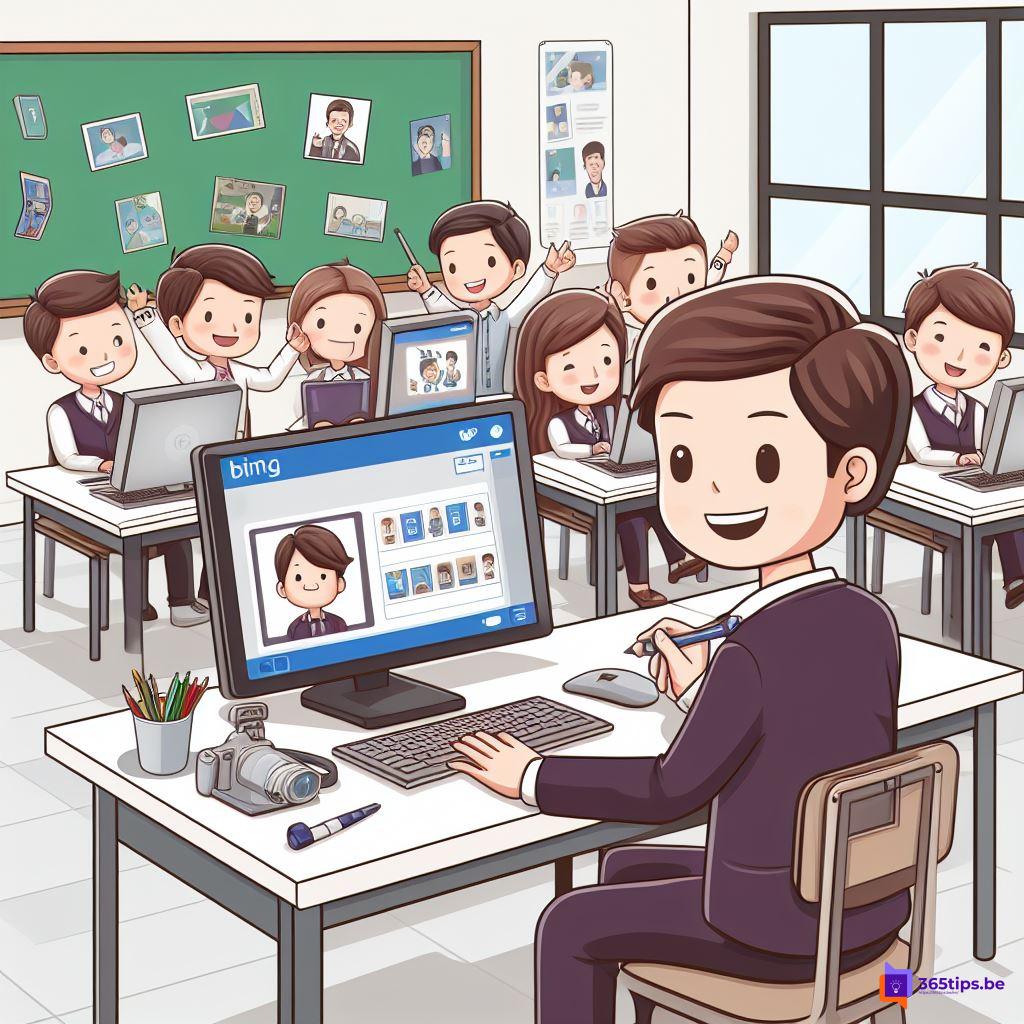
With Bing Image Creator you create images just by describing what you want to see. You don't need drawing skills or technical knowledge, only a free Microsoft account. It works in the browser, in the Bing app on your phone and in the Copilot app. This article shows how to get started and how to write better prompts.
Where to find Bing Image Creator
- In the browser: go to bing.com/create and sign in with your Microsoft account.
- In the Bing app for iPhone and Android: download the official Microsoft Bing app from the App Store or Google Play.
- In Copilot: simply ask for an image in the Copilot app or on copilot.microsoft.com, for example "Create an image of ...".
- In Microsoft Designer: handy when you want to use the image right away in an invitation, post or card.
Create an image in the mobile app
- Open the Bing app and sign in.
- Tap the option to create an image (usually Image Creator or Create).
- Type your prompt: describe as concretely as possible what you want to see.
- Wait a few seconds. You usually get a few variations.
- Tap an image to view, download or share it.
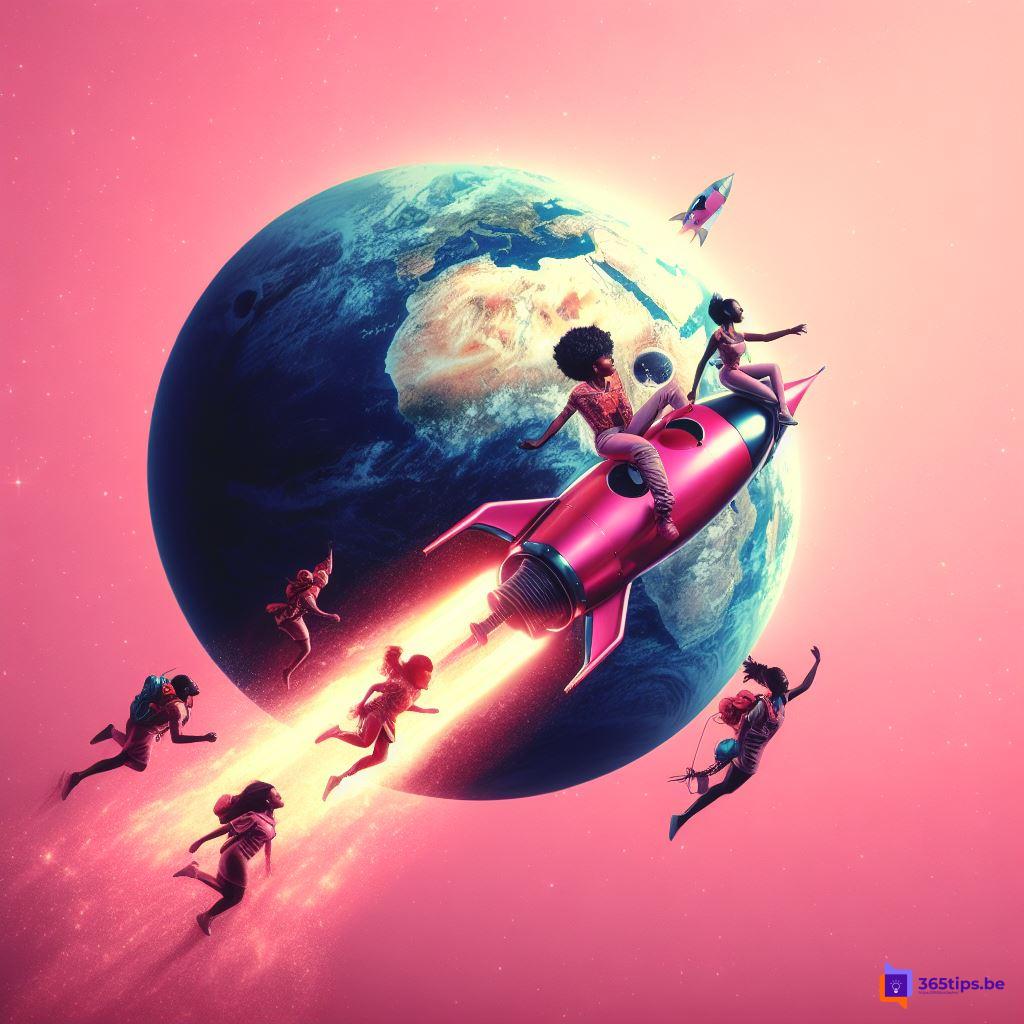

Create an image on your computer
- Go to bing.com/create.
- Type your description at the top and select Create.
- Select the result you like and choose Download.
How to write a good prompt
The more detail, the better the result. A handy template is: subject + action + setting + style.
- "A red apple falling, in the style of a cubist painting"
- "A cat playing piano in a cozy living room, anime style"
- "A futuristic city on the ocean floor, digital art"
- "Ten people in a classroom learning to work with a laptop, photorealistic"
Feel free to add a mood, colors, lighting or camera angle. Not happy with the result? Change one element of your prompt and try again.
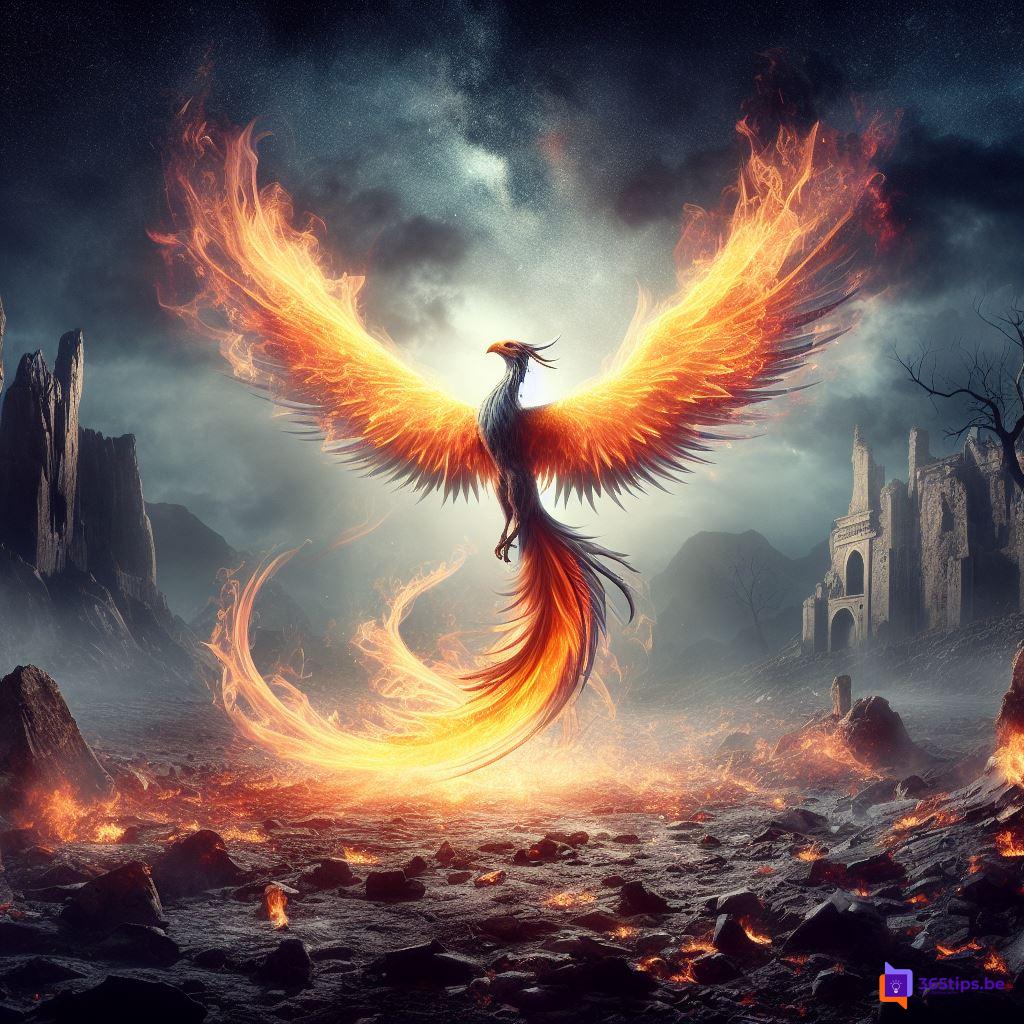
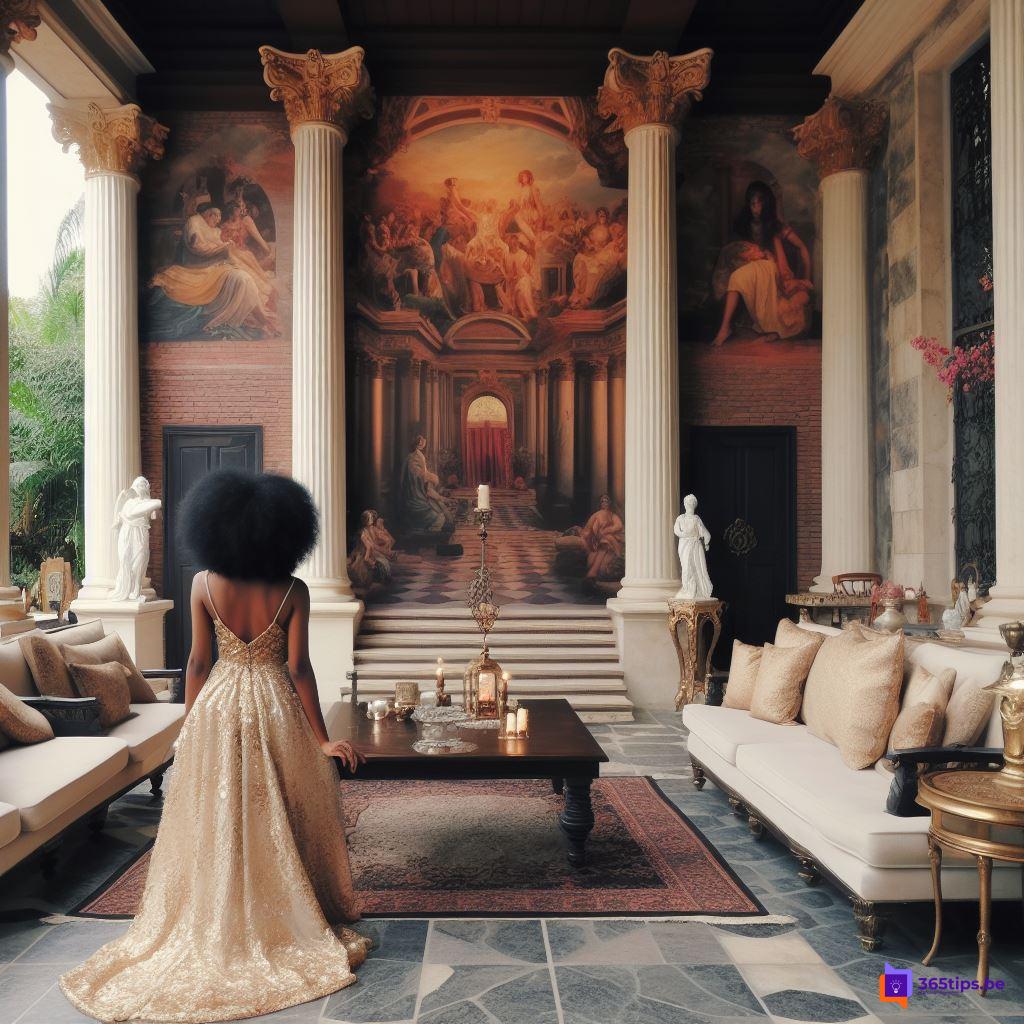
Good to know
- Rules: Microsoft blocks prompts that go against its content policy, such as violence or real people in a misleading context.
- Speed: the number of fast generations can be limited. After that it usually still works, just slower.
- Usage: check the terms of use before using an image commercially, and mention that it was made with AI where needed.
- At work: follow your organization's policy on AI tools and don't share confidential information in a prompt.
Bing Image Creator launched on DALL-E 3; Microsoft has since added newer image models and the app menus change regularly. Also see what is generative AI.
Read also
What is generative AI and what can you do with it?
What is Microsoft 365 Copilot and which versions exist?
Microsoft Whiteboard: tips to sketch and brainstorm together
Nederlandstalige versie: Zo maak je afbeeldingen met Bing Image Creator in de app en browser