With Microsoft Teams you can call not just colleagues, but regular phone numbers too. Teams then becomes your desk phone, on your laptop, mobile or a desk device. This article covers what you need and how to call, transfer, forward and use voicemail.
What do you need?
- Calls and video calls with colleagues and other Teams users work with any Teams license.
- For regular phone numbers you need Teams Phone, plus a connection to the phone network: a Microsoft Calling Plan, Operator Connect through a carrier, or Direct Routing.
- Your admin assigns you a phone number.
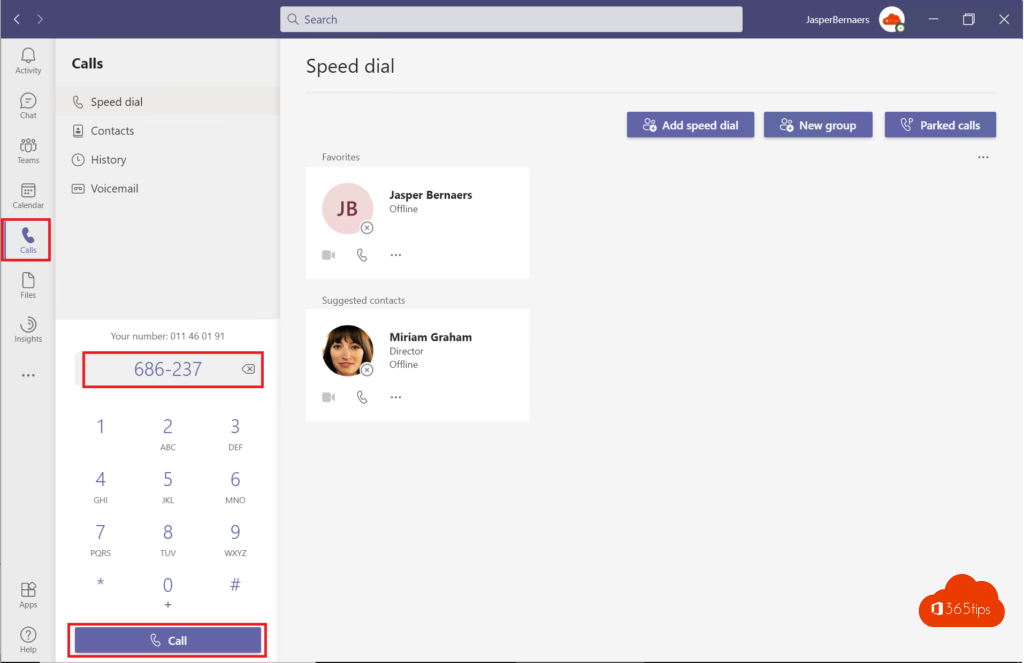
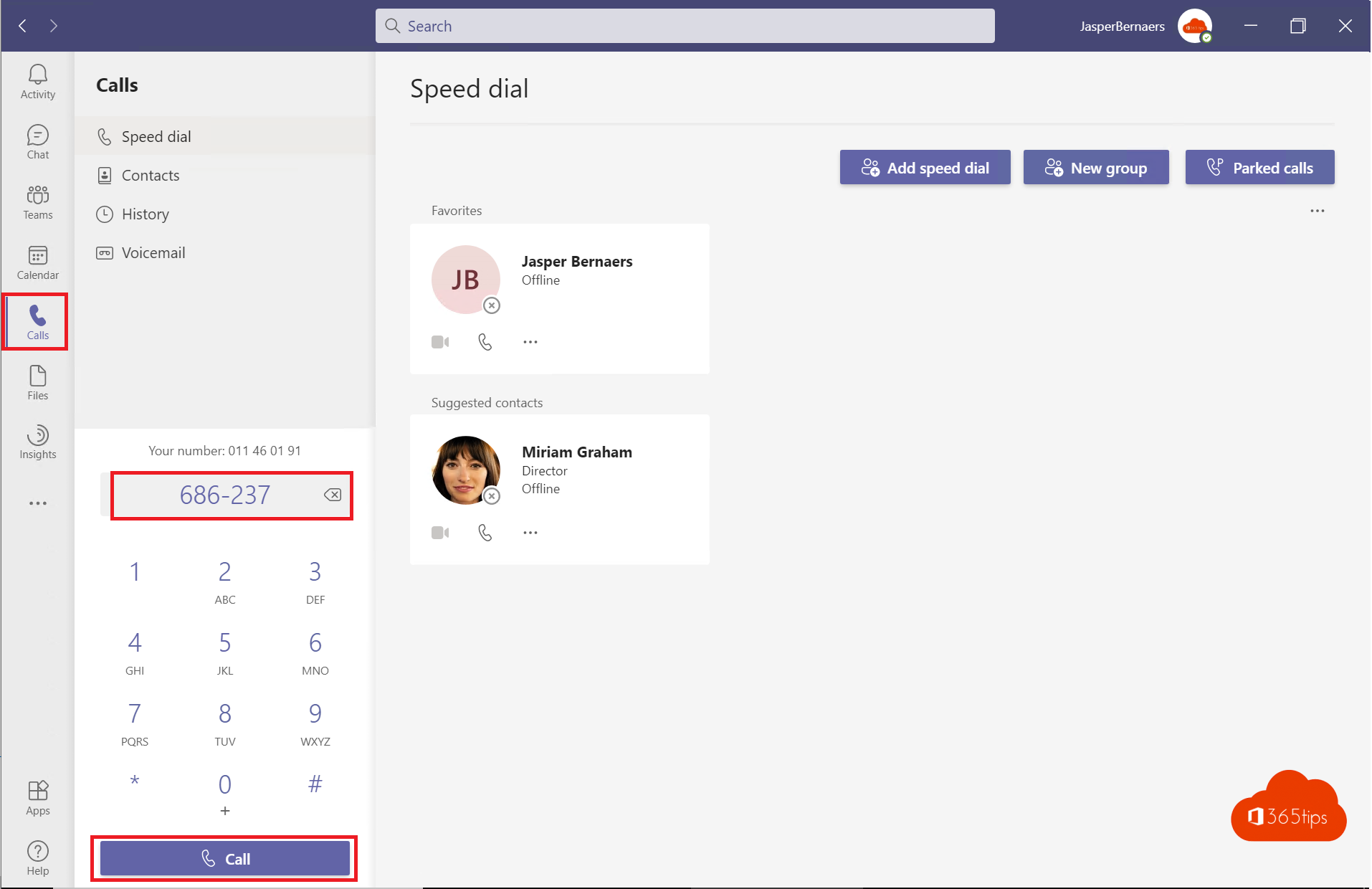
Make a call
- Open Calls in Teams.
- Type a name or number in the dial pad and select Call.
- Or call someone from a chat with the phone icon at the top.
During a call
- Hold and resume.
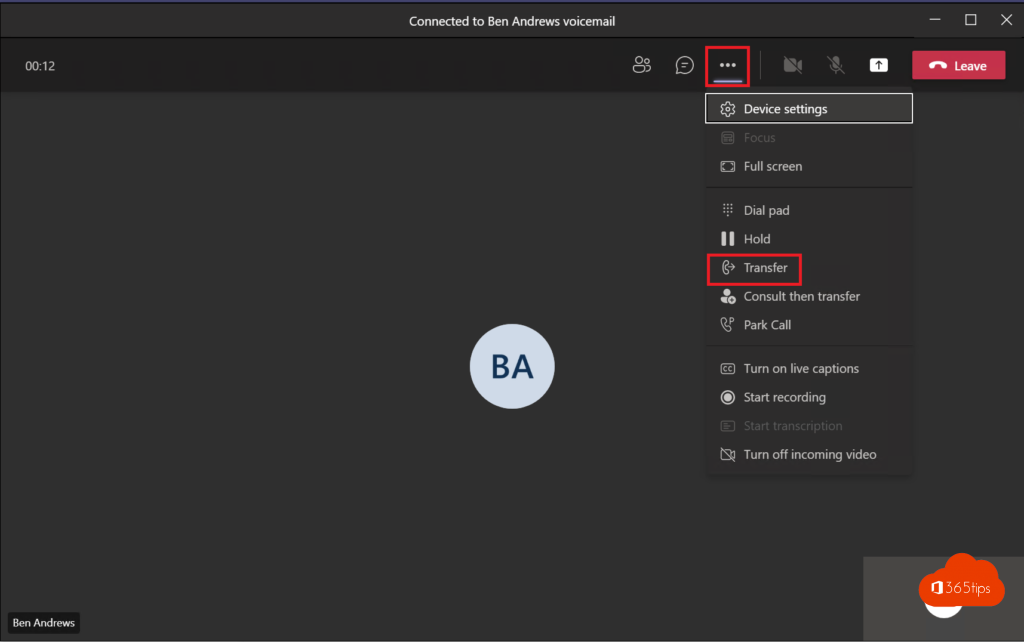
- Transfer: directly, or consult the recipient first.
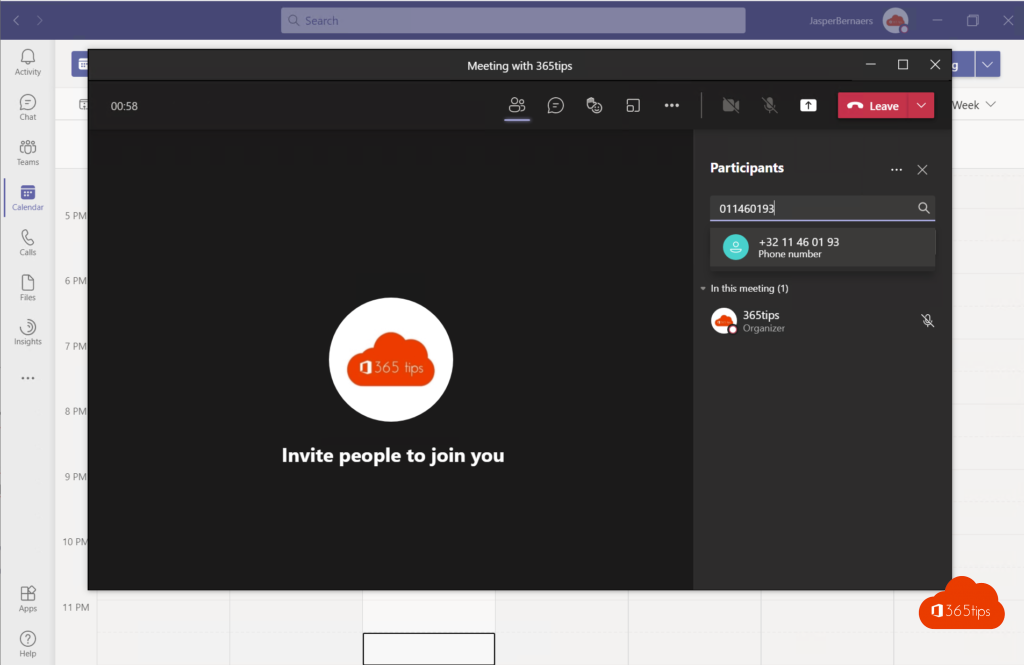
- Add people to turn it into a group call.
- Record or transcribe the call, if your admin allows it.
Forwarding and voicemail
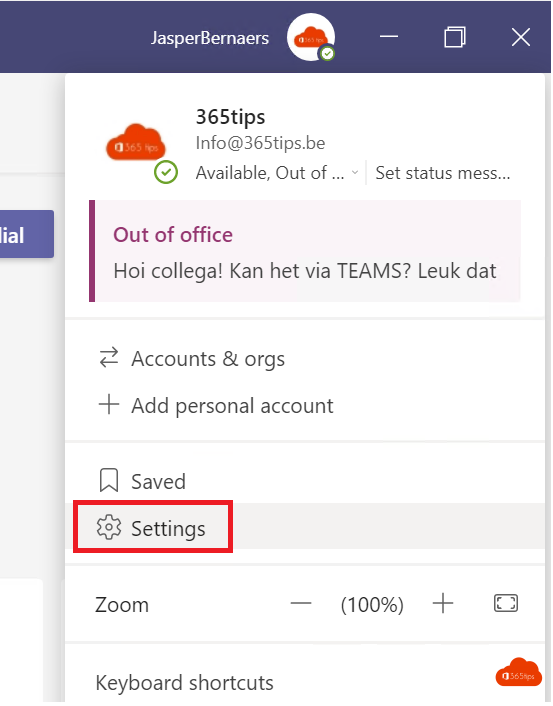
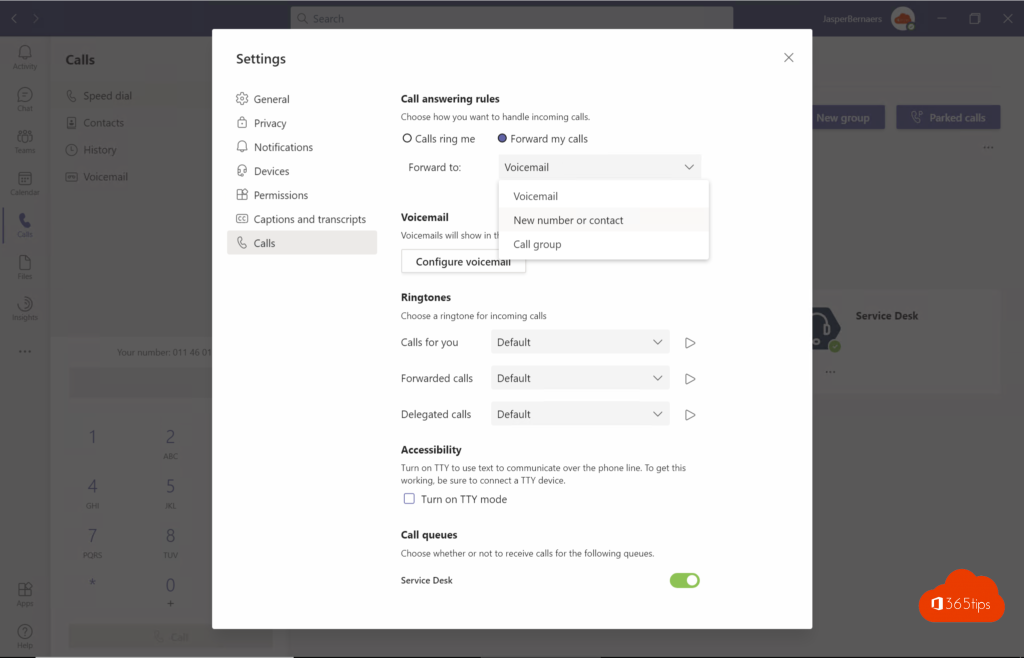
Go to Settings > Calls. There you choose:
- whether calls also ring on another number or a colleague (simultaneous ring),
- what happens when you don't answer, for example voicemail after 20 seconds,
- your voicemail greeting and its language.
Also see set up a call delegate and Walkie Talkie in Teams.
Read also
Set up a delegate for calls in Microsoft Teams
Set up and use Walkie Talkie in Microsoft Teams
Skype has been retired: switch to Microsoft Teams (free)
Nederlandstalige versie: Telefoneren met Microsoft Teams: alles wat je moet weten
More in English
▸Set your status in Microsoft Teams: available, busy or do not disturbSet your Teams status to Available, Busy, Do not disturb or Appear away, with a duration, a status message…
▸Set up noise suppression and voice isolation in Microsoft TeamsFilter out background noise in Teams with AI noise suppression: the Auto, High and Low levels, voice…
▸Set quiet hours in Microsoft Teams so you're not disturbed in the eveningSet quiet hours and quiet days in the Teams mobile app so you get no notifications outside working hours.…
▸Download and install Microsoft Teams on Windows, Mac and mobileDownload and install the right Teams app for work, school or personal use on Windows, Mac and mobile, or use…