
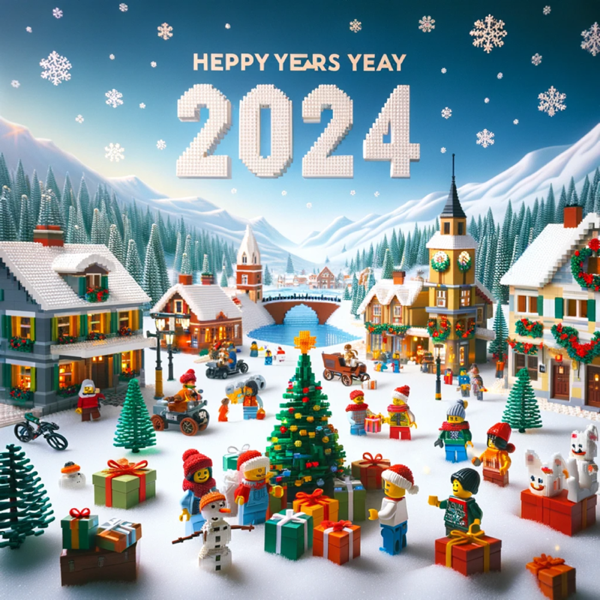
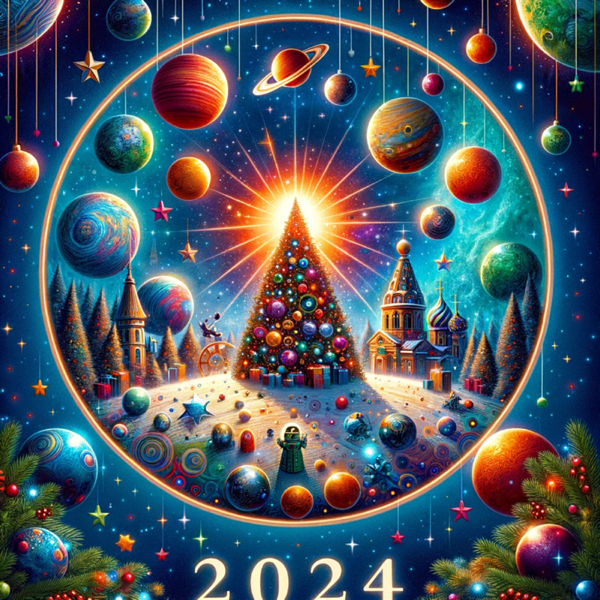
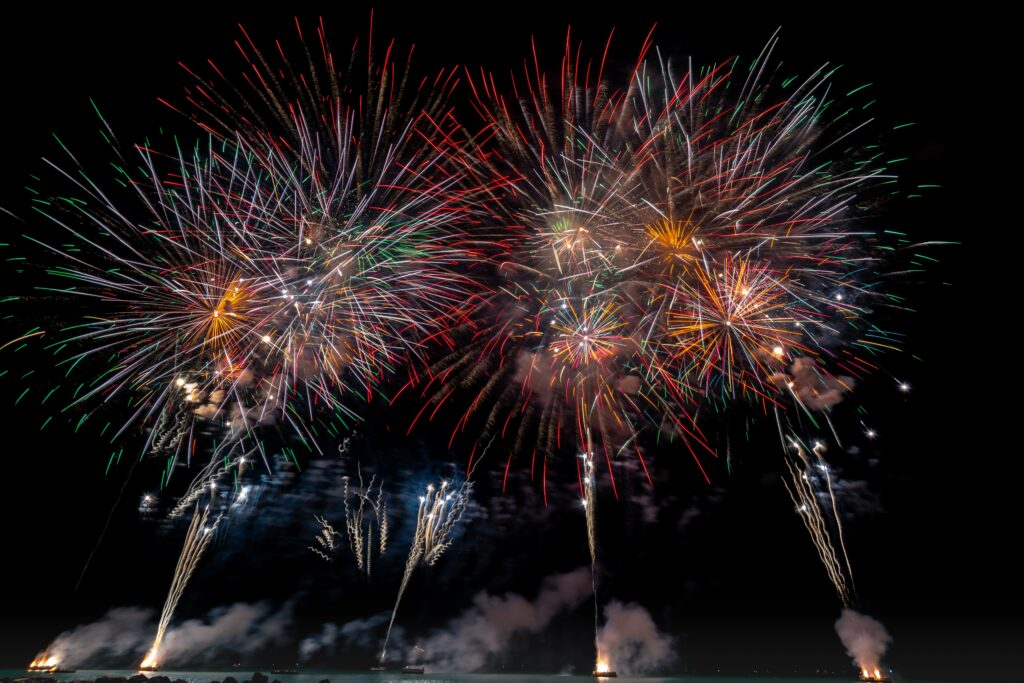
Want to start the new year in style in your video meetings? Here is a collection of New Year backgrounds you can use in Microsoft Teams, Zoom, Google Meet or as a desktop wallpaper. The images were made with AI and work for any new year, not just one.
Set a background in the new Teams
- Right-click an image below and choose Save image as.
- In the meeting pre-join screen (or during the meeting via the arrow next to Camera), click Video effects and settings.
- Under Backgrounds, choose Add new and select the image.
The best format is landscape 16:9, for example 1920 x 1080 pixels. Your admin can restrict custom backgrounds, or provide official organization backgrounds with Teams Premium. The exact menu names may differ slightly.
New Year backgrounds









Tips
- Use a calm background for formal meetings and save the busy prints for a team get-together.
- Prefer something simple? Choose Blur instead of an image.
- You can also create your own background with AI, for example with Microsoft Designer.
Also see set a custom background in Teams and winter backgrounds for Teams.
Read also
Set a custom background in Microsoft Teams
Winter backgrounds for Microsoft Teams and your desktop
Make a personal Christmas card with AI in Microsoft Designer
Nederlandstalige versie: Nieuwjaarsachtergronden voor Microsoft Teams, Zoom en Google Meet