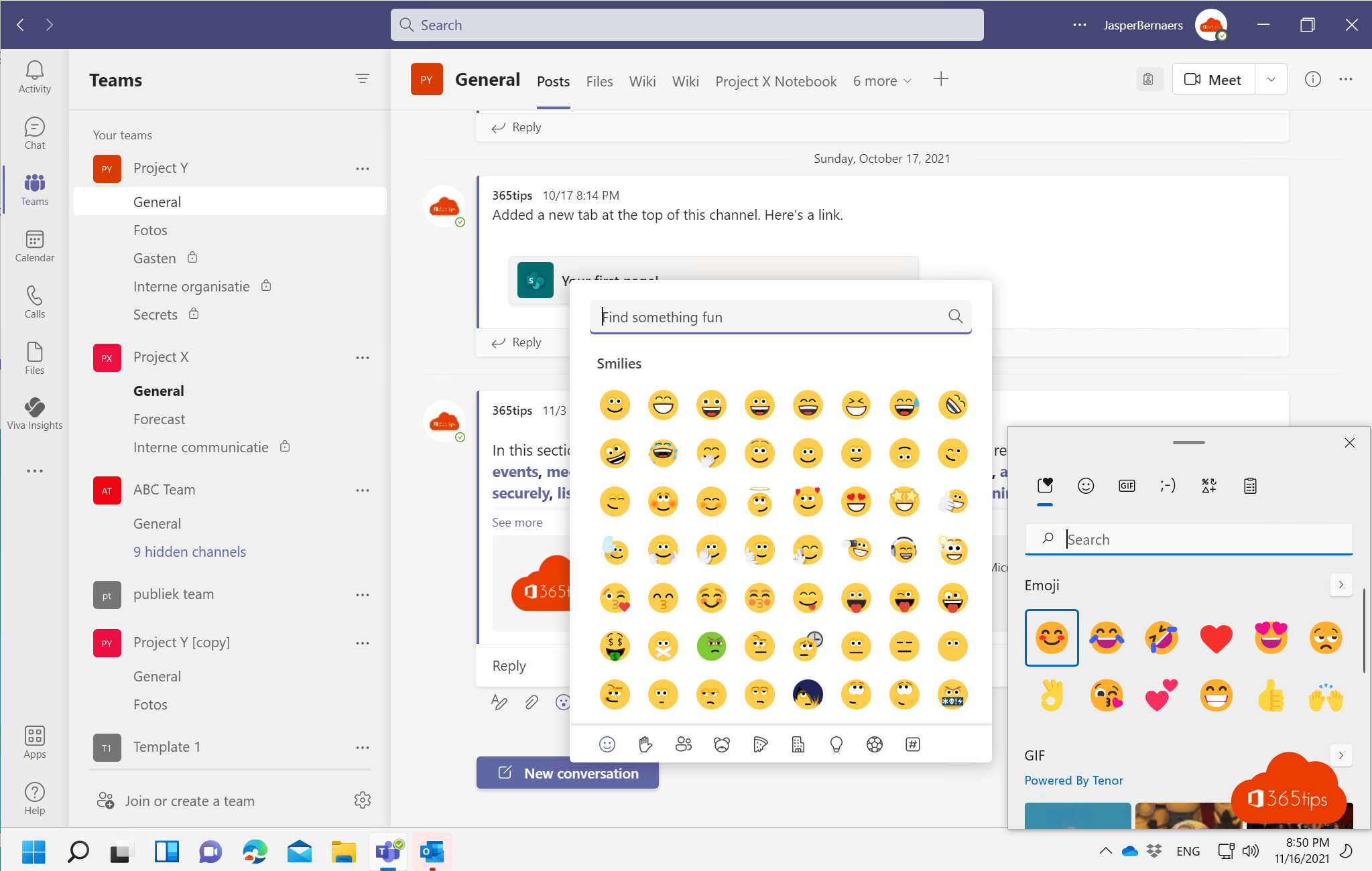
An emoji sometimes says more than a sentence. In Windows, Outlook and Microsoft Teams you add them quickly with a keyboard shortcut or the emoji button. Here's how it works today.
Emoji in Windows 11
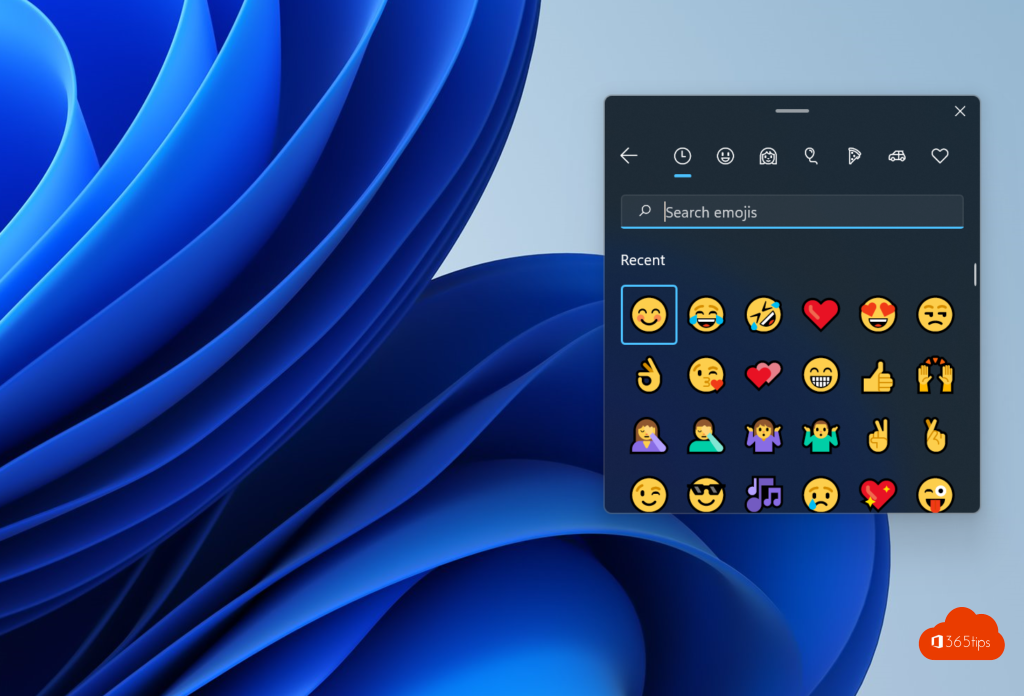
- Place your cursor in a text field, in any app.
- Press Windows key + . (period) or Windows key + ; (semicolon).
- The emoji panel appears. Click an emoji or keep typing to search.
The same panel also has GIFs, kaomoji and special symbols.
Emoji in Outlook
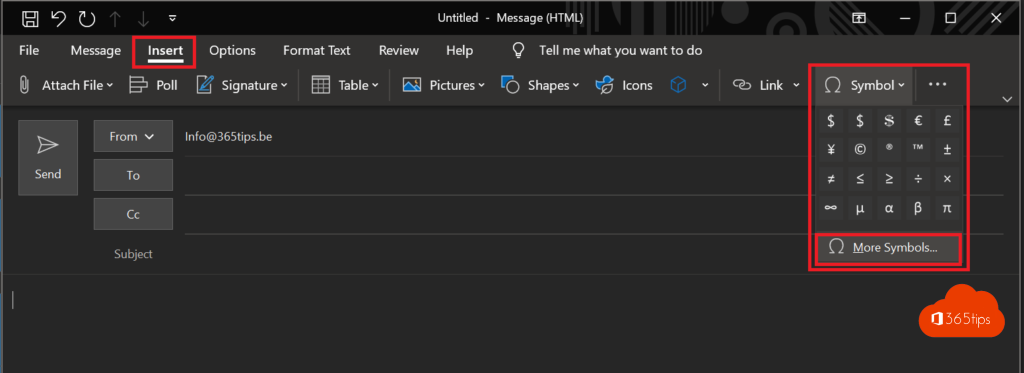
- The Windows key + . shortcut also works in Outlook.
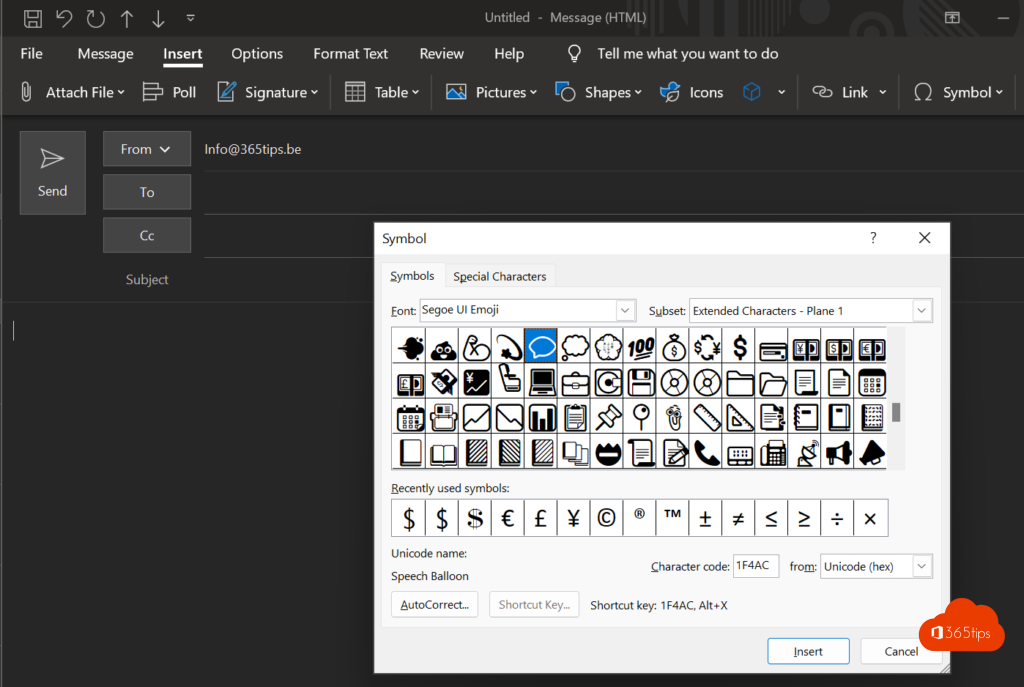
- In the new Outlook and Outlook on the web there's also an emoji button in the ribbon when you compose a message (its location can differ per version).
- If you type a smiley such as :), Outlook often turns it into an emoji automatically.
Emoji in Microsoft Teams
- Open a chat or channel conversation.
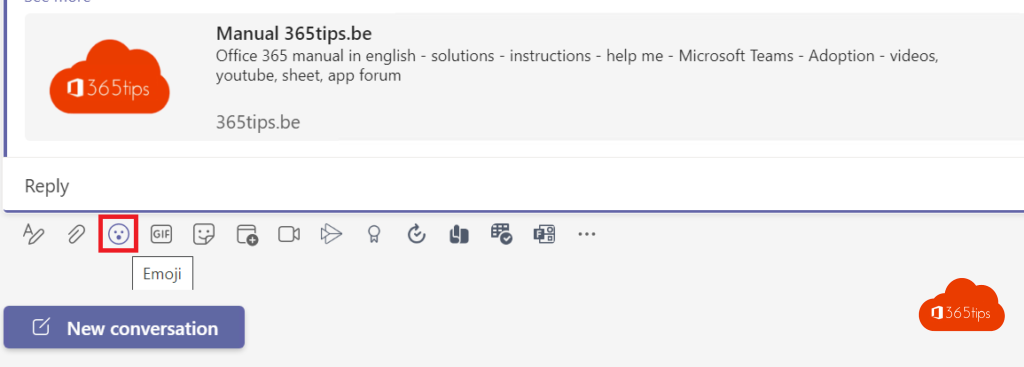
- Click the emoji icon in the compose box. That's also where you find GIFs and stickers.
- Or type a colon followed by a word, such as :smile, and pick from the suggestions.
Want to react quickly to a message? Hover over it and choose a reaction, or search for another emoji in the list.
Also see emoji, GIFs and stickers in Teams and Windows 11 keyboard shortcuts.
Read also
Use emoji, GIFs and stickers in Teams and Outlook
The most useful keyboard shortcuts for Windows 11
How to view and use clipboard history in Windows 11 and 10 (Windows + V)
Nederlandstalige versie: Emoji gebruiken in Windows 11, Outlook en Microsoft Teams
More in English
▸The most useful Microsoft Teams keyboard shortcuts for Windows and MacThe most useful shortcuts for the new Teams app: navigation, chat, mute, camera, raise hand and screen…
▸The most useful tips for email in Microsoft OutlookRules, pinning, snoozing, delay send, search and more: tips to work faster with email in…
▸The most useful Microsoft Teams features in one listTips for chat, meetings and productive work in Teams, each with a link to a full…
▸Seven tips to work more productively in Windows 11Snap layouts, clipboard history, virtual desktops, File Explorer tabs, focus sessions and shortcuts in…