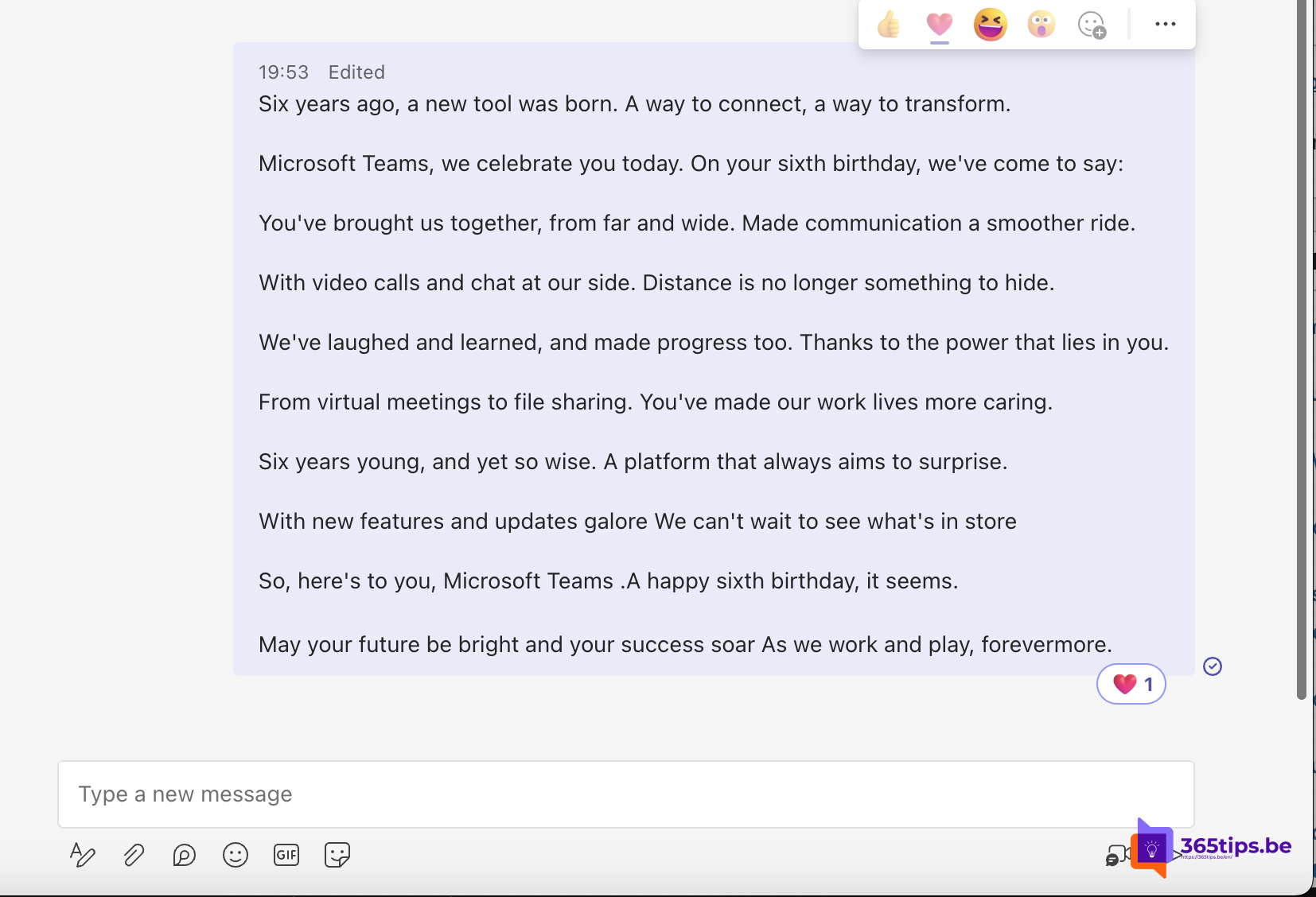
Microsoft Teams launched worldwide on March 14, 2017. Every year around that date birthday posts pop up, and on 365tips we even celebrated its sixth birthday in 2023 with a little poem. Today, Teams is the place for chat, meetings, calling and collaboration in many organizations. This article gives an overview of how Teams came about, which milestones changed the platform and what Teams looks like today.
How it started
Before Teams, organizations worked with separate tools: Skype for Business for chat and calls, Outlook for mail, SharePoint for documents and Yammer for social networking. Teams was meant to bring those worlds together in one workspace built around teams and channels. Microsoft announced Teams in November 2016 as part of Office 365, and in March 2017 it was available to everyone with a suitable license.
Key moments
- 2016: Microsoft announces Teams as a chat platform in Office 365.
- March 2017: Teams becomes generally available.
- 2017–2021: Teams gradually takes over the role of Skype for Business Online. That service was switched off in 2021.
- 2020: during the pandemic Teams grows enormously. Features such as custom backgrounds, Together mode, meetings in a separate window and breakout rooms arrive.
- 2021–2023: Teams gets Loop components, Teams Premium and a free version for personal use, among other things.
- 2023–2024: the new Teams arrives, faster and lighter. Copilot comes to meetings and chats.
- 2024–2025: classic Teams is phased out and Skype shuts down in 2025; Skype users can move to the free Teams. Read Skype is retired: switch to Teams.
Exact dates sometimes differ by region, platform and license. Microsoft usually rolls out new features in phases.
From classic to new Teams
The biggest technical change was the move to the new Teams. The app was rebuilt, starts faster, uses less memory and handles multiple accounts and organizations side by side better. For users the app looked largely familiar, but with a refreshed interface for chat and channels. Anyone still using an old shortcut or installation no longer gets support for it. If you're still on an outdated version, ask your IT department to install the current Teams app. What changed exactly is explained in the new Microsoft Teams app.
Teams today
Teams is no longer just a chat app. You meet, call, share files through SharePoint and OneDrive, collaborate in Loop and let Copilot summarize meetings (with a Copilot license). Teams is also a platform for apps: Planner, Approvals, Forms and apps from other vendors simply run in a tab or in the left bar. Want to start again with the basics? Read video calls with Microsoft Teams.
Celebrating birthdays in Teams
Teams is also where teams celebrate birthdays and holidays, especially when colleagues work in different places. Use a festive background, send an animated card in the chat or schedule a short online cake break. For inspiration, see the best birthday backgrounds for Teams.
Frequently asked questions
- When is Teams' birthday? On March 14, the day it became generally available in 2017.
- Does Skype still exist? No, the consumer version of Skype shut down in 2025. Teams (free) is its successor for personal use.
- Is the free Teams the same as Teams at work? No. The free version is meant for family and friends, with fewer features and no management by an organization. See how to use Microsoft Teams for free.
- How do I find out what's new? Microsoft releases updates every month. Keep an eye on the "What's new" information in the Teams app and on Microsoft's own announcements.
For admins
Check that all users are on the new Teams app and remove old installations of classic Teams from shared and virtual workstations. Follow the Microsoft 365 message center and the roadmap, so you can announce changes before users discover them on their own.
Nederlandstalige versie: Gelukkige verjaardag, Microsoft Teams: een korte geschiedenis