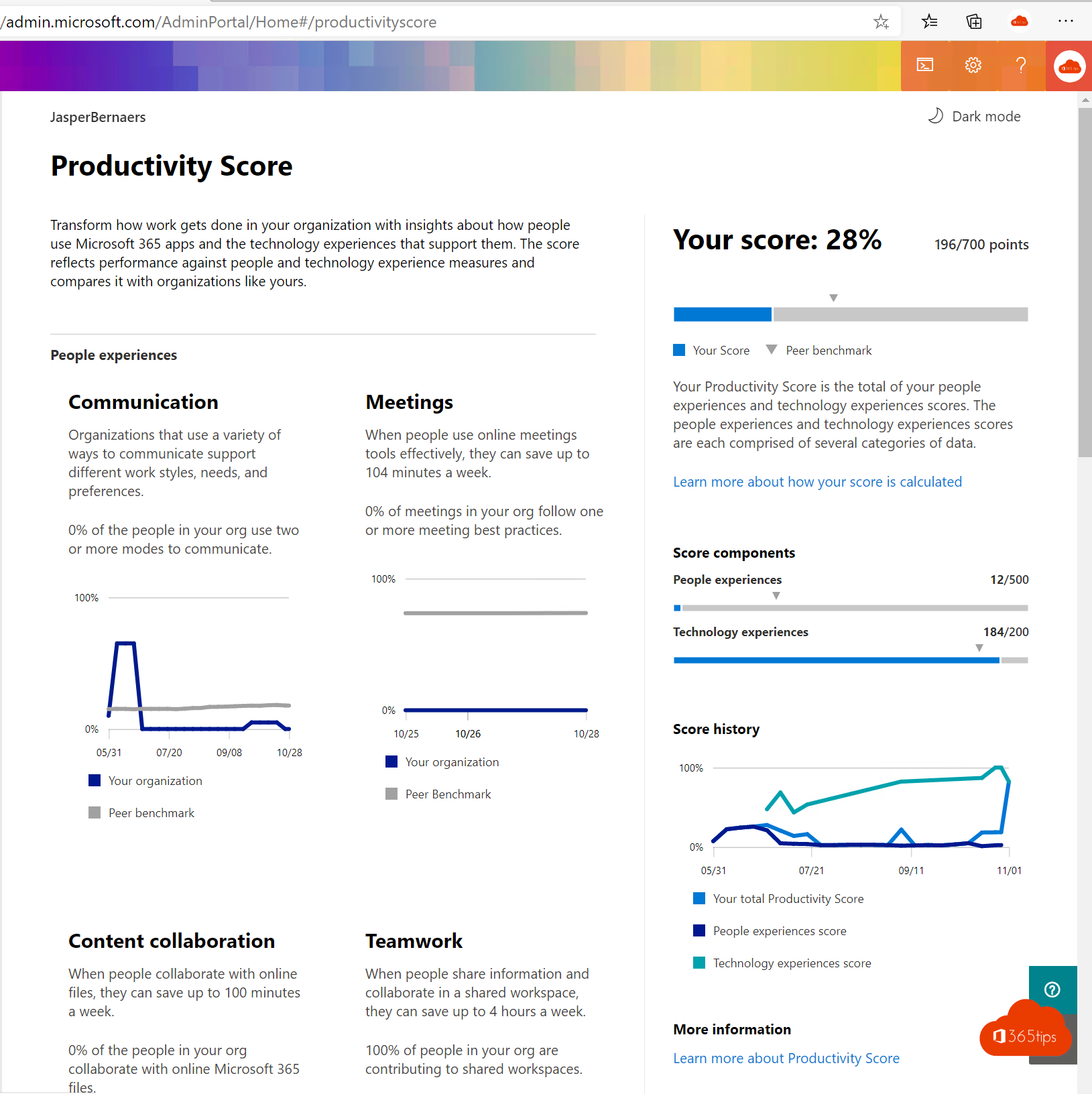
You've rolled out Microsoft 365 and trained your users. But is it working? Do people really use Teams and OneDrive, or are they still emailing attachments around? With the right reports you measure usage and see where extra guidance is needed. The tools have new names: Productivity Score is now Adoption Score, Workplace Analytics is part of Viva Insights, and Yammer is Viva Engage. This article lists five places to measure adoption.
Why measure adoption?
- You see whether training and campaigns have an effect.
- You find departments that need extra help.
- You can better match licenses to what's actually used.
Examples of questions you can answer: how many people use Teams every week? Is the number of shared files in OneDrive going up? Is internal email going down?
1. Usage reports in the Microsoft 365 admin center
Go to Reports > Usage. For each service (Exchange, Teams, OneDrive, SharePoint, Viva Engage and the Microsoft 365 apps) you see how many users are active over 7, 30, 90 or 180 days. You can export the data to Excel. Read more in Microsoft 365 usage reports.
By default Microsoft hides user names in these reports. An admin can change that under Settings > Org settings > Reports. Only do so when it's necessary and allowed.

2. Adoption Score
Adoption Score goes beyond counting. It looks at how people collaborate: do they share files as links or attachments, do they meet with video, do they work in channels? You get a score and concrete recommendations. Read turning on and using Adoption Score.

3. Analytics and reports in the Teams admin center
In the Teams admin center, under Analytics & reports, you find more detail about Teams: usage per team, meetings, apps and devices. Handy for seeing which teams are active and which ones you can clean up.
4. Viva Insights
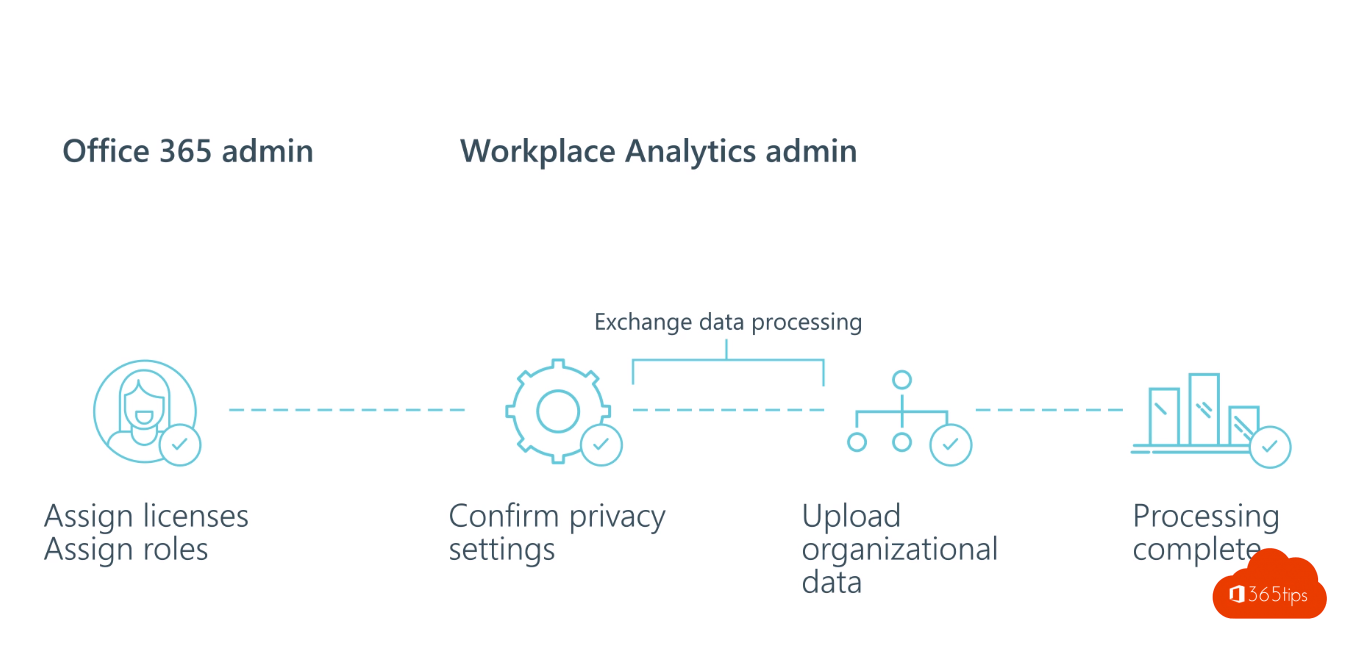
The former Workplace Analytics is now part of Viva Insights. Users see personal insights into their focus time and meetings. With the advanced capabilities (separate license), analysts study work patterns at the organization level, for example how much time teams spend in meetings. Data is de-identified and aggregated in the process.

5. Just ask: surveys and feedback
Numbers don't tell the whole story. Ask users how they experience it, with a short survey in Microsoft Forms or with Viva Pulse. Combine that with conversations with your champions in each department.
Summary
- Start with the usage reports: free and available right away.
- Turn on Adoption Score for insight into collaboration and concrete tips.
- Dig into the Teams admin center for detail about Teams.
- Use Viva Insights if you want to understand work patterns.
- Don't forget the people: ask for feedback and adjust.
Also see Adoption Score in Microsoft 365 and success factors for Teams governance.
Read also
Turn on and use Adoption Score (formerly Productivity Score)
Usage reports and Adoption Score in the Microsoft 365 admin center
A tour of the Microsoft Teams admin center
Nederlandstalige versie: 5 tips om de adoptie van Microsoft 365 te meten