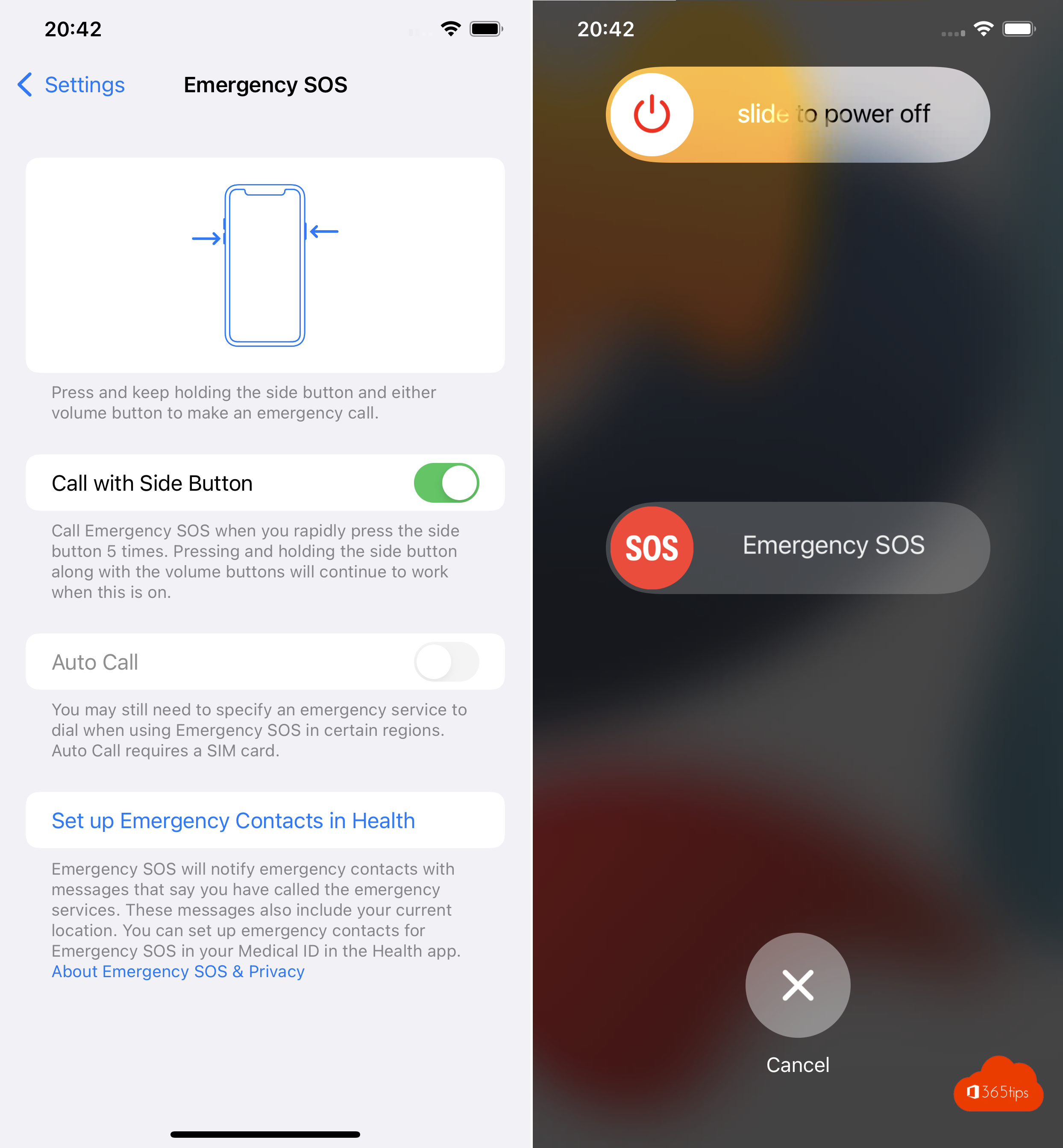
With Emergency SOS your iPhone quickly calls emergency services, even if you can't unlock it. After the call, your emergency contacts get a message with your location. Here's how to set it up and use it.
What does Emergency SOS do?
- Your iPhone automatically calls the local emergency number, such as 112 in Europe.
- After the call, your emergency contacts get a text with your current location, unless you cancel it.
- If your location changes, your emergency contacts receive updates for a while.
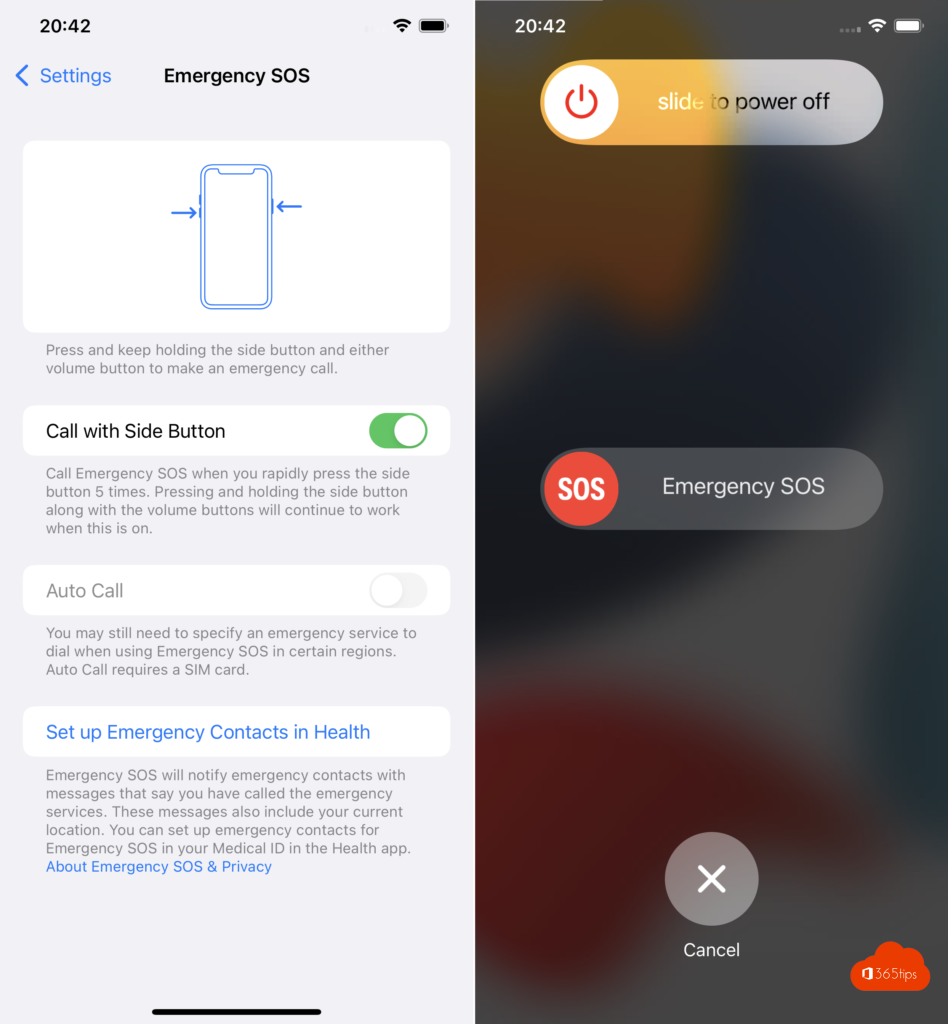
Make an emergency call
iPhone 8 and later:
- Hold the side button and one of the volume buttons.
- Drag the Emergency Call or SOS slider to the right.
- Or keep holding the buttons: a countdown starts with an alarm sound, and then your iPhone calls emergency services.
iPhone 7 and earlier: rapidly press the side or top button five times.
Set up Emergency SOS
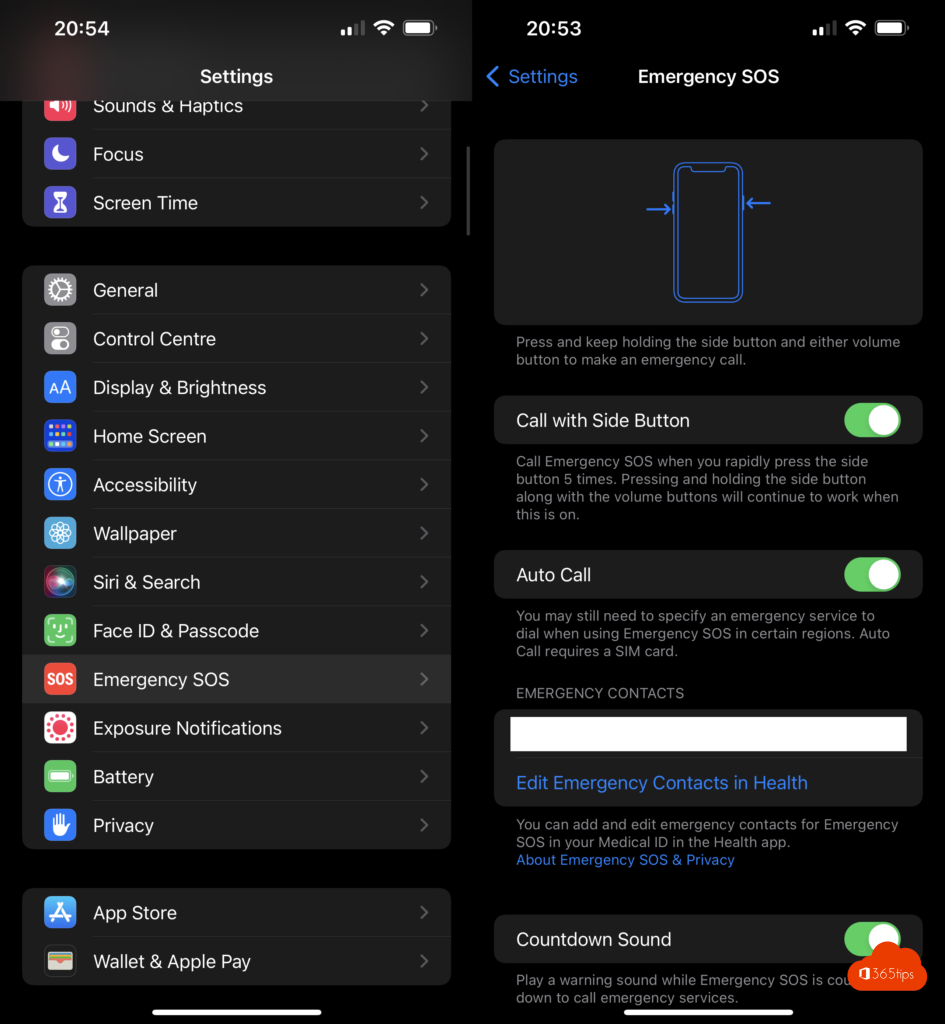
- Open Settings > Emergency SOS.
- Choose how a call starts, for example by holding and releasing the buttons or by pressing the side button five times. The exact names of these options may differ by iOS version.
- Check that the countdown sound is on, so you can still stop an accidental call.
Add emergency contacts
Your emergency contacts are stored in your Medical ID in the Health app.
- Open the Health app and tap your profile picture.
- Tap Medical ID > Edit.
- Scroll to Emergency Contacts and add a contact from your contacts list.
- Turn on Show When Locked, so first responders can see your Medical ID.
You can also get here from Settings > Emergency SOS.
Extra safety features
- Crash Detection: recent iPhones detect a severe car crash and call emergency services if you don't respond.
- Emergency SOS via satellite: on recent iPhones you can text emergency services without a mobile network or Wi-Fi, in countries where Apple offers it.
- Apple Watch: you can start Emergency SOS on your watch too, by holding the side button.
The 112 BE app in Belgium
In Belgium, the official 112 BE app from the emergency services is a useful addition. After registering, you call an ambulance, the fire service or the police with one tap. The emergency center immediately sees your location and who you are. If you can't talk, the operator can start a chat. The app is available in the App Store and Google Play; more information is on 112.be.
Also see four ways to reset an iPhone without a computer and how to find your iPhone's IP address.
Read also
4 ways to reset an iPhone without a computer
Create an Apple Account on iPhone, Mac, Windows or Android
Find the IP address of your iPhone, iPad or Mac
Nederlandstalige versie: Noodoproep SOS instellen en gebruiken op je iPhone