
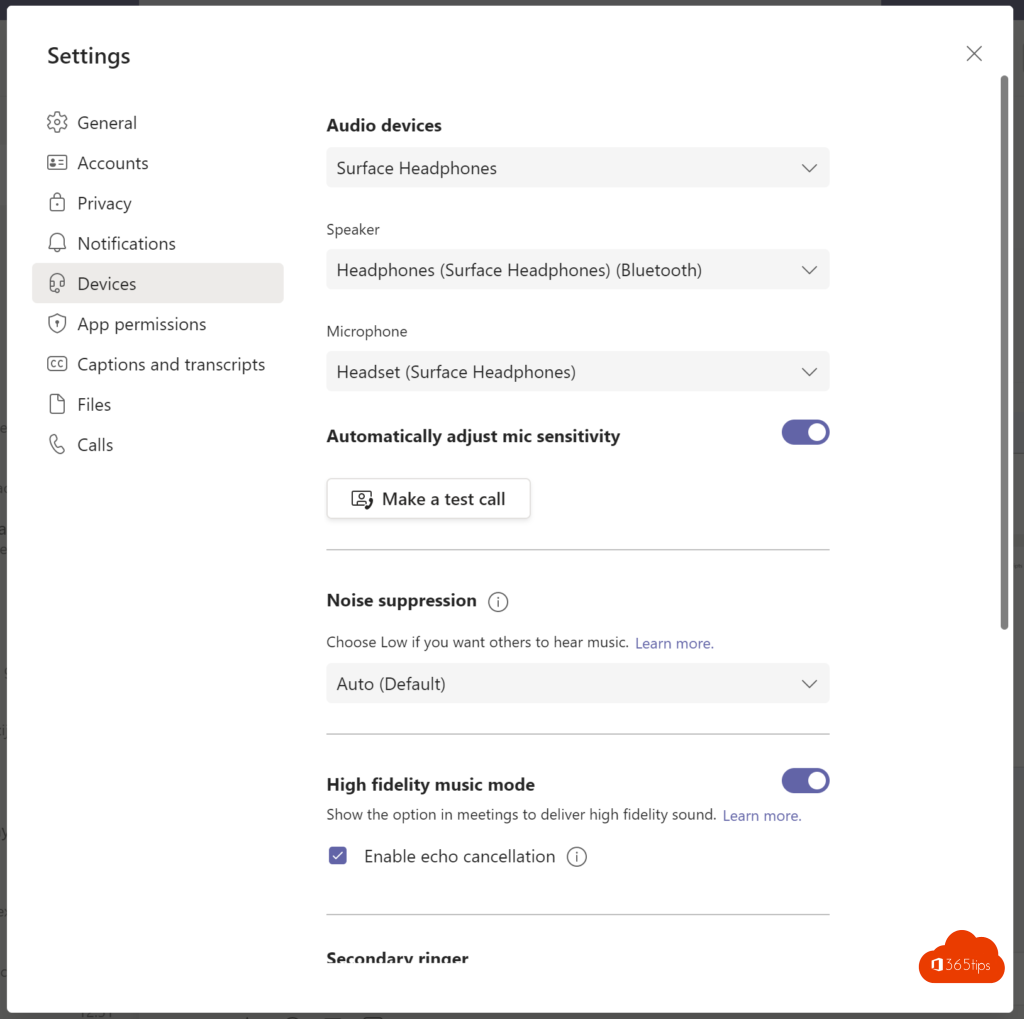
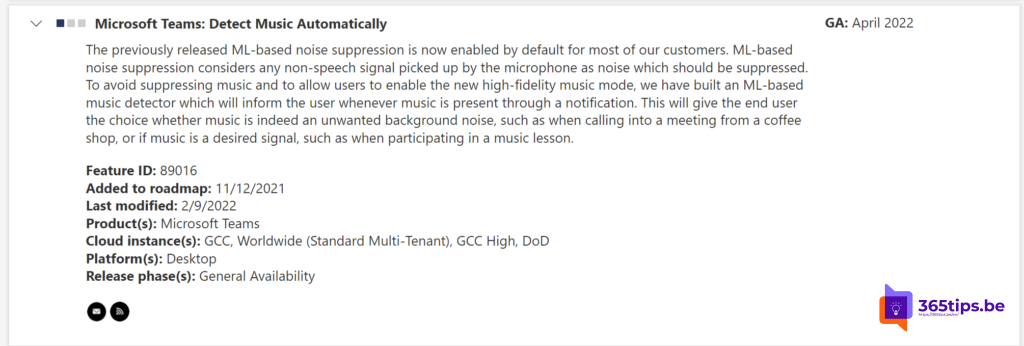
Teaching a music lesson, playing an instrument or sharing music during a meeting? By default Teams filters out background noise, and music often counts as noise. With music mode (formerly high-fidelity music mode) music sounds far more natural.
What does music mode do?
- Teams turns noise suppression off or down, so music isn't filtered out.
- Audio is sent at a higher quality when your network allows it. On a weak connection Teams adjusts the quality.
- Ideal for music lessons, performances and singing.
Turn on music mode
- In Teams go to Settings and more (the three dots) > Settings > Devices.
- In the audio settings, find the option for music mode or high-fidelity music and turn it on.
- During a meeting you can also set this under More > Settings > Audio settings.
The exact name of the option can differ per version. Can't find it? Turn noise suppression off for a similar effect.
Tips for good sound
- Use an external microphone instead of your laptop's built-in one.
- Wear headphones so the sound from your speakers doesn't feed back into the microphone.
- Use a wired connection or a strong Wi-Fi signal.
- Want to play music from your computer? Share your screen with computer sound.
Also see noise suppression in Teams and share computer sound in Teams.
Read also
Set up noise suppression and voice isolation in Microsoft Teams
Share your screen with computer sound in Microsoft Teams
No more echo in Microsoft Teams thanks to howling detection
Nederlandstalige versie: Muziek laten horen in Teams met de muziekmodus
More in English
▸Share computer sound in Teams on a MacBook or iMacInstall the Teams audio driver and grant the right macOS permissions to share computer sound in a…
▸Video calls with Microsoft Teams: how it worksStart a video call from a chat or with Meet now, on your computer or phone, with tips for picture and…
▸Ten tips for good meeting etiquette in Microsoft TeamsAgenda, headset, muting, raising your hand, PowerPoint Live and ending on time: ten tips for better Teams…
▸The most useful Microsoft Teams features in one listTips for chat, meetings and productive work in Teams, each with a link to a full…