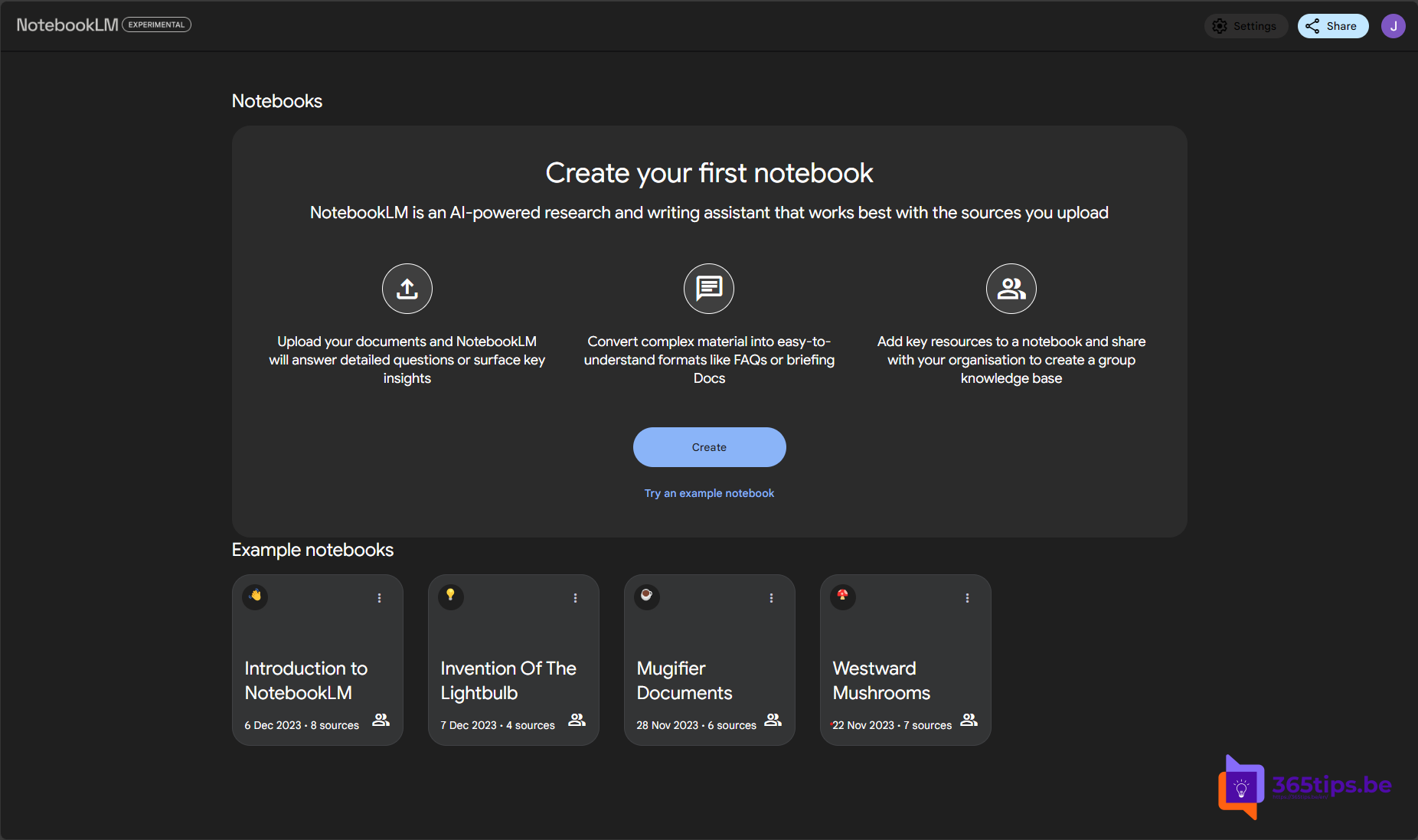
Would you rather listen to a long document than read it, or are you looking for a quick way to create a podcast-style summary? With Google's NotebookLM you upload your own sources and turn them into an Audio Overview: a conversation between two AI voices about your content. Here is how it works and what to watch out for.
NotebookLM now creates audio from your sources itself with Audio Overviews, so you no longer need a separate text-to-speech tool. Available languages, formats and limits can change and depend on your account.
What is NotebookLM?
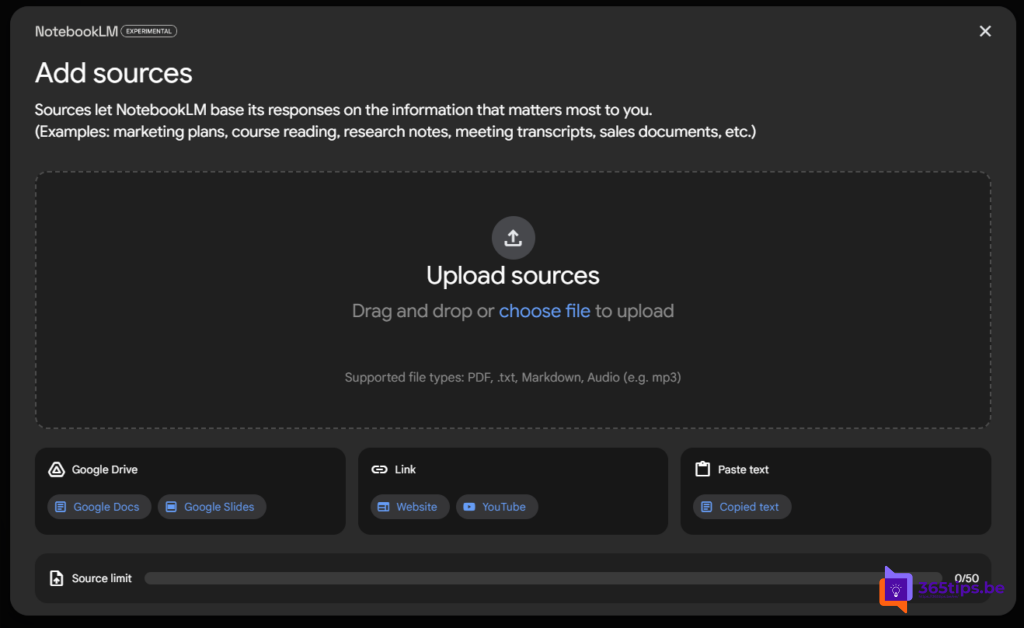
NotebookLM is an AI notebook from Google. You add sources, such as PDFs, Google Docs, websites, YouTube videos or pasted text. Then you ask questions, and NotebookLM answers based on those sources, with citations showing where each answer comes from.
Create an Audio Overview
- Go to notebooklm.google.com and sign in with your Google account.
- Create a new notebook and add one or more sources.
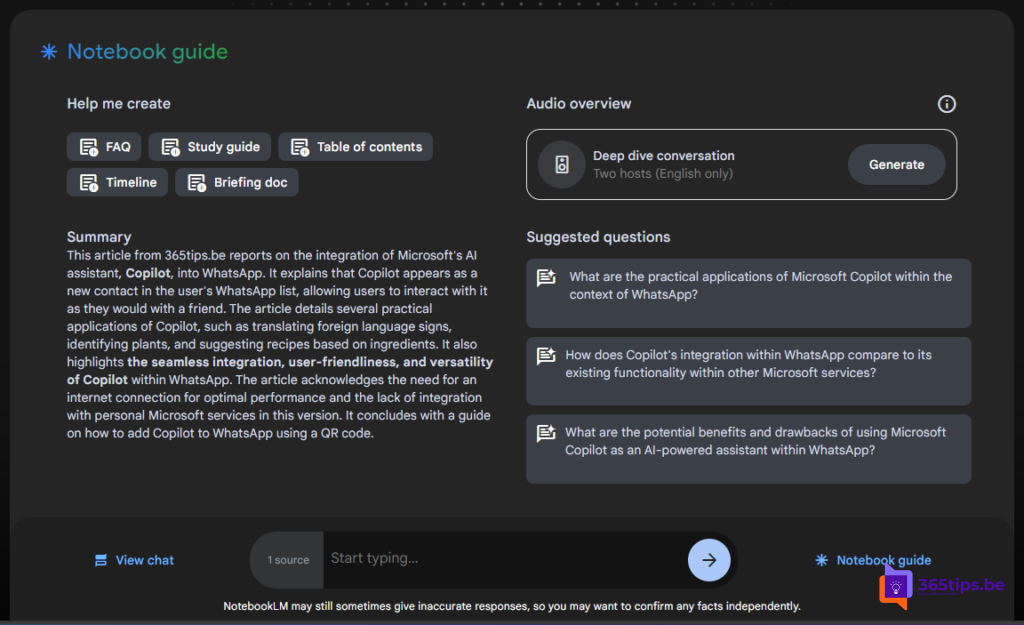
- In the Studio panel, choose Audio Overview (the exact label can differ).
- Optionally tell it what to focus on, for example "focus on the practical steps", and pick the language and length where available.
- Click Generate. After a few minutes you can listen to or download the conversation.
What can you use it for?
- Listening to a long report or manual on the go.
- Summarizing study material or meeting notes for colleagues.
- A first draft for a podcast: topics, questions and structure.
- NotebookLM also helps with titles, show notes and questions for guests.
What to watch out for
- Check the content: the AI voices can oversimplify or get things wrong.
- Be transparent with your listeners if you publish AI audio.
- Sensitive data: don't upload confidential work documents unless your organization allows it. If you work in Microsoft 365, Copilot Notebooks can be an alternative.
- Respect copyright when you use other people's content.
Also see notebooks in Microsoft Copilot and what is Microsoft 365 Copilot.
Nederlandstalige versie: Van tekst naar audio: een Audio Overview maken met NotebookLM