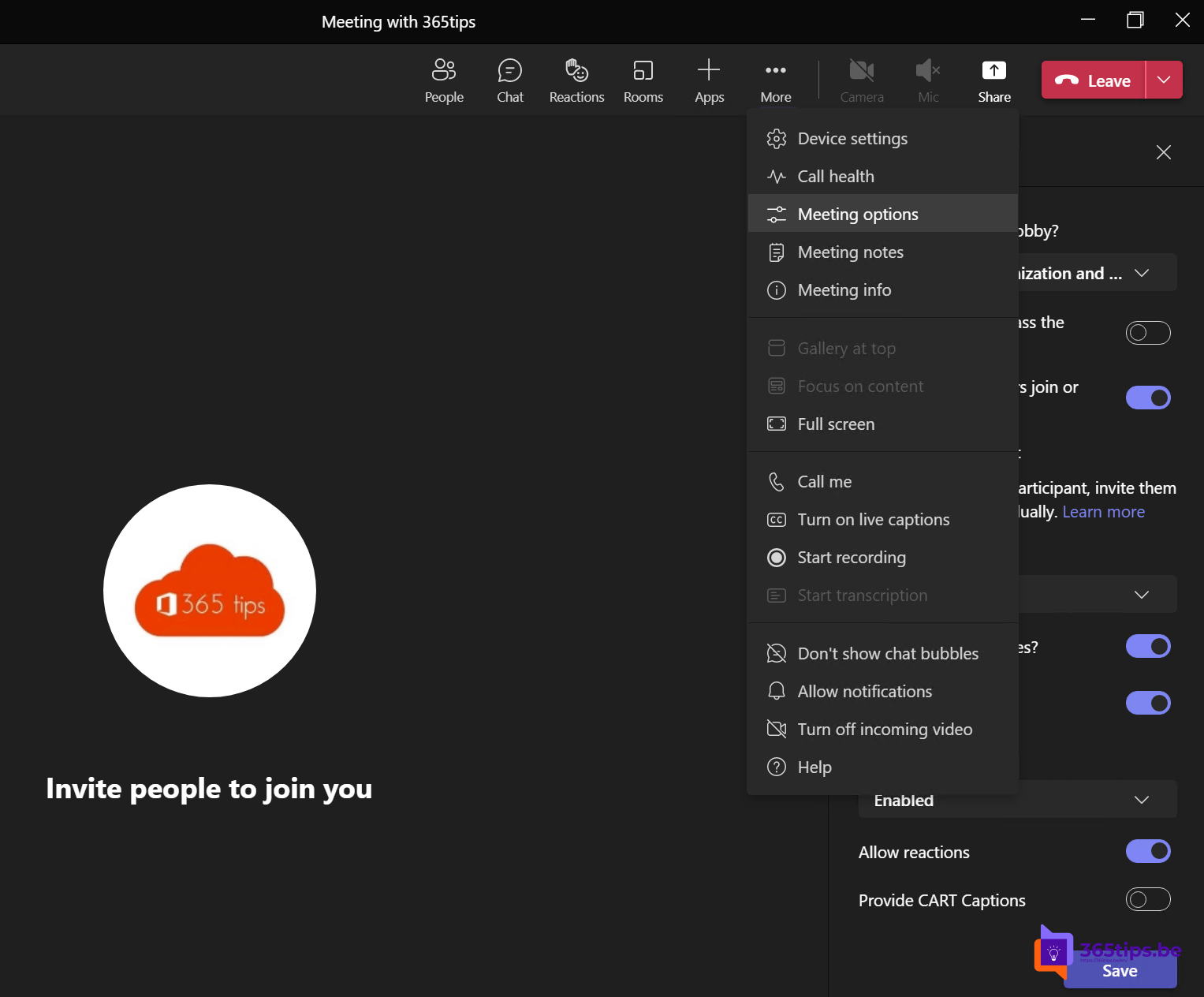
Everyone has left, but one participant accidentally stays behind in the meeting. The result: the meeting keeps running, and a recording or transcript gets needlessly long. Microsoft Teams handles this by ending these "forgotten" meetings automatically.
How does it work?
- If you're the only one left in a meeting, Teams shows a notification after a while.
- You choose to end the meeting or to stay.
- If you don't respond, Teams ends the meeting automatically.

Want to stay on purpose, for example because you're still waiting for someone? Just choose to stay.
What does this mean for the recording?
- The recording stops when the meeting ends. So you don't get a recording of hours of silence.
- The recording is then processed and appears in the meeting chat. It's stored in OneDrive (regular meeting) or SharePoint (channel meeting).
- Even without this feature, a recording stops automatically after a maximum duration. Long sessions are better split up.
End the meeting for everyone yourself
As the organizer you can also close the meeting for everyone right away. Click the arrow next to Leave and choose End meeting. Everyone is removed from the meeting. Read end a Teams meeting for everyone.
Tips
- Teach participants to actually click Leave afterwards, not just minimize the window.
- Set an expiration date on old recordings so they don't pile up: see change the expiration date of recordings.
Also see automatically record Teams meetings.
Read also
End a Microsoft Teams meeting for everyone at once
How to record and transcribe a Teams meeting automatically from the start
How to change the expiration date of a Microsoft Teams recording
Nederlandstalige versie: Microsoft Teams beëindigt vergeten vergaderingen automatisch