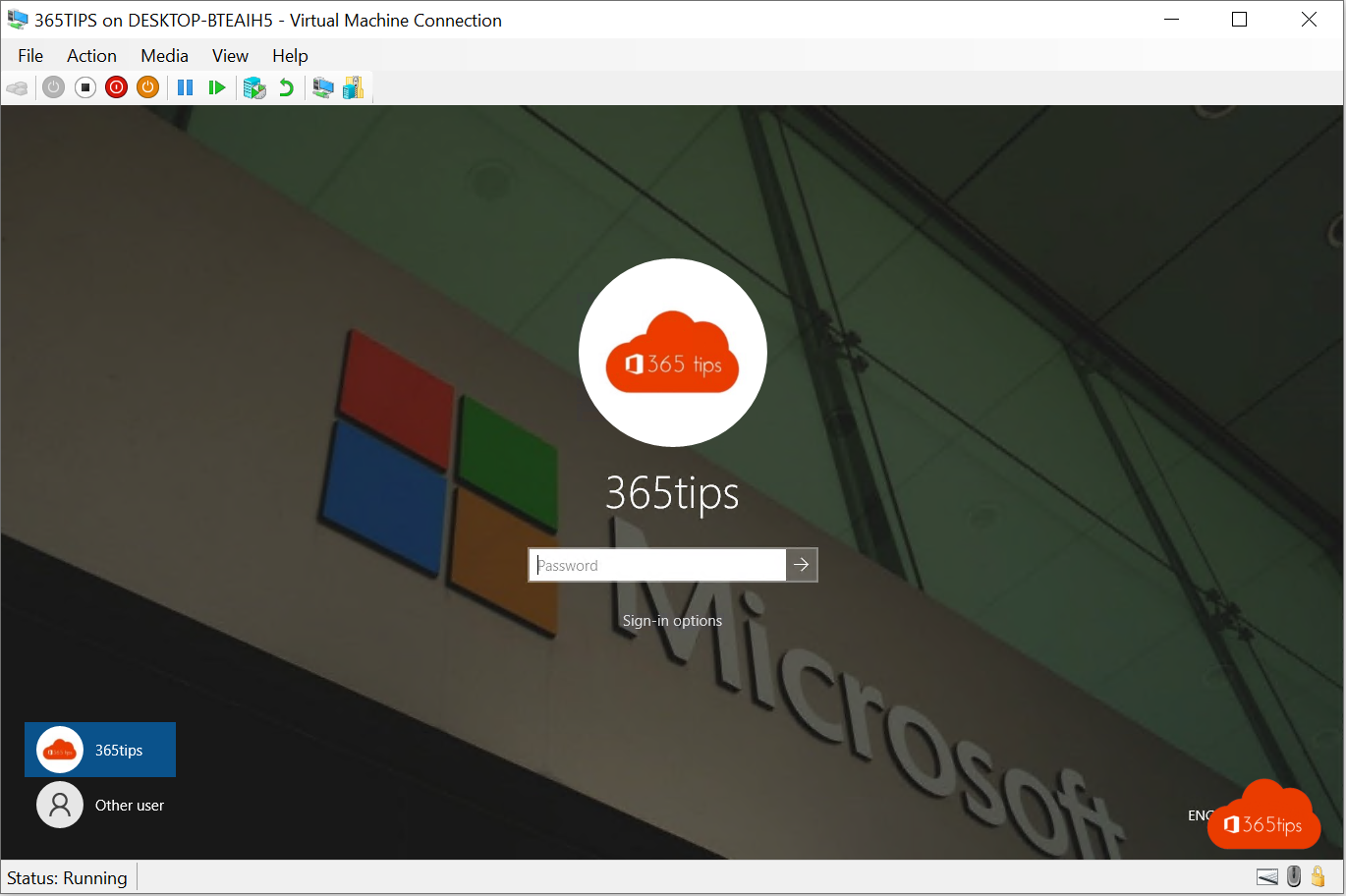
A fixed desktop background and a lock screen with your organisation's logo on every PC? With Microsoft Intune you set that centrally. This article shows how to prepare the images, create the profile and which Windows editions it works on.
What do you need?
- Windows 11 Enterprise or Education. On Windows Pro these desktop and lock screen settings don't apply through Intune.
- An image the devices can download through a URL, for example in Azure Blob Storage or on a public website. A SharePoint link that requires sign-in won't work.
- Format: JPG or PNG, preferably 1920 x 1080 or larger.
Create the profile
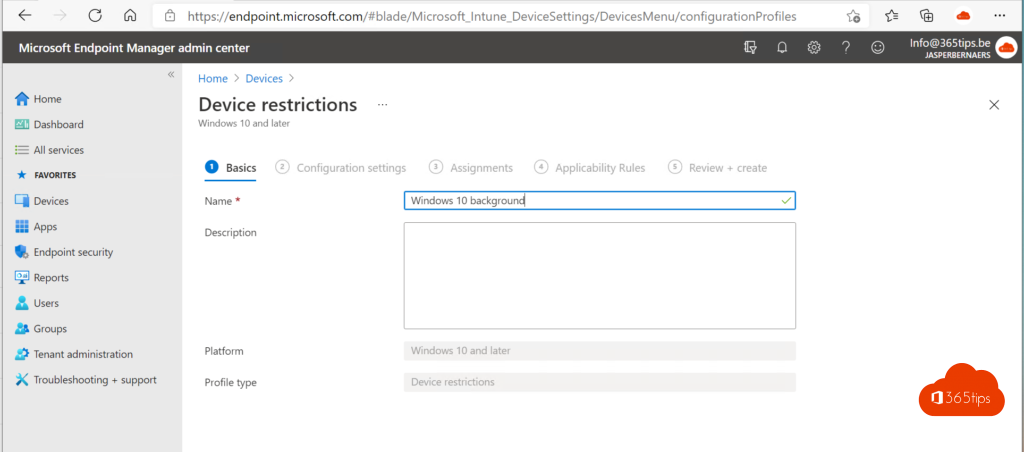
- Go to intune.microsoft.com > Devices > Windows > Configuration > Create > New policy.
- Choose platform Windows 10 and later and profile type Settings catalog.
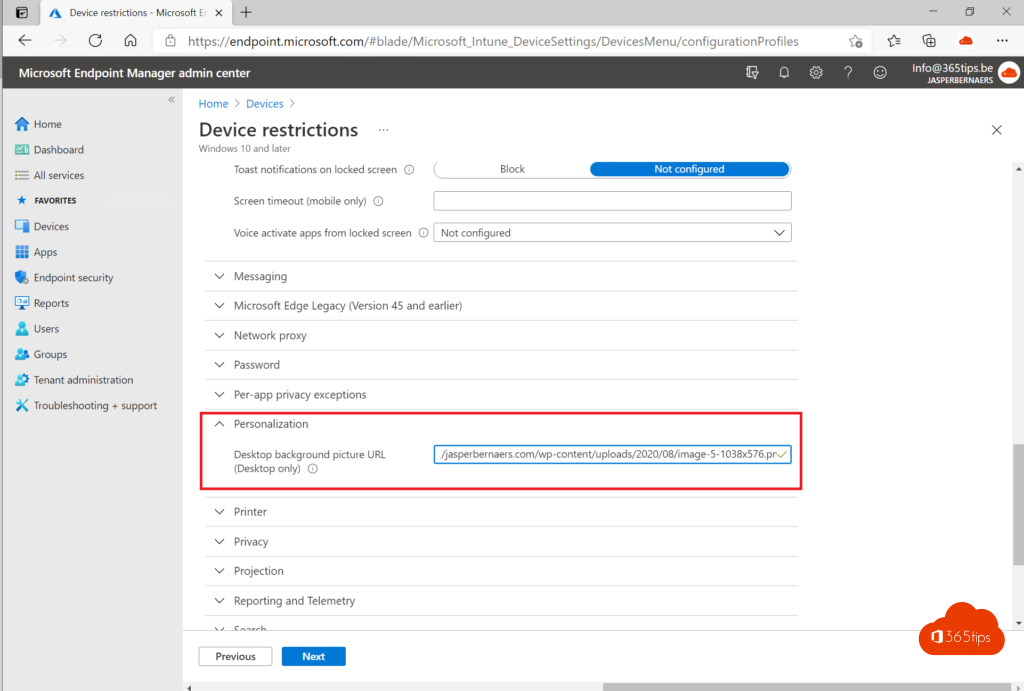
- Select Add settings and search for Personalization.
- Tick Desktop Image Url and Lock Screen Image Url and enter the URLs of your images.
- Assign the profile to a device group and save.
The result
At the next sync, the device downloads and applies the images. Users can no longer change the background themselves.
Tips
- Keep the lock screen simple: the clock and notifications must stay readable.
- Changing the image? Use a new file name so devices definitely download the new version.
- Also turn off Windows Spotlight if you don't want rotating images.
- Not working? Check the edition with winver and the profile status in Intune. See also Intune basic setup.
Read also
The basic settings to start using Microsoft Intune
Set or create a theme in Windows 11
Windows Autopilot: what it is and how to set it up in 4 steps
Nederlandstalige versie: Bureaubladachtergrond en vergrendelscherm instellen met Microsoft Intune
More in English
▸The basic settings to start using Microsoft IntuneGet Microsoft Intune ready: licences, automatic enrolment, enrolment restrictions, compliance policies and…
▸Deploy and manage Microsoft Edge with Microsoft IntuneDeploy Microsoft Edge on Windows and macOS with Intune and manage the home page, extensions, updates and…
▸Set or create a theme in Windows 11Pick a theme in Windows 11, download free themes from the Microsoft Store, create your own theme with photos…
▸How to customize the Windows 11 Start menu: left, without Recommended or like Windows 10Move the Windows 11 Start menu to the left, hide Recommended, use the new list view or bring back the Windows…