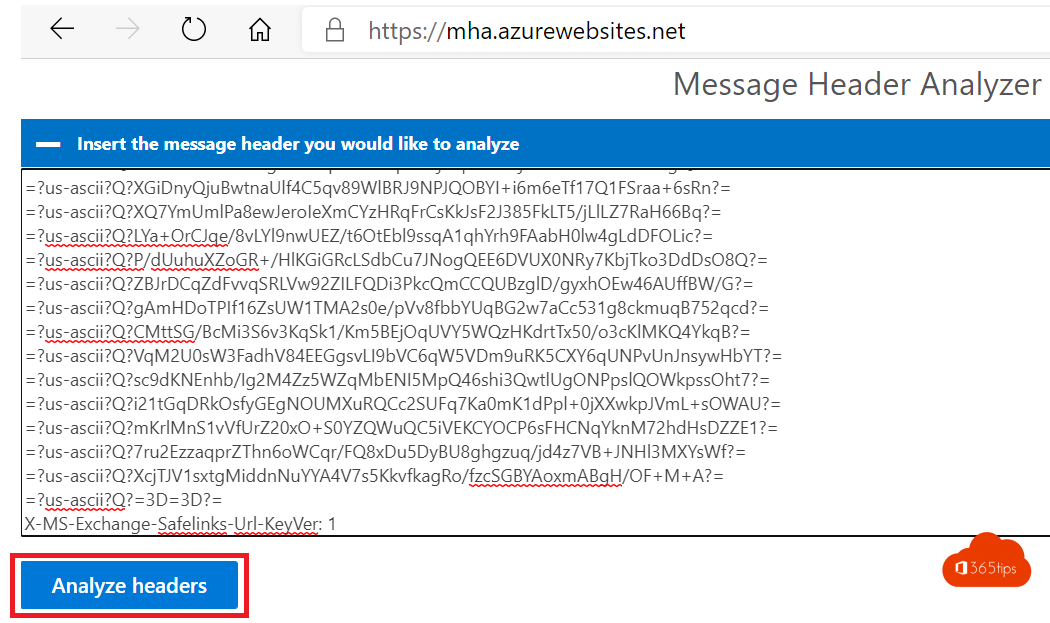
An email doesn't arrive, lands in spam, or you doubt it really comes from the sender? The message header tells the story: which servers it passed through, how long that took and whether SPF, DKIM and DMARC were OK. With the Message Header Analyzer you read that header easily.
1. Copy the message header
- New Outlook and Outlook on the web: open the email > More actions (...) > View > View message details.
- Classic Outlook: open the email > File > Properties > Internet headers.
Select everything and copy it.

2. Analyze
- Go to mha.azurewebsites.net, or install the Message Header Analyzer add-in in Outlook.
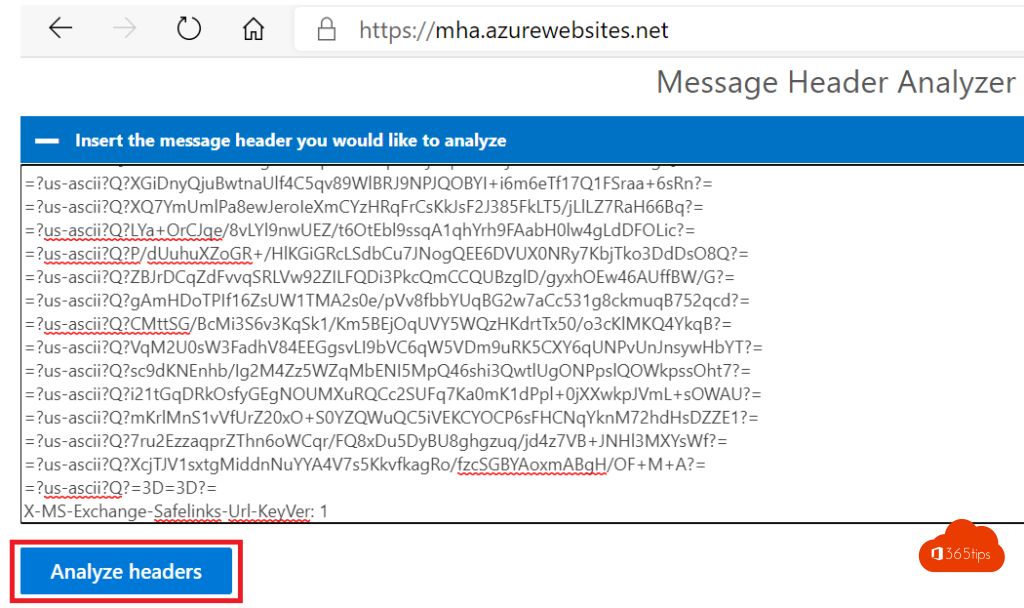
- Paste the header and select Analyze headers.


3. What do you read?
- Received headers: every server and the delay per hop. A large delay shows where the problem is.
- SPF: may the sending server send on behalf of the domain?
- DKIM: is the message signed and unchanged in transit?
- DMARC: does it all match the domain's policy? A fail points to spoofing or a misconfiguration.
- Antispam header (X-Forefront-Antispam-Report): the spam score (SCL) and why Microsoft considered it spam.

Also see enable DKIM in Microsoft 365 and report spam in Outlook.
Read also
Enable DKIM in Microsoft 365 for your own domain
Report spam and phishing in the Outlook app and on your computer
Recover deleted emails in Outlook and Exchange Online
Nederlandstalige versie: Een e-mail analyseren met de Message Header Analyzer
More in English
▸Set up email forwarding in Exchange OnlineSet up forwarding for a mailbox via the admin center, PowerShell or Outlook, and learn why external…
▸Block automatic forwarding and outgoing email in Microsoft 365Block automatic forwarding of email to external addresses with the outbound spam policy, allow exceptions,…
▸How to encrypt or protect an e-mail in Outlook and Microsoft 365Encrypt an e-mail in Outlook with Microsoft Purview Message Encryption: Encrypt or Do Not Forward, what the…
▸The most useful tips for email in Microsoft OutlookRules, pinning, snoozing, delay send, search and more: tips to work faster with email in…