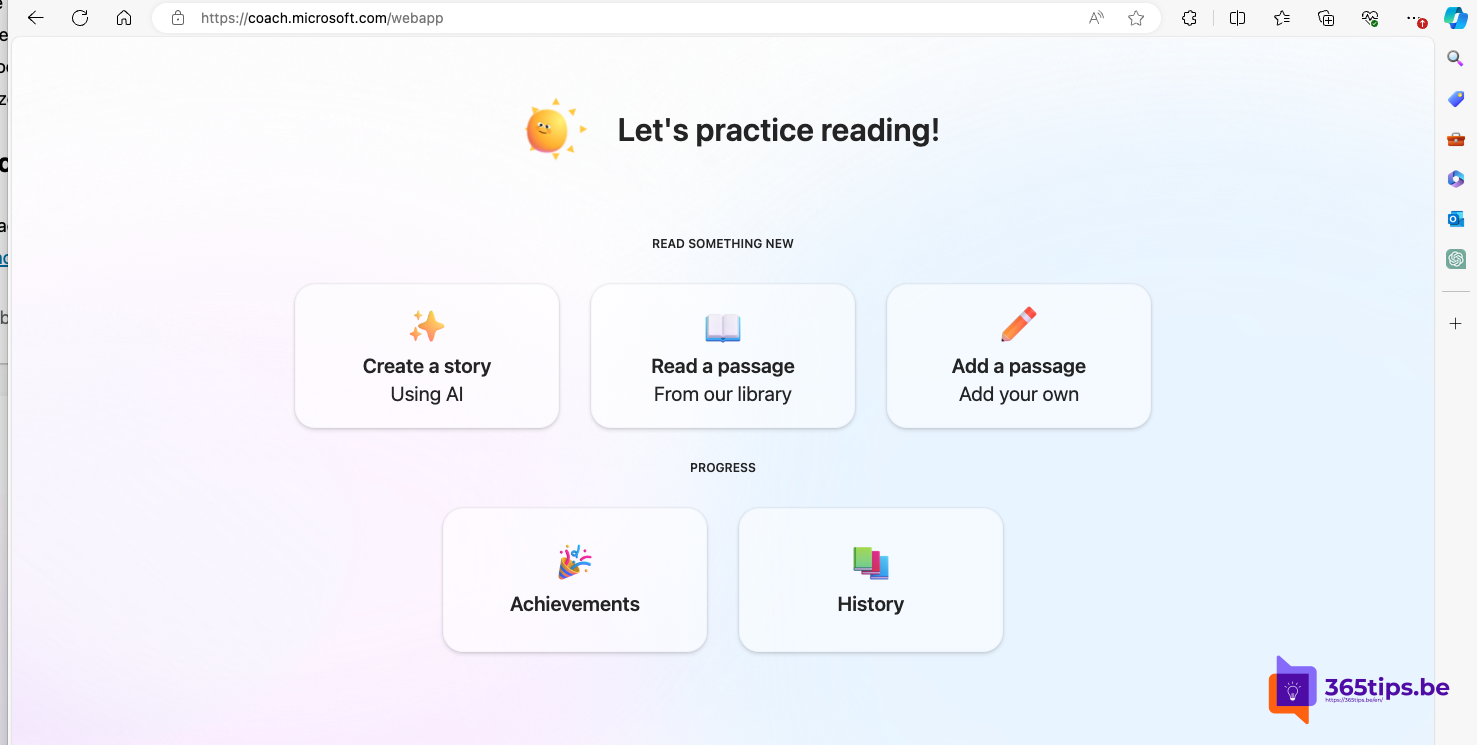
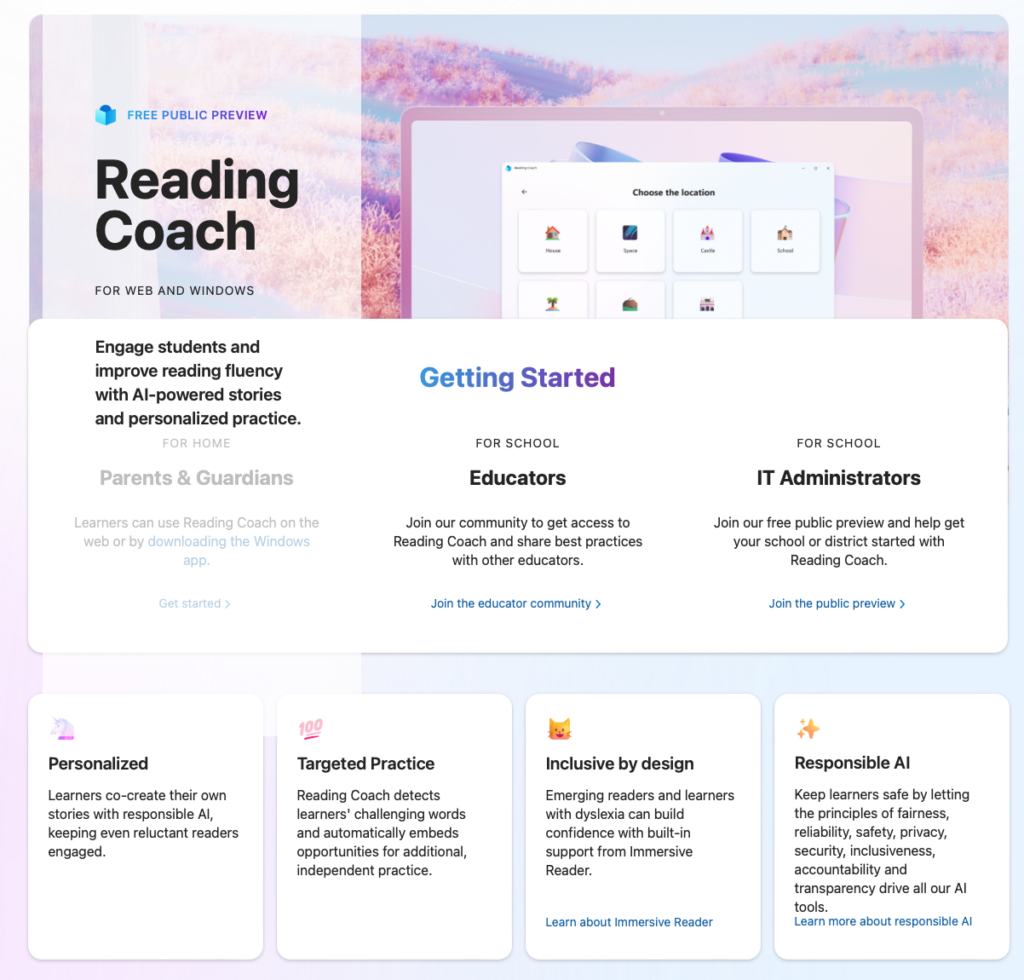
Reading Coach is a free Microsoft app for practicing reading. You read a text aloud, the app listens and gives feedback on words you struggle with. You choose texts from a library or let AI create a story that matches your level and interests. Useful in the classroom, but also at home.
Reading Coach is no longer in preview: the app is freely available for Windows and on the web. You can also use it in the Immersive Reader in apps such as Word and OneNote, and in Microsoft Teams for Education.
What is Reading Coach?
- Read aloud with feedback: the app detects words you skip or mispronounce and lets you practice them again.
- Your own stories with AI: pick a character, a setting and a level, and the app writes a story. You can also help decide how it unfolds.
- Library: ready-made reading passages, including from ReadWorks.
- Progress: see how your reading speed and accuracy develop.
The supported languages change regularly. Check in the app whether your language is available.
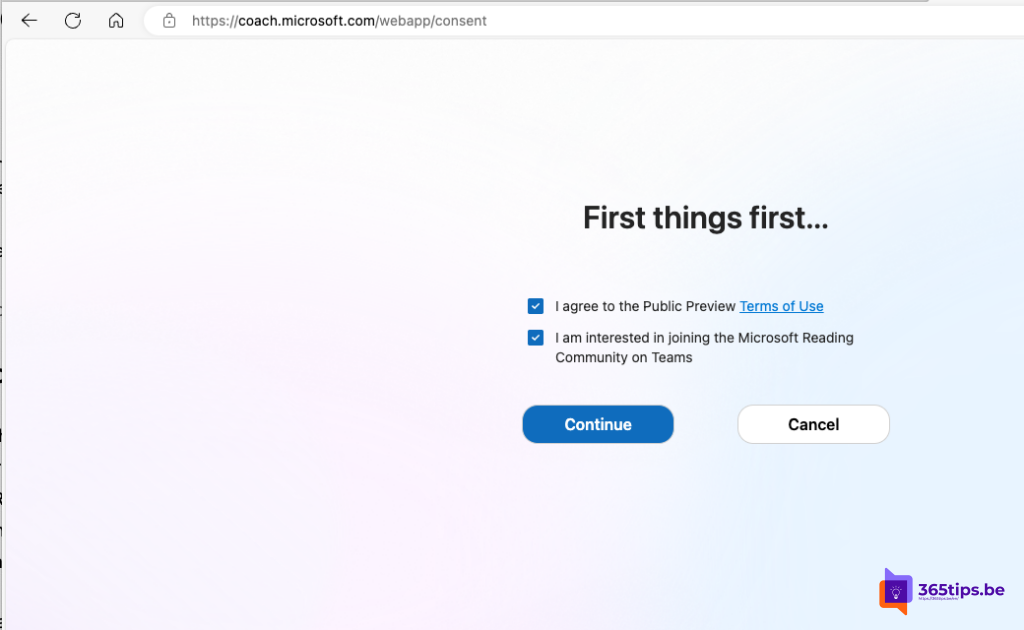
Get started
- Go to coach.microsoft.com or install Microsoft Reading Coach from the Microsoft Store on Windows.
- Sign in. At home, use a personal Microsoft account; schools use the school account (Microsoft 365 Education).
- Choose an avatar and your reading level.
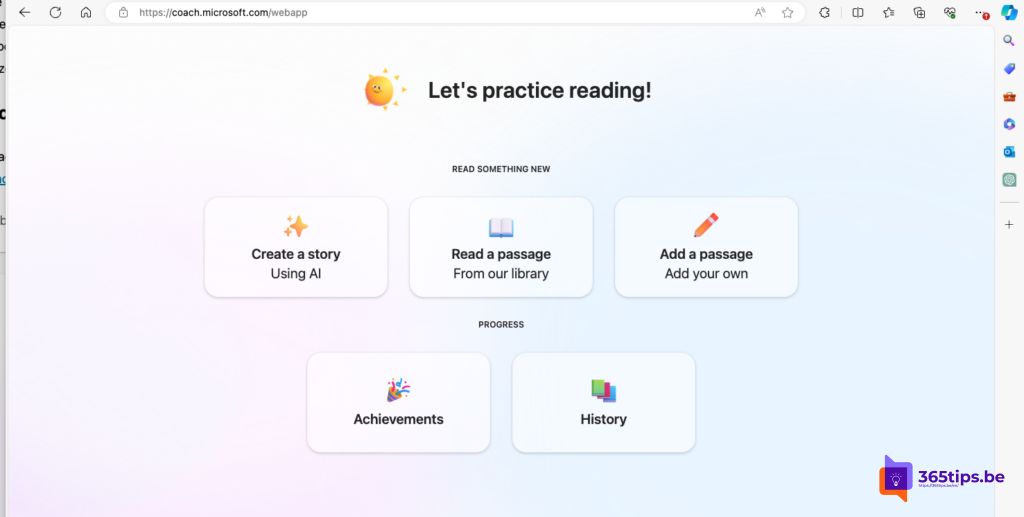
Do a reading exercise
- Choose whether to create a story or read a passage from the library.
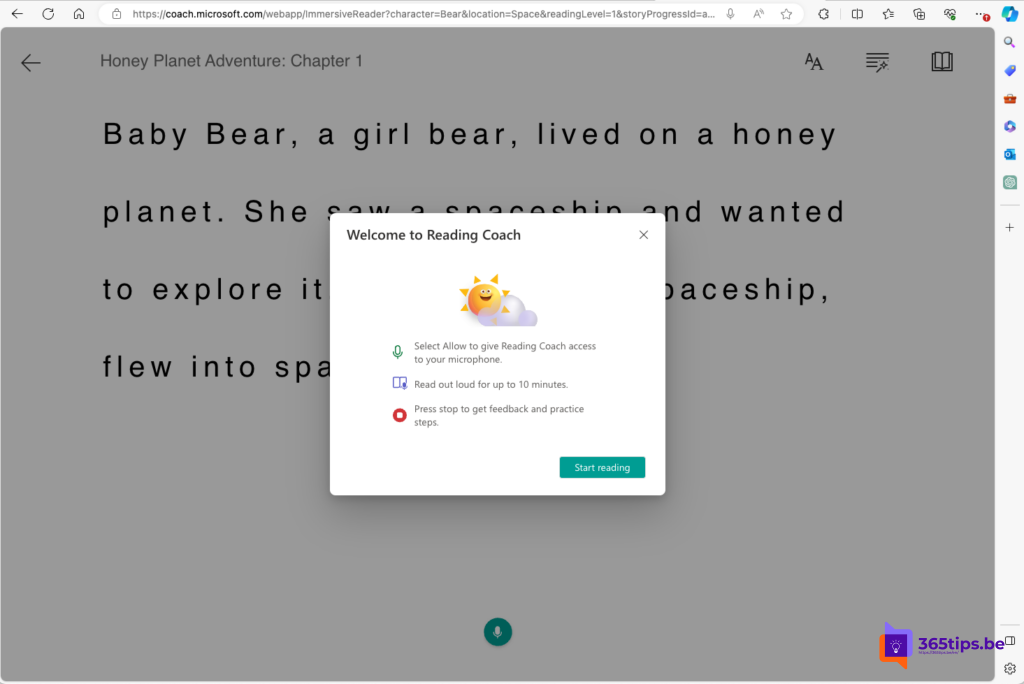
- Select the microphone button and read the text aloud.
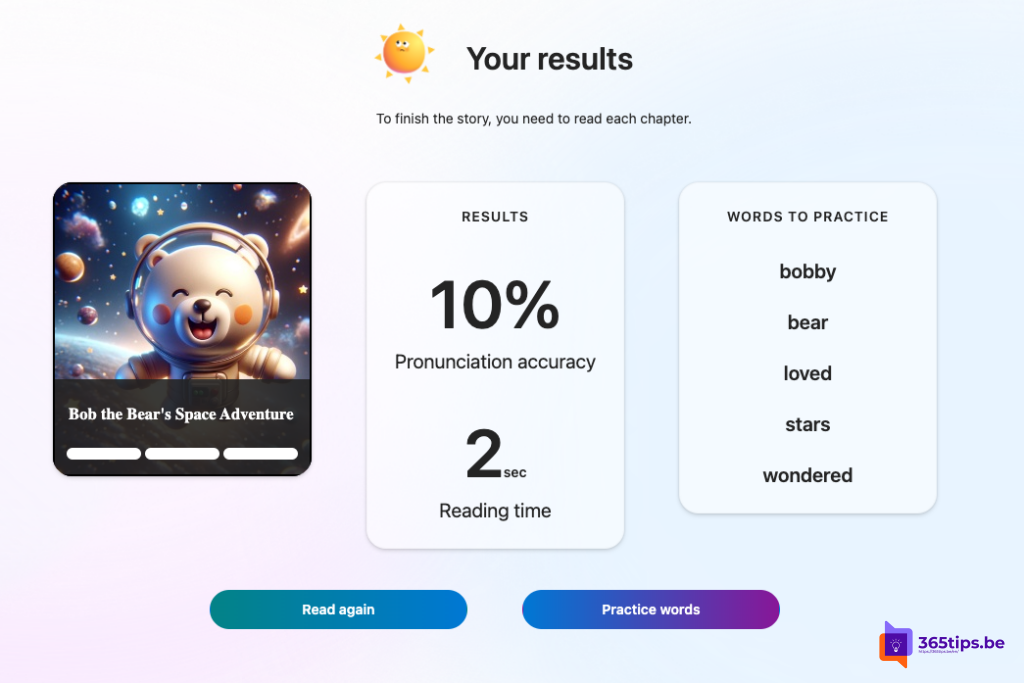
- Afterwards, Reading Coach shows your result and the words to practice. Select a word to hear it and try again.
Reading Coach in Immersive Reader
Do you use Immersive Reader in Word, OneNote or Teams? Then you can often start a reading exercise there on the text you have open, so you practice with your own documents. The exact button and availability can differ per app and account.
Also see Immersive Reader in Microsoft Teams and use Office online for free.
Read also
Have Teams messages read aloud with Immersive Reader
Use Word, Excel, PowerPoint and OneNote for free in your browser
Translate a document or text in Word and PowerPoint
Nederlandstalige versie: Microsoft Reading Coach: gratis lezen oefenen met AI