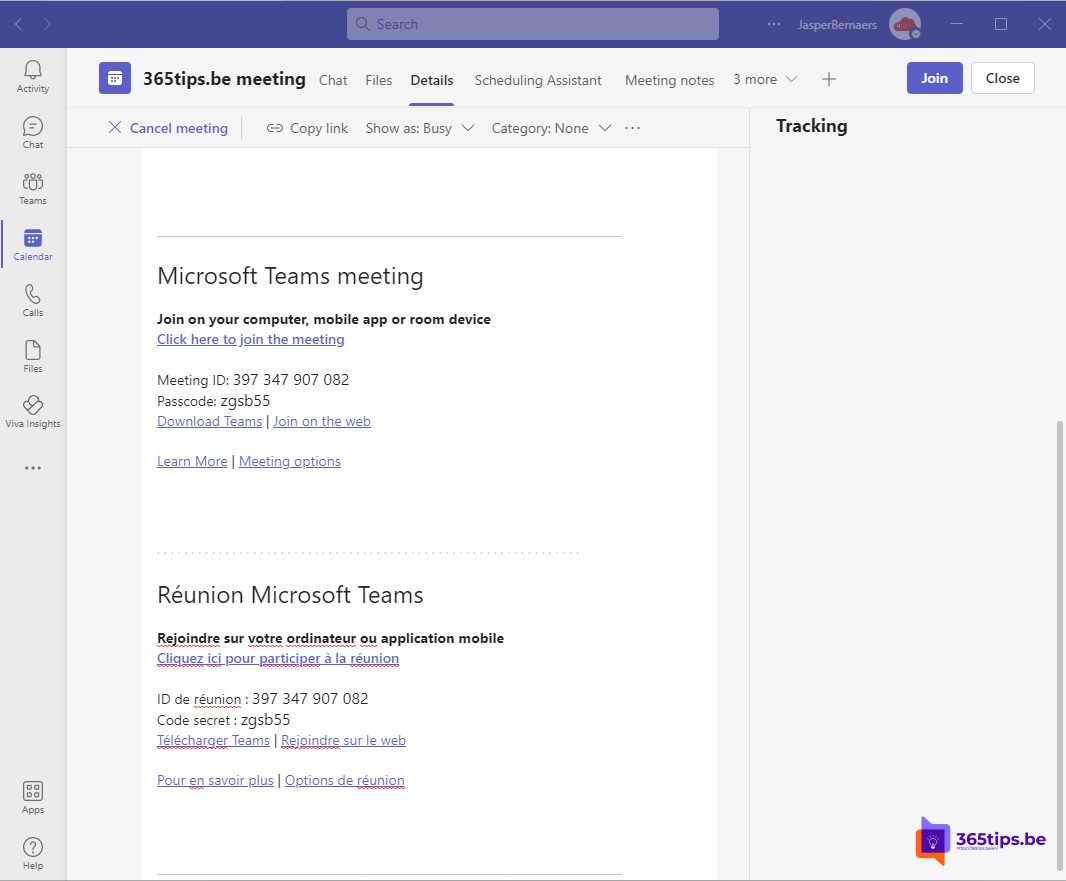
Working with colleagues or customers who speak another language? Then you can show the join information in Teams invitations in two languages, for example Dutch and English, or English and French. An admin sets this up with a single PowerShell command.
What changes?
The block with the meeting link, meeting ID and dial-in details at the bottom of the invitation appears in up to two languages. Text the organizer types stays in its original language. The setting works through the meeting policy, for the whole organization or for specific users.

Install the Teams PowerShell module
Open PowerShell as an administrator and run:
Set-ExecutionPolicy -ExecutionPolicy RemoteSigned -Scope CurrentUser
Install-Module MicrosoftTeams
Update-Module MicrosoftTeams
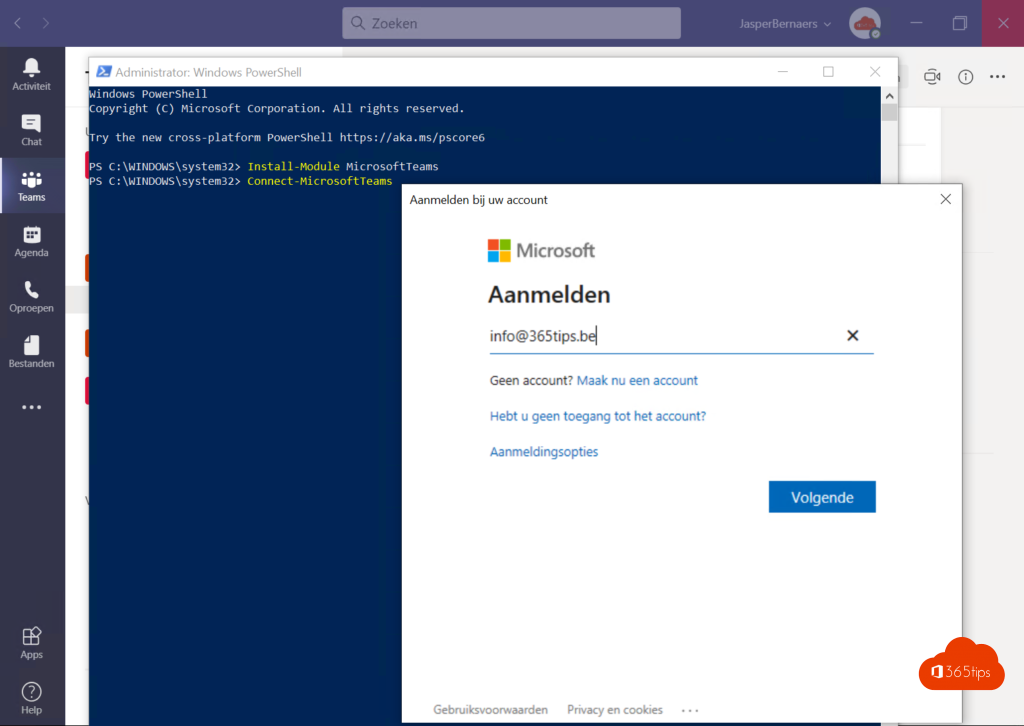
Connect-MicrosoftTeams
Sign in with an account that has the Teams Administrator role. You don't need an Unrestricted execution policy. More in install the Teams PowerShell module.
Set it for the whole organization
Set-CsTeamsMeetingPolicy -Identity Global -MeetingInviteLanguages "nl-NL,en-US"Use language codes such as nl-NL, fr-FR or en-US, separated by a comma. You can choose up to two languages.

Set it for specific users
Create a separate policy and assign it:
New-CsTeamsMeetingPolicy -Identity "Invites EN-FR" -MeetingInviteLanguages "en-US,fr-FR"
Grant-CsTeamsMeetingPolicy -Identity "jan@contoso.com" -PolicyName "Invites EN-FR"
A new policy starts with default settings, so check the other meeting settings too.
Verify
Get-CsTeamsMeetingPolicy -Identity Global | Select-Object MeetingInviteLanguagesIt can take a few hours before new invitations show the extra language. Existing invitations don't change.
Also see change the Teams language and PowerShell for Microsoft 365 beginners.
Read also
Install and use the Microsoft Teams PowerShell module
Change the language of Microsoft Teams
PowerShell for Microsoft 365: a guide for beginners
Nederlandstalige versie: Meertalige uitnodigingen voor Teams-vergaderingen activeren