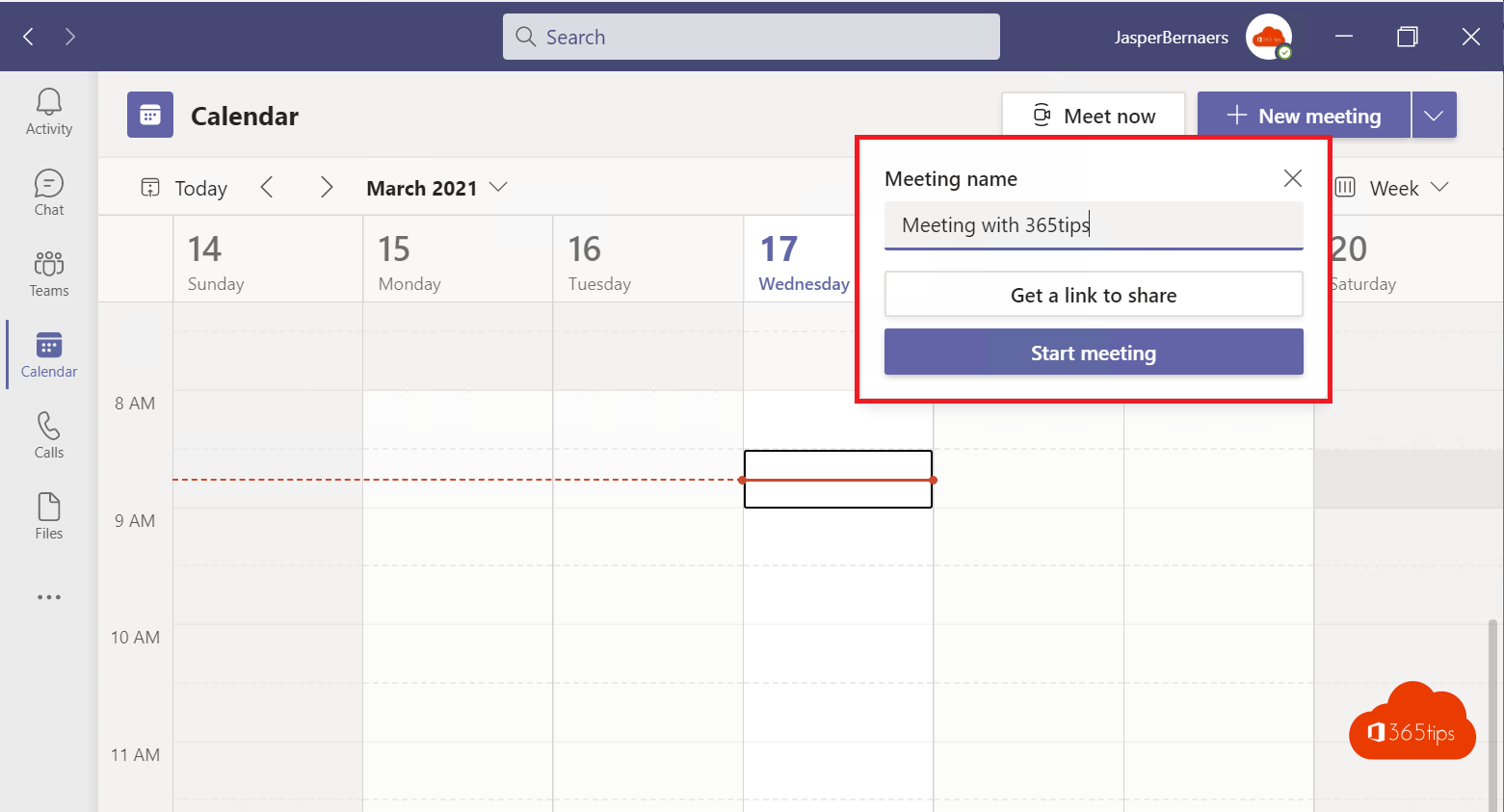
Scheduled a meeting and want to share the link quickly in a chat, a WhatsApp group or a document? Teams makes it easy: with one click you copy the meeting link or the full join info.
Schedule a meeting
- Open Calendar in Teams and select New meeting.
- Fill in the title, attendees, date and time and select Send.
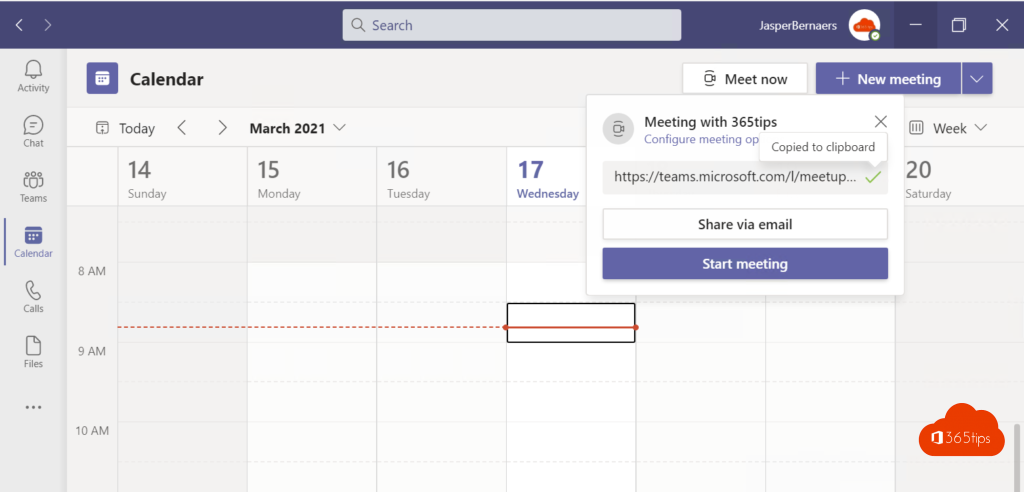
Copy the link
- Select the meeting in your calendar.
- Select Copy link (or the chain icon).
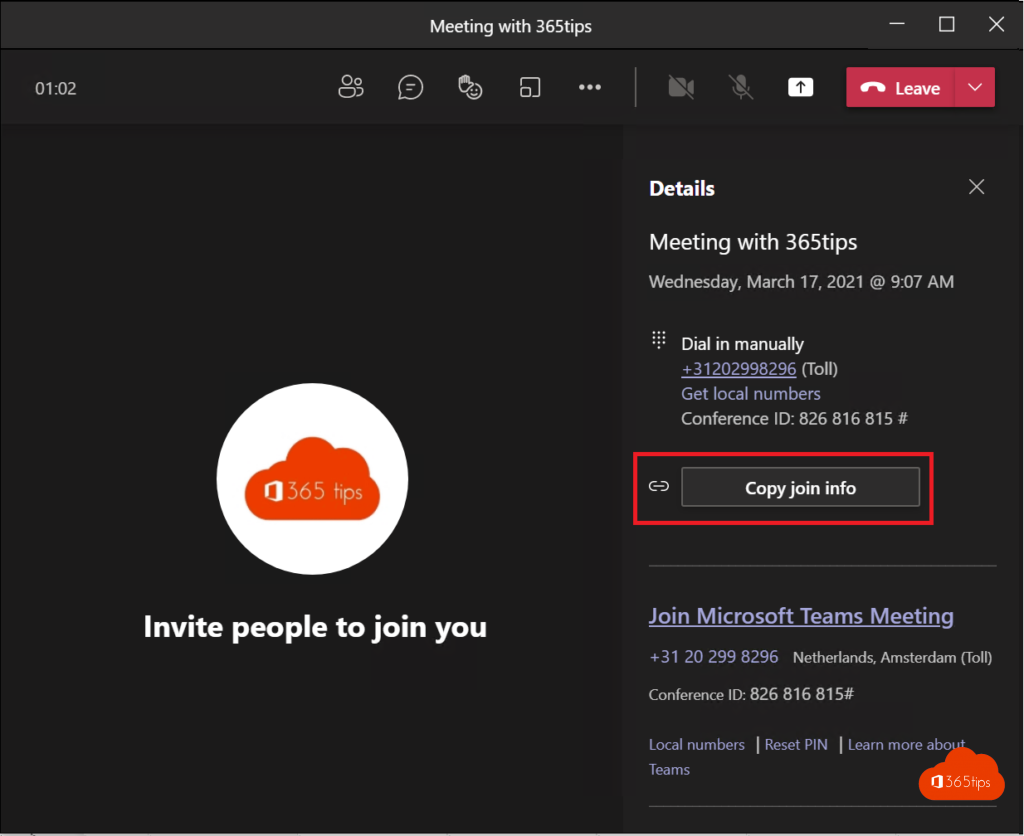
- Paste the link wherever you like. Need the dial-in details and meeting ID too? Choose Copy join info in the meeting details.
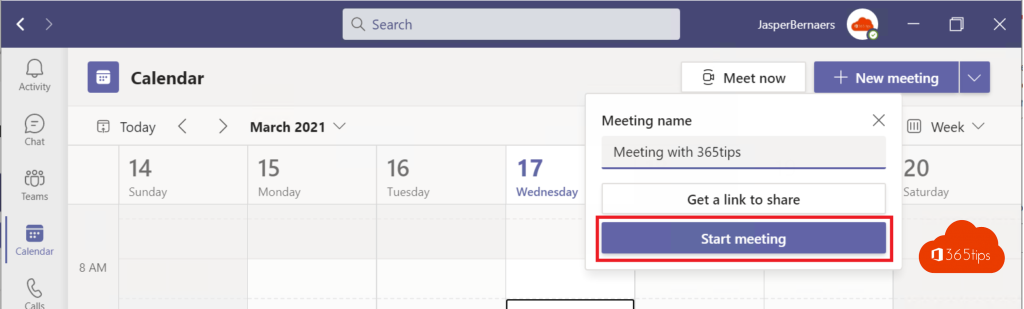
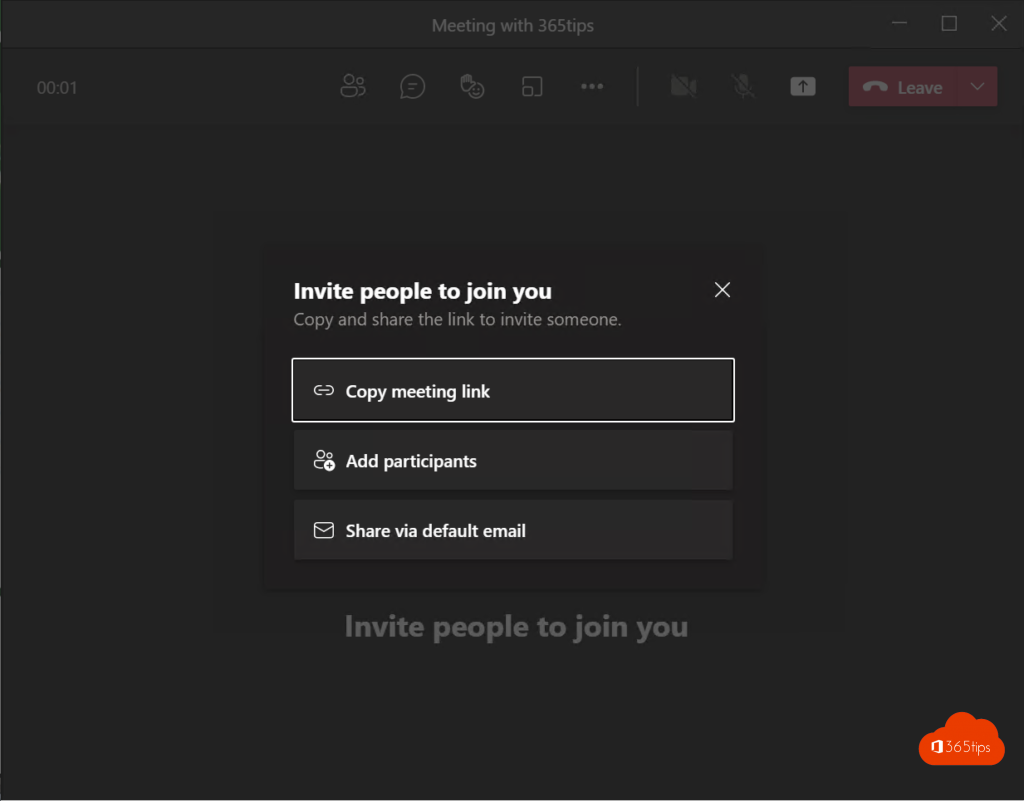
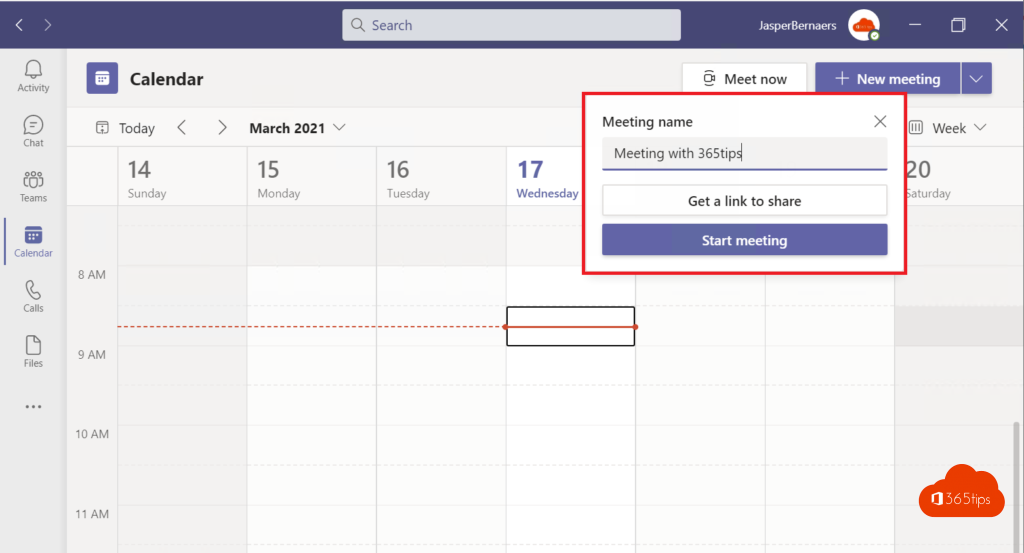
Need a link right now?
In the calendar, select Meet now > Get a link to share. You get a link for a meeting that can start right away.

Be careful
Anyone with the link can try to join. So set who can bypass the lobby in meeting options. Read who can bypass the lobby. Also see schedule a Teams meeting and join with a meeting ID and passcode.
Read also
Schedule a Microsoft Teams meeting in your calendar
Who can bypass the lobby in Microsoft Teams: every option explained
Join a Teams meeting with a meeting ID and passcode
Nederlandstalige versie: Een Teams-vergadering plannen en de link met één klik delen
More in English
▸Give every Outlook meeting a Teams link automaticallyTurn on Add online meeting to all meetings in the new or classic Outlook, so every invite gets a Teams…
▸Invite a distribution list or Microsoft 365 group to a Teams meetingInvite a whole department with a distribution list or Microsoft 365 group, and see how replies, the lobby and…
▸Lock a Microsoft Teams meetingLock a Teams meeting so nobody else can join. How to lock and unlock, what happens to latecomers and dropped…
▸Prevent a Teams meeting invite from being forwardedTurn off Allow forwarding for a meeting in Outlook and protect your Teams meeting with the lobby, locking and…