Installing and updating software on Windows takes time: find the website, download, click through an installer. With Chocolatey, a package manager for Windows, you do it with one command. Handy for your own PC and for admins who maintain many devices.
Install Chocolatey
- Go to chocolatey.org/install and copy the install command.
- Open PowerShell as administrator, paste the command and press Enter.
- Check with
choco -v.
Install and update software
choco search vlc
choco install googlechrome 7zip vlc -y
choco upgrade all -y
choco list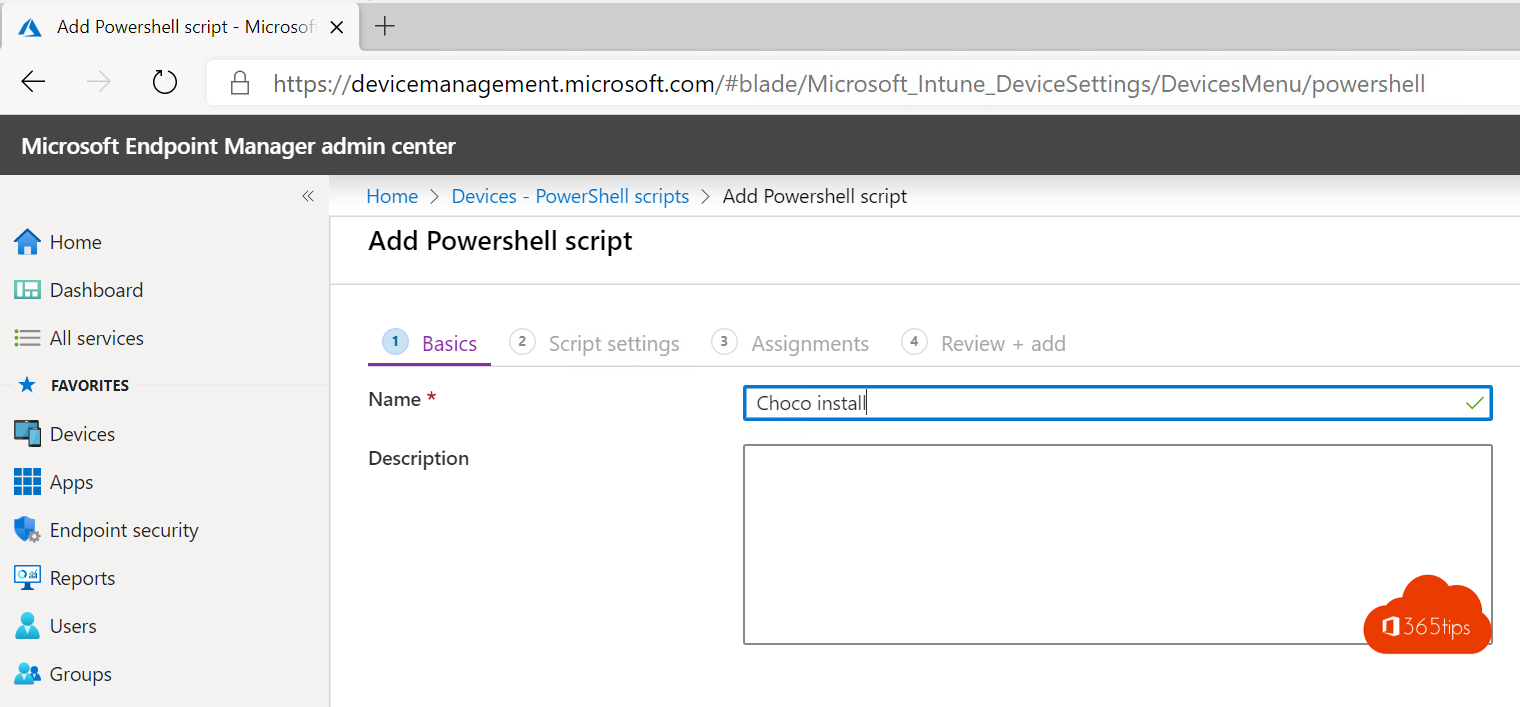
Chocolatey or winget?
- winget is built into Windows 10 and 11 and uses packages maintained by Microsoft and the community. Read use winget.
- Chocolatey has been around longer, has a very large package library and a paid edition for businesses.
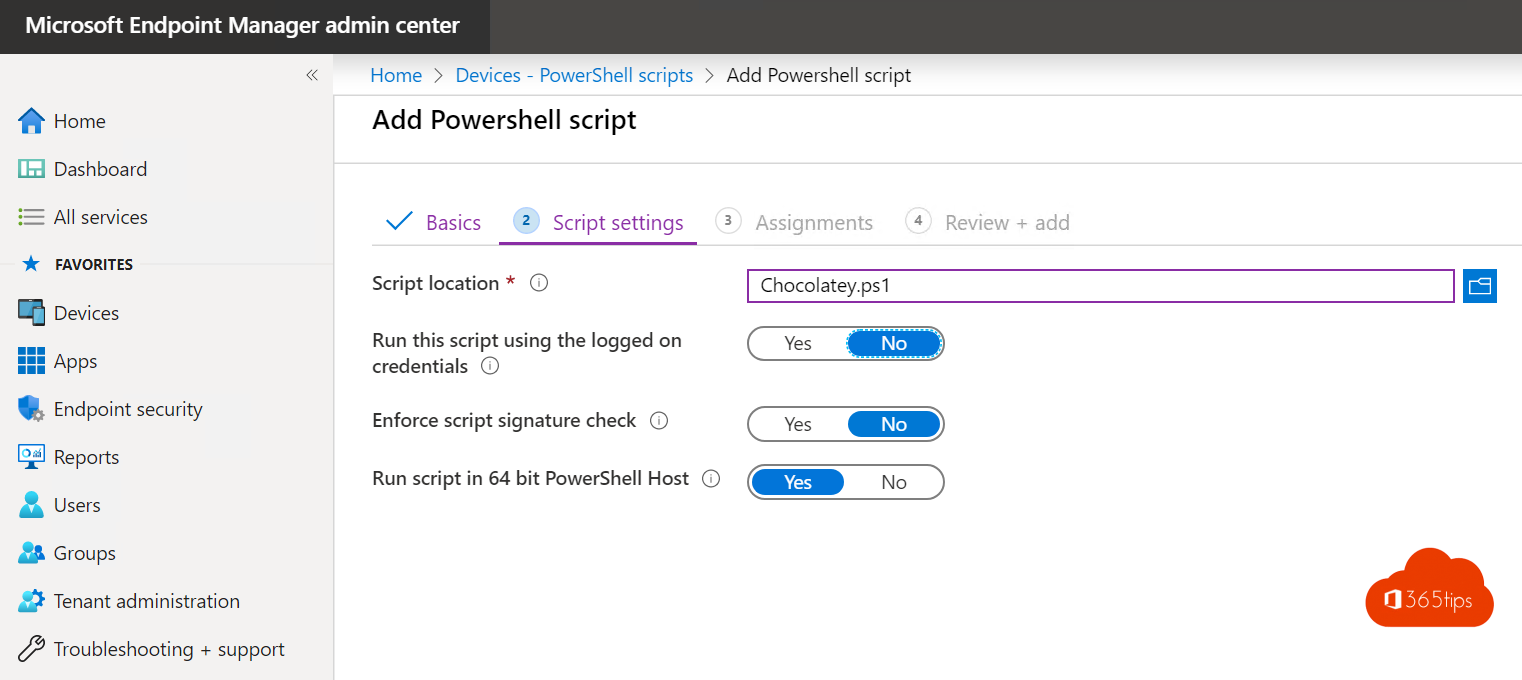
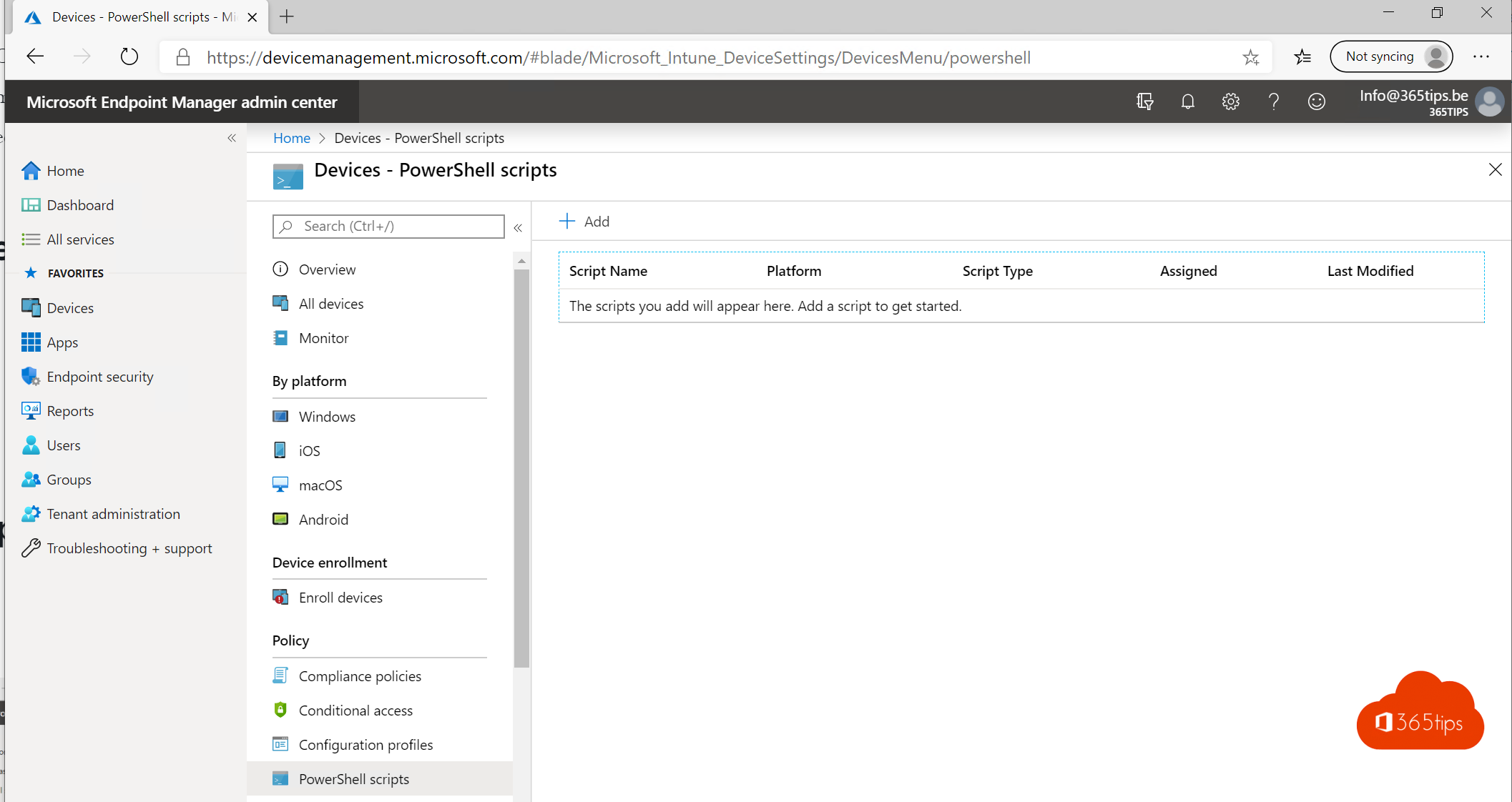
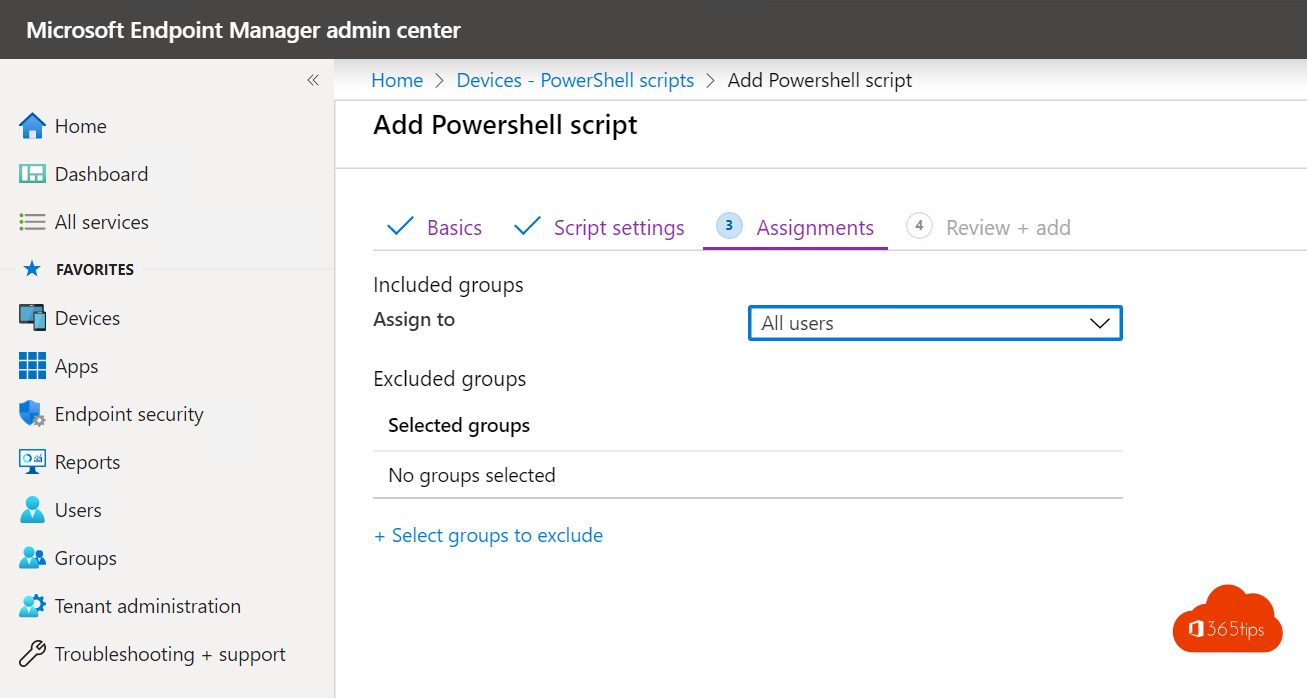
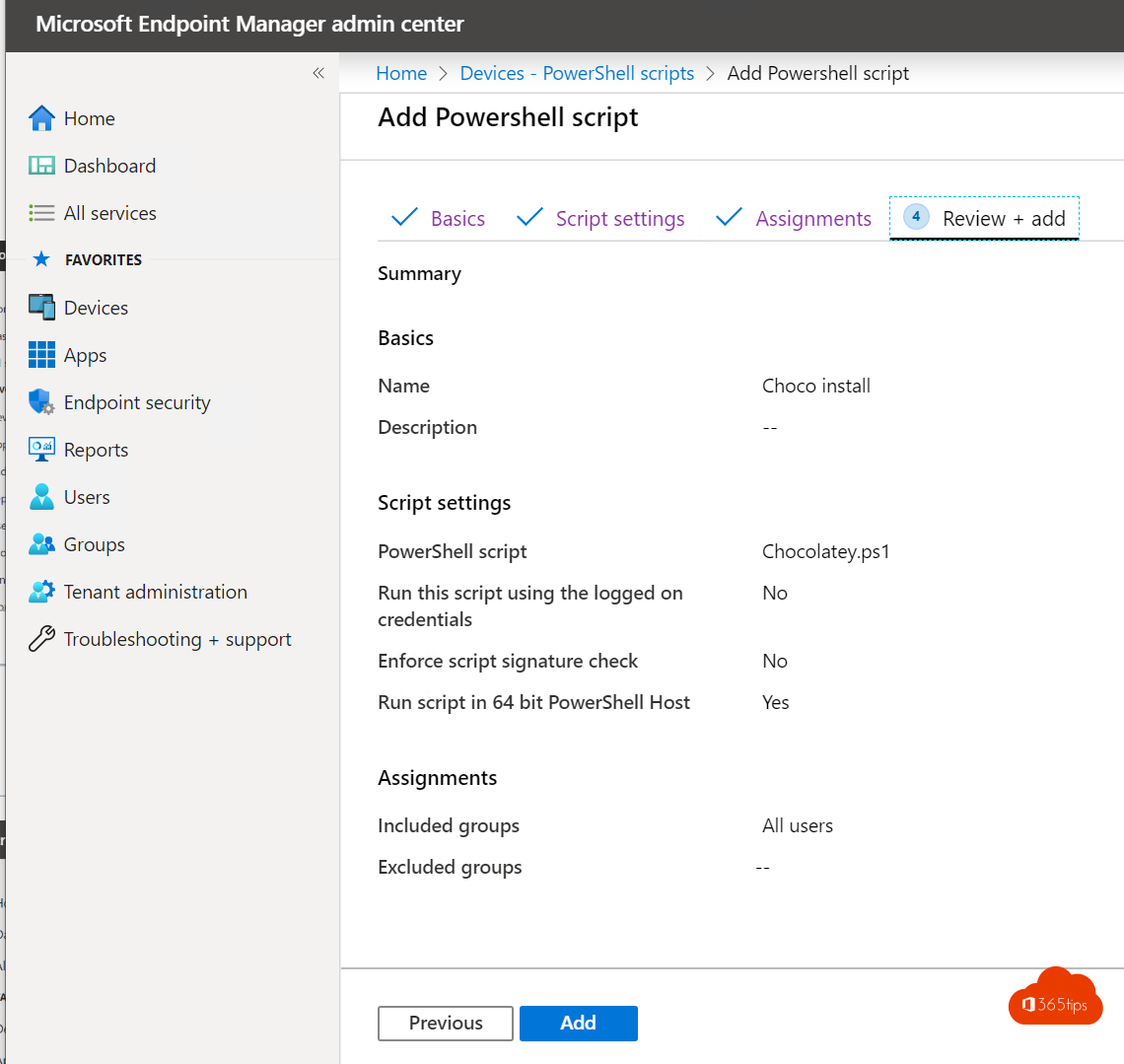
- For managed PCs in an organization, prefer Intune, optionally with winget or Chocolatey in a script. See deploy Win32 apps with Intune.
Read also
Install and update software with winget on Windows
Package and deploy Win32 apps with Microsoft Intune
Install, update and use PowerShell 7 on Windows
Nederlandstalige versie: Software installeren en bijwerken met Chocolatey
More in English
▸Run Command Prompt as administrator in Windows 11 and 10: 6 waysOpen Command Prompt, PowerShell or Windows Terminal as administrator in Windows 11 and 10: via Start,…
▸Install PowerToys on Windows 11: the most useful toolsInstall Microsoft PowerToys on Windows 11 with winget or the Store and discover FancyZones, Text Extractor,…
▸How to update drivers in Windows 11 and 10Update drivers in Windows 11 through Windows Update, Device Manager or your manufacturer's tool, and roll…
▸The most useful CMD commands for WindowsAn overview of handy Command Prompt commands: network, system repair, Group Policy, processes and files, each…