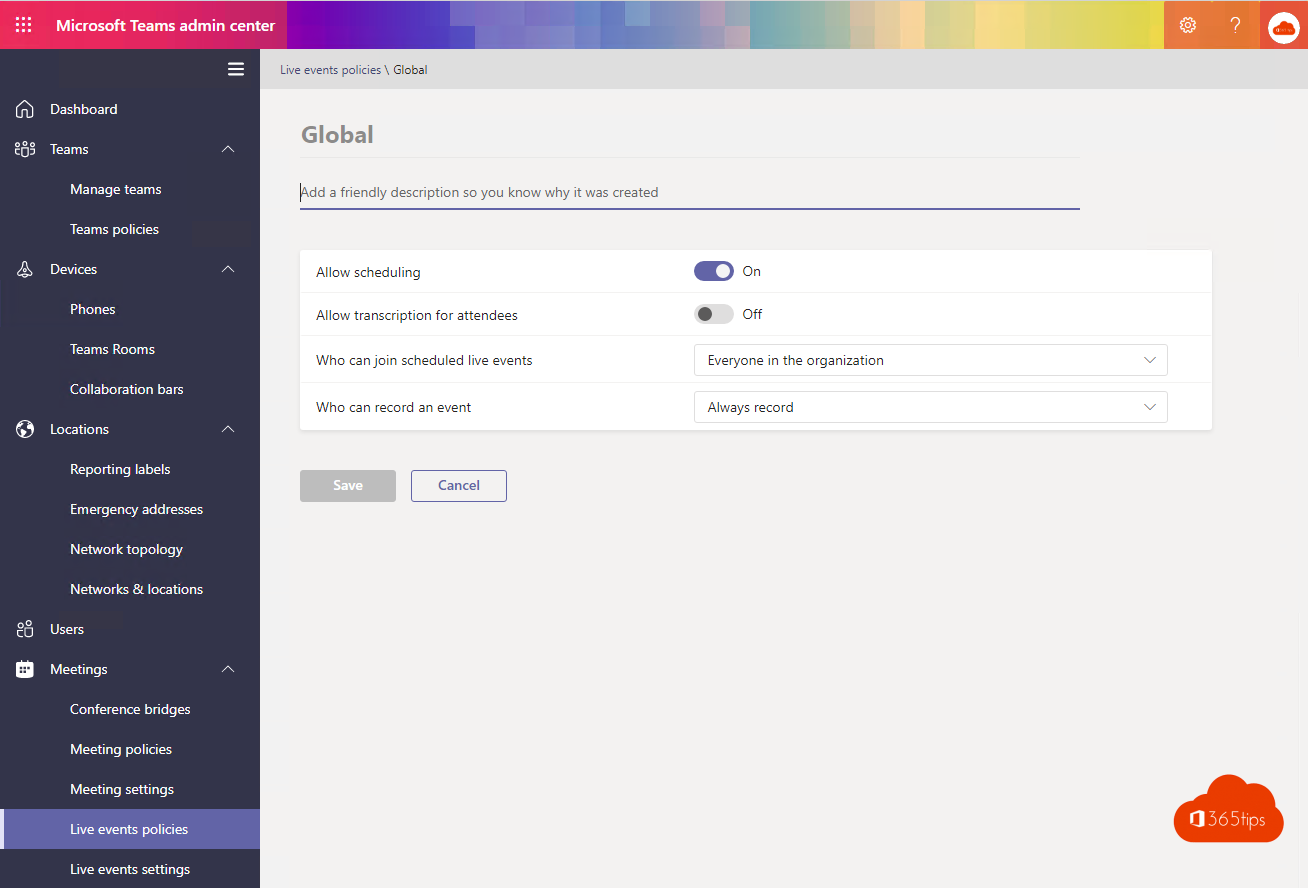
The Teams admin center is where admins configure Microsoft Teams for the whole organization: teams, meeting and messaging policies, apps, telephony and more. This article gives you a tour of the main sections.
Open it
Go to admin.teams.microsoft.com, or open the Microsoft 365 admin center > All admin centers > Teams. You need the Teams Administrator or Global Administrator role. See Microsoft 365 admin portals.

The main sections
- Teams: manage all teams, team templates, teams policies and org-wide Teams settings (such as email integration and tagging).
- Users: see which policies apply per user, plus External access and Guest access.
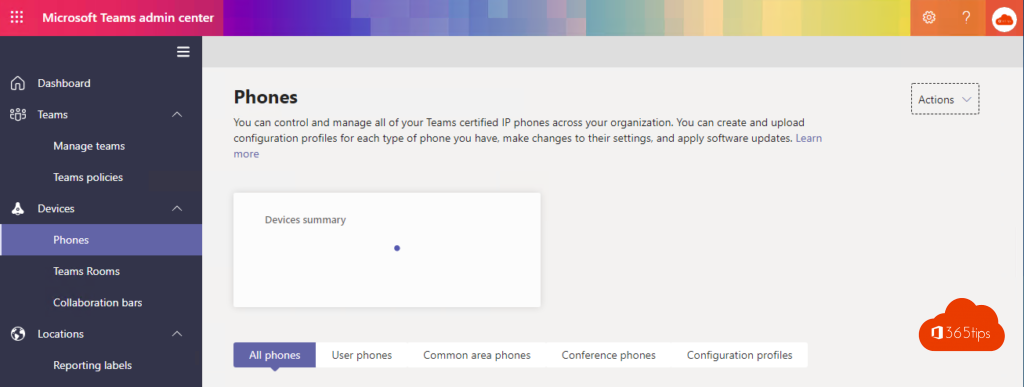
- Teams devices: Teams Rooms, phones and displays.
- Teams apps: which apps are allowed, and app setup policies to pin apps.
- Meetings: meeting policies (recording, lobby, chat), settings for events and webinars.
- Messaging: messaging policies (chat, deleting, read receipts).
- Voice: phone numbers, calling policies, auto attendants and call queues.
- Analytics & reports: usage of Teams, meetings and apps.
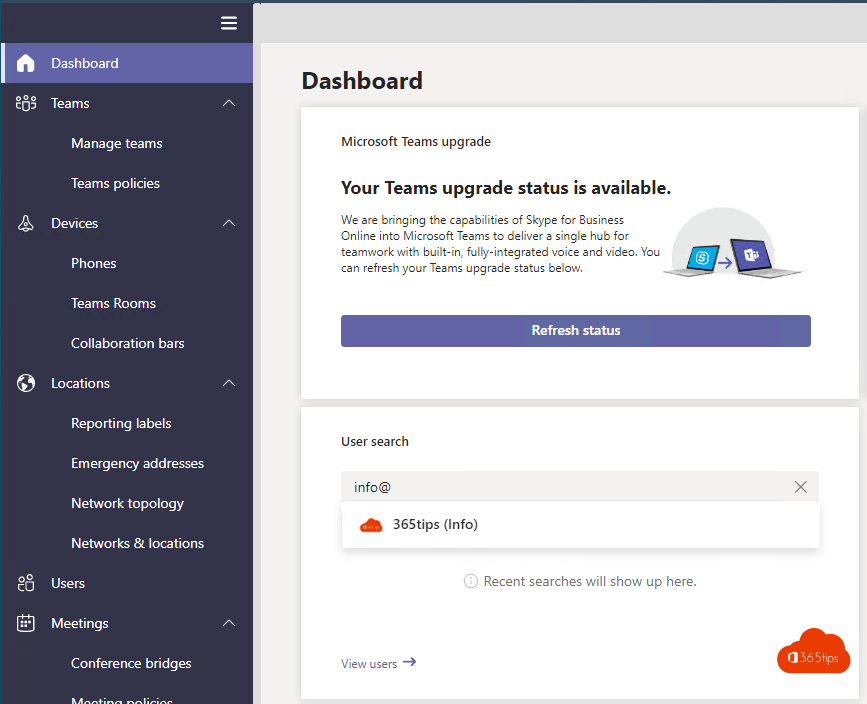


How do policies work?
Each section has a Global (Org-wide default) policy. Want something different for a group? Create an extra policy and assign it to users or groups. A policy assigned directly to a user wins over a group policy.

Also see team templates, messaging policies and external access.
Read also
Create and manage team templates in the Teams admin center
All Microsoft 365 admin portals in one list: the right URLs in 2026
Turn off chat for users in Microsoft Teams
Nederlandstalige versie: Een rondleiding door het Microsoft Teams-beheercentrum