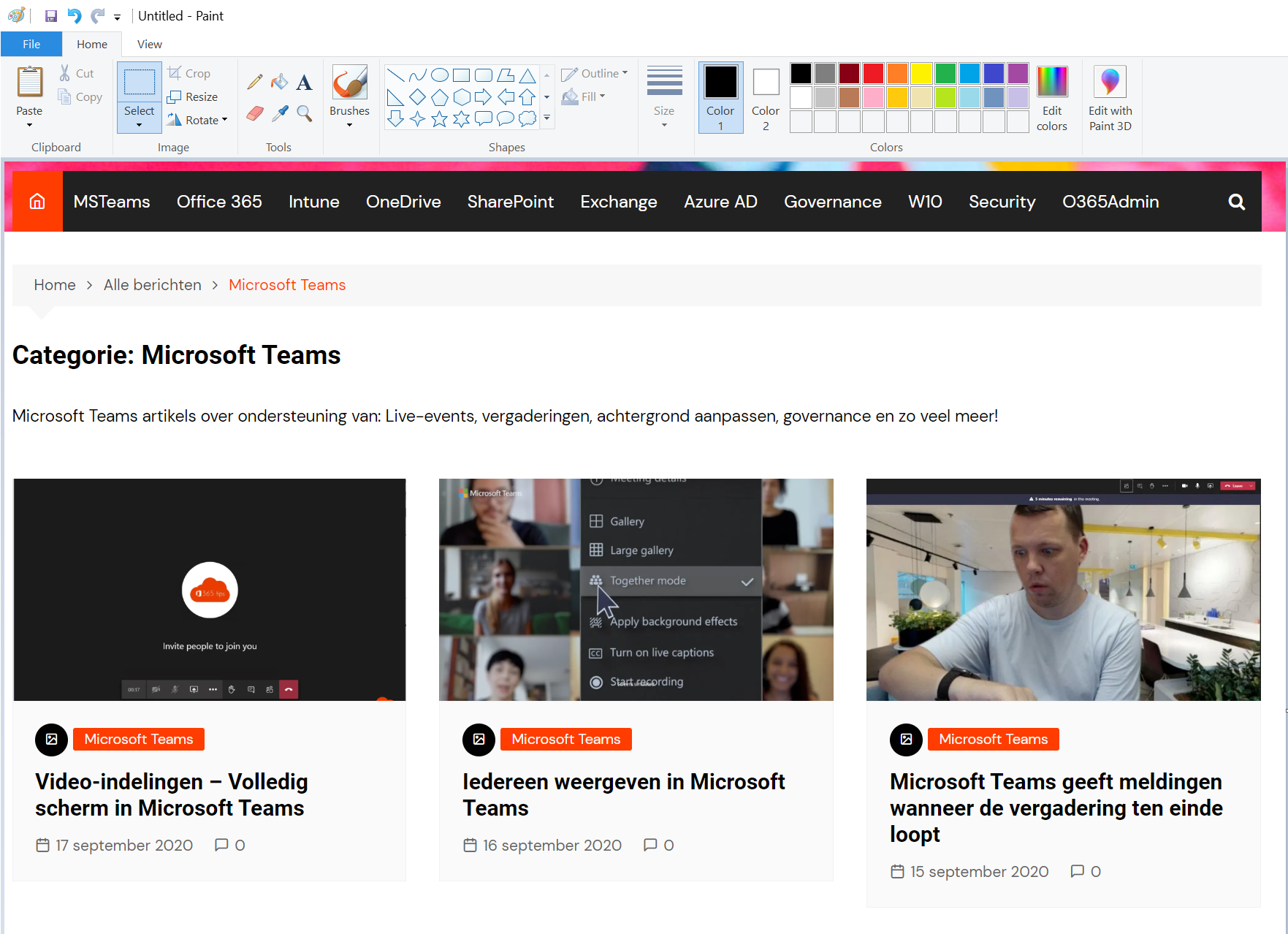
Paint has been thoroughly refreshed in Windows 11, with layers, background removal and dark mode. These keyboard shortcuts make you a lot faster.
Basics
| Shortcut | Action |
|---|---|
| Ctrl + N | New image |
| Ctrl + O | Open |
| Ctrl + S | Save |
| Ctrl + Z / Ctrl + Y | Undo / redo |
| Ctrl + A | Select all |
| Ctrl + C / Ctrl + V | Copy / paste |
| Delete | Delete selection |
Edit the image
| Shortcut | Action |
|---|---|
| Ctrl + W | Resize and skew |
| Ctrl + Shift + X | Crop to selection |
| Ctrl + E | Image properties (canvas size) |
| Ctrl + I / B / U | Italic / bold / underline (in text) |
View
| Shortcut | Action |
|---|---|
| Ctrl + + / Ctrl + - | Zoom in and out |
| Ctrl + R | Show or hide rulers |
| Ctrl + G | Show or hide gridlines |
| F11 | Full screen |
New in Paint
- Remove background with one click.
- Layers to edit elements separately.
- Create images with AI (on supported PCs and with a Microsoft account).
Most shortcuts also work in the older Paint on Windows 10. Also see Windows 11 keyboard shortcuts and OneNote shortcuts.
Read also
The most useful keyboard shortcuts for Windows 11
The most useful OneNote keyboard shortcuts for Windows
Take a print screen, screenshot or screen recording in Windows 11
Nederlandstalige versie: De handigste sneltoetsen voor Paint in Windows
More in English
▸How to view and use clipboard history in Windows 11 and 10 (Windows + V)Windows + V shows the last 25 things you copied. Turn on clipboard history, pin items, clear it and sync the…
▸Seven tips to work more productively in Windows 11Snap layouts, clipboard history, virtual desktops, File Explorer tabs, focus sessions and shortcuts in…
▸How to install a font in Windows 11 and 10Install a font (.ttf or .otf) in Windows 11 and 10, for yourself or all users, remove it again and share your…
▸Set or create a theme in Windows 11Pick a theme in Windows 11, download free themes from the Microsoft Store, create your own theme with photos…