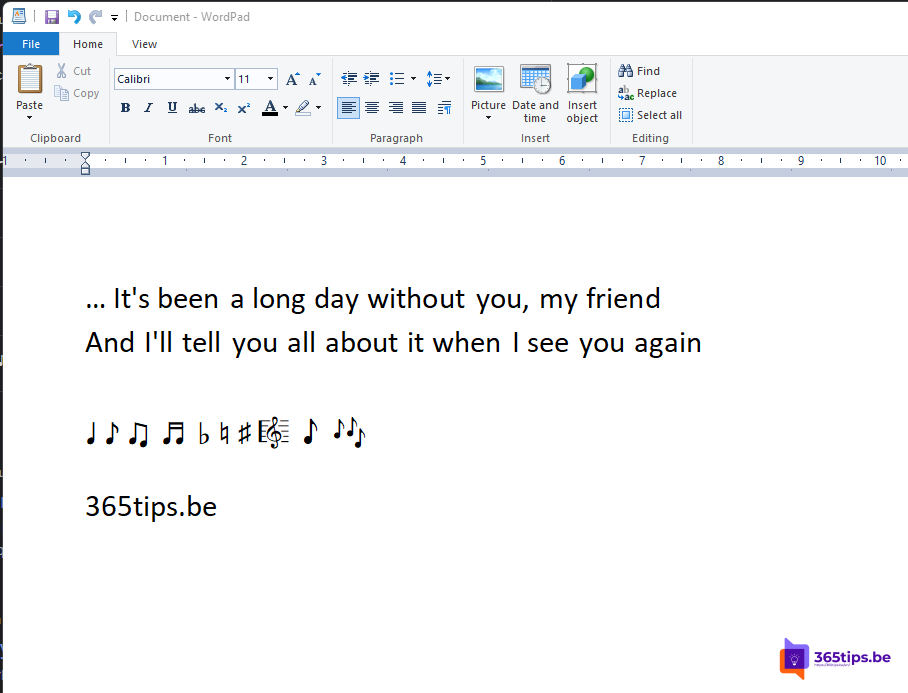
WordPad shipped with every Windows version since Windows 95. It was a simple word processor: more formatting than Notepad, but much lighter than Word. Microsoft announced its removal in 2023, and since Windows 11 version 24H2 it's gone, even after an upgrade. You can't reinstall it through Optional features. So what are the alternatives?
What does this mean for you?
- Existing .rtf and .docx files remain usable. You simply open them with another app.
- Open .txt files with Notepad.
- Using WordPad in scripts or procedures? Update them.
The best alternatives
| App | Price | Good for |
|---|---|---|
| Notepad | Built in | Quick notes and plain text. The latest version has tabs, autosave and basic formatting. |
| Word for the web | Free with a Microsoft account | Formatted documents, saved in OneDrive |
| Microsoft Word | With a Microsoft 365 subscription | Full word processing |
| LibreOffice Writer | Free, open source | A full word processor on your PC, including .rtf |
Choose a default app for .rtf
- Go to Settings > Apps > Default apps.
- Type .rtf in the search box.
- Choose the app to open these files with, for example Word.
Also see use Office online for free and turn Windows features on or off.
Read also
Use Word, Excel, PowerPoint and OneNote for free in your browser
Turn Windows features on or off in Windows 11 and 10: 4 ways
Work fully online with Word, Excel and PowerPoint
Nederlandstalige versie: WordPad verdwenen uit Windows 11: de beste alternatieven
More in English
▸Recover an unsaved Word or Excel fileRecover an unsaved or crashed Word or Excel file through Document Recovery, Recover Unsaved Documents or…
▸Save a Word document as PDF on Windows, Mac and the webSave a Word document as PDF in Word for Windows, Mac or the web. Options for bookmarks, PDF/A, smaller files…
▸Seven tips to work more productively in Windows 11Snap layouts, clipboard history, virtual desktops, File Explorer tabs, focus sessions and shortcuts in…
▸Install the Microsoft 365 apps (Office) on your Windows PCInstall Word, Excel, PowerPoint, Outlook and Teams on your PC with your work or school account. Device limits…