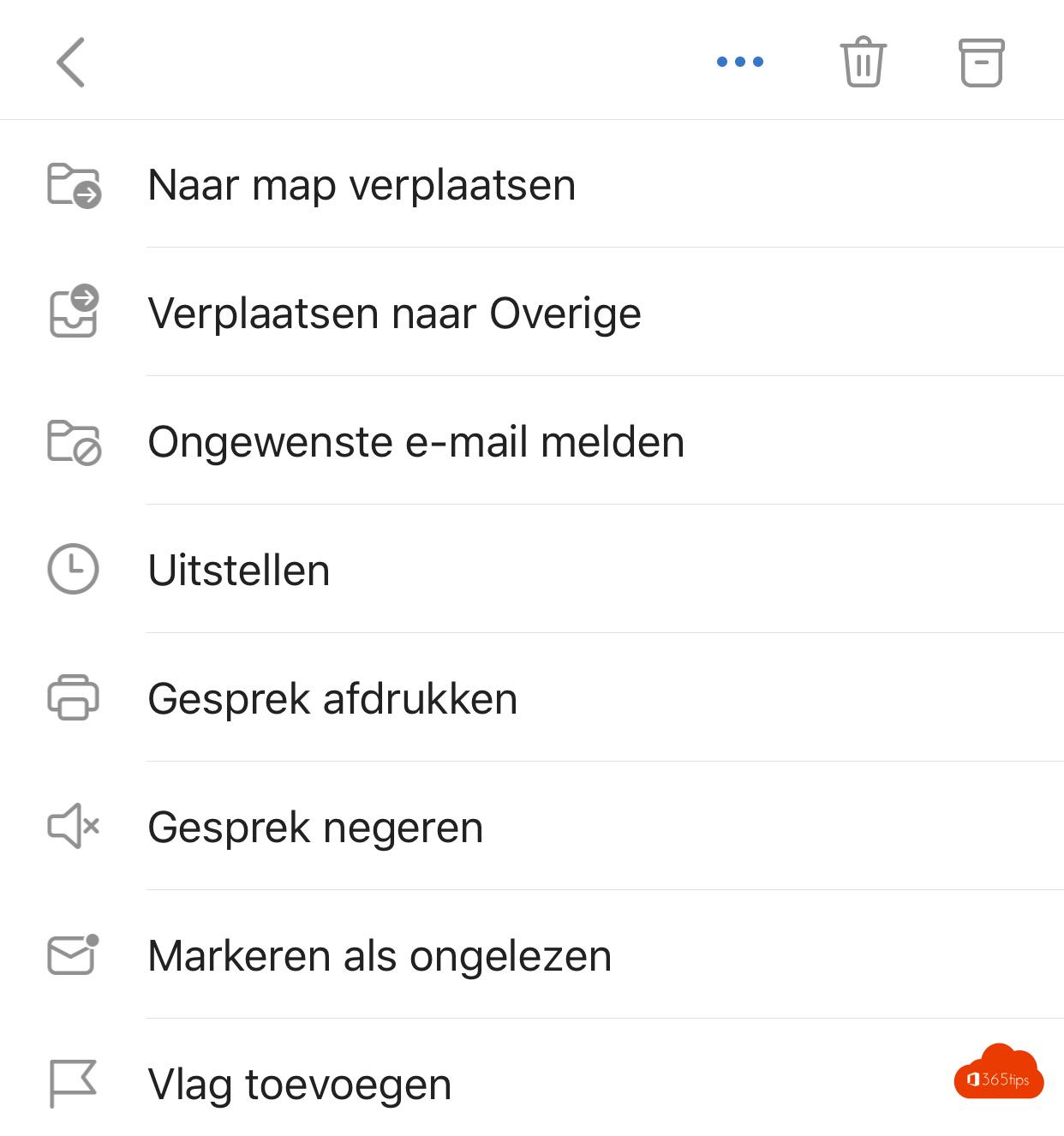
A suspicious email or spam in your inbox? Report it, so the spam filter learns and your IT team can act faster on phishing. In the Outlook app on your phone it takes a few taps.
On your phone
- Open the email in the Outlook app.
- Tap the three dots (...) at the top.
- Choose Report junk (or Report).
- Choose Junk for spam or Phishing for an attempt to steal information.
The email leaves your inbox and is reported to Microsoft and, depending on the settings, to your IT department.
On your computer
In the new Outlook and Outlook on the web, select Report in the ribbon, then choose Report phishing or Report junk.
Recognize phishing
- A sender that's almost right, such as micros0ft.com.
- Pressure: "your account will be blocked within 24 hours".
- A link or attachment you didn't expect, or a request for your password.
- In doubt? Don't click, and report the email.
For admins
In Microsoft Defender > Settings > Email & collaboration > User reported settings you decide where reports go. Reported messages appear under Submissions. Also see analyze an email with Message Header Analyzer and phishing simulations.
Read also
Run a phishing simulation with Attack simulation training
Analyze an email with the Message Header Analyzer
Set up your work email in the Outlook app on iPhone or Android
Nederlandstalige versie: Spam en phishing melden in de Outlook-app en op je computer