You don't need to install Word, Excel or PowerPoint to work with them. With the web versions you work entirely in your browser, on Windows, a Mac, a Chromebook or a Linux computer. Your files live in OneDrive or SharePoint, so you always have the latest version.
When do you work online?
- You use a device without Office, such as a Chromebook or a Linux PC.
- You work on a shared or temporary computer.
- Your license doesn't include desktop apps. That's the case with Microsoft 365 Business Basic and frontline licenses such as Microsoft 365 F3, among others. Check what your license includes.
- You want to work on the same document together, quickly.
Get started online
- Go to m365.cloud.microsoft or office.com and sign in with your work account.
- Choose Word, Excel or PowerPoint in the app launcher.
- Select New or open an existing file.
Everything is saved automatically to your OneDrive. You don't need a Save button.
Connect OneDrive to File Explorer
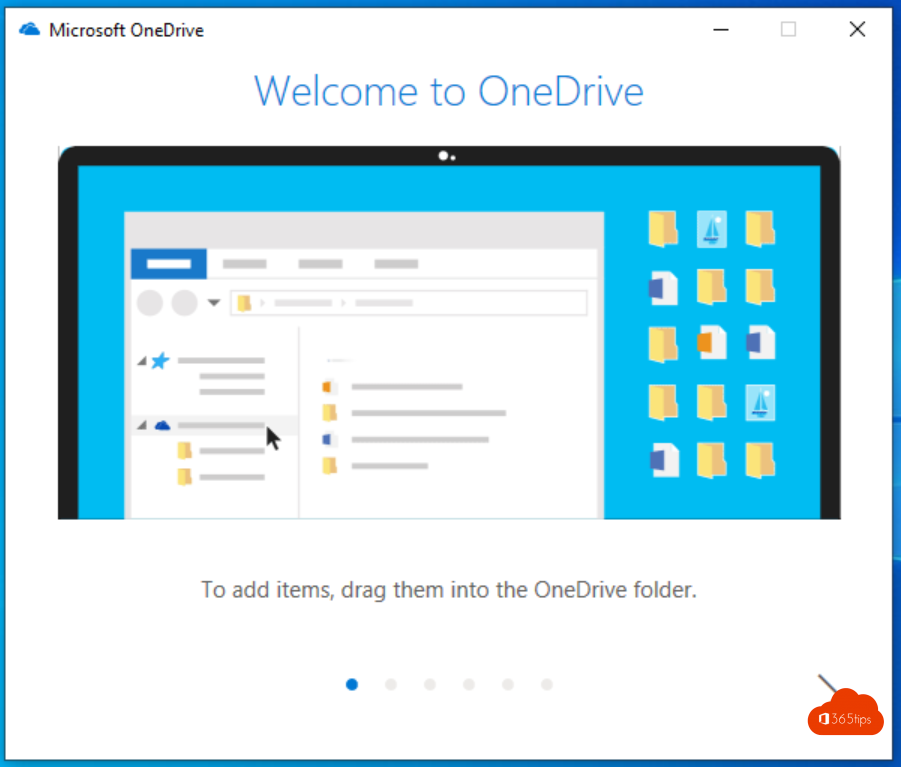
Working on Windows or macOS? Then sync your OneDrive. You see your files in File Explorer and open them in the browser with one click.
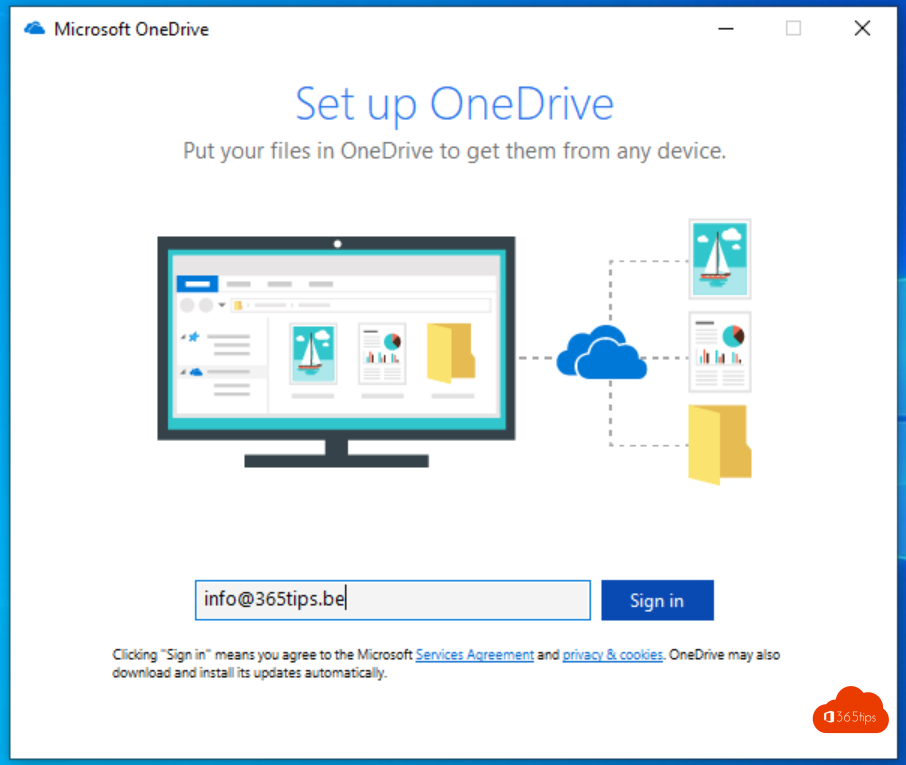
- Open the OneDrive app (on Windows it's already installed).
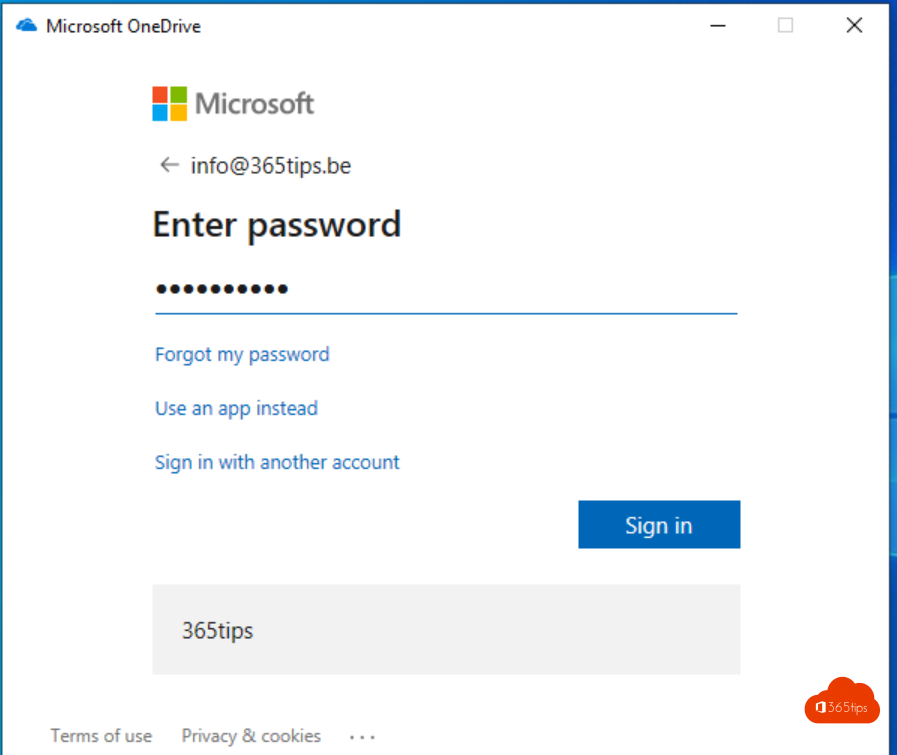
- Sign in with your work account.
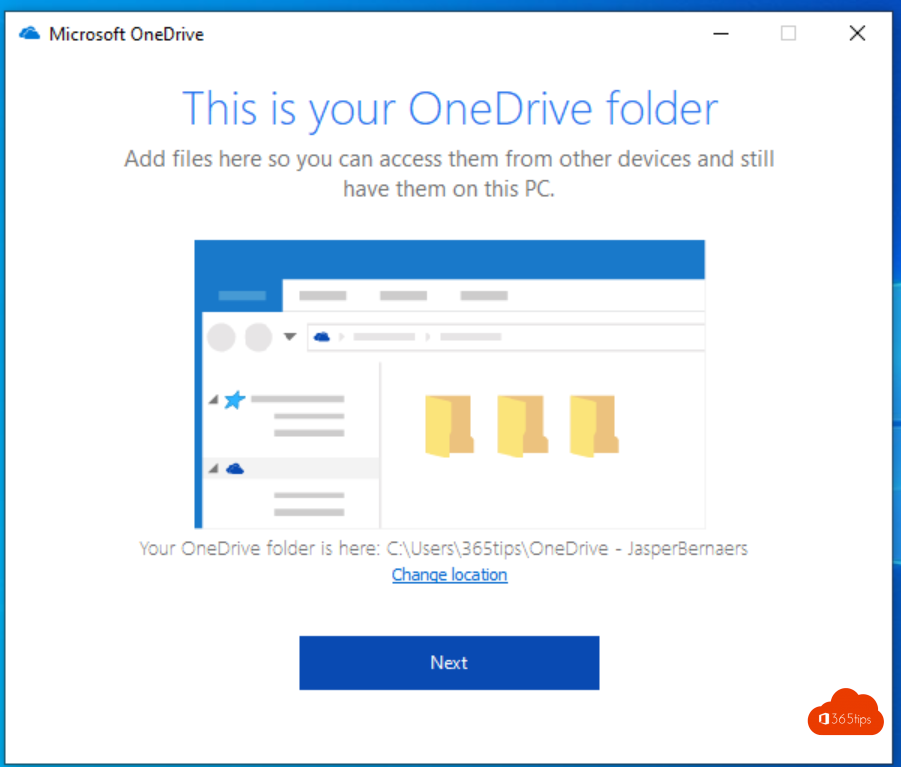
- Choose the location of your OneDrive folder, or keep the default.
- Complete the wizard.
Open a file in the browser
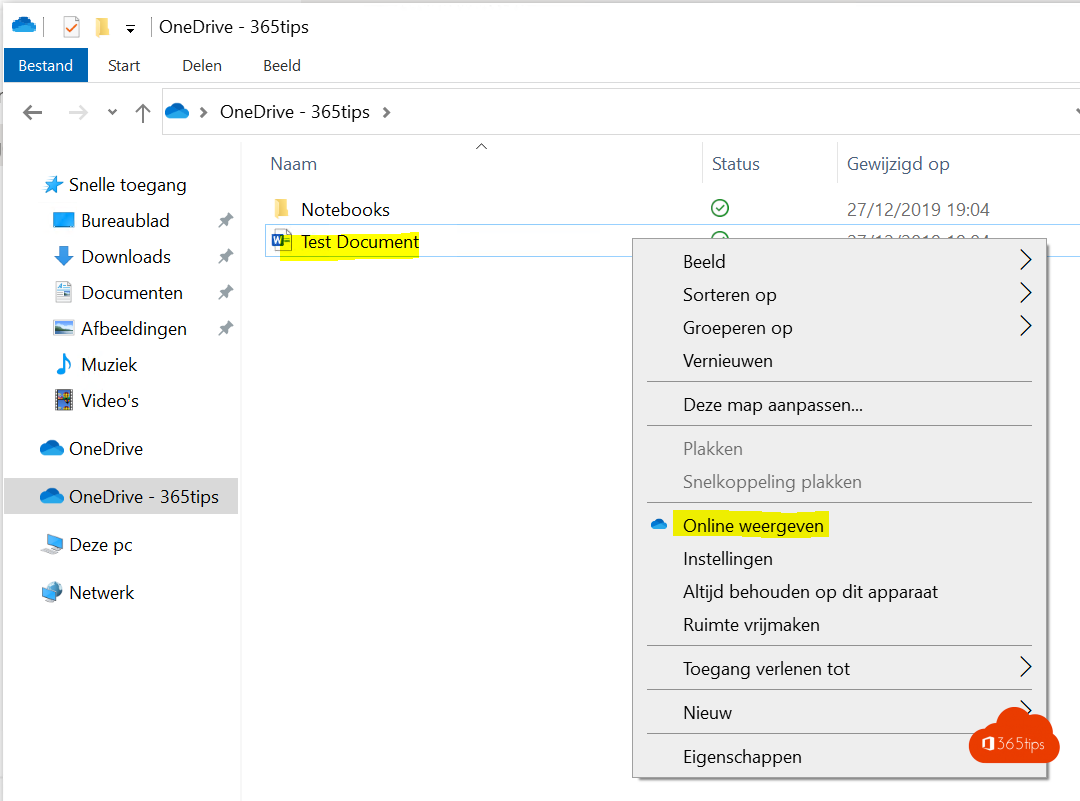
- Open your OneDrive folder in File Explorer.
- Right-click a document.
- Choose View online.
The document opens in your browser. Doesn't it open, or do you have to sign in every time? Ask your IT team to set Microsoft Edge as the default browser with automatic sign-in.
Benefits of working online
- Co-authoring: everyone works in the same file at the same time.
- Sharing: send a link instead of an attachment, also to external people if your organization allows it.
- Version history: restore an older version when something goes wrong.
- Protection: OneDrive helps you recover from ransomware or accidentally deleted files.
Keep in mind that the web versions have slightly fewer features than the desktop apps, such as some advanced Excel features. For most daily work they're more than enough.
Also see use Office online for free and version history in OneDrive and SharePoint.
Read also
Use Word, Excel, PowerPoint and OneNote for free in your browser
Quick start: sign in and get started with OneDrive for work or school
Work on one file with several people at the same time
Nederlandstalige versie: Volledig online werken met Word, Excel en PowerPoint