Working on a Mac but using Microsoft 365? Then Microsoft Edge is a handy browser: your work account, favorites and passwords sync with your Windows PC, and you work in separate profiles for work and personal use. Here's how to install Edge on macOS.
Download and install
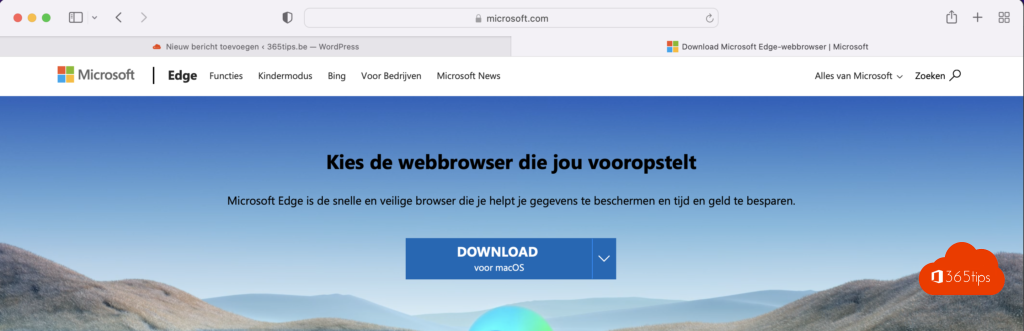
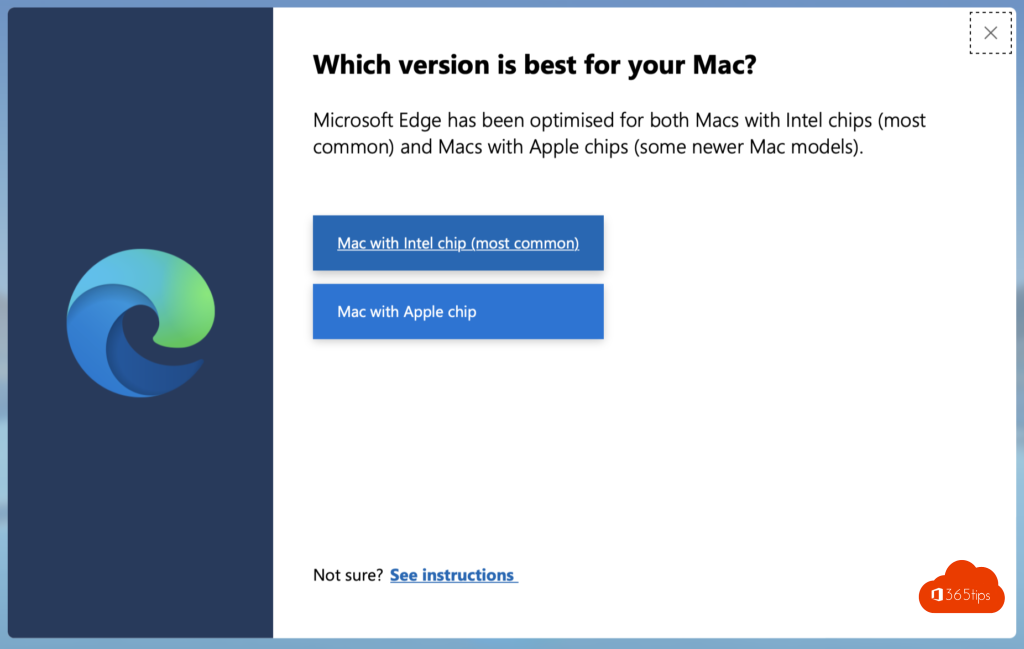
- Go to microsoft.com/edge and select Download for macOS.
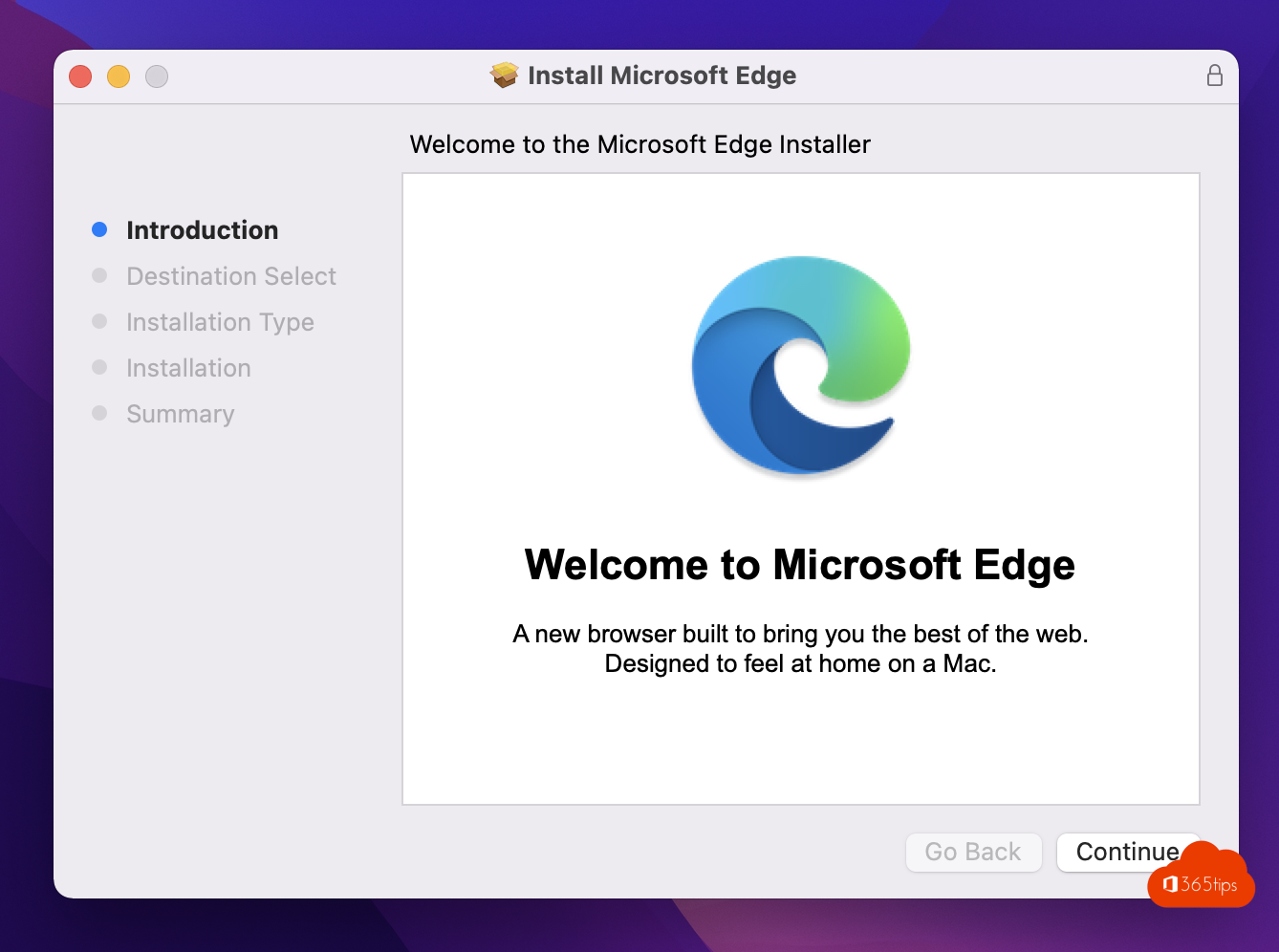
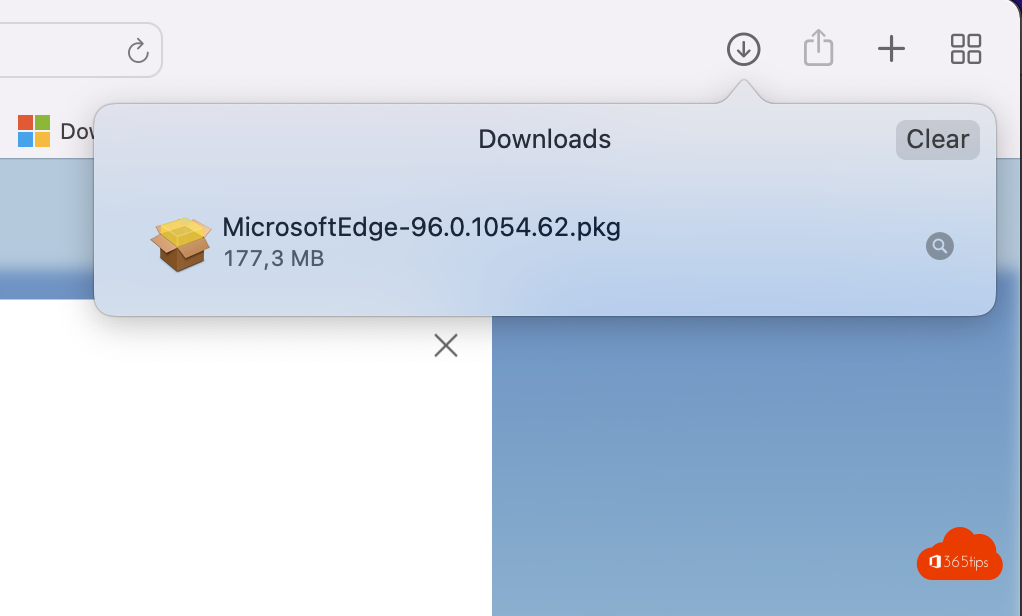
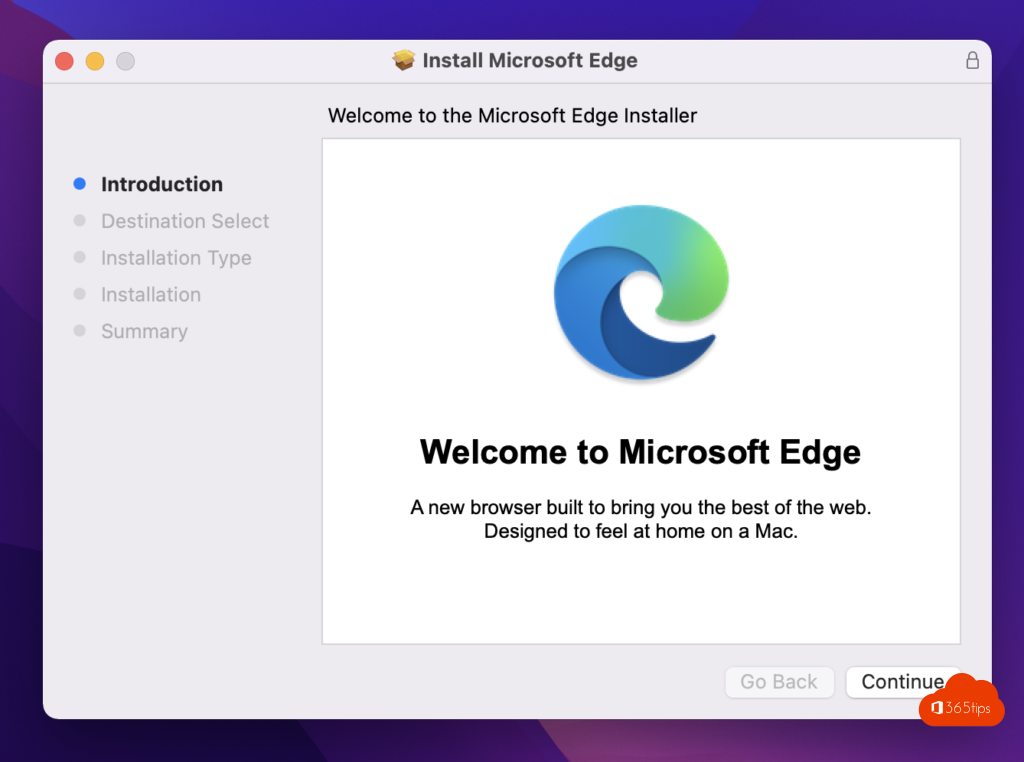
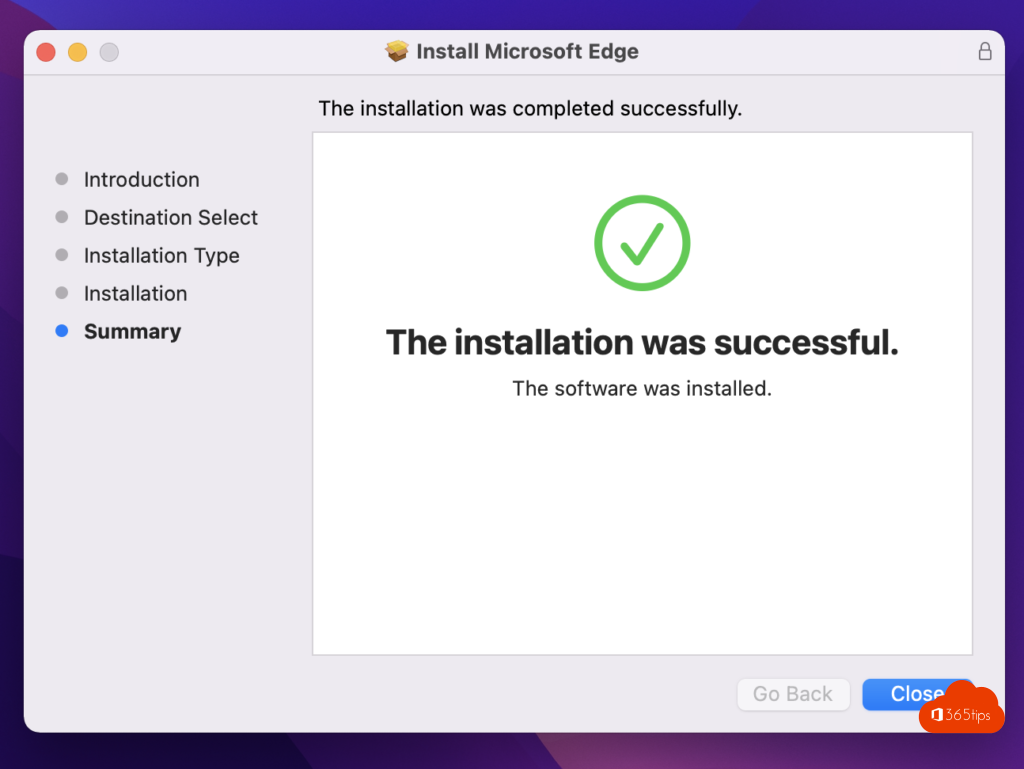
- Open the downloaded .pkg file and follow the steps. Enter your Mac password when asked.
- Open Edge from the Applications folder and drag it to your Dock.
Set it up
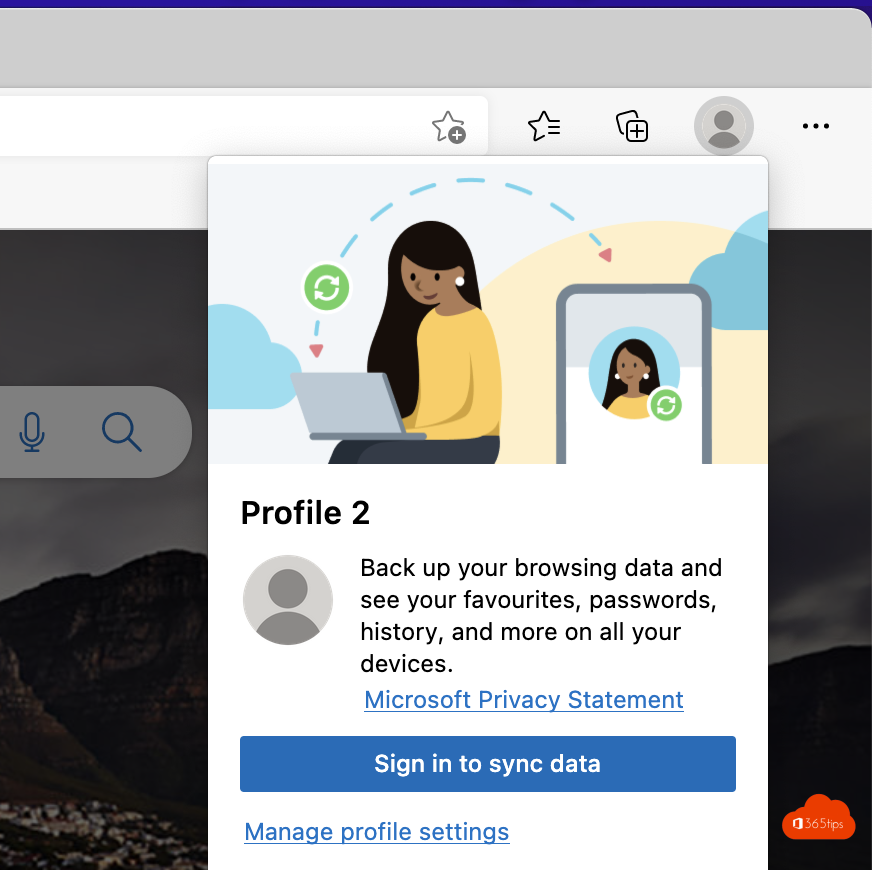
- Sign in with your work or personal account to sync favorites, passwords and history.
- Import bookmarks and passwords from Safari or Chrome via Settings > Profiles > Import browser data.
- Profiles: create one profile for work and one for personal use, so accounts and tabs stay separate.
- Default browser: choose Edge in System Settings > Desktop & Dock > Default web browser.
For admins
On managed Macs, deploy Edge with Intune and set policies with a configuration profile, just like on Windows. Edge isn't in the Mac App Store. Also see sync passwords and favorites in Edge and install Microsoft 365 on a Mac.
Read also
Sync passwords, favorites and settings in Microsoft Edge
Install the Microsoft 365 apps (Office) on a Mac
Enhanced security mode in Microsoft Edge
Nederlandstalige versie: Microsoft Edge downloaden en installeren op macOS
More in English
▸Force quit a frozen app on a Mac: 5 waysForce quit an unresponsive app on your Mac with Command + Option + Esc, the Apple menu, the Dock, Activity…
▸Turn on experimental features with edge://flagsOpen edge://flags to turn experimental features in Edge on or off, reset everything and see what to watch out…
▸Deploy and manage Microsoft Edge with Microsoft IntuneDeploy Microsoft Edge on Windows and macOS with Intune and manage the home page, extensions, updates and…
▸Take a screenshot or screen recording on a Mac, iPhone or iPadEvery shortcut for screenshots and screen recordings on a Mac, iPhone and iPad, and where the files are…