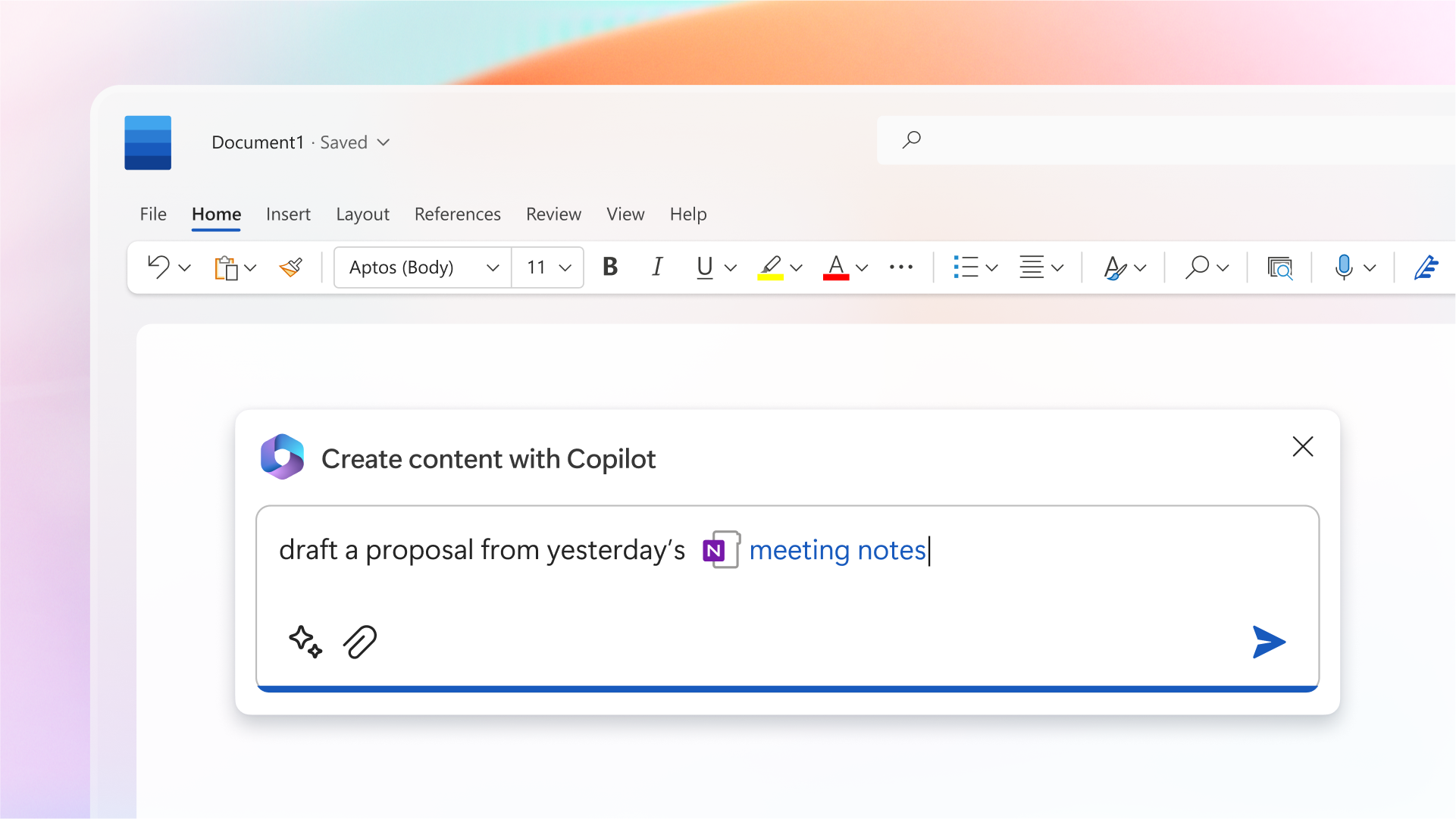
Microsoft 365 Copilot is the AI assistant built into Word, Excel, PowerPoint, Outlook and Teams. You ask in plain language for what you need, and Copilot writes, summarizes or analyzes for you. When it was first announced in March 2023, only a few test customers had it; today it's generally available, also in Dutch, and there are several variants for work and home. Here's what Copilot is, which versions exist and how to get started.
The different Copilots
| Name | For whom | What it does |
|---|---|---|
| Microsoft 365 Copilot | Businesses, with a paid add-on | Copilot in the Office apps, with access to your work data |
| Microsoft 365 Copilot Chat | Everyone with a work or school account | A secure AI chat grounded in the web |
| Microsoft Copilot | Home users with a personal account | The free app for Windows, iOS, Android and the web |
| Copilot in Microsoft 365 Personal/Family | Home users with a subscription | Copilot in Word, Excel, PowerPoint and Outlook |
What can Copilot do?
- Word: write a first draft from a few sentences or another file, and summarize long documents.
- Excel: analyze data, suggest and explain formulas, and create charts.
- PowerPoint: create a presentation from a document or a prompt.
- Outlook: draft emails and summarize long threads.
- Teams: summarize meetings, list action items and answer questions about what was said.
- Agents: specialized assistants for a task or a SharePoint site.
How does it work?
Copilot combines large language models with your data in Microsoft 365, such as mail, files and calendar. It only uses information you already have access to. Your data isn't used to train the models. So Copilot doesn't "learn from you" like a personal assistant would; it uses the context available at the moment you ask.
Get started
- Sign in at microsoft365.com with your work account and open Copilot.
- Try Copilot Chat first: ask for a summary of a web page or a file you add.
- Have a Copilot license? Then select the Copilot icon in Word, Outlook or Teams.
- Always check the result. Copilot is a helper, not a replacement for your own review.
Also see the Microsoft 365 Copilot license and using Copilot in Dutch.
Read also
The Microsoft 365 Copilot license: what you get and how to buy it
Get started with Microsoft 365 Copilot Chat (formerly Bing Chat Enterprise)
What is generative AI and what can you do with it?
Nederlandstalige versie: Wat is Microsoft 365 Copilot en welke versies bestaan er?