Want to send professional email from your own domain, such as name@yourcompany.com, without buying a big package? With your own Microsoft 365 environment (a tenant) and one affordable business subscription you can, even if you work alone. Here's which plans fit and how to set it up.
Which plans are suitable?
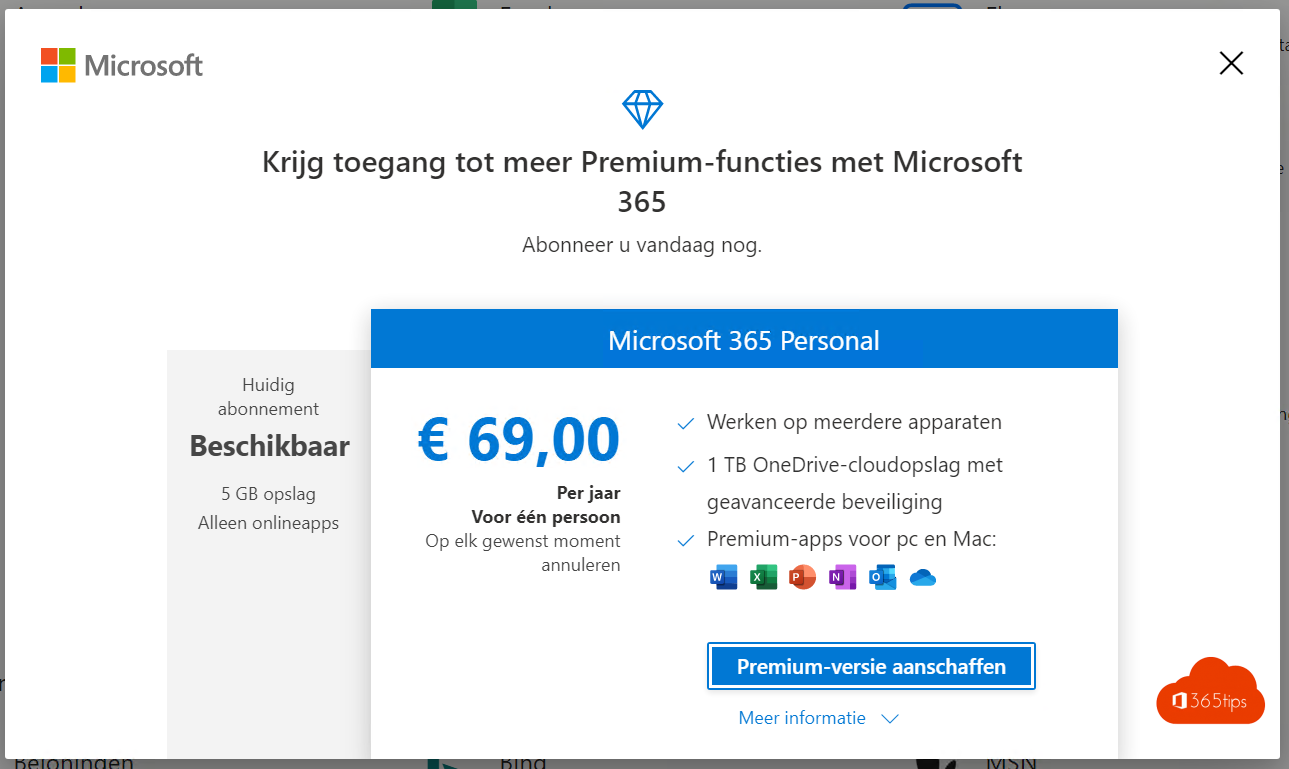
For email on your own domain you need a business plan. A home plan such as Microsoft 365 Personal or Family is meant for private use and isn't a good basis for business email.
| Plan | What you get | Good for |
|---|---|---|
| Exchange Online (Plan 1) | Business email and calendar only | People who just want email on their own domain |
| Microsoft 365 Business Basic | Email, Teams, OneDrive, SharePoint and the web versions of Word, Excel and PowerPoint | Freelancers and small teams who mostly work online |
| Microsoft 365 Business Standard | Everything in Basic plus the Office desktop apps | Anyone who wants Word and Excel installed on their computer |
| Microsoft 365 Business Premium | Everything in Standard plus extra security and device management | Businesses that want to manage security centrally |
Exact storage, limits and prices are on Microsoft's product pages and change over time. Also note the difference between monthly and annual commitments, which affects the price.
How to set it up
- Buy a domain name from a registrar of your choice.
- Start a business subscription on Microsoft's website. This creates a new tenant with an onmicrosoft.com address.
- Add your own domain in the Microsoft 365 admin center under Settings > Domains and add the DNS records at your registrar.
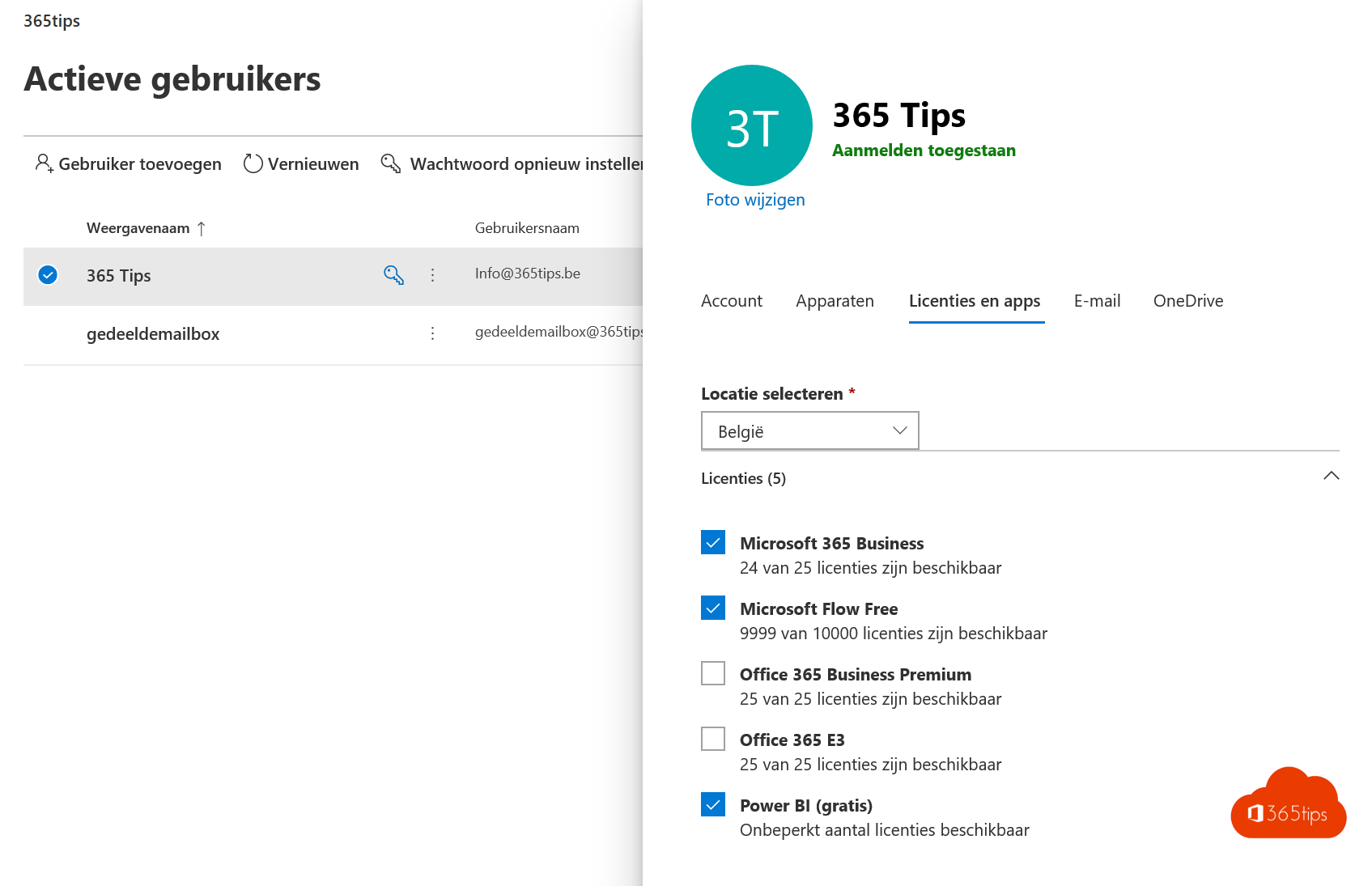
- Assign the license to your user under Users > Active users.
- Turn on multifactor authentication (MFA) for every account, especially the admin account.
Tips
- Start small: you can always move to a bigger plan later.
- Use a separate admin account and work day to day with a regular account.
- Personalized domains in Outlook.com (through Microsoft 365 Personal or Family) are no longer an alternative: Microsoft phased that feature out.
Also see add your own domain to Microsoft 365 and Microsoft 365 business plans compared.
Read also
Add your own domain to Microsoft 365
Microsoft 365 licenses compared: which one do you need?
Five reasons to start with Microsoft 365 Business Premium
Nederlandstalige versie: Een eigen Microsoft 365-omgeving met je eigen domein