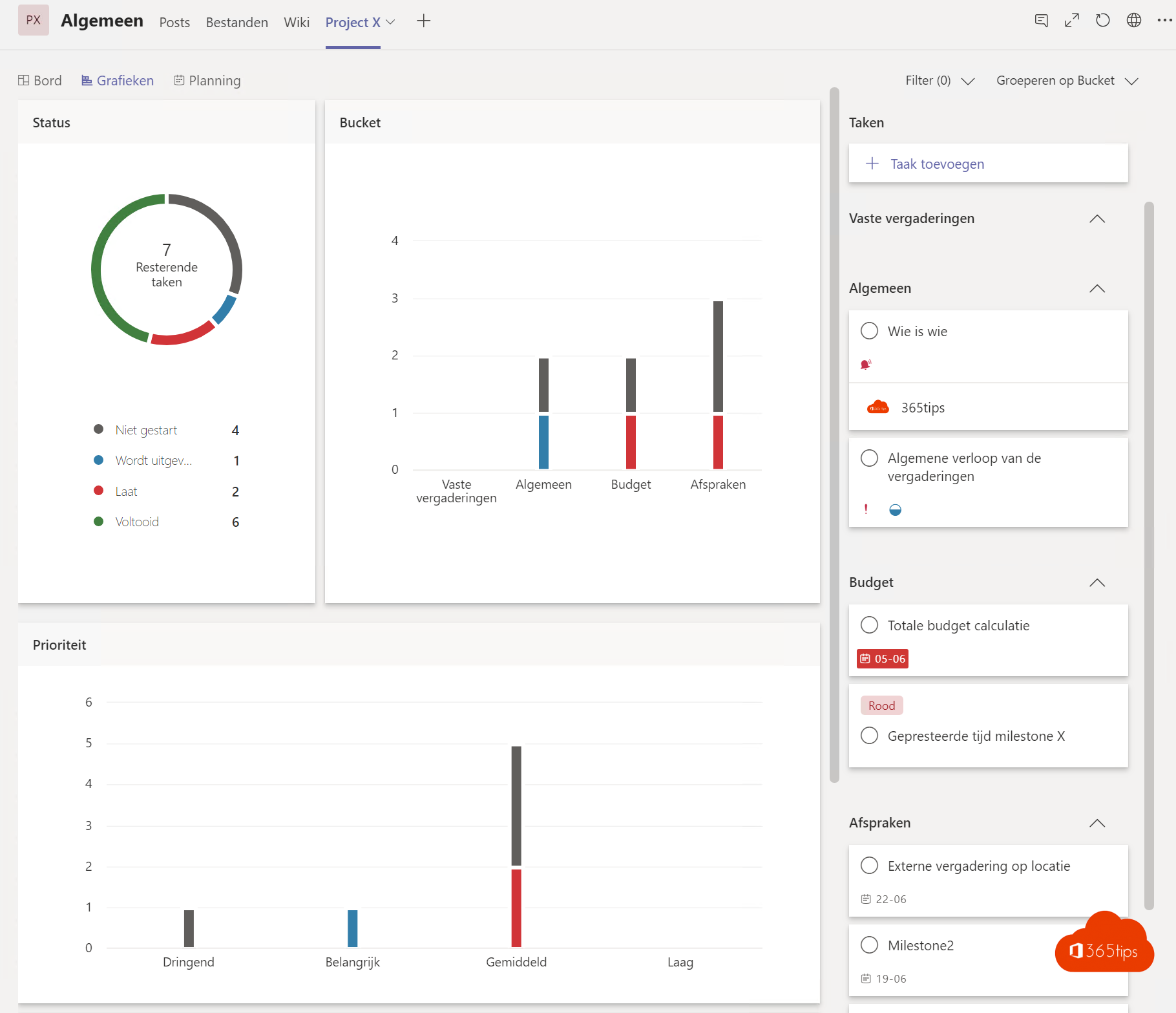
A project runs more smoothly when everything is in one place: discussions, files, tasks and agreements. In Microsoft Teams you set up a project team for that. Here's how to build one.
1. One team per project
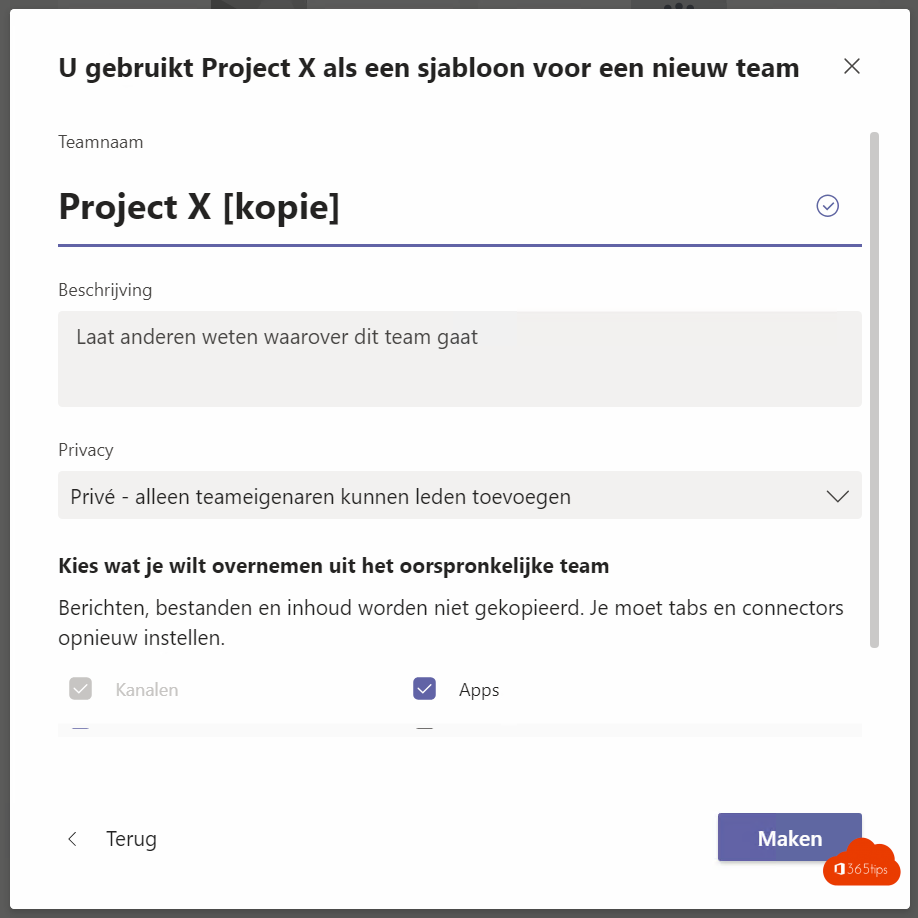
Create a team with a clear name, such as PRJ - New website. Add the project members and external people as guests if needed. Use a team template if you start projects often.
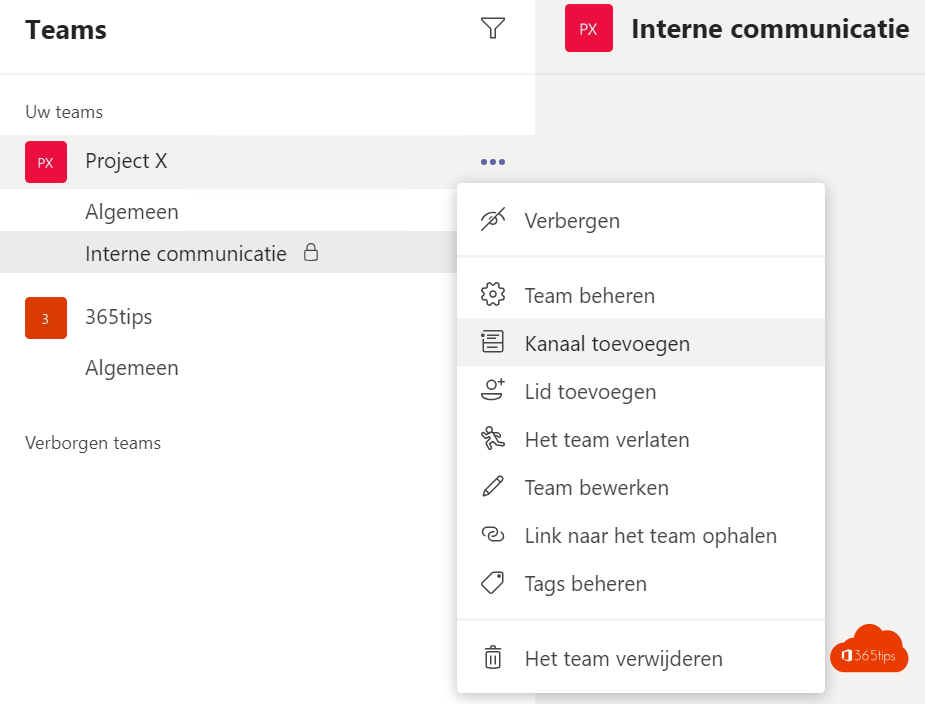
2. Channels per topic
- General for announcements.
- A channel per workstream, such as Design, Content and Technical.
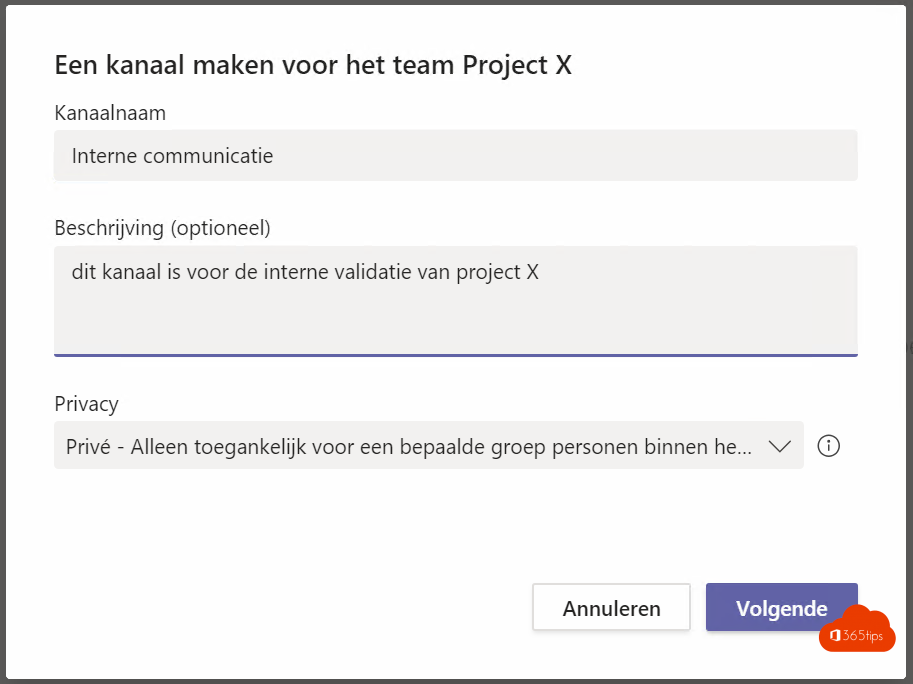
- A private channel for budget or the steering group.
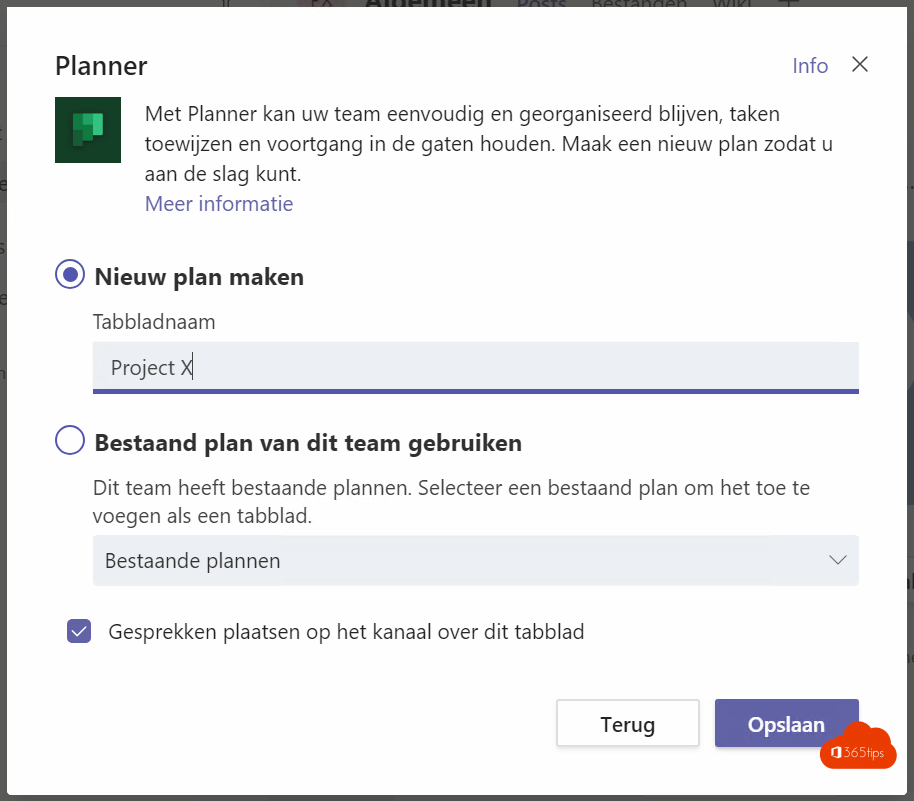
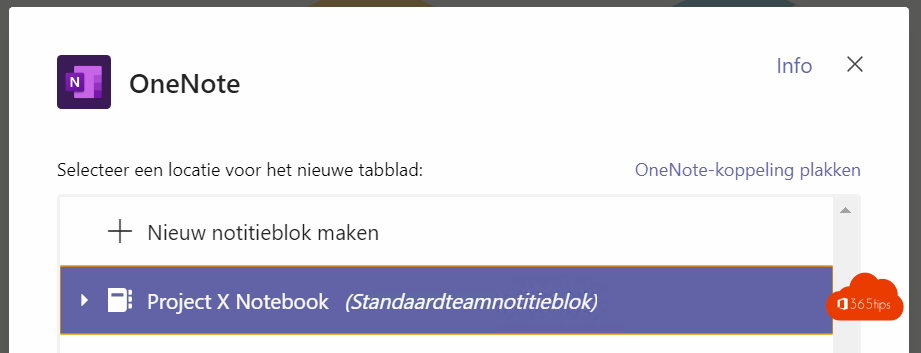
3. Tabs with the right tools
- Planner for tasks with owners and deadlines. See Planner in Teams.
- Lists for a risk register or decision log.
- Loop or OneNote for meeting notes.
- A website or SharePoint page with project info.
4. How to work together
- Schedule meetings in the channel, so notes and recordings end up there.
- Use @channel or tags for important posts.
- Archive the team after the project.
Also see all your tasks in one place.
Nederlandstalige versie: Microsoft Teams inrichten om projecten te beheren
Related articles
▸How is Microsoft Teams built technically?Teams, channels and files: see how Microsoft Teams works with Entra ID, SharePoint, Exchange, OneDrive and…
▸Create and manage team templates in the Teams admin centerDefine channels, tabs and apps in a team template and use templates policies to control which templates users…
▸Create and organise a team in Microsoft TeamsCreate a new team in Microsoft Teams from scratch or from a template. Choose private or public and learn how…
▸Create a standard, private or shared channel in Microsoft TeamsCreate a channel in Microsoft Teams and choose between standard, private and shared. Posts and Threads…
▸Create a guest team and make the General channel read-onlyCreate a team for guests and let only owners post in the General channel. With channel moderation for other…