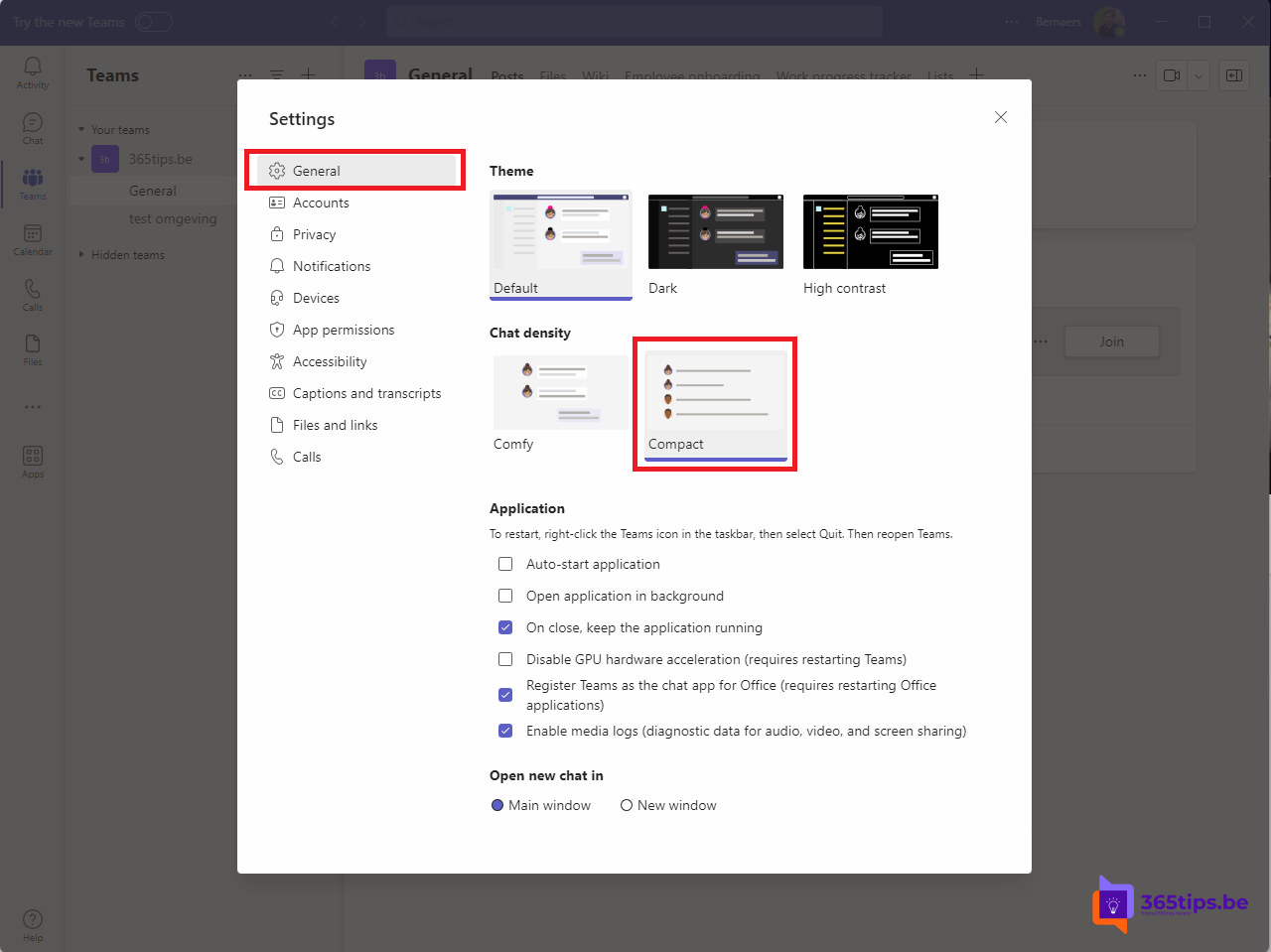
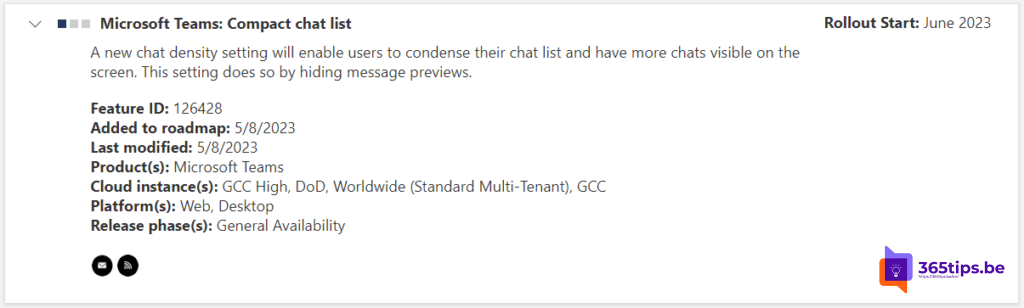
Have lots of chats in Teams? With the compact view you see more conversations at once in your chat list. Teams hides the message preview text, which also adds some privacy when someone looks over your shoulder. The compact chat list is standard in the new Teams, and the setting now lives in the appearance settings.
What is the compact chat list?
In the default view (Comfy), Teams shows each chat's name, a snippet of the last message and the time. In Compact view each chat takes less space and the preview disappears, so many more conversations fit on your screen.

Turn on compact view
- Click ... at the top right and choose Settings.
- Go to Appearance and accessibility.
- Under Chat density, choose Compact.
Exact names may differ slightly between versions. To go back, choose Comfy again.
More overview in your chats
- Create your own sections in the chat list to group conversations, for example per project.
- Pin important chats to the top.
- Use the filter to show only unread messages.
Also see mark a message as unread and chatting in Microsoft Teams.
Read also
Mark a message as unread in Microsoft Teams
Chatting in Microsoft Teams: four scenarios and when to use each
Save messages in Microsoft Teams and find them again fast
Nederlandstalige versie: De compacte chatlijst in Microsoft Teams inschakelen