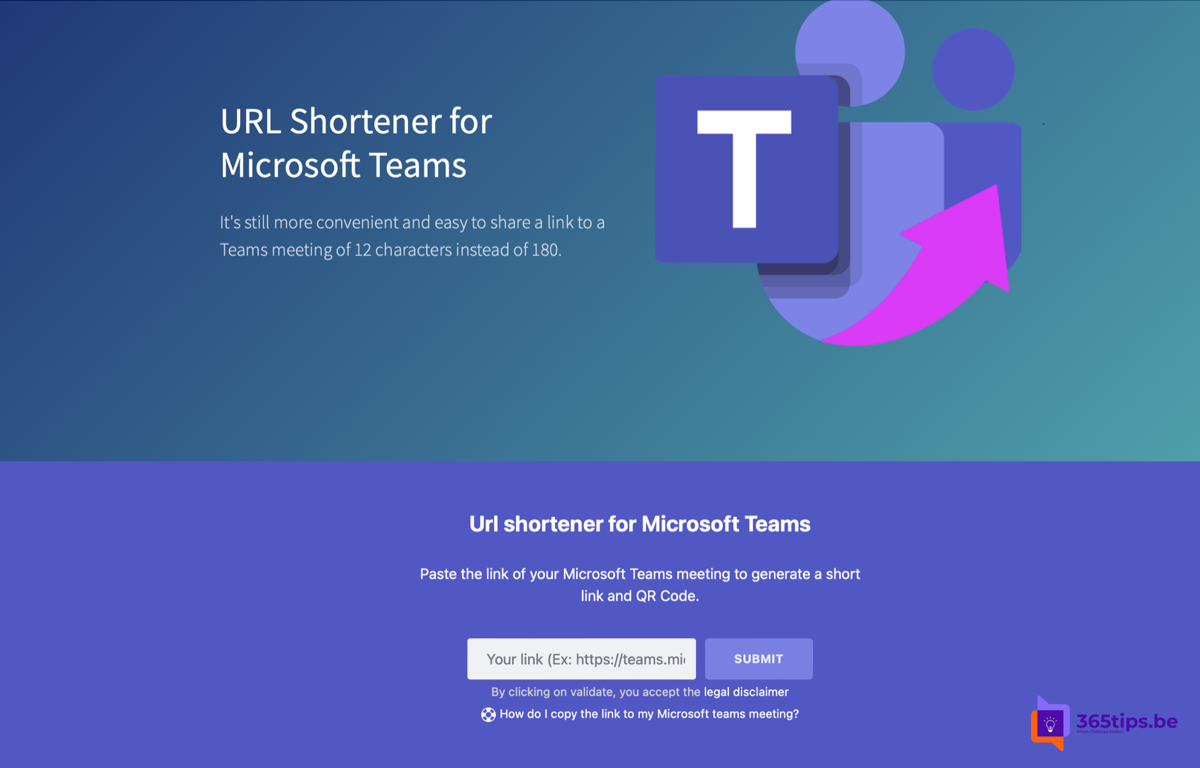
A Teams meeting link is often long and awkward to share on a poster, in a text message or in a presentation. How do you make it shorter? External services such as MSTeams.link exist, but often you don't need them. Microsoft still has no official URL shortener for Teams, but newer meeting invites often contain a shorter link and a meeting ID with passcode.
First: what Teams offers itself
- Meeting ID and passcode: attendees go to the Teams join page and enter the ID and code. Handy to read out or put on a slide.
- Copy meeting link: in the calendar or in the meeting itself. The link is often already shorter than it used to be.
- QR code: open the link in Microsoft Edge and choose Create QR code for this page (via the menu or by right-clicking).
- Webinars and town halls: these have their own registration or join page you can share.
MSTeams.link: an external option
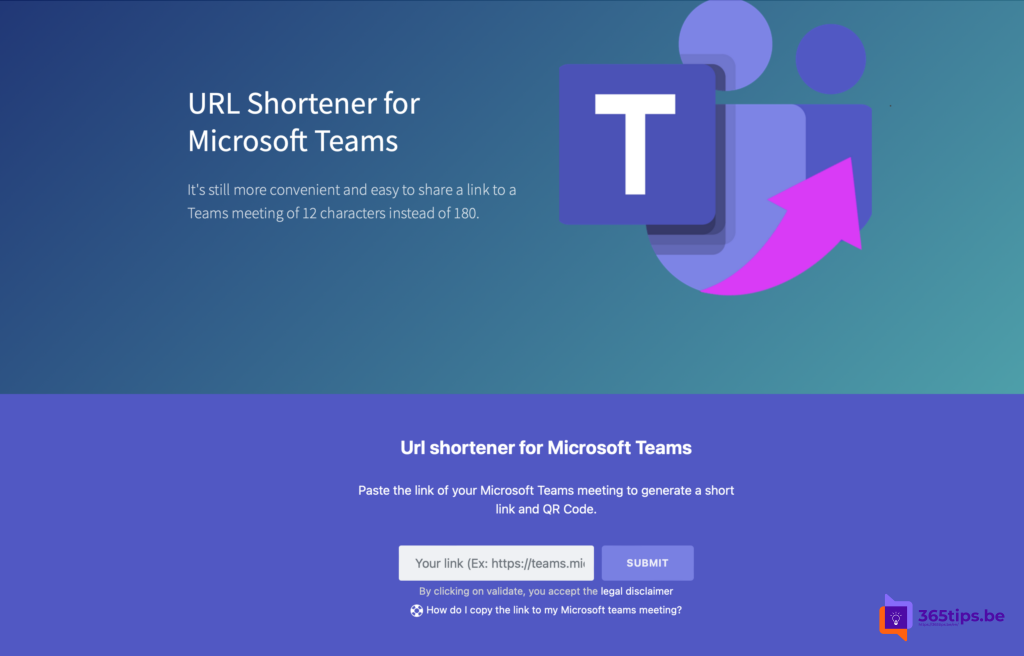
MSTeams.link is a third-party service, not a Microsoft product. You paste your full Teams link and get a short link and QR code back, sometimes with click statistics.
What to watch out for
- Privacy: every shortener sees your full meeting link and can forward it. Don't use one for confidential meetings.
- Reliability: if the service disappears, your short links stop working.
- Policy: some organizations block short links in email because phishers use them a lot.
- Meeting security: use the lobby and meeting options so not everyone with the link gets straight in.
Ask for an official shortener
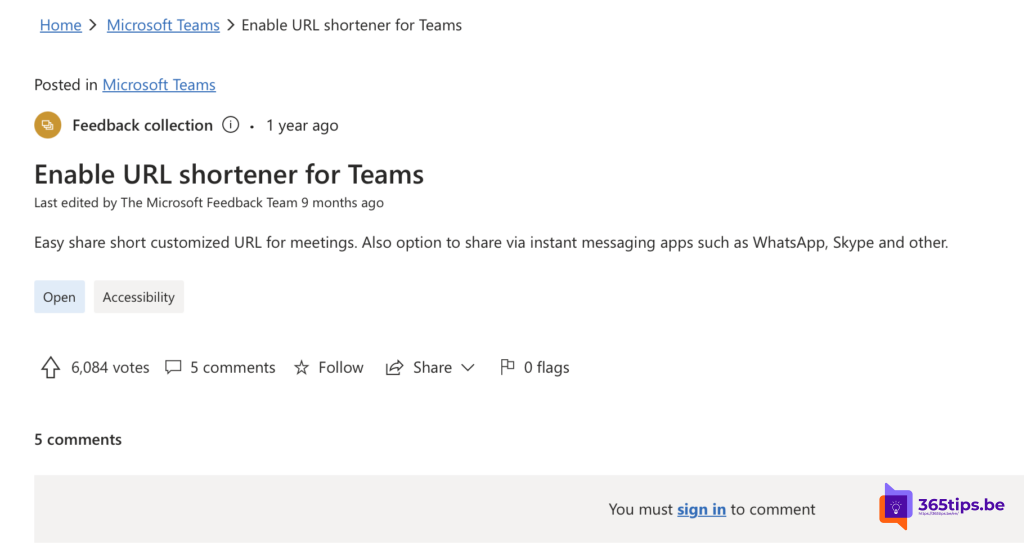
Want Microsoft to offer this itself? Vote or submit your idea via the Microsoft Feedback portal (feedbackportal.microsoft.com).
Also see join with a meeting ID and passcode and copy a Teams meeting link.
Read also
Join a Teams meeting with a meeting ID and passcode
Schedule a Teams meeting and share the link in one click
Prevent a Teams meeting invite from being forwarded
Nederlandstalige versie: Een Teams-vergaderlink verkorten: MSTeams.link en alternatieven