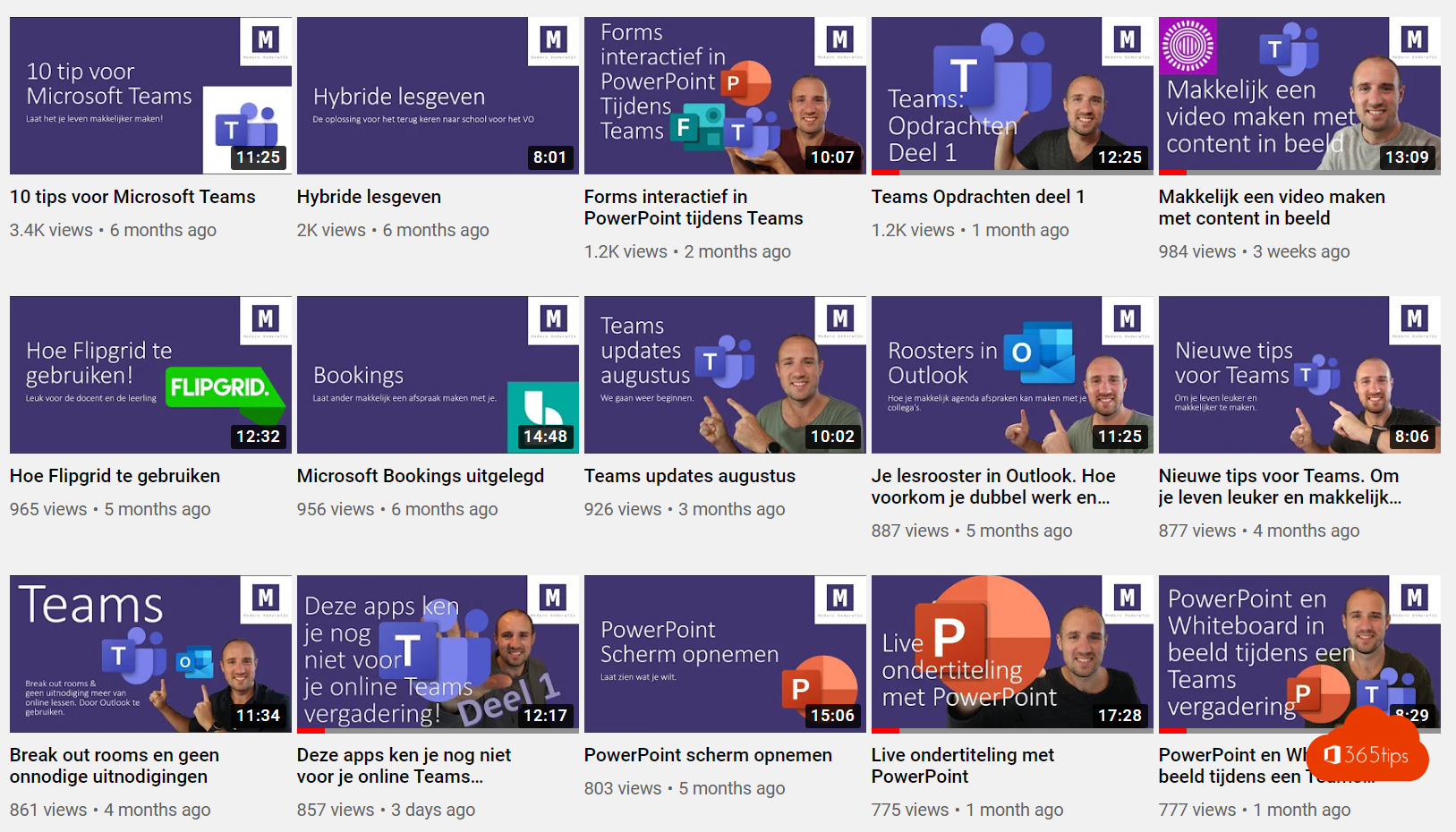
Prefer learning by video? On YouTube and from Microsoft itself you'll find plenty of explanations about teaching with Microsoft Teams. Many older videos show the classic Teams app, so pick recent videos or Microsoft's official resources. Here is where to find good tutorials and which topics are worth watching.
Official Microsoft resources
- Microsoft Learn Educator Center: free courses for teachers on Teams, OneNote and other apps.
- Teams for Education support: short guides for teachers and students.
- The Microsoft Education YouTube channel: demos of new features.
- In Teams itself: click Help for training and videos.
Videos on YouTube
Many teachers and schools run channels that explain Teams, in English and other languages. Search for a specific topic, such as "Teams assignments" or "Teams breakout rooms", and check the date of the video.
Topics worth watching
- Creating and grading assignments and giving feedback.
- Using the Class Notebook in OneNote.
- Breakout rooms for group work.
- Sharing your screen, a PowerPoint or a whiteboard during class.
- Live captions and Immersive Reader for students who need extra support.
- Creating a quiz or survey with Microsoft Forms.
- Scheduling parent conferences with Microsoft Bookings.
Also see the Microsoft 365 education starter guide and getting started with Class Notebook.
Read also
Microsoft 365 for education: set up your school and class
Set up a class in Teams with the OneNote Class Notebook
Everything about breakout rooms in Microsoft Teams
Nederlandstalige versie: Lesgeven met Microsoft Teams: waar vind je goede video-uitleg?