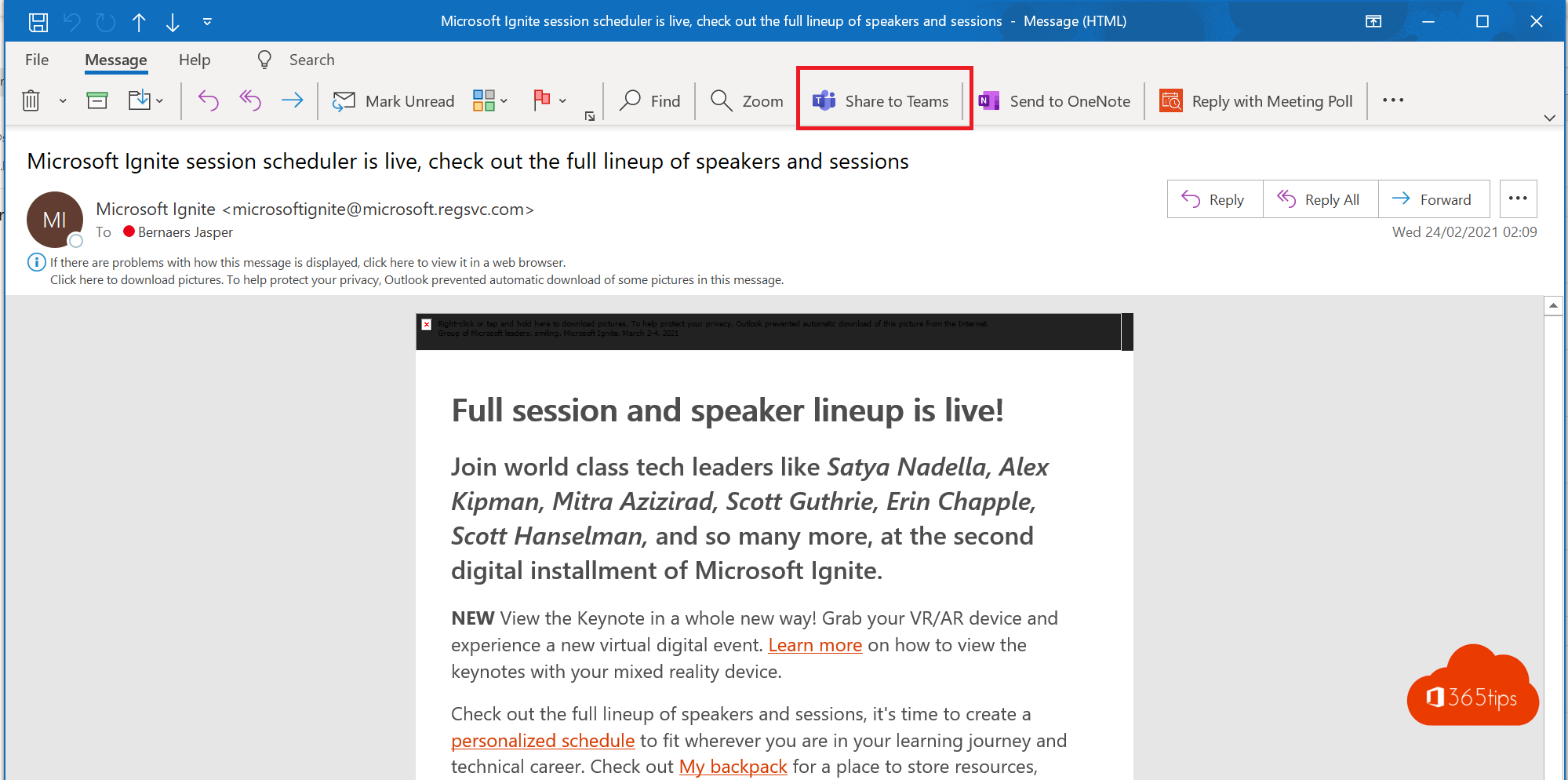
Want to discuss an email with your team? Then you'd rather have it in Teams, where the conversation happens. There are three ways: the Share to Teams button in Outlook, forwarding the email to a channel's email address, or attaching the email as a file.
Option 1: Share to Teams
- Open the email in Outlook.
- Click Share to Teams in the ribbon or on the message. Don't see it? Look under More actions (the three dots).
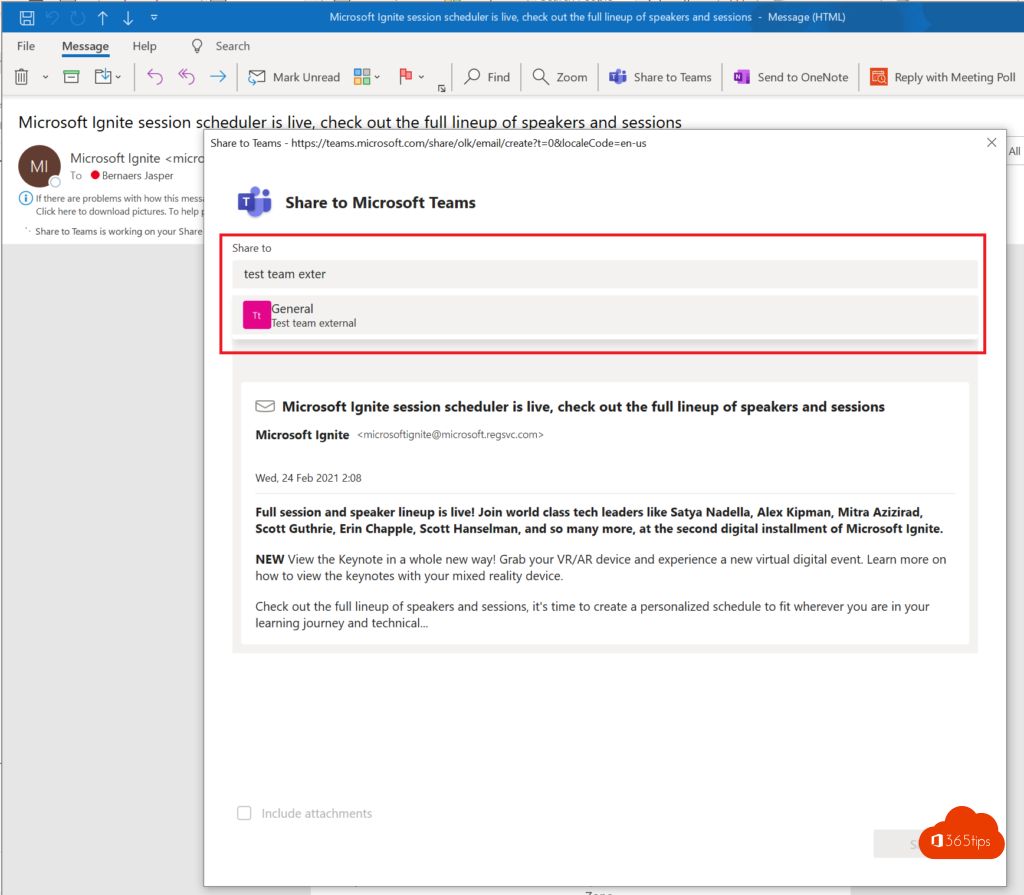
- Pick a person, group chat or channel.
- Optionally add a short note and choose whether to include attachments.
- Click Share.
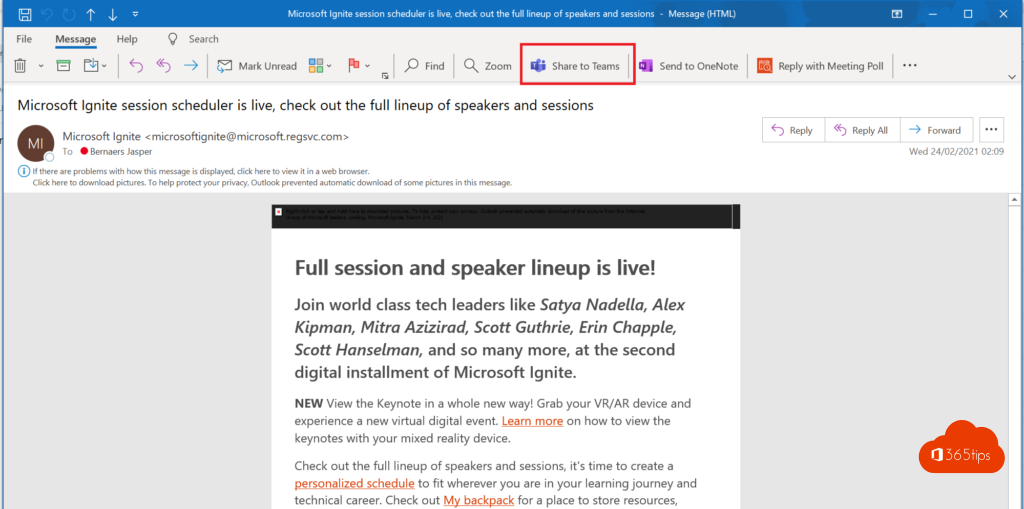
The button is an add-in that comes with Teams. If it's missing in classic Outlook, your admin can turn it on. The old tip of dragging an email from Outlook into Teams doesn't work in every version.
Option 2: Forward to a channel
Every standard channel can have its own email address. In Teams, click More options > Get email address on the channel and send the email to that address. It appears as a post in the channel, and the original lands in the channel's Email Messages folder. See also forward emails to a Teams channel.
Option 3: Attach it as a file
Save the email as a file (File > Save As in classic Outlook) and attach it to a Teams message with the paperclip. That keeps the full email including attachments. Learn how in save an Outlook email as a file.
Which option should you choose?
| Situation | Best option |
|---|---|
| Quickly share an email with a colleague or channel | Share to Teams |
| Have emails land in a channel automatically | Channel address or a flow |
| Keep the original email as an attachment | Save as a file |
Also see share an Outlook email to Teams and share a Teams message with non-Teams users.
Read also
Share an Outlook email to a Teams chat or channel
Forward emails automatically to a Teams channel
Send an email to a Microsoft Teams channel
Nederlandstalige versie: Een e-mail uit Outlook delen in Microsoft Teams