Just became a Microsoft 365 admin? The Microsoft 365 admin center (admin.microsoft.com) is your starting point. This quick guide shows where to find users, licenses, groups, billing and service health.
The home page
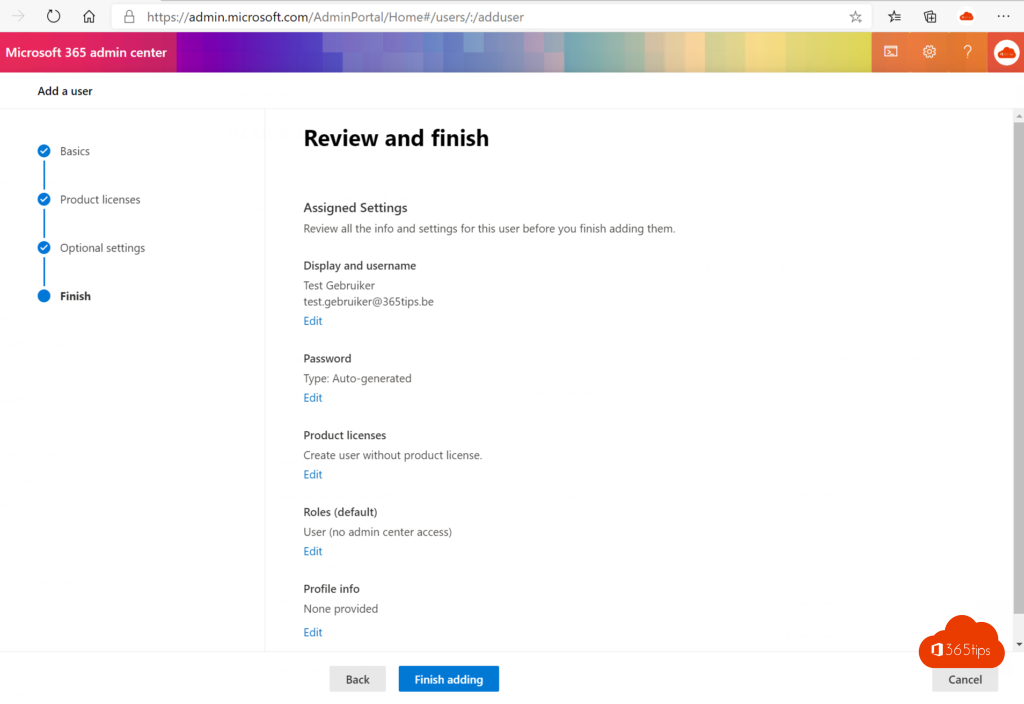
The home page shows cards with quick actions, such as adding a user or resetting a password. Customize the cards with Add cards. Select Show all in the left menu to see every section.


The main sections
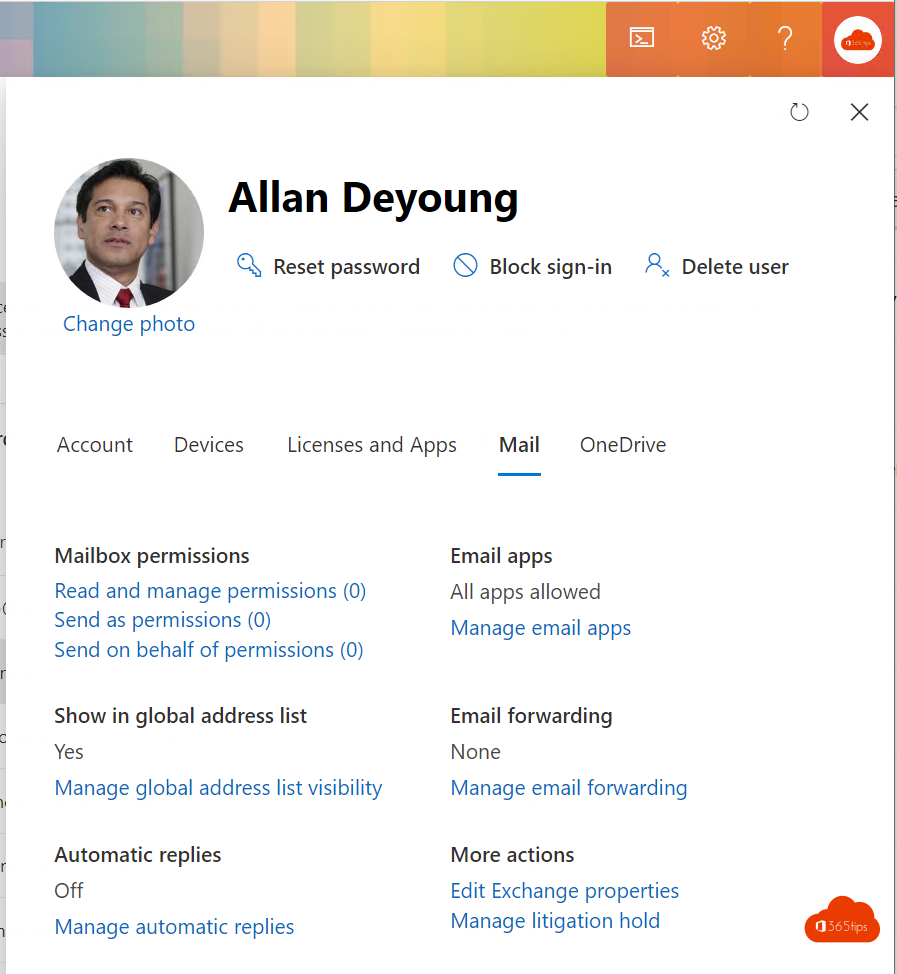
- Users: active users, guests and deleted users. Read manage users and groups.
- Teams & groups: Microsoft 365 groups, distribution lists, security groups and shared mailboxes.
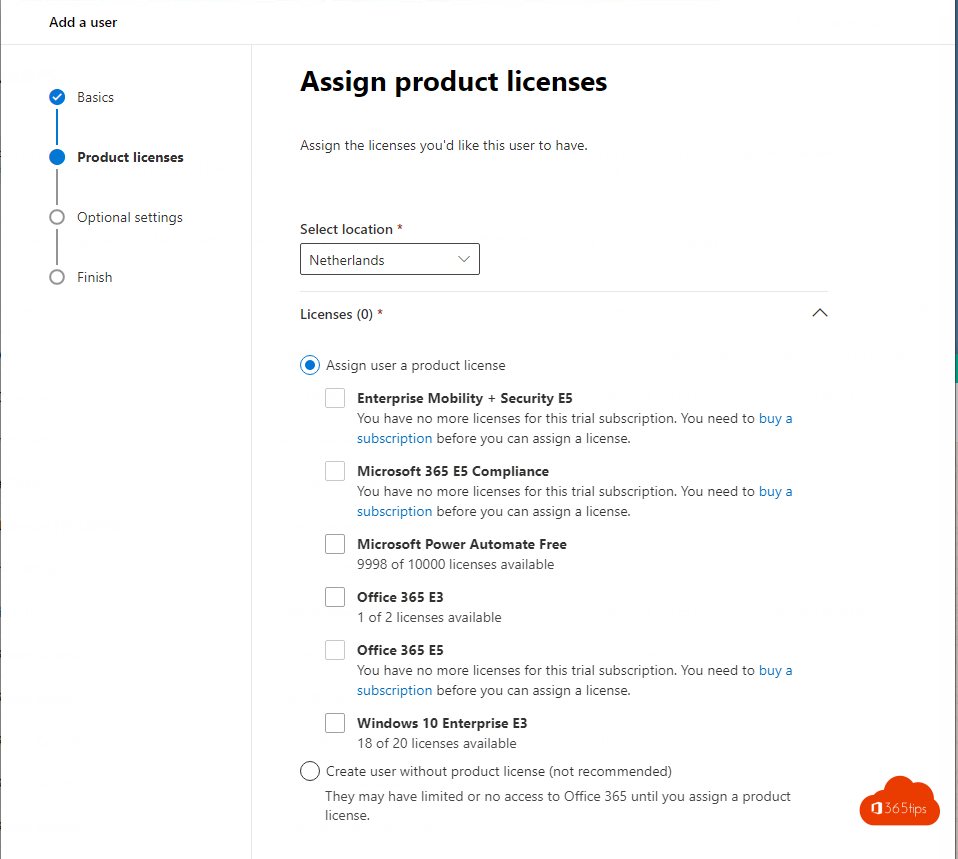
- Billing: subscriptions, licenses and invoices.
- Settings: domains, org settings and Microsoft 365 apps.
- Health: Service health for outages and the Message center for announced changes.
- Reports: usage and Adoption Score.
- Admin centers: shortcuts to Exchange, Teams, SharePoint, Entra, Intune, Defender and Purview.

Tips
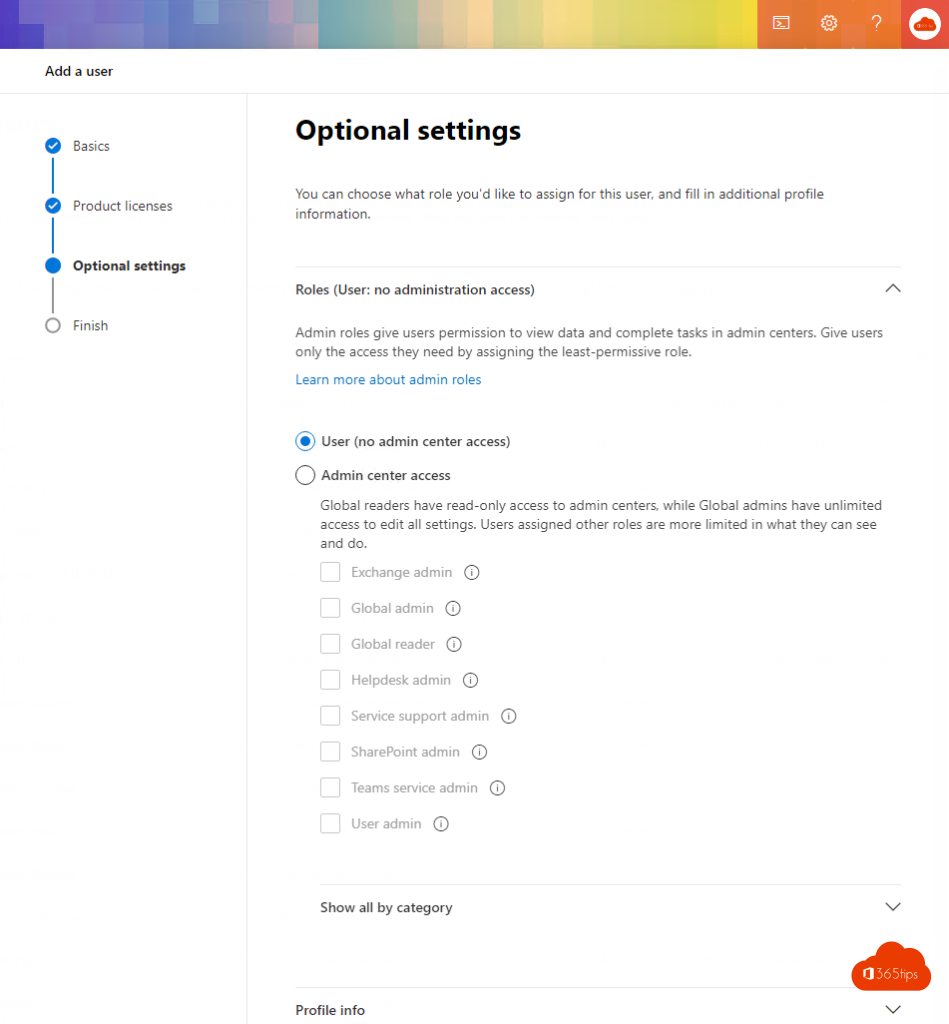
- Give admins only the role they need, such as User Administrator or Helpdesk Administrator.
- Use a separate admin account, with MFA.
- Use the Microsoft 365 Admin mobile app for quick tasks on the go.
Also see all Microsoft admin portals and Microsoft 365 licenses compared.
Read also
All Microsoft 365 admin portals in one list: the right URLs in 2026
Assign admin roles in Microsoft 365
Manage users and groups in Microsoft Entra ID
Nederlandstalige versie: Snelgids door het Microsoft 365-beheercentrum voor beheerders
More in English
▸Microsoft 365 licenses compared: which one do you need?Business Basic, Standard and Premium, E3, E5 and Frontline: what's included and which Microsoft 365 license…
▸Usage reports and Adoption Score in the Microsoft 365 admin centerMeasure use of Teams, OneDrive, Exchange and the Office apps with the usage reports and Adoption Score in…
▸Assign the Global Reader role in Microsoft 365Give an IT partner or auditor read-only access to Microsoft 365 with the Global Reader role. Plus GDAP and…
▸Sign in to Microsoft 365, the admin center or AzureThe main addresses to sign in to Microsoft 365, Teams, Entra, Azure and the admin centers, with tips when it…