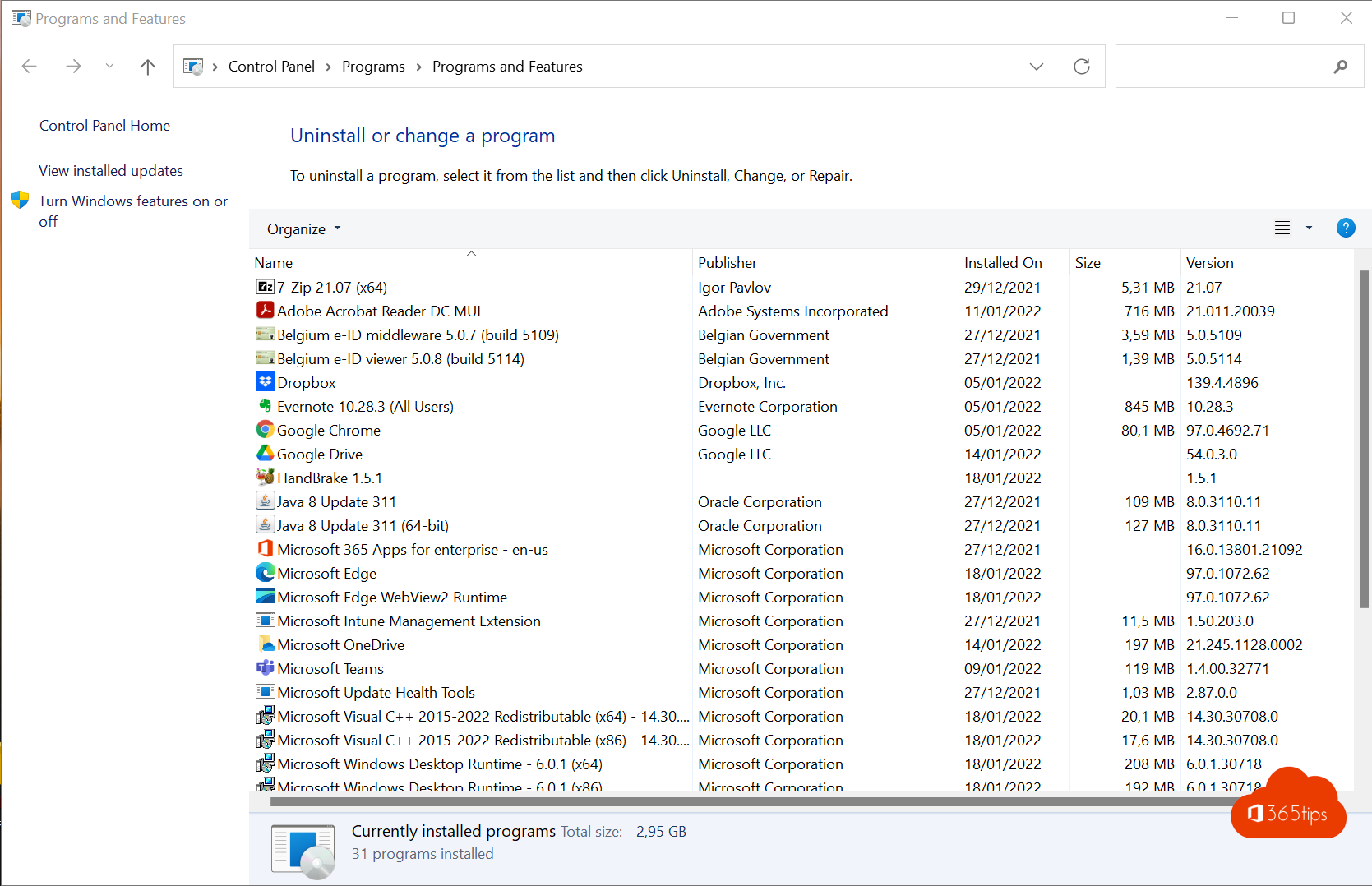
Windows 11 includes a lot, but a few free programs get even more out of your computer. Below you'll find well-known, trustworthy programs by category. Always download them from the maker's official website or via a package manager such as winget, never from third-party download sites. "Free" may only apply to personal use for some programs, so check the license before using one at work.
Install and update software
- winget: Windows' own package manager.
winget install VideoLAN.VLCinstalls a program,winget upgrade --allupdates everything. - Chocolatey: a popular alternative, especially among admins.
- Microsoft Store: many free programs are available there too.
Office and documents
- Microsoft 365 for the web: free Word, Excel and PowerPoint in the browser with a Microsoft account.
- LibreOffice: a fully free office suite.
- Adobe Acrobat Reader, or simply Microsoft Edge, to read and sign PDFs.
Photo, video and audio
- GIMP and Paint.NET for photo editing.
- Audacity for recording and editing audio.
- HandBrake to convert videos.
- VLC: plays almost any video and audio file.
- Clipchamp: the video editor that comes with Windows 11.
Handy utilities
- 7-Zip for zip, 7z and other archives.
- Microsoft PowerToys: a collection of extras, such as a color picker, window layouts and text extraction from images.
- TreeSize Free or WinDirStat to see which folders fill your drive.
- Snipping Tool (built in) or Greenshot for screenshots.
- Quick Assist (built in) to help someone remotely. TeamViewer is free for personal use.
- VirtualBox to test another operating system in a virtual machine.
Internet and communication
- Browsers: Microsoft Edge (built in), Firefox and Google Chrome.
- Messaging: Signal, WhatsApp and Microsoft Teams (free version for personal use).
- Video calls: Teams, Google Meet or Jitsi Meet in the browser.
- Cloud storage: OneDrive (built in) or Dropbox.
- Proton VPN has a free tier if you need a VPN.
Security and maintenance: already built in
- Windows Security (Microsoft Defender Antivirus) already protects your PC. A second free antivirus is usually unnecessary.
- Storage Sense cleans up temporary files automatically. You don't need a separate "cleaner".
- Keep Windows and your programs up to date via Windows Update and winget.
Also see winget in Windows and free Office online.
Read also
Install and update software with winget on Windows
Install and update software with Chocolatey
Use Word, Excel, PowerPoint and OneNote for free in your browser
Nederlandstalige versie: De beste gratis software voor Windows 11 per categorie
More in English
▸Take a print screen, screenshot or screen recording in Windows 11Take a screenshot or screen recording in Windows 11 with Snipping Tool, Print Screen or Game Bar, and copy…
▸Find and delete large files in Windows 11 and 10: 5 waysC: drive full? Find the largest files in Windows 11 and 10 with Storage settings, size:gigantic in File…
▸The best free software for drawing on a Windows PCFree drawing programs for Windows such as Krita, Paint.NET, GIMP and Inkscape, plus tools to draw on your…
▸The best VPN for Windows 11: how to choose the right oneWhat to look for in a VPN for Windows 11? Well-known services such as Proton VPN, NordVPN and ExpressVPN, and…