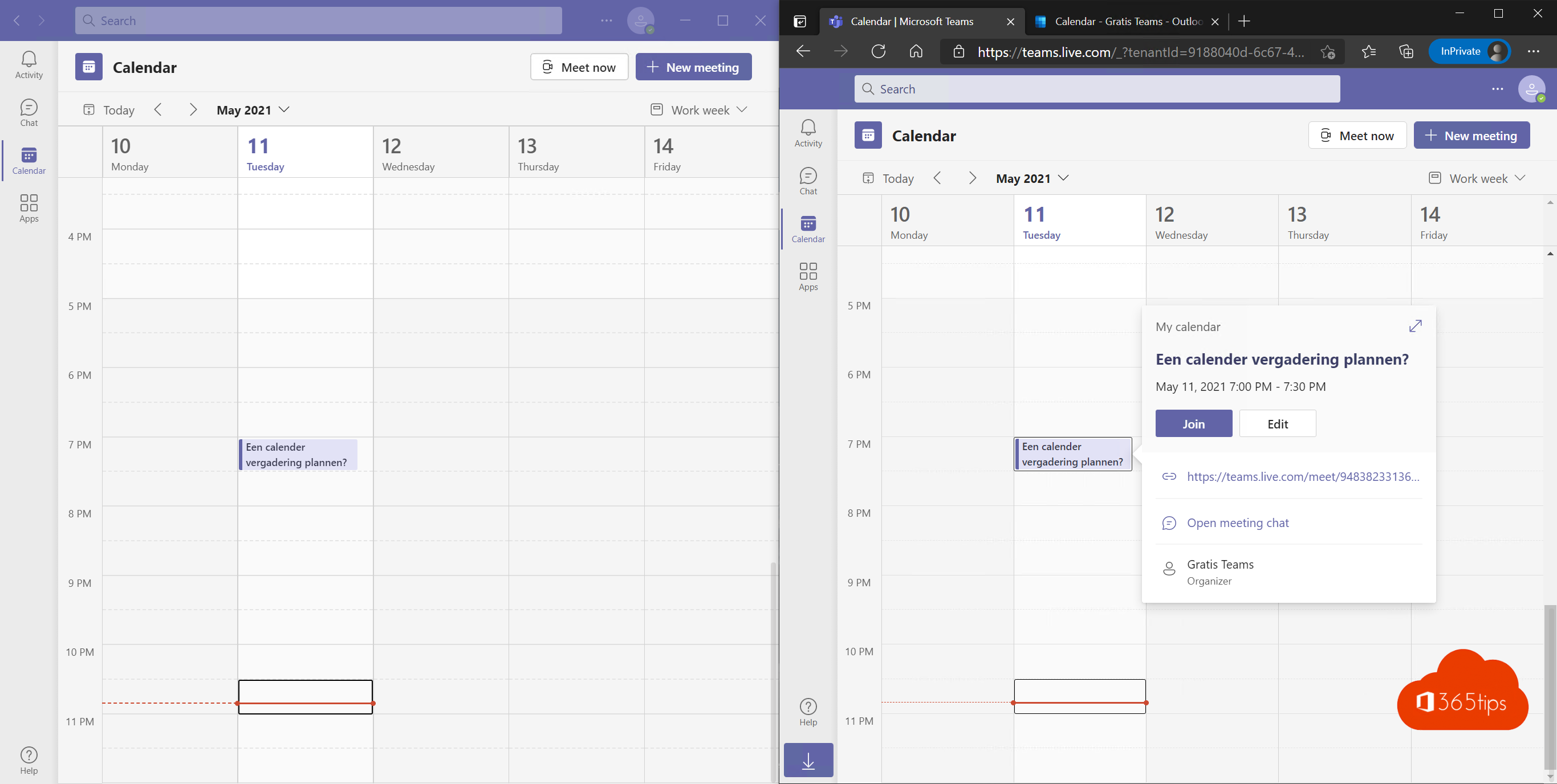
Did you know you can use Word, Excel, PowerPoint and OneNote for free in your browser? All you need is a free Microsoft account. Ideal for students, home use or a computer without Office.
How to start
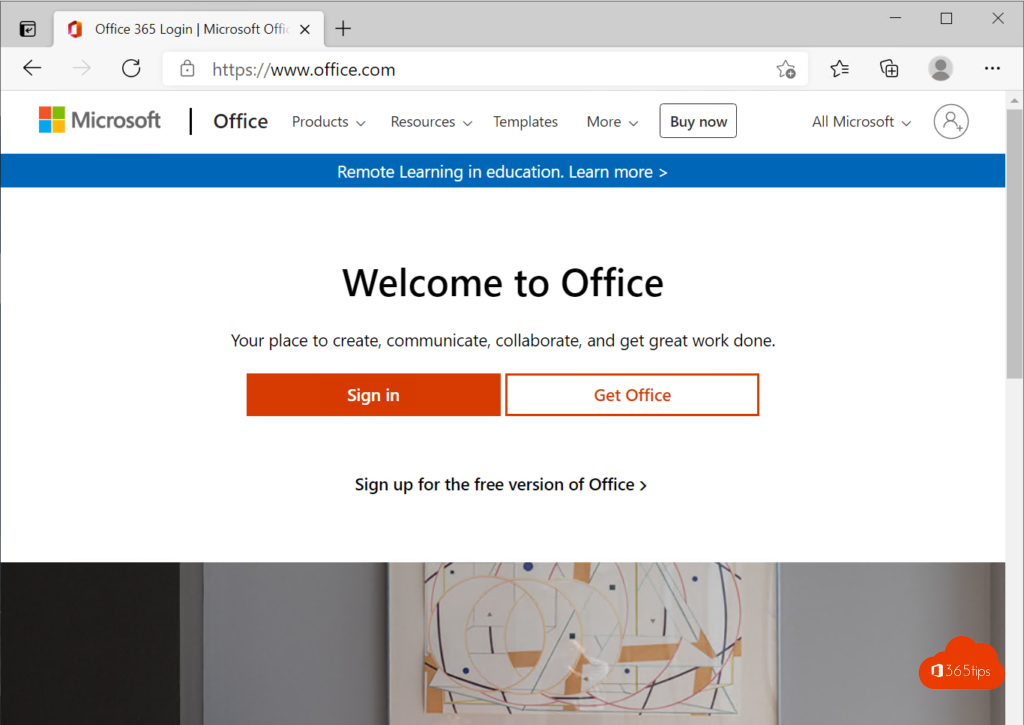
- Go to microsoft365.com (or office.com).
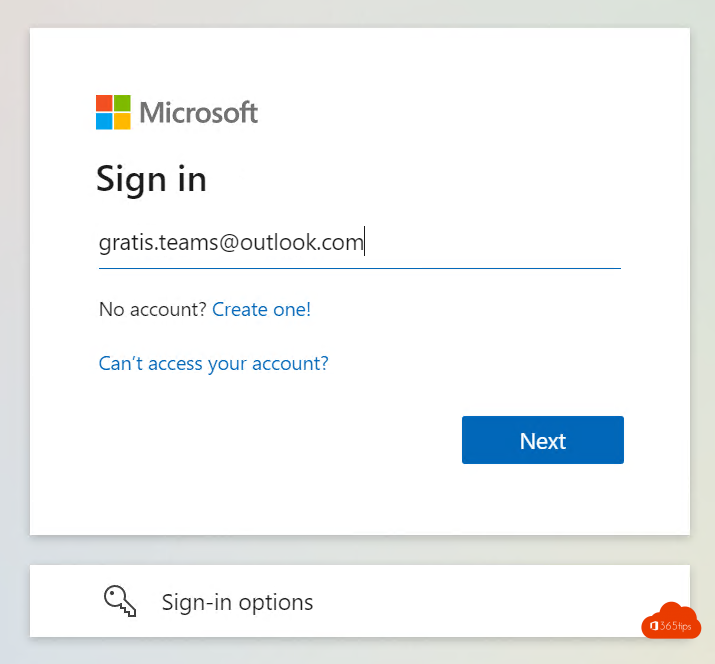
- Sign in with a Microsoft account, such as an Outlook.com or Hotmail address. No account yet? Create one for free.
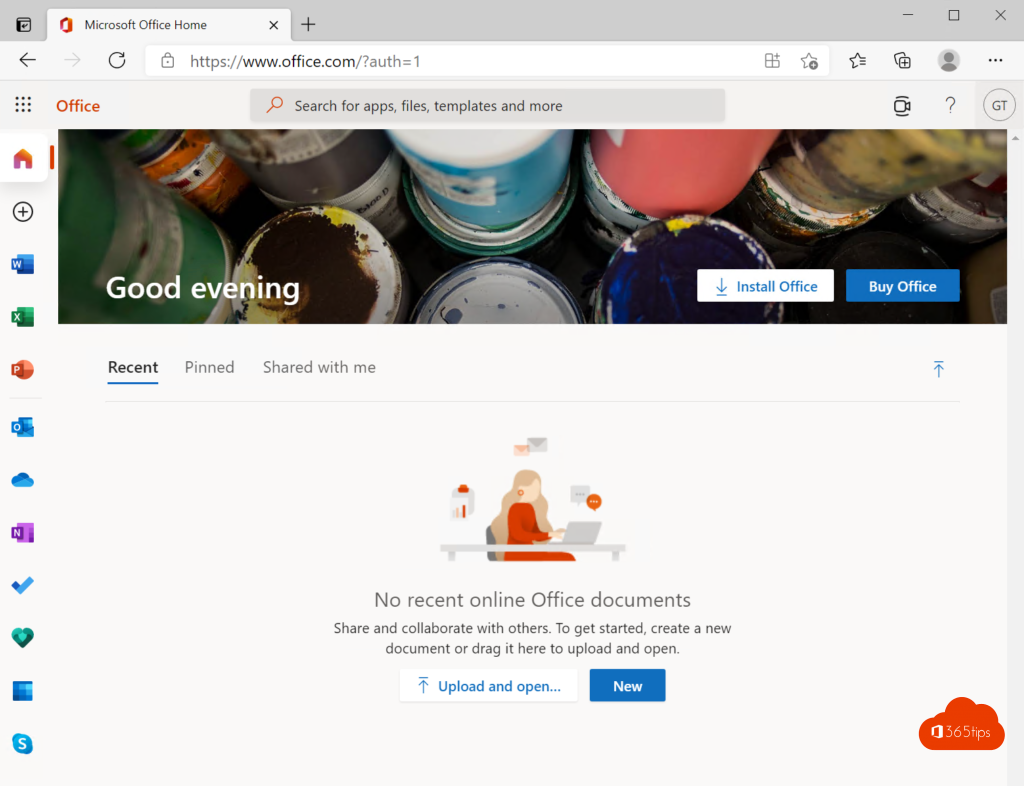
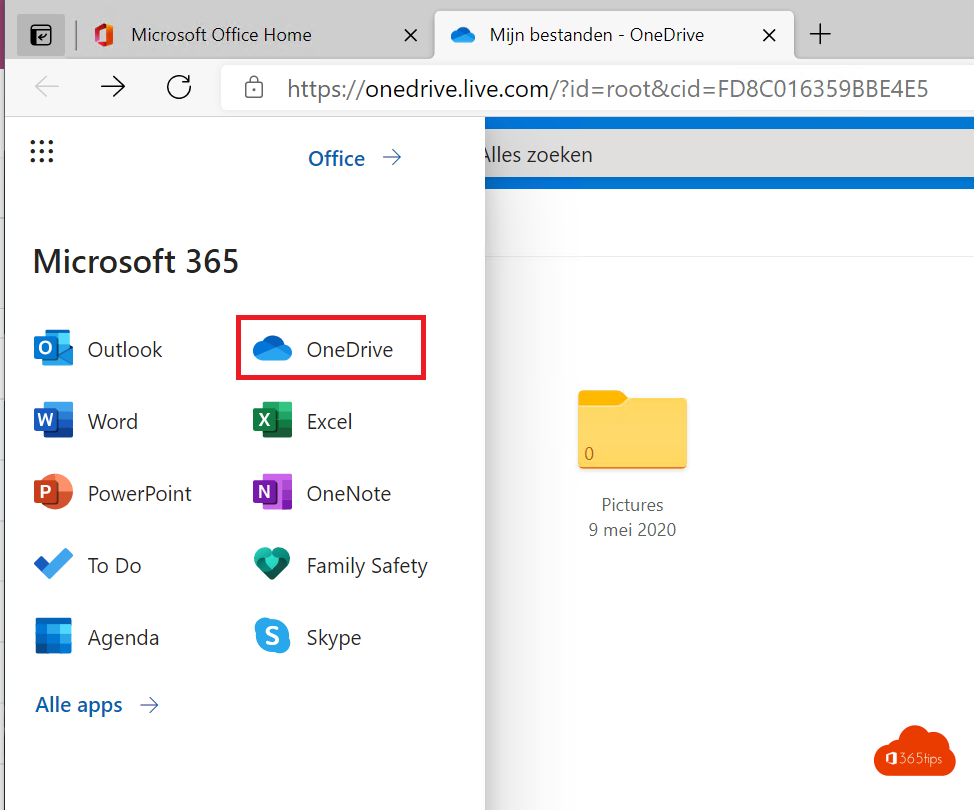
- Choose an app and select New blank document, or open a file from OneDrive.

What do you get for free?
- Word, Excel, PowerPoint and OneNote in the browser, with the main features.
- Outlook.com for email and calendar.
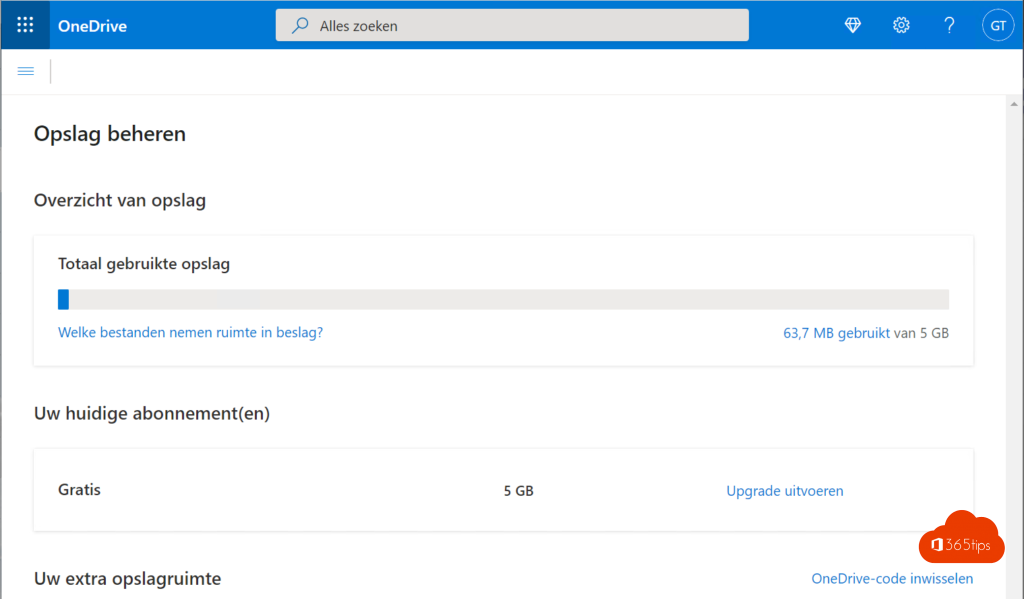
- 5 GB of storage in OneDrive.
- Co-authoring and sharing files with a link.
- Also Microsoft Forms, To Do and Clipchamp.
The limitations
- No desktop apps: everything runs in the browser (and in limited form in the mobile apps).
- Some advanced features, such as macros in Excel, are missing.
- More storage, the desktop apps and Copilot come with Microsoft 365 Personal or Family.
Also see work on one file together.
Read also
Create a free Microsoft account or Outlook.com address
Work on one file with several people at the same time
Quick start: sign in and get started with OneDrive for work or school
Nederlandstalige versie: Gratis Word, Excel, PowerPoint en OneNote gebruiken in je browser
More in English
▸Install the Microsoft 365 apps (Office) on your Windows PCInstall Word, Excel, PowerPoint, Outlook and Teams on your PC with your work or school account. Device limits…
▸Create and share a form or quiz with Microsoft FormsCreate a form or quiz in Microsoft Forms, add branching, choose who can respond and view results in charts or…
▸Get started with OneNote in Microsoft 365: guide and tipsHow OneNote works: notebooks, sections and pages, with tips for to-do lists, tags, search, drawing, meeting…
▸How to remove a device from your Microsoft account or Microsoft 365 accountRemove a device from your personal Microsoft account or work account, sign out of Office on an old device,…