By default, anyone in your organisation can create a team. A few months later you have dozens of teams called Test or Project, and nobody knows which team is for what. With a simple setting you limit who can create teams to a group, such as IT or team leads. This article shows how.
What exactly are you limiting?
A team is a Microsoft 365 group, so you're limiting who can create Microsoft 365 groups. That applies everywhere: Teams, Outlook, SharePoint, Planner and Viva Engage. Admins can always create groups.
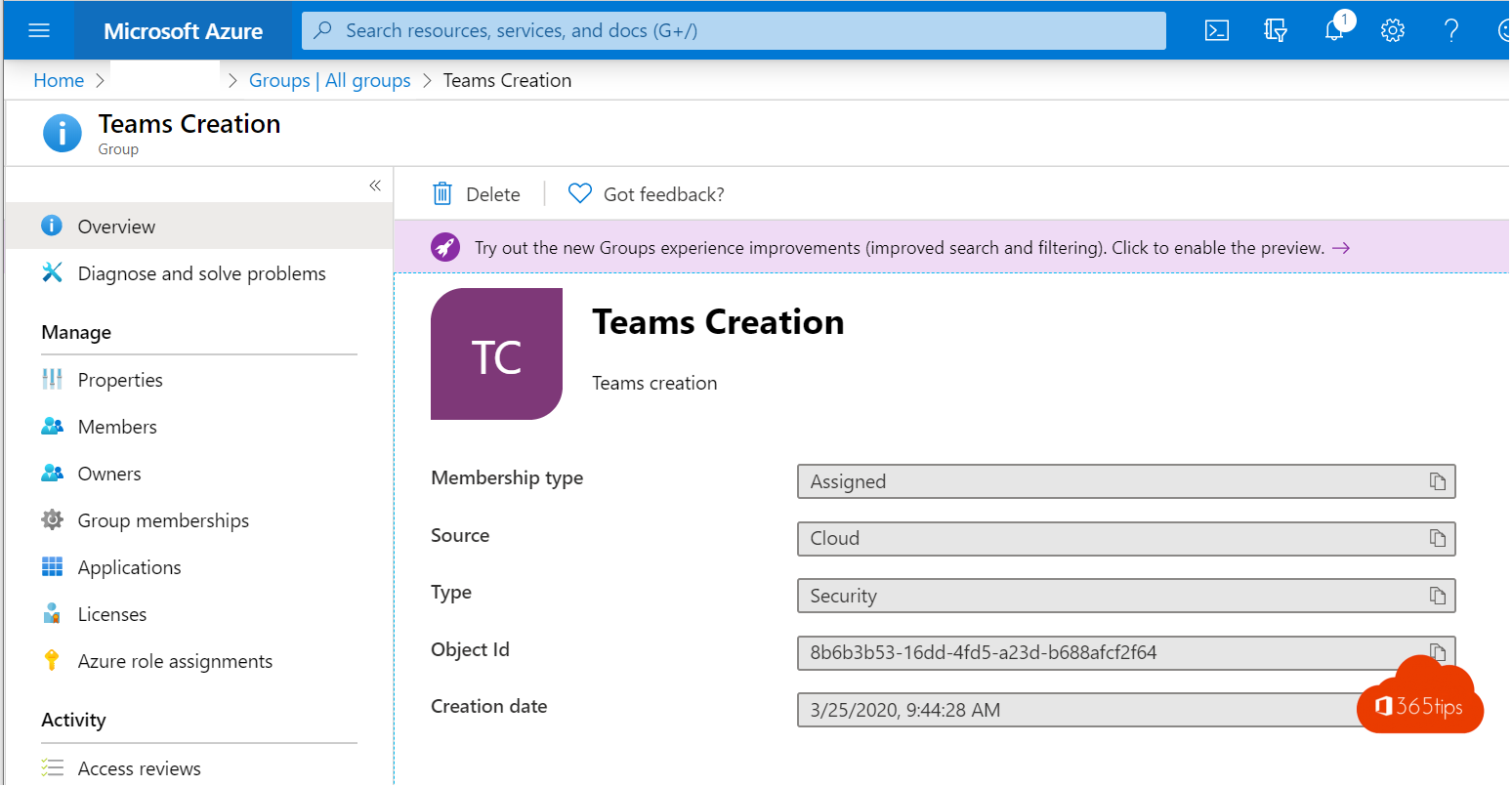
Step 1: create a group
In the Microsoft 365 admin center or Entra admin center, create a security group, for example Team creators, and add the people allowed to create teams.
Step 2: the setting with PowerShell
Install the Microsoft.Graph.Beta.Identity.DirectoryManagement module and run:
Connect-MgGraph -Scopes "Directory.ReadWrite.All","Group.Read.All"
$groupId = (Get-MgBetaGroup -Filter "displayName eq 'Team creators'").Id
$setting = Get-MgBetaDirectorySetting | Where-Object DisplayName -eq "Group.Unified"
If the setting doesn't exist yet, create it from the Group.Unified template. Then set EnableGroupCreation to false and GroupCreationAllowedGroupId to your group's ID, and save with Update-MgBetaDirectorySetting. Microsoft provides a ready-made script in the documentation Manage who can create Microsoft 365 Groups.
Check it
Sign in as a user who is not in the group. In Teams they get a message that it's not allowed, or the option disappears. The change can take up to half an hour.
Prefer not to block outright?
- Let everyone create teams, but use a naming policy (Entra ID P1) with a prefix such as TM-.
- Clean up unused teams with an expiration policy.
- Offer a request form, for example with Forms and Power Automate, that creates a team from the right template.
Read also
Clean up Microsoft Teams automatically with expiration policies and archiving
Install and use the Microsoft Teams PowerShell module
Stop members deleting channels, tabs and apps in Teams
Nederlandstalige versie: Beperken wie een team mag maken in Microsoft Teams