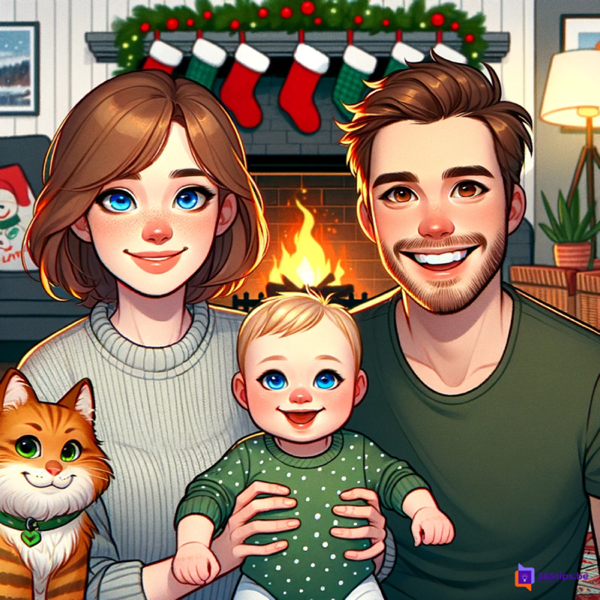
With Microsoft Designer you can make a personal Christmas card in a few minutes. First you let AI create an illustration, for example of your family in front of the fireplace, and then you put it into a card design with your own greeting.
Microsoft Designer has been redesigned: you now create images and designs from the Designer home page, and the same features are also available in the Microsoft Copilot app. The exact buttons may differ.
What you need
- A free Microsoft account.
- The web app at designer.microsoft.com or the Designer app. Microsoft Designer is free to use; a Microsoft 365 or Copilot subscription may give you extra capabilities.
Step 1: create an image
On the home page, choose to create an image and describe as precisely as possible what you want to see. An example:
A cartoon drawing of a family in the living room in front of an open fireplace with Christmas stockings. A woman with medium-length light brown hair and a friendly smile, a baby with blond hair in a green shirt with white dots, a man with curly hair and stubble in an olive green T-shirt, and a ginger Norwegian forest cat.
Tip: also describe the style (cartoon, watercolor, photo) and the mood. Not quite right? Change a few words and try again.
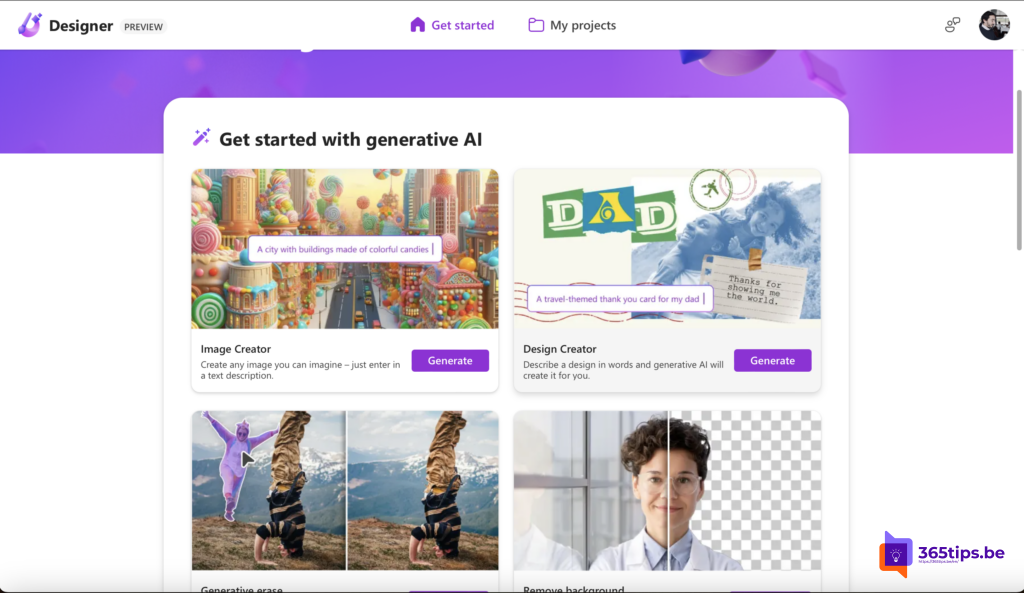
Step 2: turn it into a card
- On the home page, choose a design or a greeting card template.
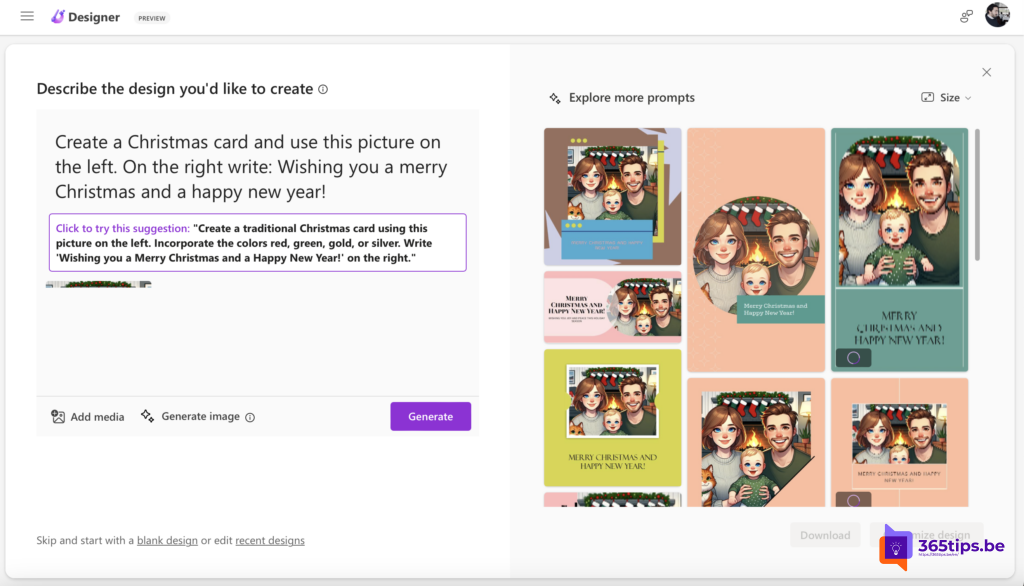
- Add your image via Add media or Upload.
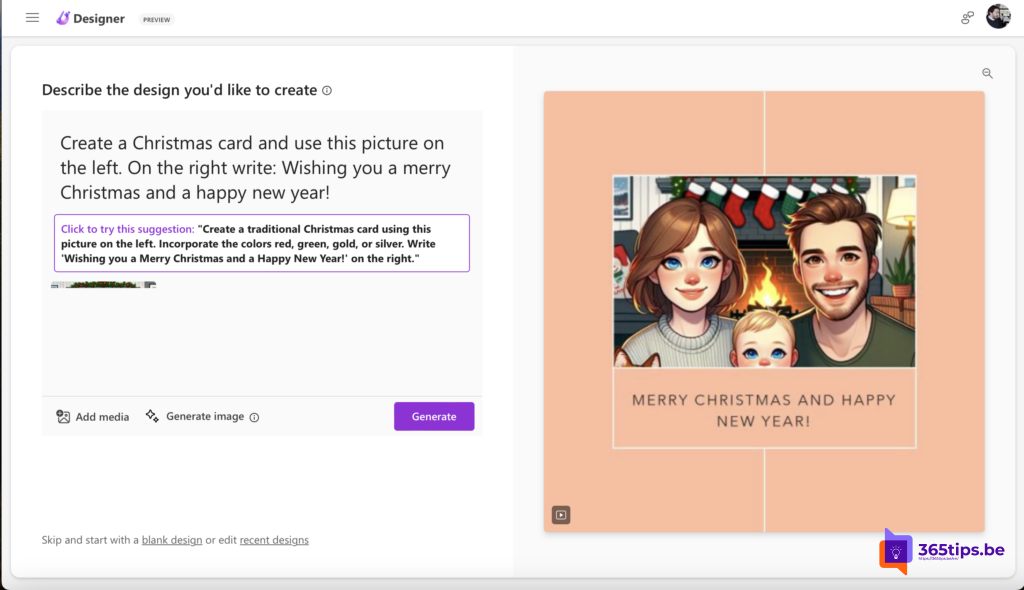
- Give a prompt, for example: Create a Christmas card with this picture on the left. On the right write: Merry Christmas and a happy New Year!
- Pick the design you like best and adjust the text, font and colors.
Step 3: download and share
Click Download to save the card as an image or PDF, or share it directly by email, print or messaging app.
Be careful with photos of people
- Describe people in words rather than uploading real photos of others without their consent.
- Don't put confidential work documents or data into your prompts.
- AI-generated images may carry a small label or watermark showing they were made with AI.
Also see New Year backgrounds for Teams and what is generative AI.
Read also
What is generative AI and what can you do with it?
New Year backgrounds for Microsoft Teams, Zoom and Google Meet
Copilot at home: from Copilot Pro to Microsoft 365 Personal and Family
Nederlandstalige versie: Een persoonlijke kerstkaart maken met AI in Microsoft Designer