
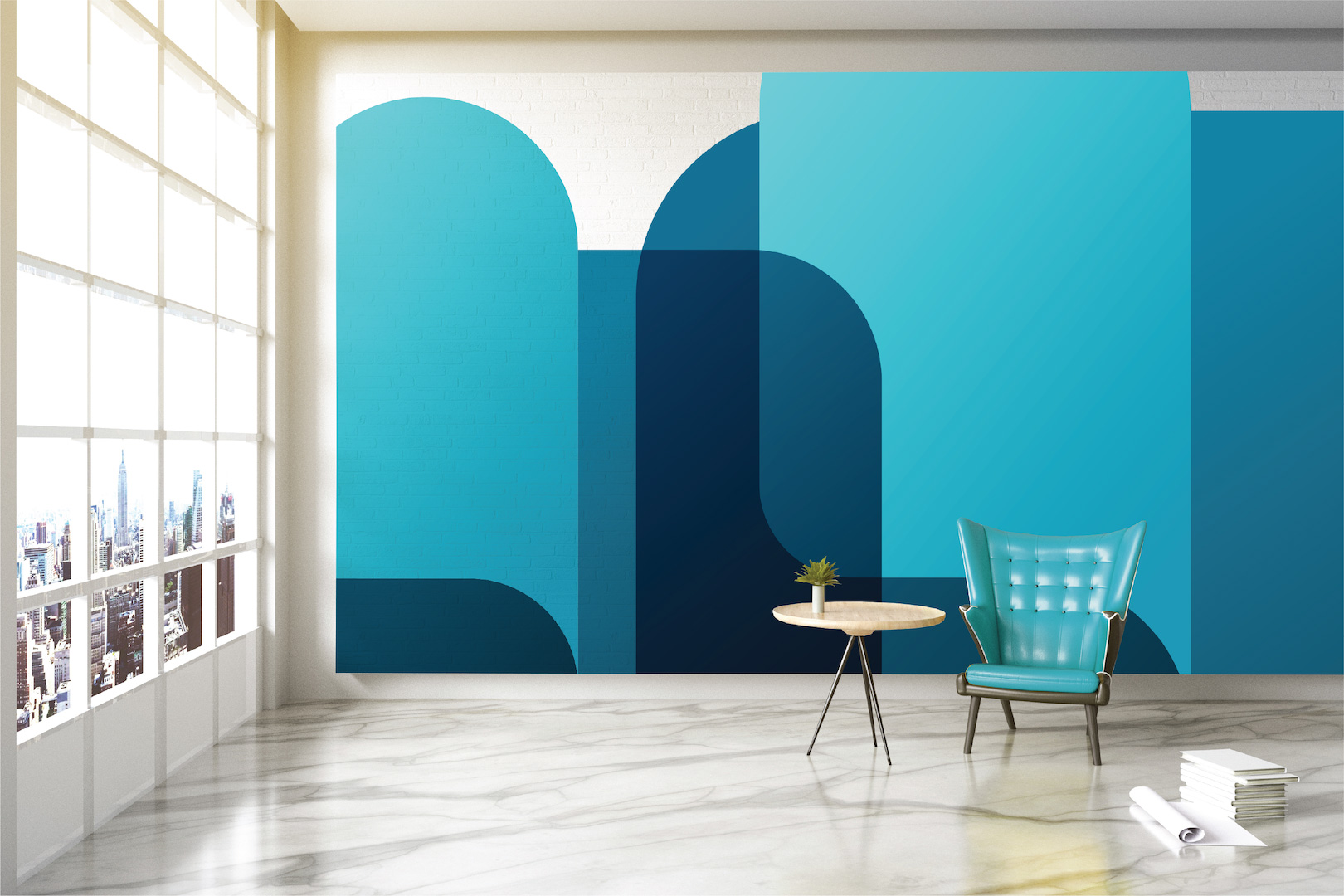
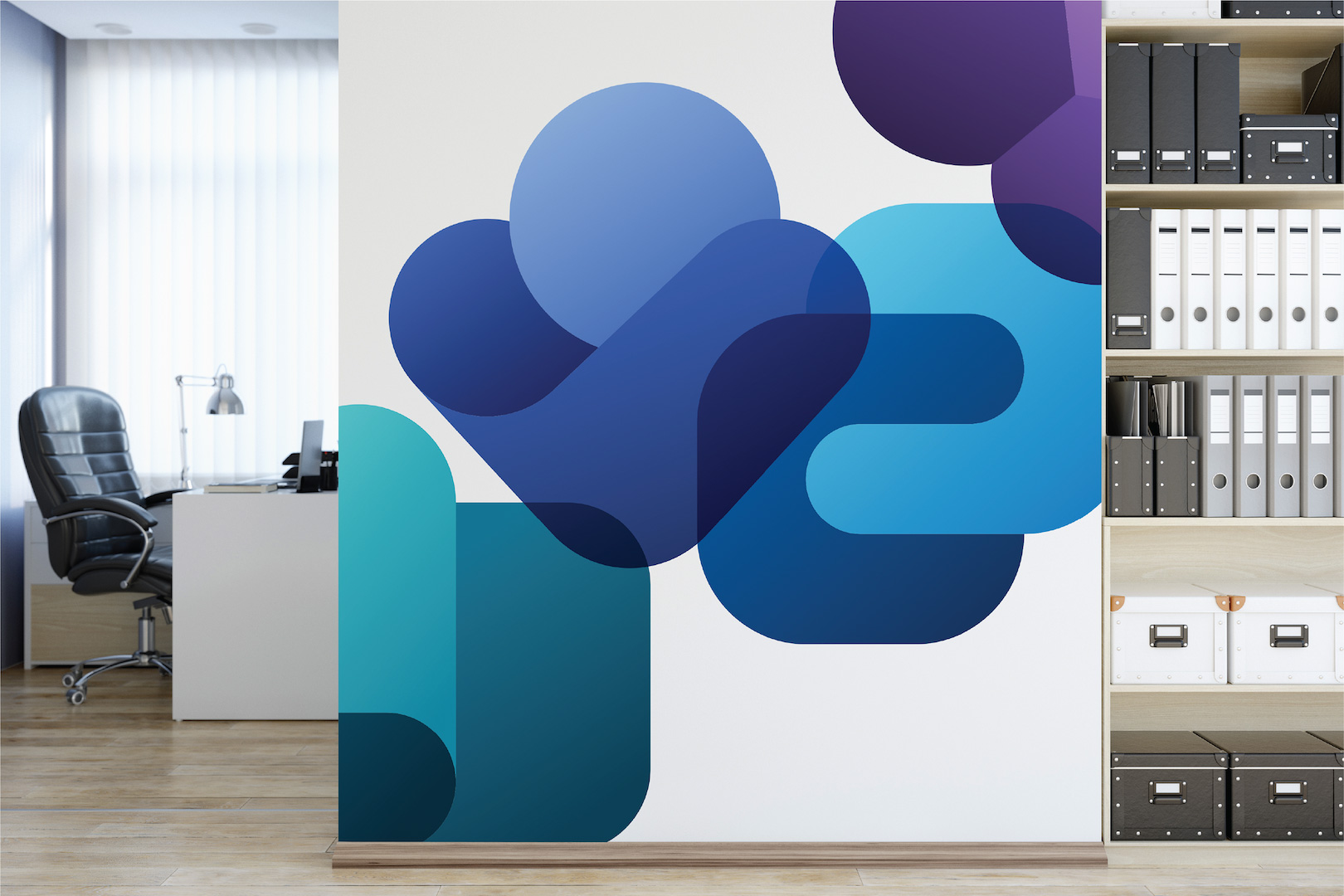
Microsoft designed a set of Teams backgrounds around Microsoft Viva, with calm office settings and colorful illustrations. Here's a selection you can use right away, plus where Microsoft offers other official backgrounds.
The online background gallery on the Microsoft Adoption site may have moved or changed since; the images below can still be downloaded.
Set a background in the new Teams
- Right-click an image and choose Save image as.
- In the meeting pre-join screen, click Video effects and settings, or during the meeting via the arrow next to Camera.
- Under Backgrounds, choose Add new and select the file.
A landscape format of about 1920 x 1080 pixels works best. Admins can restrict custom backgrounds or provide backgrounds for the whole organization with Teams Premium.
Viva backgrounds




What is Viva Insights?
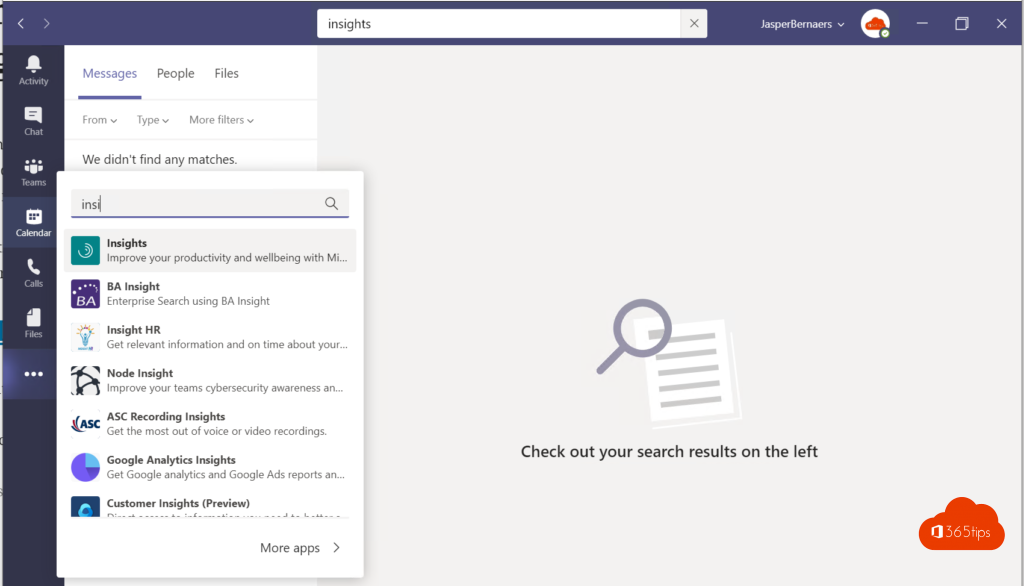
Viva Insights is an app in Teams that helps you work in a healthier way: block focus time, wrap up your day and plan breaks. Open it via Apps in Teams and search for Viva Insights. Which parts you see depends on your license and your organization's settings.
Also see Viva Insights, Microsoft Viva apps overview and set a custom background in Teams.
Read also
Set a custom background in Microsoft Teams
Track your personal productivity with Viva Insights (formerly MyAnalytics)
Get started with Microsoft Viva in Microsoft 365
Nederlandstalige versie: Officiële Microsoft Viva-achtergronden voor Teams