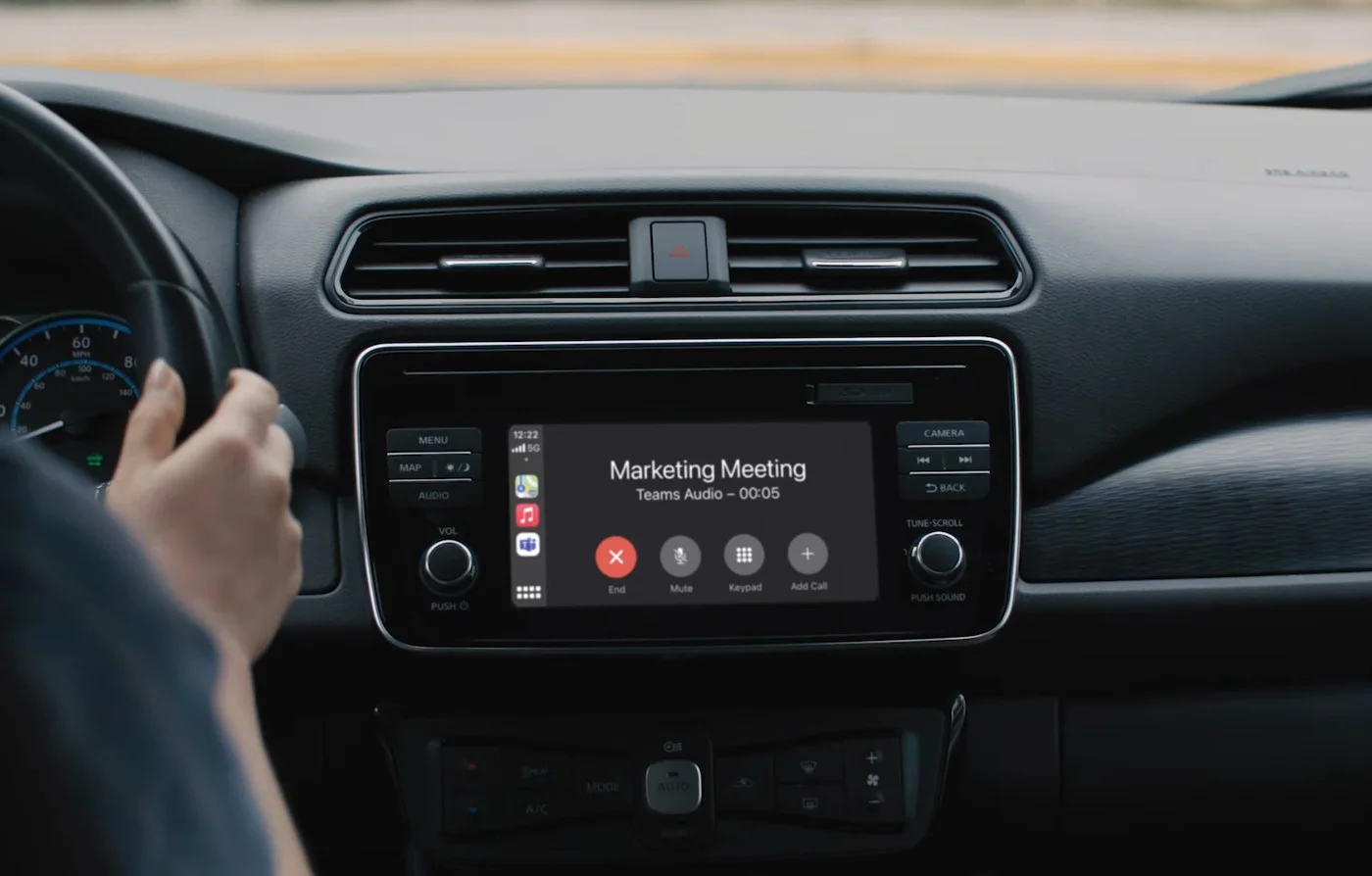
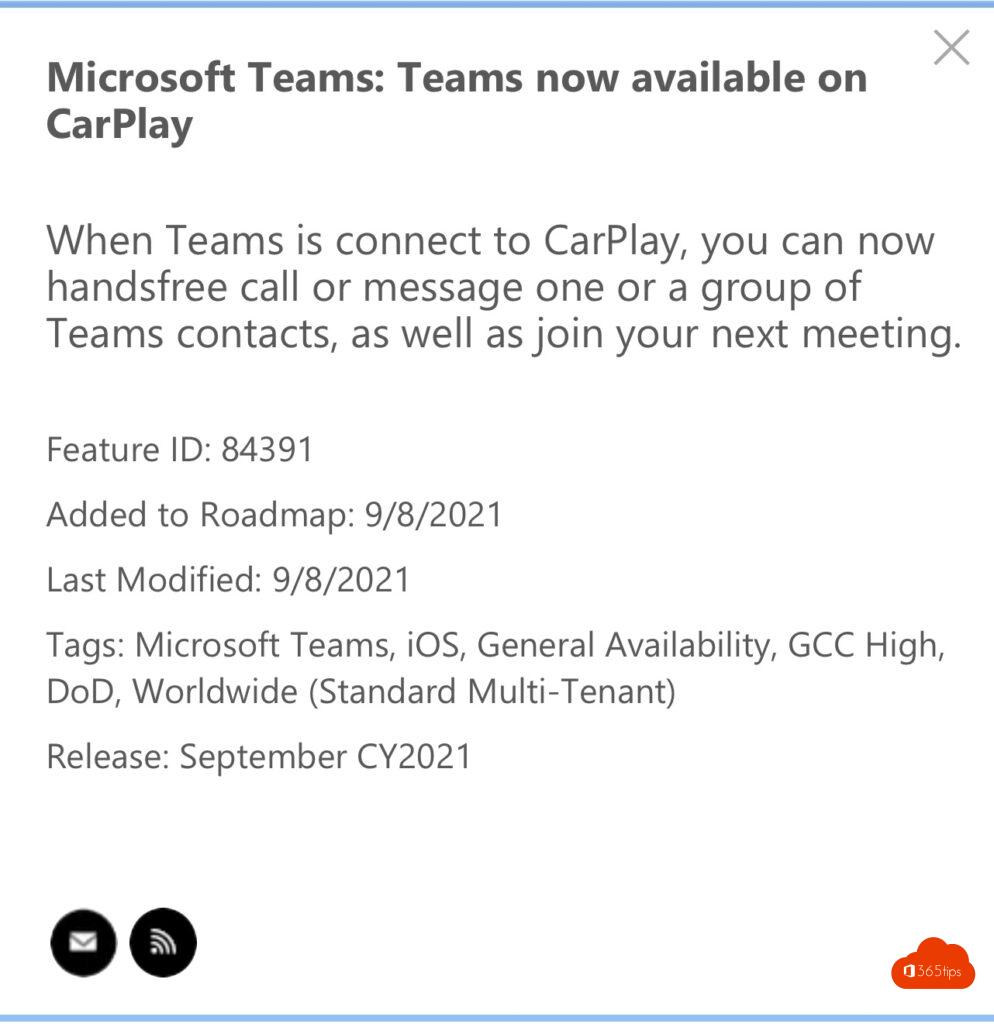
Need to join a Teams meeting or call on the road? With Apple CarPlay you call through Teams hands-free from your car. You use your voice via Siri, and video is off so you're not distracted. Teams for CarPlay launched in 2021 and still works through the Teams app on your iPhone; the exact options can vary by iOS and Teams version.
What you need
- An iPhone with the Microsoft Teams app, signed in with your account.
- A car with Apple CarPlay (wired or wireless).
- Siri turned on, and Teams allowed to use Siri (in the iPhone settings for Teams).
How to use Teams in CarPlay
- Connect your iPhone to CarPlay. The Teams icon appears on your car's screen.
- Tap Teams or activate Siri with the button on your steering wheel.
- Say, for example: "Call John Smith on Teams". For several people: "Call John and Sarah on Teams".
- You see upcoming meetings in the Teams app; you join with audio, without video.
Tips
- No notifications in the car? Check the Teams notifications on your iPhone and the CarPlay settings.
- Use CarPlay only for calls: don't share your screen or read chats while driving.
- In Siri commands, Teams recognizes names best as they appear in your organization.
Also see Teams on iPhone and iPad and fix a slow Teams mobile app.
Read also
Get started with Microsoft Teams on iPhone and iPad
Set quiet hours in Microsoft Teams so you're not disturbed in the evening
Make a slow Teams mobile app faster on Android and iPhone
Nederlandstalige versie: Microsoft Teams gebruiken met Apple CarPlay
More in English
▸Change your ringtone in Microsoft TeamsChoose a different ringtone for calls in the new Teams, separately for forwarded and delegated calls, and…
▸Video calls with Microsoft Teams: how it worksStart a video call from a chat or with Meet now, on your computer or phone, with tips for picture and…
▸Mute Microsoft Teams notifications during meetings and set them up smartlyMute Teams notifications during meetings and presentations, set notifications per channel and chat, and use…
▸Present a PowerPoint deck from the Teams app on your phoneShare a PowerPoint presentation in a Teams meeting from your iPhone, iPad or Android device and move through…