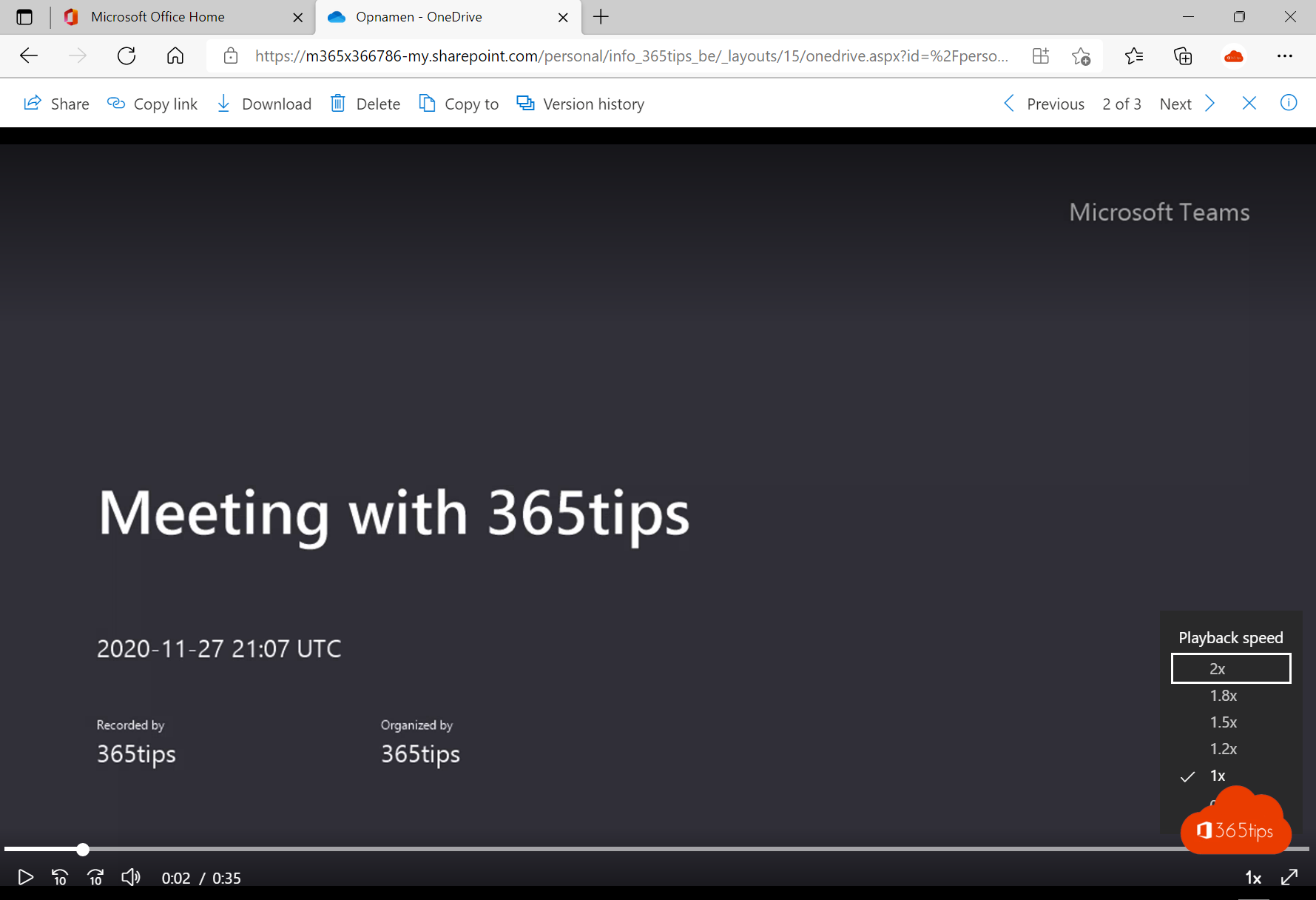
Watching back a one-hour meeting recording takes an hour, unless you speed it up. Teams recordings play in Stream, where you can choose up to double speed. With the transcript and chapters you also jump straight to the part you need. This article shows how to change the speed, which keyboard shortcuts exist and how to find things faster.
Change the playback speed
- Open the recording from the meeting chat, the meeting's Recordings tab, or your OneDrive Recordings folder.
- The recording opens in Stream. Select the gear (Settings) at the bottom of the player.
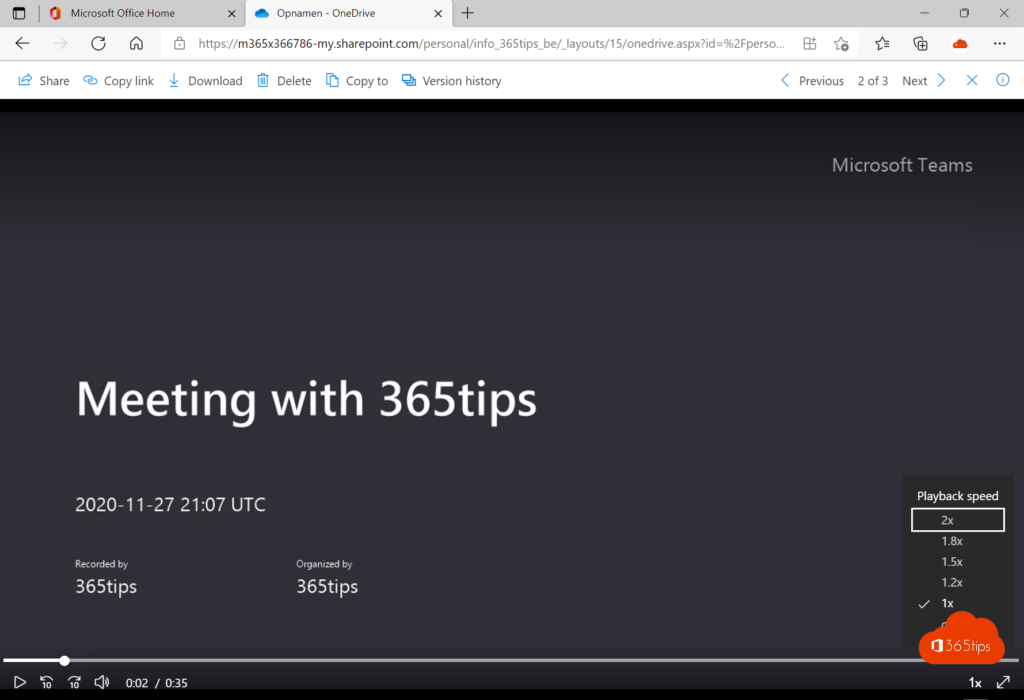
- Choose Playback speed and pick a speed between 0.5x and 2x.
Most people follow spoken explanations well at 1.25x or 1.5x. That turns an hour-long recording into 40 to 50 minutes. Use 0.75x for a demo that goes too fast.
Handy keyboard shortcuts
| Key | Action |
|---|---|
| Space or K | Play / pause |
| Left / right arrow | Back / forward 5 seconds |
| J / L | Back / forward 10 seconds |
| Shift + . / Shift + , | Faster / slower |
| C | Captions on / off |
| F | Full screen |
Find things faster with the transcript
If the meeting was transcribed, Stream shows the full text with speaker names on the right. Select a sentence to jump to that moment in the video. Use the search box in the transcript to look for a word, such as budget or a product name, and see every moment it was mentioned. You can also download the transcript as a text file.
Chapters and recap
For many recordings Stream creates chapters automatically, so the timeline shows where a new topic starts. With Microsoft 365 Copilot or Teams Premium you also get a recap, action items and answers to questions about the recording, such as what was decided about the planning?
On your phone
In the OneDrive or Teams app on your phone, open the recording and tap ... > Playback speed. Handy for listening on the go.
Tips
- Turn on captions when watching at high speed so you miss less.
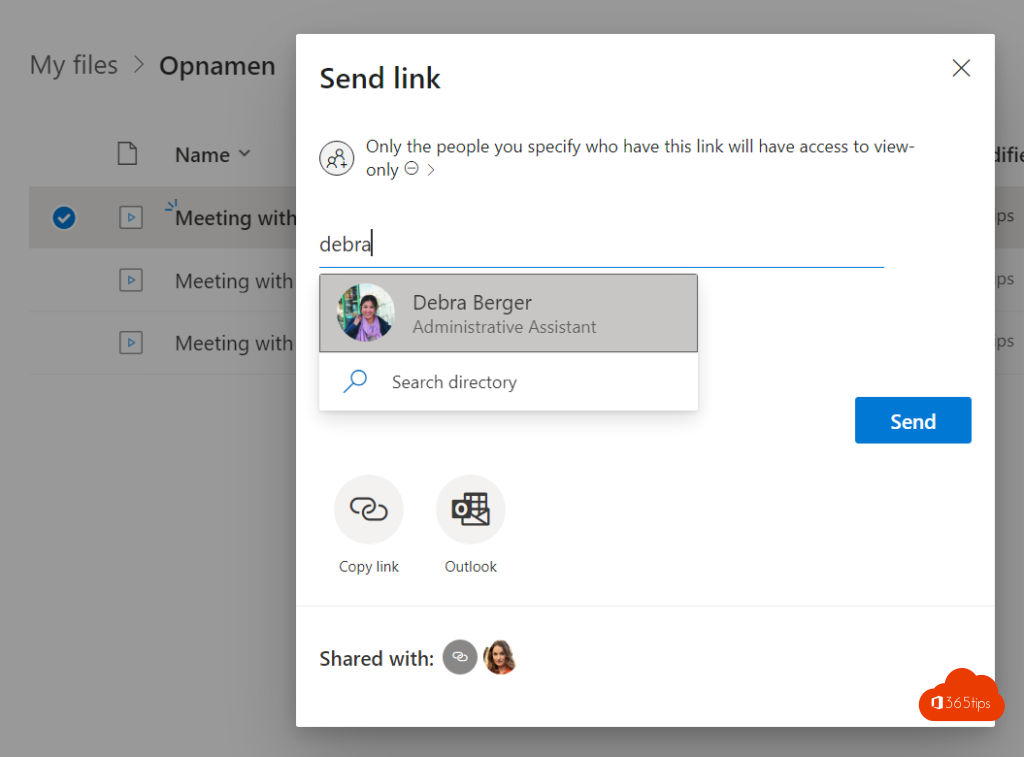
- Can't open the recording? You don't have access to the file. Ask the organizer to share it with you.
- Recording disappears after a while? That's the expiration date. See change the expiration date of a Teams recording.
Read also
How to change the expiration date of a Microsoft Teams recording
How to record and transcribe a Teams meeting automatically from the start
Use live translated captions in Microsoft Teams meetings
Nederlandstalige versie: Een opname van een Teams-vergadering versneld afspelen