Still keeping work files on your desktop, a USB stick or a network drive? Then you're missing out. These are the ten main reasons to use OneDrive for work or school in Microsoft 365.
Ten reasons
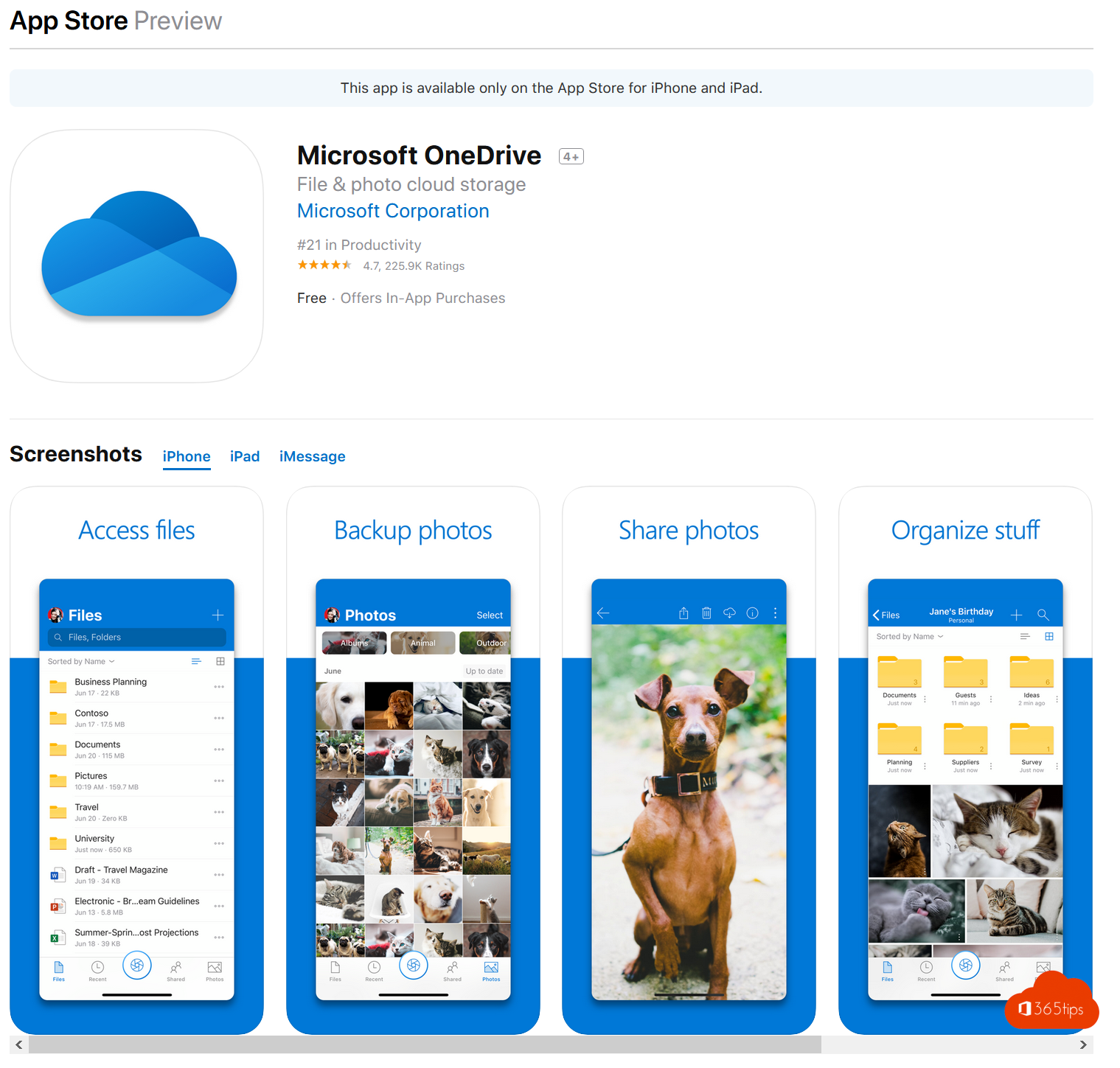
- Your files everywhere: on your laptop, in the browser and on your phone.
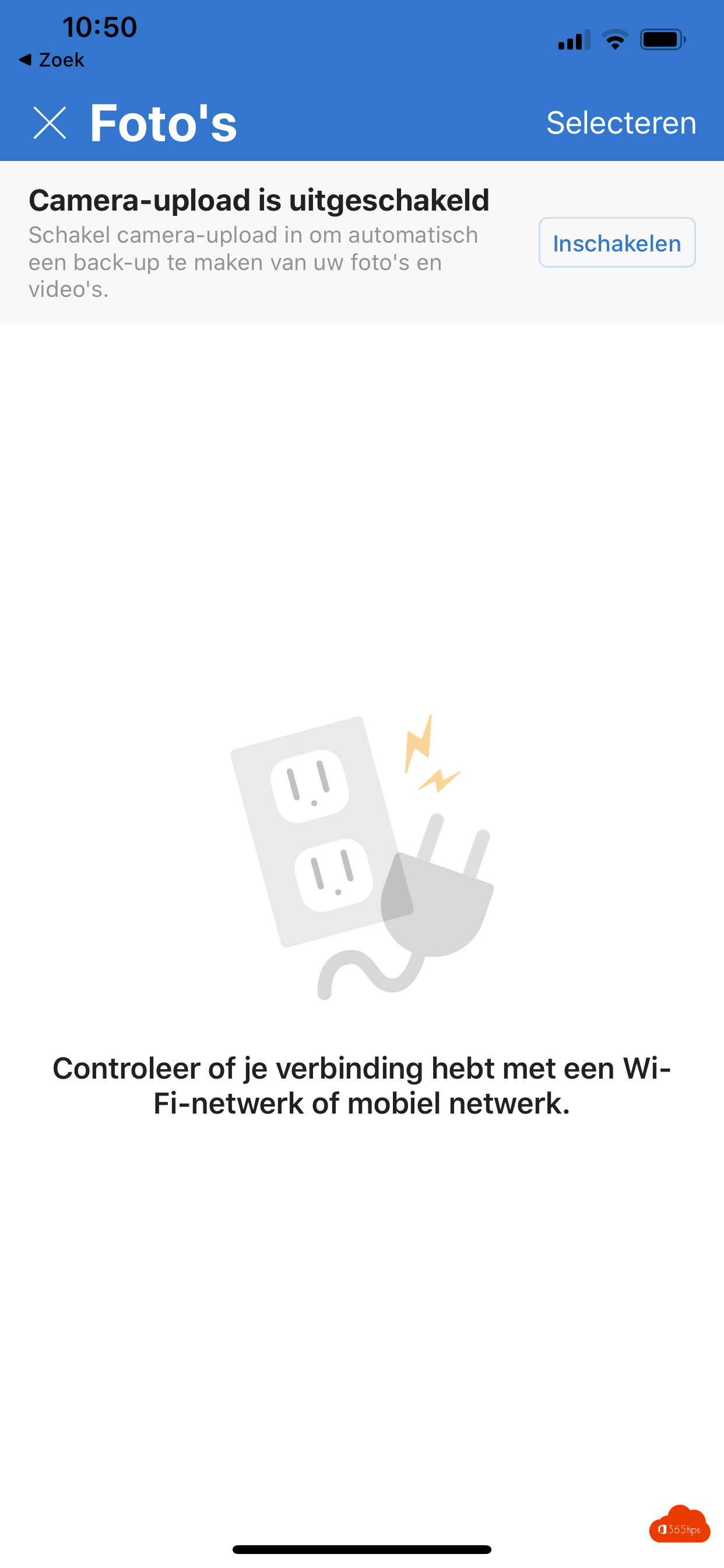
- Automatic backup of your desktop, documents and pictures.
- Never lost: a broken or stolen laptop doesn't mean lost work.
- Version history: restore an older version if you made a mistake.
- Recycle bin and Restore your OneDrive, even after ransomware.
- Safe sharing with a link instead of attachments, with an expiry date or password.
- Co-authoring in Word, Excel and PowerPoint.
- Plenty of storage: 1 TB per user with most business plans.
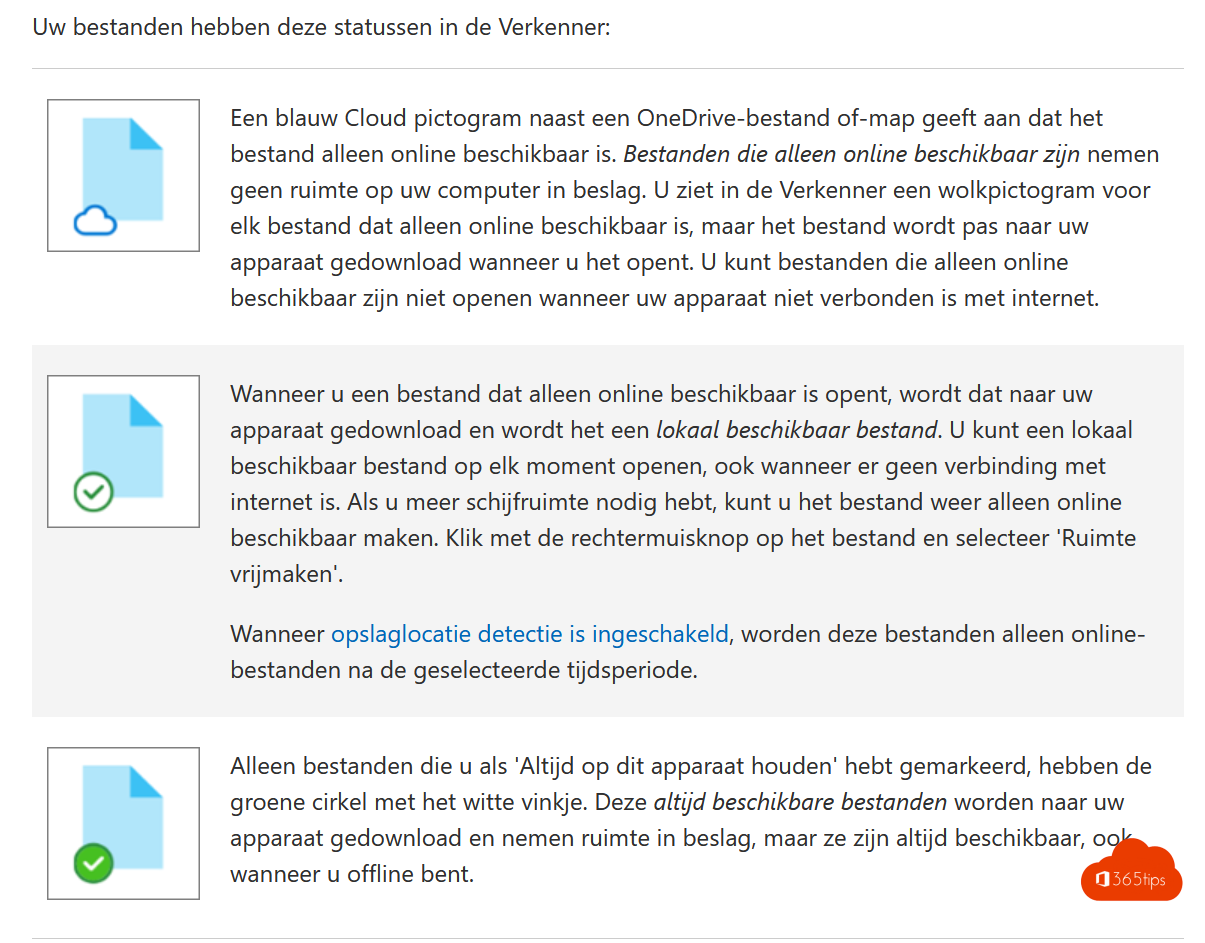
- Files On-Demand: everything visible in File Explorer, without filling your drive.
- Secured and managed by your organization, with MFA, encryption and retention.
How to start
Read the OneDrive quick start and the 10 practical tips. Team files belong in Teams or SharePoint instead. Also see OneDrive folder backup.
Read also
The 10 most useful features of OneDrive for work or school
Quick start: sign in and get started with OneDrive for work or school
Automatically back up your desktop, documents and pictures with OneDrive
Nederlandstalige versie: Tien redenen om OneDrive voor werk of school te gebruiken
More in English
▸Restore an earlier version with version history in OneDrive and SharePointView and restore earlier versions of files in OneDrive, SharePoint, Teams and the Office apps, and learn how…
▸Restore deleted OneDrive files up to 93 days after deletionGet deleted files back from the OneDrive recycle bin or second-stage recycle bin, or restore your whole…
▸Share and send large files securely with OneDriveShare files up to 250 GB securely with OneDrive. Choose who gets access and set an expiration date, password…
▸Work on one file with several people at the same timeEdit Word, Excel and PowerPoint files at the same time as colleagues through OneDrive, SharePoint or Teams,…