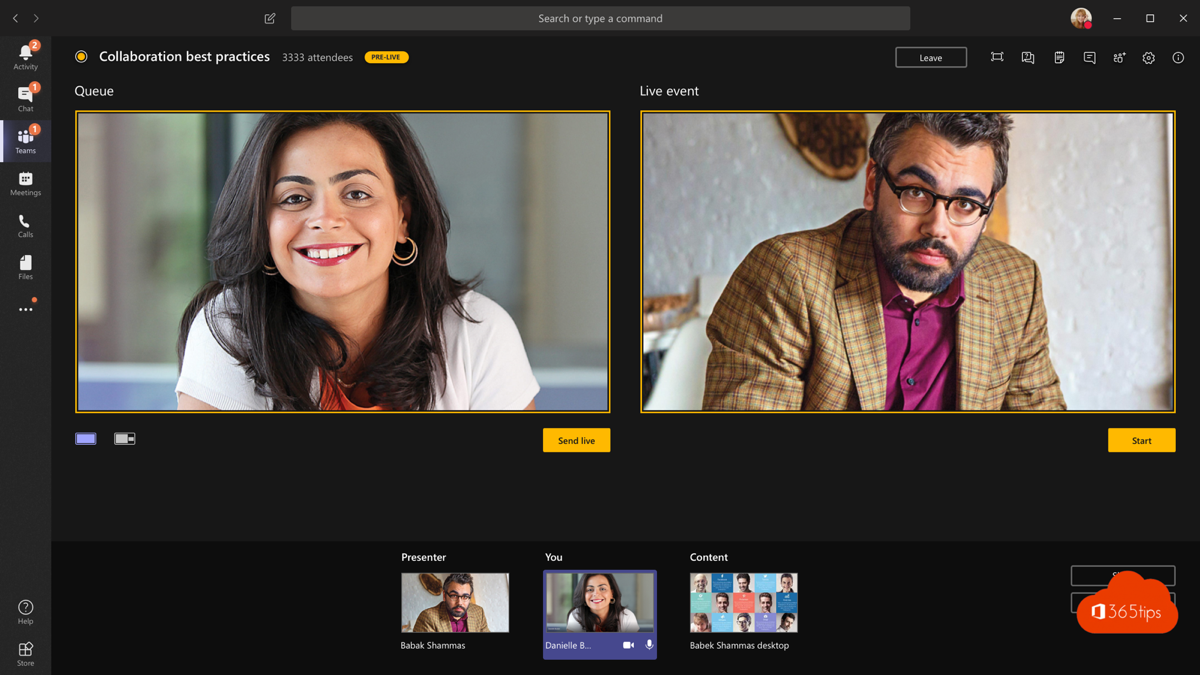
With Teams Live Events you used to broadcast a presentation to a large audience, such as a council meeting or an all-hands. Microsoft has since retired Live Events and replaced them with the town hall. This article explains what changed and how to schedule a town hall today.
What is a town hall?
A town hall is an event where only organizers and presenters speak and share their screen. The audience watches, asks questions through Q&A and reacts. Ideal for an internal announcement, a general meeting or a public session.
| Type | Use it for |
|---|---|
| Meeting | Discussions where everyone can speak |
| Webinar | Sessions with registration and interaction |
| Town hall | Broadcasting to a large audience |
Schedule a town hall
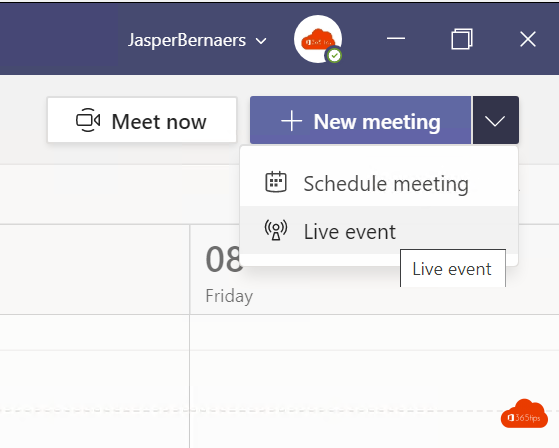
- In Teams, go to Calendar.
- Click the arrow next to New and choose Town hall.
- Give the event a title, date and description.
- Add co-organizers and presenters. Presenters can also come from outside your organization.
- Choose who can watch: only your organization, specific people, or public.
- In the event options, set up things like Q&A and captions.
- Click Publish and share the link with your audience.
Before the event starts, rehearse in the green room: presenters can see each other while the audience sees nothing yet.
For admins: allow town halls
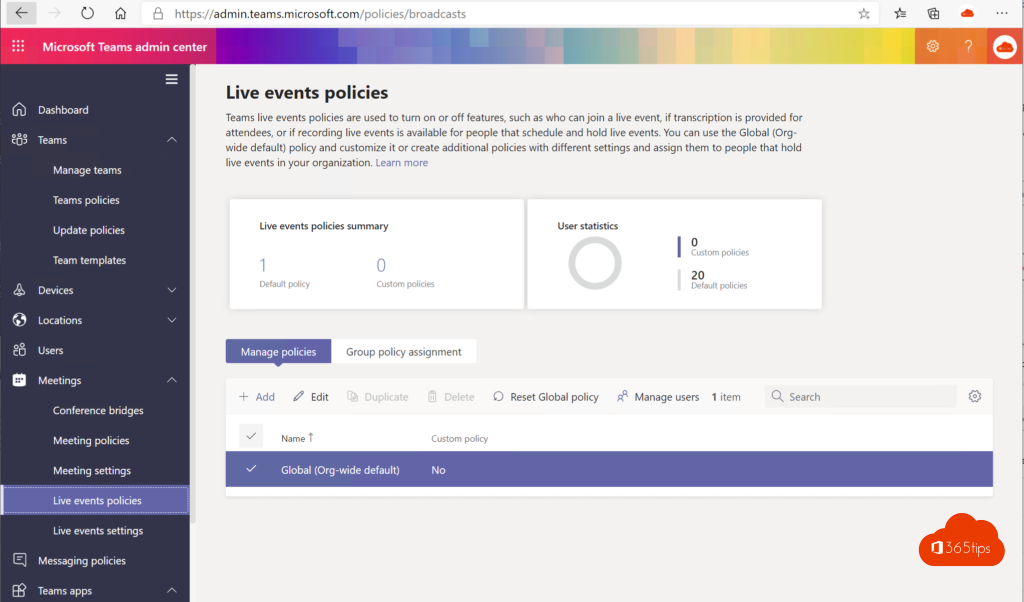
In the Teams admin center, town hall settings are in the events policies under Meetings. There you decide who can create town halls and whether public events are allowed. The exact menu name may differ. The old live events policies are no longer needed.
Teams Premium
Teams Premium adds extra options for town halls, such as a larger audience, more production control and richer reports. For most internal sessions the standard version is enough.
Also see host a webinar with Microsoft Teams and Q&A in Teams meetings.
Read also
Schedule and host a webinar with Microsoft Teams
Collect questions with Q&A in Microsoft Teams meetings
The co-organizer role in a Microsoft Teams meeting
Nederlandstalige versie: Van Teams Live Events naar town halls: zo plan je een groot evenement