Multi-Factor Authentication (MFA) means you need more than just your password to sign in. You also confirm with something you have (your phone or a key) or something you are (your fingerprint or face). Even if someone steals your password, they can't get in.
The three kinds of factors
- Something you know: a password or PIN.
- Something you have: your phone with an app, a security key (FIDO2) or a smart card.
- Something you are: your fingerprint or face, for example with Windows Hello.
MFA combines at least two.
Which methods are there?
| Method | Security |
|---|---|
| Passkey or security key (FIDO2), Windows Hello | Very strong, also protects against phishing |
| Microsoft Authenticator with number matching | Strong |
| Code from an authenticator app | Strong |
| Text message or phone call | Better than nothing, but the weakest |
Why does it matter so much?
According to Microsoft, MFA blocks more than 99 percent of account attacks. Most breaches start with a stolen or guessed password. That's also why Microsoft makes MFA mandatory for signing in to admin portals such as Azure and the Microsoft 365 admin center.
Turn on MFA
- For yourself: go to mysignins.microsoft.com/security-info and add a method.
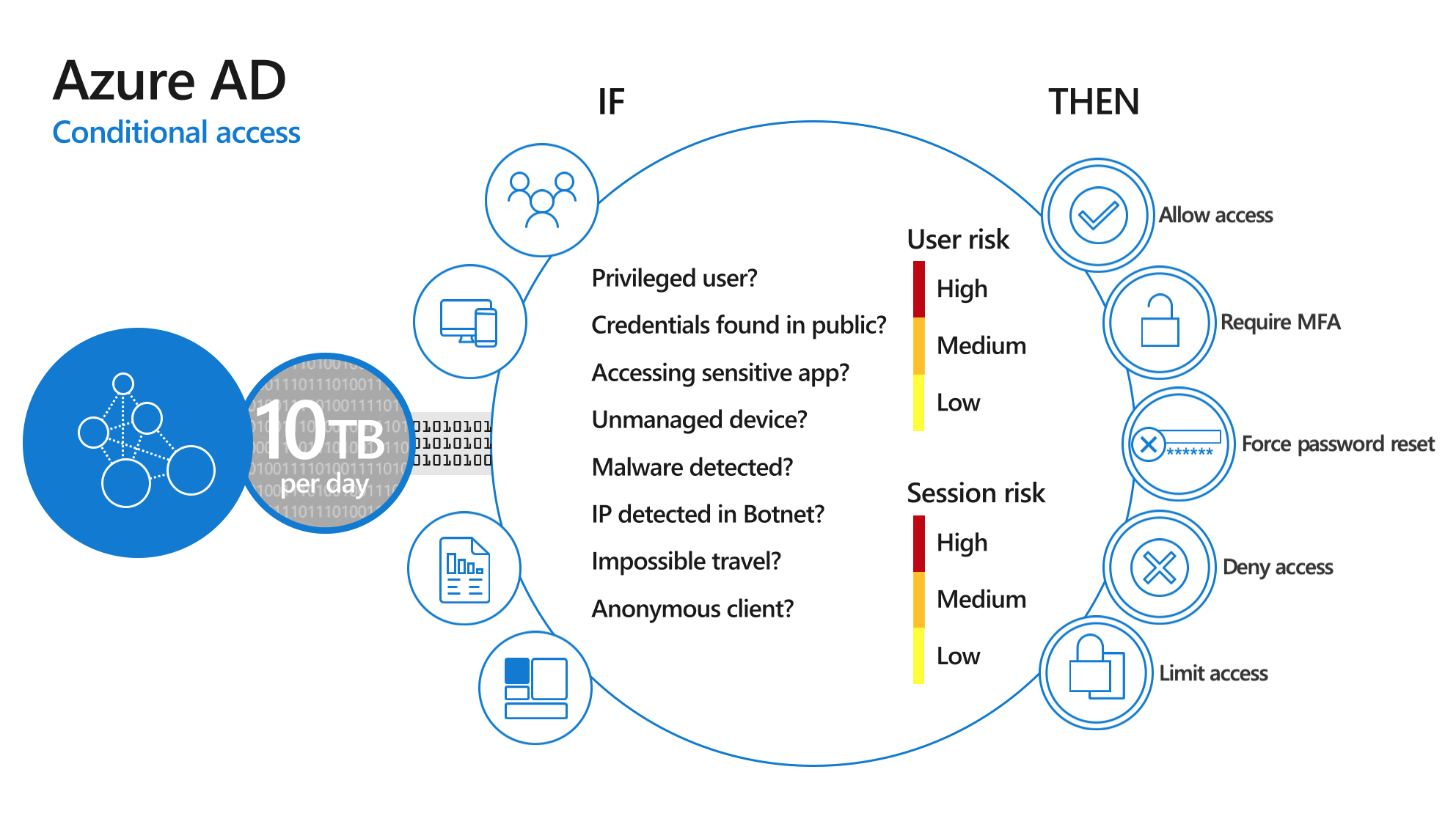
- For your organization: use security defaults or Conditional Access. Read enable MFA in Microsoft 365.
Also see passwordless sign-in and 10 security tips for remote work.
Read also
Enable multi-factor authentication (MFA) in Microsoft 365
Enable passwordless sign-in in Microsoft 365 in 3 steps
Security defaults in Microsoft Entra ID: what they do and how to enable them
Nederlandstalige versie: Wat is Multi-Factor Authentication (MFA)?