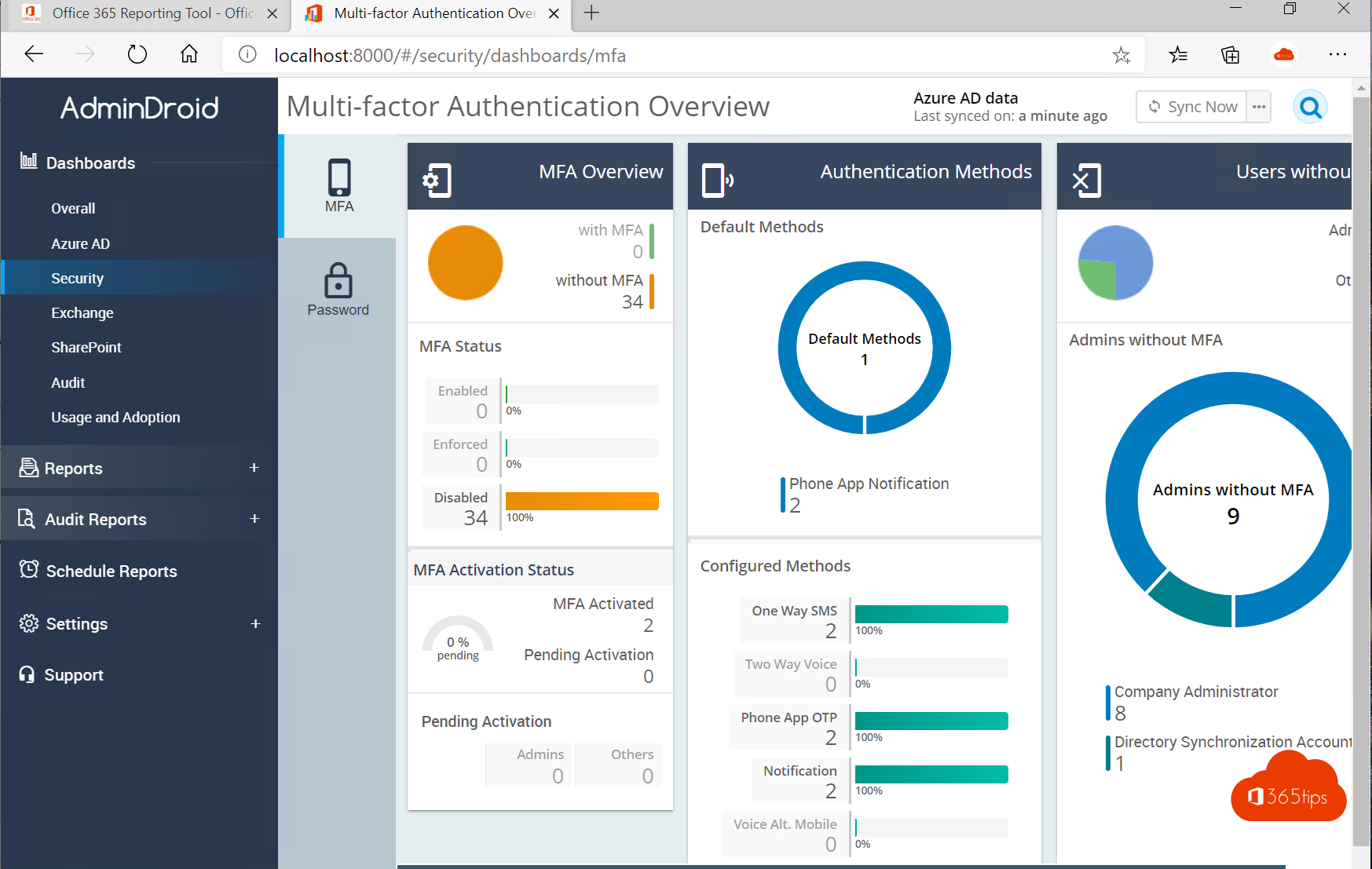
As an admin, want to quickly see who has which license, who isn't using MFA yet or which mailboxes are inactive? Microsoft 365's built-in reports already give plenty of insight. For more detail there are third-party reporting tools such as AdminDroid. Here's what such a tool does and what to watch out for.
Start with the built-in reports
- Microsoft 365 admin center > Reports > Usage: activity in Exchange, OneDrive, SharePoint and Teams.
- Microsoft Entra admin center: sign-in logs and an overview of authentication methods (MFA).
- Microsoft Purview: the audit log for who did what.
- Microsoft Secure Score: concrete recommendations to improve your security.
What does AdminDroid offer?
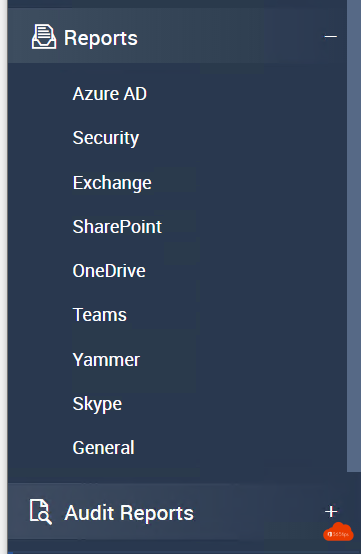
AdminDroid is a reporting tool from a third-party vendor. It pulls data from your tenant and shows hundreds of ready-made reports, for example on:
- users, licenses and password expiry;
- MFA status and sign-ins;
- mailbox size, forwarding to external addresses and inactive mailboxes;
- guest users, external sharing and inactive sites;
- teams, channels and groups.
There's a free edition and a paid edition; check the vendor's website for current terms.
Getting started
- Download the tool from AdminDroid's official website and install it on a managed computer or server.
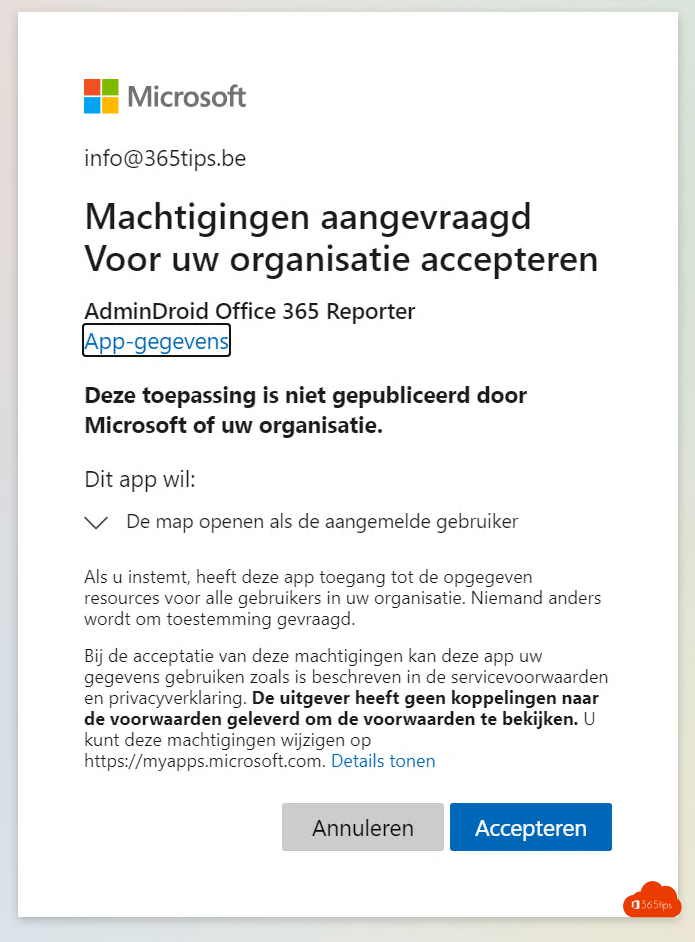
- Sign in with an admin account and grant the app consent in Microsoft Entra ID.
- Let the first scan run. After that you'll see the reports.
Watch out with third-party tools
- Read carefully which permissions the app requests. You're granting access to data of the whole organization.
- Where possible use a read-only role, such as Global Reader or Reports Reader.
- Check where the data is stored and whether that fits your privacy policy (GDPR).
- Remove the app in Entra ID under Enterprise applications when you no longer use it.
Also see usage reports and Adoption Score and Microsoft Secure Score.
Read also
Usage reports and Adoption Score in the Microsoft 365 admin center
Improve your security with Microsoft Secure Score
Search the Microsoft 365 audit log with Purview
Nederlandstalige versie: Microsoft 365-rapporten: ingebouwd of met AdminDroid