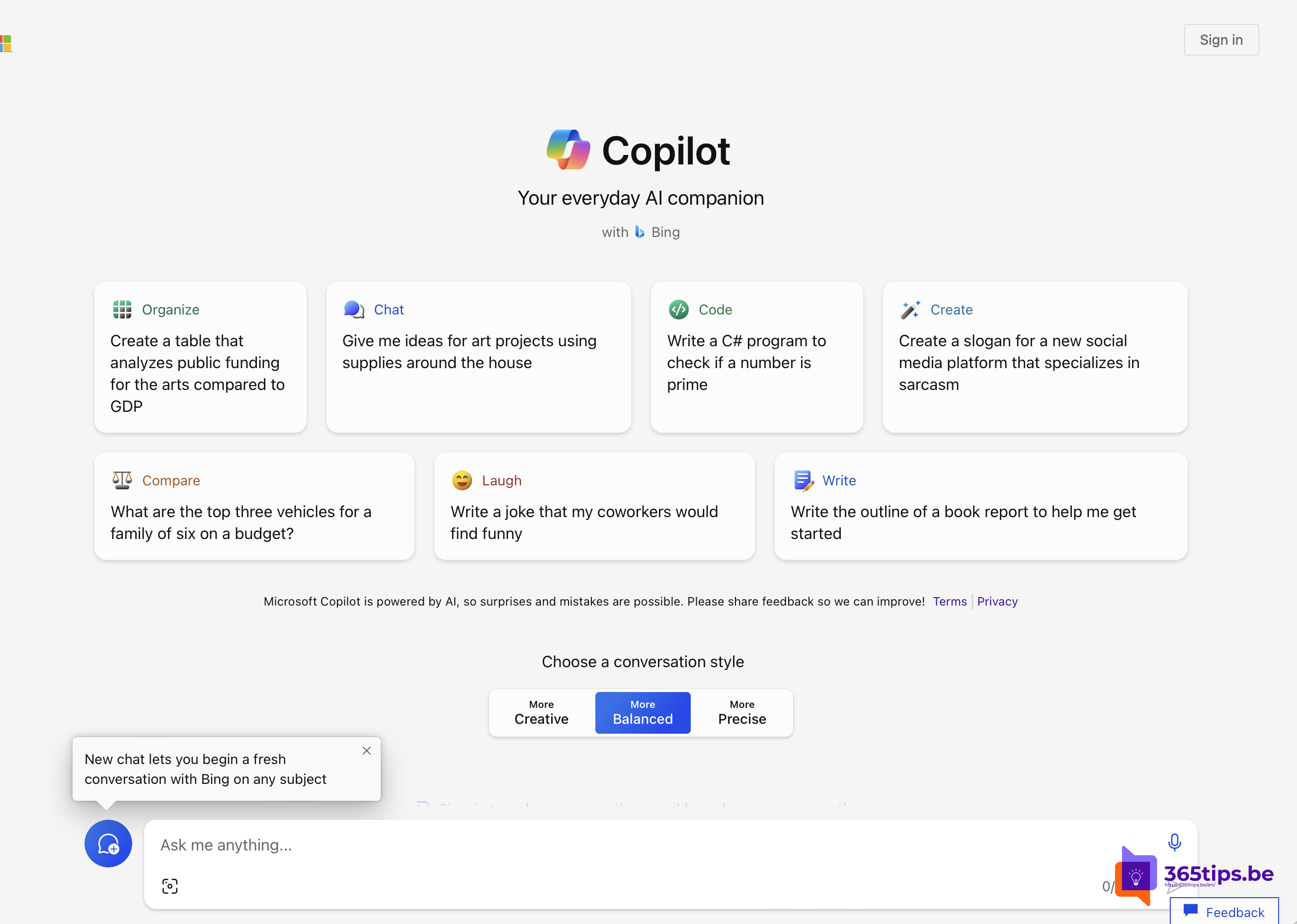
Want to use Copilot at home in Word, Excel, PowerPoint and Outlook with your personal Microsoft account? In early 2024 you needed a separate subscription for that: Copilot Pro. That has changed. In 2025 Microsoft added Copilot to Microsoft 365 Personal and Family, and Copilot Pro as a standalone subscription moved to the background; whether and where you can still buy it separately varies by country. Here's how home users get Copilot today and how it differs from Copilot for business. Check Microsoft's website for current plans and prices.
Which Copilot do you need?
| Situation | What you use |
|---|---|
| You want to chat with AI for free | The free Microsoft Copilot app or copilot.microsoft.com |
| You want Copilot in Word, Excel and PowerPoint at home | Microsoft 365 Personal or Family (Copilot included), or a higher-tier consumer plan with more AI usage |
| You use a work or school account | Microsoft 365 Copilot Chat or a Microsoft 365 Copilot license from your employer |
Note: Copilot Pro and the consumer plans only work with a personal Microsoft account, not your work account. Businesses use the separate Microsoft 365 Copilot license.
Get Copilot as a home user
- Go to microsoft.com/microsoft-365 and look at the plans for home.
- Choose a plan with Copilot, such as Microsoft 365 Personal or Family.
- Sign in with your personal Microsoft account and complete the payment.
- Open Word, Excel, PowerPoint or Outlook and sign in with the same account. The Copilot icon appears in the ribbon.
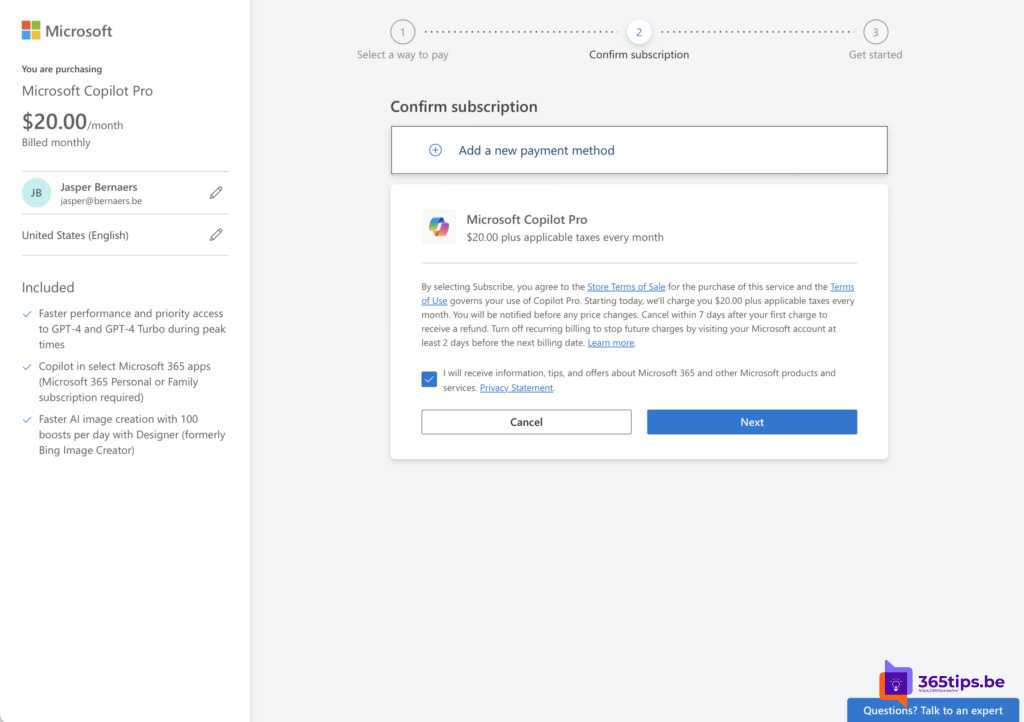
Consumer plans come with a monthly allowance of AI usage. How much that is and what happens when you run out can change; you'll find it in your account settings.
Turn Copilot off
Don't want Copilot in an app? In Word, Excel and PowerPoint you can usually turn it off via File > Options > Copilot. The exact name of the option may differ per app and version. In some countries Microsoft also offered a "Classic" plan without Copilot.
What about businesses?
Small businesses sometimes bought Copilot Pro because business licenses used to have a minimum. That minimum is gone: you can add Microsoft 365 Copilot to a business plan from a single license. That's also the better choice, because Copilot then works with your work data and your organization's security.
Also see install the Copilot app in Windows 11 and what Microsoft 365 Copilot is.
Read also
The Microsoft 365 Copilot license: what you get and how to buy it
Install the Copilot app in Windows 11 from the Microsoft Store
What is Microsoft 365 Copilot and which versions exist?
Nederlandstalige versie: Copilot voor thuis: van Copilot Pro naar Microsoft 365 Personal en Family