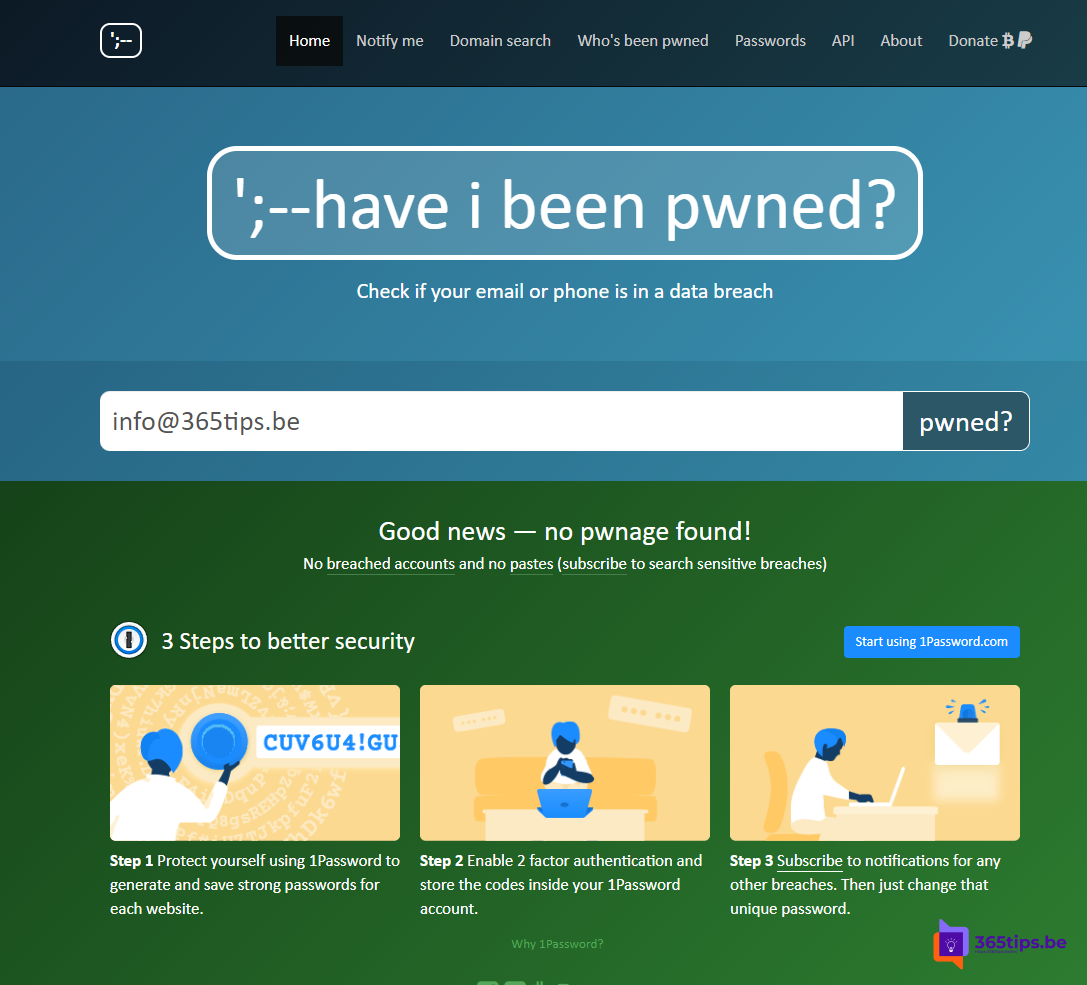
Almost every week, a database of email addresses and passwords leaks somewhere. Is yours in there? On Have I Been Pwned you check for free whether your email address appears in a known data breach. This article shows how it works and what to do if you're in one.
Check your email address
- Go to haveibeenpwned.com.
- Type your email address and select Check.
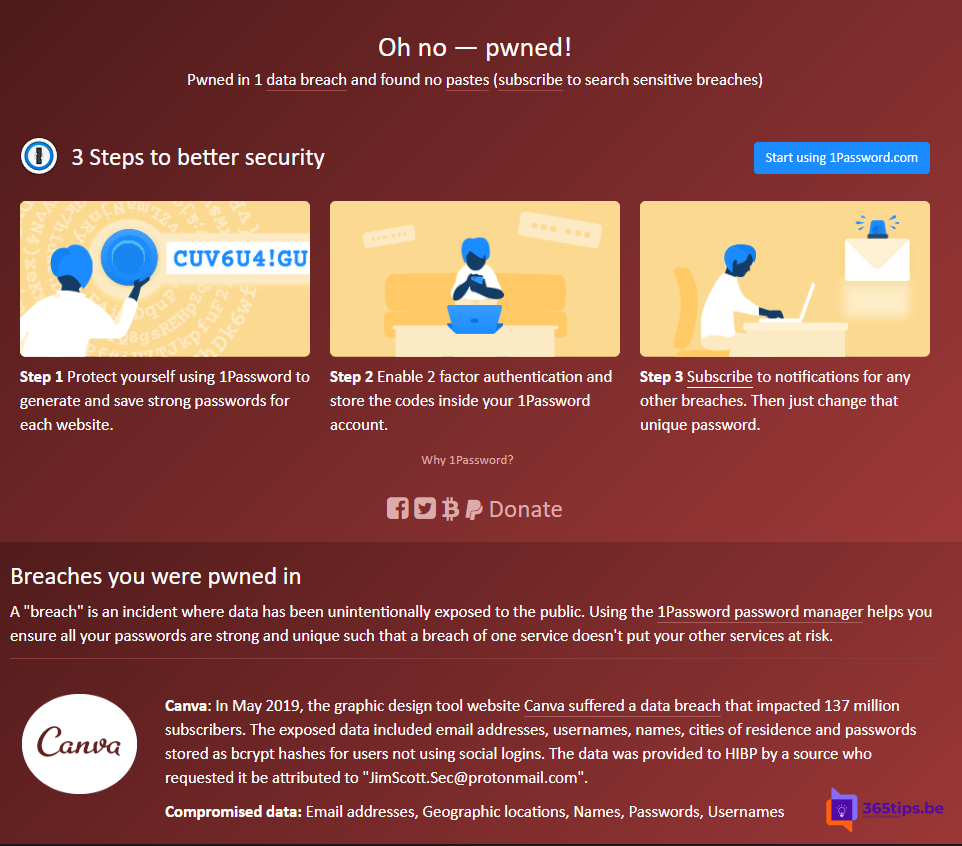
- Green means: not found. Red shows which breaches include your address, when they happened and which data was involved (passwords, phone numbers, addresses).
Get notified of new breaches
Select Notify me and confirm your address. You get an email when your address appears in a new breach. Admins can monitor all addresses on their domain with domain searches.
Check passwords
With Pwned Passwords you check whether a password has ever leaked, without sending the full password. Microsoft Edge also warns you with Password Monitor when a saved password has leaked. Read save passwords in Edge.
You're in a breach: what now?
- Change the password for the breached service, and for any other site where you used the same password.
- Turn on two-step verification, or better: use passkeys where you can.
- Use a password manager so every account has a unique password.
- Be extra alert for phishing: criminals use leaked data to send convincing emails.
- Check where your account was signed in.
Work account leaked?
If your work address is listed, tell your IT department. With MFA and Entra ID Protection, a leaked password alone usually isn't enough to get in.
Nederlandstalige versie: Have I Been Pwned: controleer of je e-mailadres in een datalek zit