A Teams meeting recording often contains confidential information. Want to prevent attendees from downloading a copy and passing it on? You control that through the permissions on the recording in OneDrive and SharePoint and through the Teams meeting policy. Here's how it works today.
Where is a recording stored?
| Type of meeting | Storage location | Who manages the recording? |
|---|---|---|
| Regular meeting or chat | OneDrive of the person who started the recording (or of the organizer, depending on settings) | The owner of that OneDrive |
| Channel meeting | The team's SharePoint site, in the channel's folder | The team's owners and members |
More details in where Teams recordings are stored.
Regular meetings: view only
For a recording in OneDrive, invitees get view access by default. They can watch the recording but generally can't download it. The owner of the recording can, and can change the permissions:
- Open the recording from the meeting chat or from OneDrive.
- Choose Share or Manage access.
- Check who has access and adjust permissions. For a new sharing link choose Can view and, if the option is available, turn on Block download.
Exact button names can differ per version.
Channel meetings: block downloads with a policy
For channel meetings, team members can edit and download the recording by default. As an admin you can restrict that with the meeting policy. Recordings then go to a folder where members have read-only access.
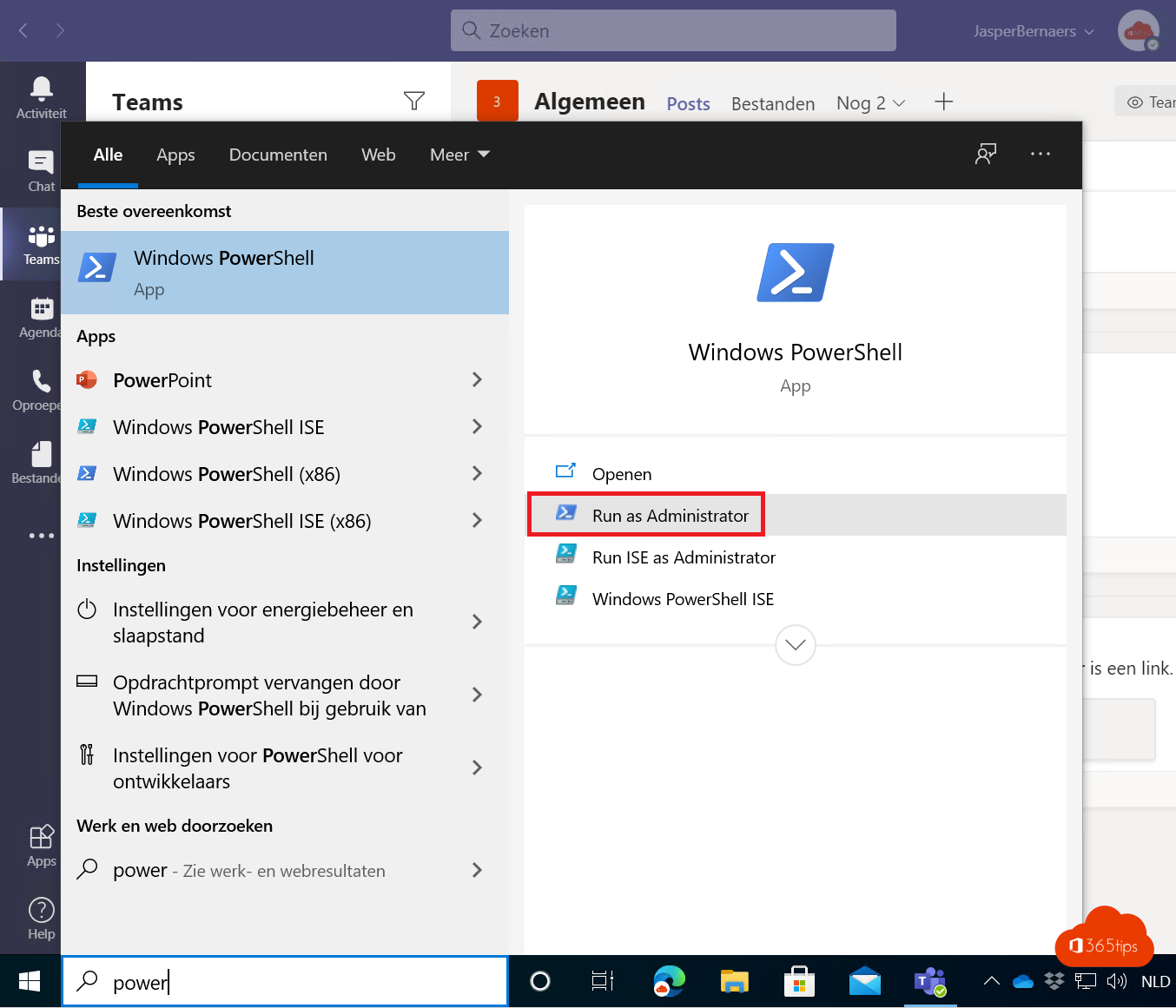
Connect-MicrosoftTeams
Set-CsTeamsMeetingPolicy -Identity Global -ChannelRecordingDownload Block
Only for a group of users? Create a separate policy and assign it to them. Always use the latest version of the Teams PowerShell module.
Extra protection
- Set an expiration date so old recordings disappear automatically.
- Use sensitivity labels or a watermark for highly confidential meetings (often with Teams Premium).
- Block downloads on unmanaged devices through SharePoint access settings.
Note: anyone who can watch a recording can still make a screen recording. Permissions reduce the risk but don't remove it entirely.
Also see record a Teams meeting and auto-delete meeting recordings.
Read also
Teams recordings in OneDrive and SharePoint: where are they?
Record, find and share a Microsoft Teams meeting
Automatically delete meeting recordings in Microsoft Teams
Nederlandstalige versie: Het downloaden van Teams-vergaderopnames beperken