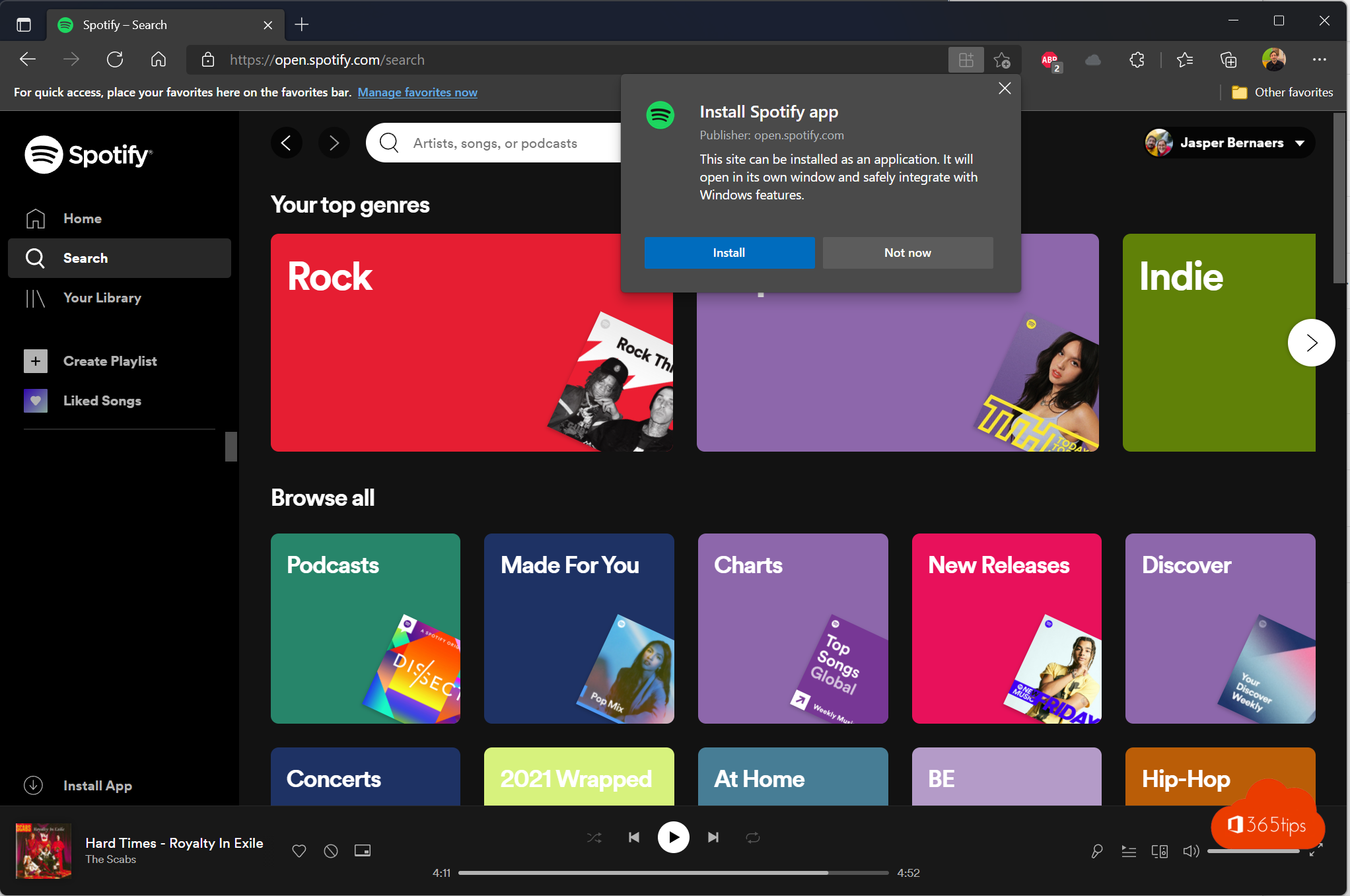
Want to listen to Spotify on a computer where you can't or don't want to install anything? Use the Spotify web player. It works in any modern browser, on Windows, macOS and Linux. This tip shows how to open the web player, search for music and install Spotify as an app.
What is Spotify?
Spotify is a streaming service for music, podcasts and audiobooks. With a free account you listen with ads and some limits, for example on skipping tracks. With Premium you listen ad-free and can download tracks in the app. Downloading for offline listening isn't possible in the browser: for that you need the desktop or mobile app and Premium.
Why use the browser?
- No software to install, handy on a work PC or a shared computer.
- The web player is always up to date.
- It works in Microsoft Edge, Google Chrome, Firefox, Safari and Opera.
Open Spotify in the browser
- Go to open.spotify.com.
- Click Log in and sign in with your Spotify account.
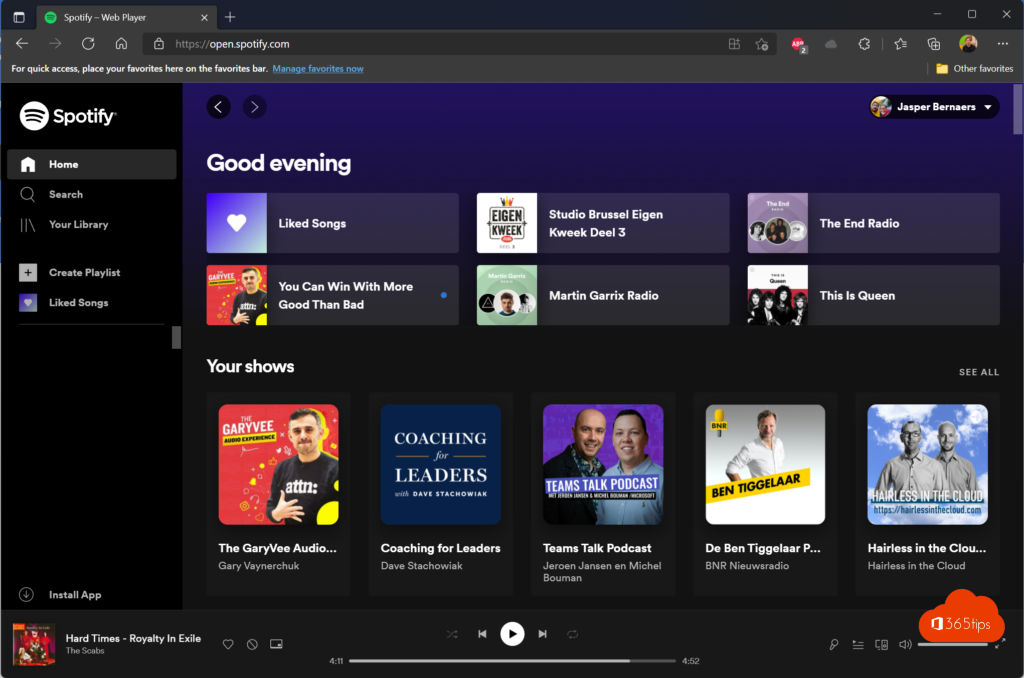
- The home page shows your recently played playlists and recommendations.
No sound? Check that your browser is allowed to play protected (DRM) content. In Firefox, that's the Play DRM-controlled content option in settings. The web player may also refuse to play in a private window.
Search for music and podcasts
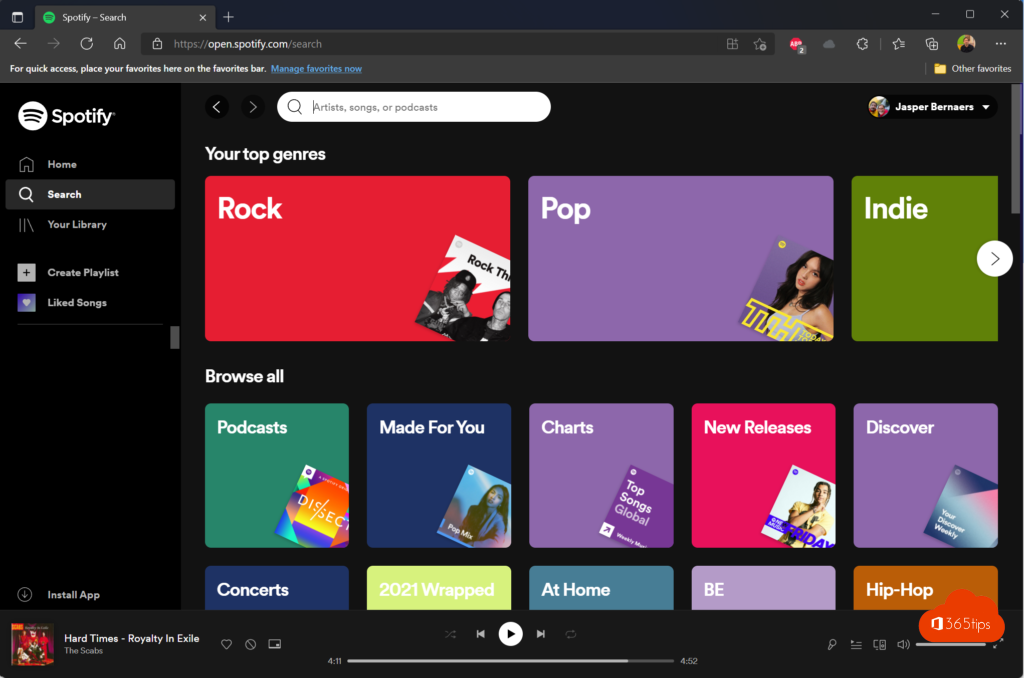
Click the search icon or the search bar at the top and type the name of an artist, track, album, podcast or genre.
Install Spotify as an app
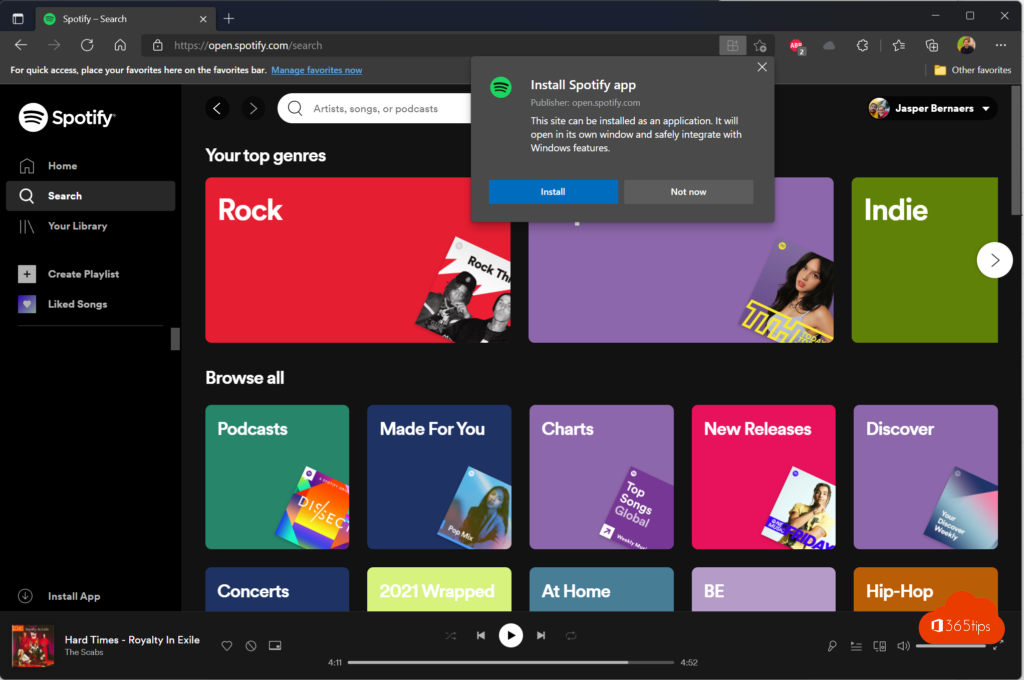
You can install the web player as an app (a progressive web app). That gives you its own window without an address bar and a taskbar icon.
- Edge: open open.spotify.com and choose ... > Apps > Install this site as an app.
- Chrome: click the install icon in the address bar.
Prefer the full desktop app, with offline listening? Get it from the Microsoft Store, the Mac App Store or spotify.com/download.
Create an account
No account yet? Go to spotify.com/signup and sign up with your email address or a Google, Apple or Facebook account. You can always start with the free version.
Also see install Outlook as a web app and create a desktop shortcut to a website with Edge.
Read also
Install Outlook on the web as an app in Edge or Chrome
Create a shortcut to a website on the desktop or taskbar
Google Meet on Windows: install it as an app with Edge or Chrome
Nederlandstalige versie: Naar Spotify luisteren in elke webbrowser