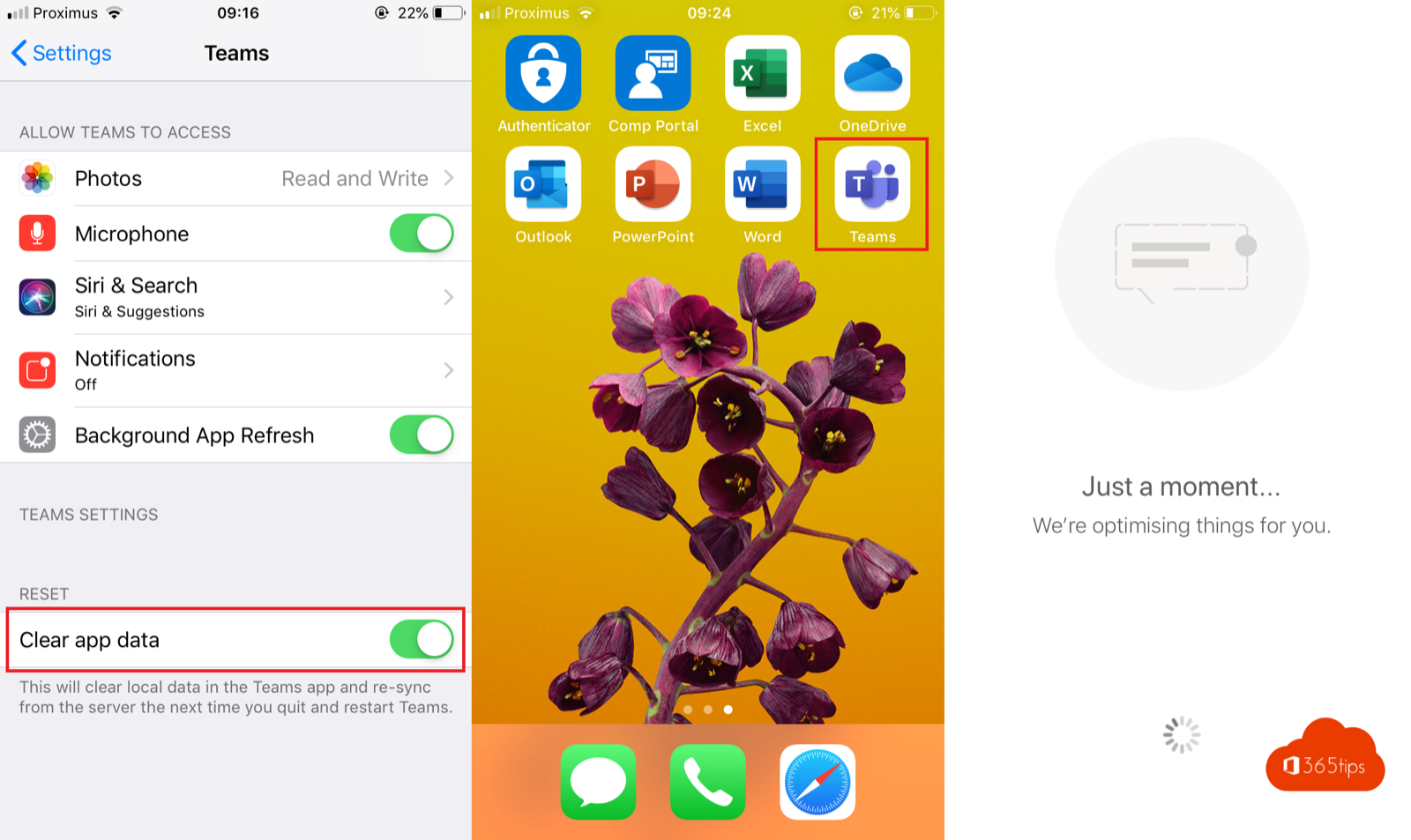
Is Teams slow on your phone, do messages get stuck or does the app crash? It's usually a full cache, an old version or a poor connection. These steps make the Teams mobile app fast again, on Android and iOS.
Quick steps first
- Close the app completely and open it again.
- Check that you have the latest version in the App Store or Google Play.
- Switch between Wi-Fi and mobile data to see whether it's your network.
- Restart your phone.
Clear the cache
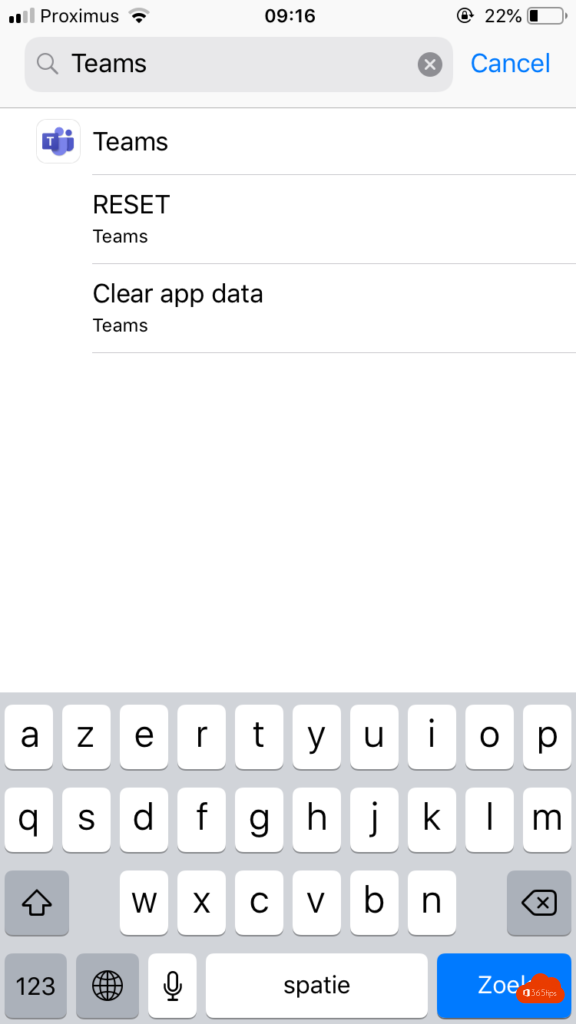
- In the app: tap your profile picture > Settings > Data and storage > Clear app data or Clear cache.
- Android: go to Settings > Apps > Teams > Storage > Clear cache.
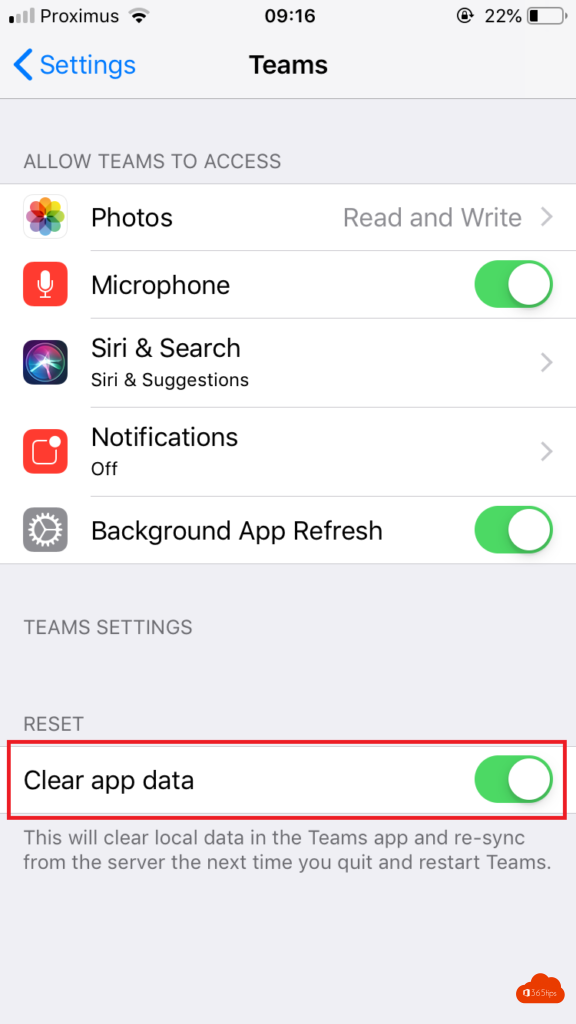
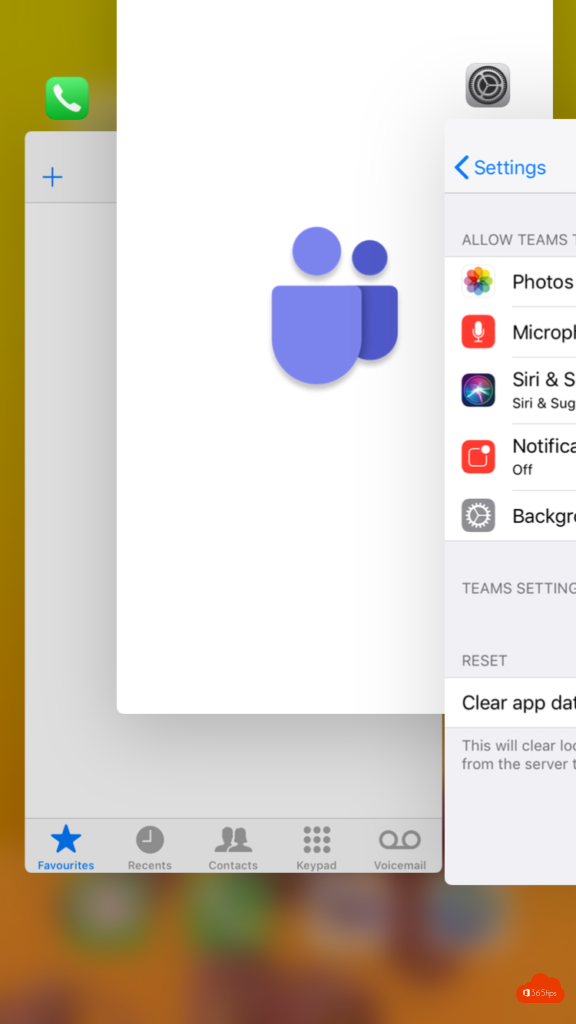
- iPhone: iOS has no button to clear an app's cache. Use the option in the app, or delete Teams and reinstall it.
Less data and storage
Under Data and storage you can also choose a lower image quality and whether videos only autoplay on Wi-Fi. That helps on a slow connection.

Nothing helps?
- Sign out of the app and back in.
- Remove the app and install it again.
- Check the Microsoft 365 service health for an outage.
On a computer, see clear the Teams cache. Also read Teams on iPhone and iPad.
Read also
Clear the Microsoft Teams cache on Windows and Mac
Get started with Microsoft Teams on iPhone and iPad
Set quiet hours in Microsoft Teams so you're not disturbed in the evening
Nederlandstalige versie: Een trage mobiele Teams-app sneller maken op Android en iPhone
More in English
▸Download and install Microsoft Teams on Windows, Mac and mobileDownload and install the right Teams app for work, school or personal use on Windows, Mac and mobile, or use…
▸Use multiple accounts at once in Microsoft TeamsAdd several work, school or personal accounts to the new Teams app, switch between accounts and guest…
▸Disable, uninstall or block Microsoft Teams in Windows 11Stop Teams starting at boot, uninstall the free or work version in Windows 11, and block it on all PCs with…
▸Set up your work email in the Outlook app on iPhone or AndroidSet up your Microsoft 365 mailbox in the Outlook app on iPhone or Android, with Authenticator, app protection…