Want to draw on your Windows PC, or mark up your screen during a presentation? There are plenty of free programs for that. Below you'll find well-known, trustworthy choices, from simple to professional. Always download them from the maker's official website, the Microsoft Store or via winget.
Already built into Windows
- Paint: in Windows 11 with layers, transparency and background removal. Ideal for quick sketches.
- Snipping Tool: take a screenshot and draw on it right away with a pen or highlighter.
Free drawing programs
- Krita: open source with lots of brushes. Great for digital painting and comics.
- Paint.NET: simple, with layers and effects. A step up from Paint.
- GIMP: powerful for photo editing and drawing, comparable to Photoshop.
- Inkscape: for vector illustrations, logos and icons.
- MyPaint: a calm canvas with natural brushes.
- Tux Paint: a playful drawing program for kids.
Using a pen or drawing tablet? All programs above support pressure sensitivity; just make sure your tablet driver is up to date.
Drawing on your screen during a presentation
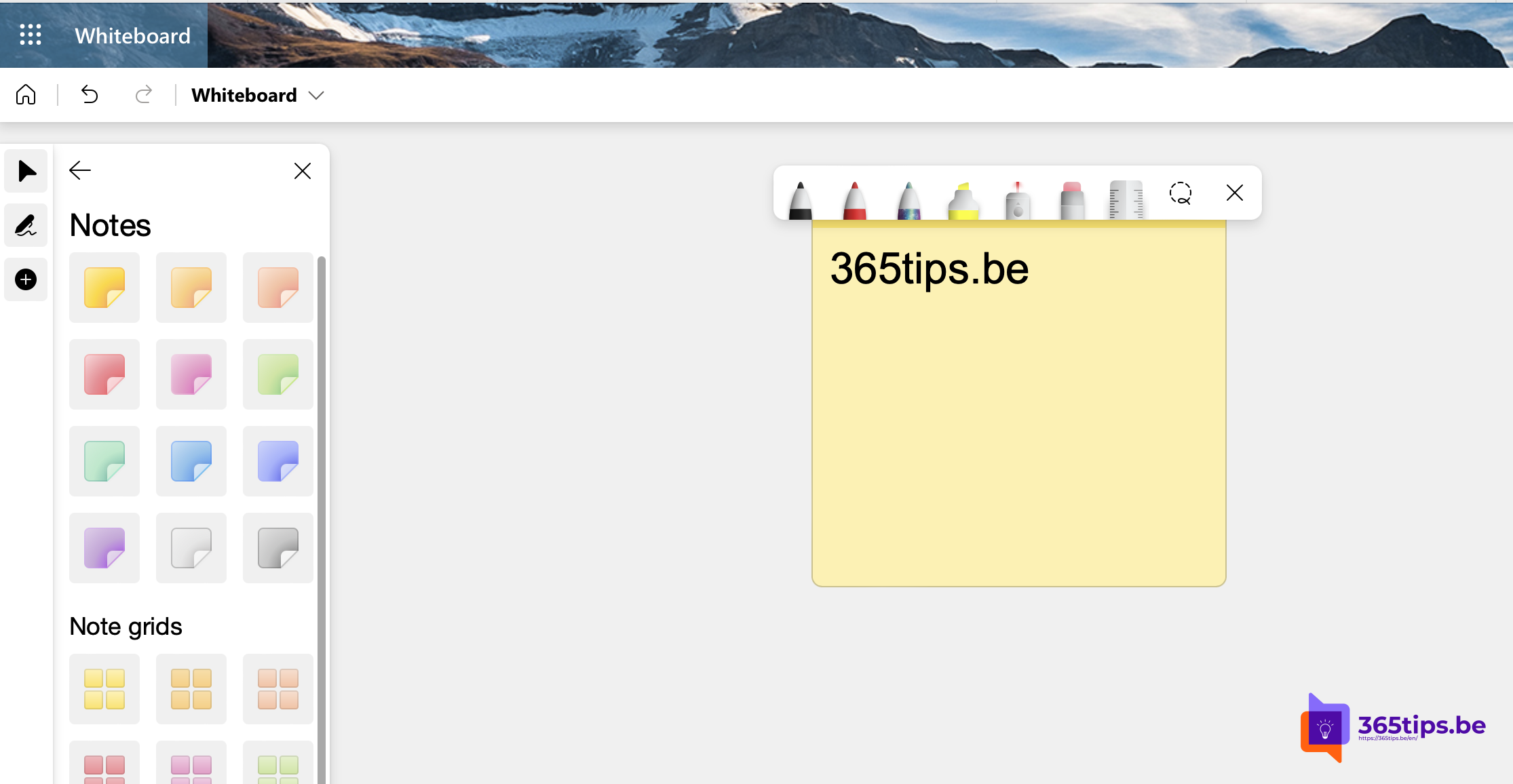
- Microsoft Whiteboard: an infinite canvas to draw on together, also in Teams meetings.
- PowerPoint: in Slide Show, choose a pen or highlighter to draw on your slides.
- ZoomIt (from Microsoft Sysinternals): zoom in and draw over any window with a keyboard shortcut.
- OpenBoard: open source, made for interactive classroom boards.
Which one to pick?
- Quick sketch or markup: Paint or Snipping Tool.
- Digital painting: Krita.
- Logos and illustrations: Inkscape.
- Drawing together or teaching: Whiteboard or OpenBoard.
Also see Microsoft Whiteboard tips and Paint keyboard shortcuts.
Read also
Microsoft Whiteboard: tips to sketch and brainstorm together
The most useful keyboard shortcuts for Paint in Windows
Use Microsoft Whiteboard in Teams channels and meetings
Nederlandstalige versie: De beste gratis software om te tekenen op een Windows-pc
More in English
▸Install and update software with winget on WindowsInstall, update and remove software with winget on Windows 11 or 10. Key commands, updating everything and…
▸Take a print screen, screenshot or screen recording in Windows 11Take a screenshot or screen recording in Windows 11 with Snipping Tool, Print Screen or Game Bar, and copy…
▸The best free software for Windows 11 by categoryWell-known, trustworthy free programs for Windows 11: office, photo and video, utilities and internet. Always…
▸Make a screen recording with PowerPointRecord part of your screen with sound using PowerPoint's screen recording, and save the video as an mp4…