
Did Teams use to feel slow and heavy? Microsoft rebuilt the app from the ground up, and the rebuilt version is now the standard on Windows and Mac. Here is what changed under the hood and what you can do if Teams still feels slow.
What changed?
- The old app ran on Electron. The new Teams uses Edge WebView2, the web technology already built into Windows.
- The interface is built with React, which lets Microsoft ship new features faster.
- According to Microsoft, the app starts up to twice as fast and uses up to half the memory. In practice it depends on your device and how you use it.
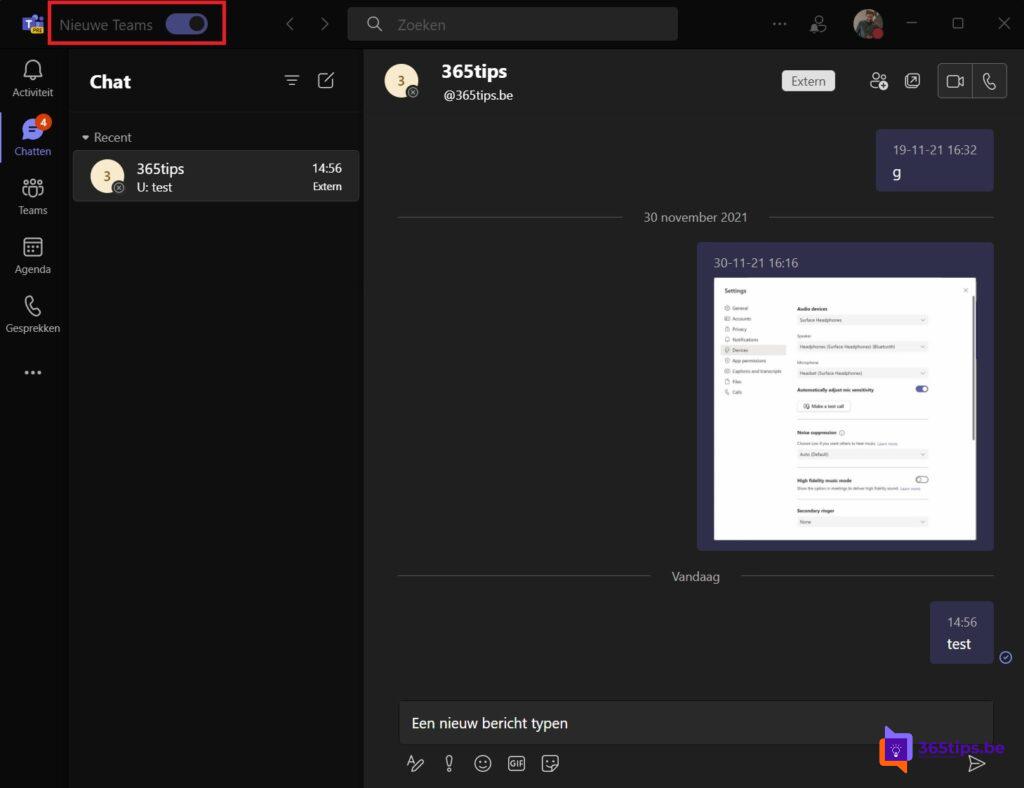
Teams still slow?
- Check that you have the latest version via ... > Settings > About Teams.
- Quit Teams completely and start it again.
- Clear the Teams cache if the problem persists.
- Make sure Windows and your PC's drivers are up to date.
- In large meetings, turn off incoming video if your connection is weak.
Also see clear the Teams cache and speed up a slow Windows 11 PC.
Read also
Clear the Microsoft Teams cache on Windows and Mac
How the Microsoft Teams update mechanism works
Speed up a slow Windows 11 computer: 10 tips
Nederlandstalige versie: Waarom de nieuwe Teams sneller is (en wat als hij toch traag is)
More in English
▸The new Microsoft Teams app: what's different and are you on it?The new Teams is now the default. See what changed, how to check your version and how to add multiple…
▸Make a slow Teams mobile app faster on Android and iPhoneUpdate the app, clear the cache, limit data use and reinstall when the Teams mobile app is slow or…
▸How is Microsoft Teams built technically?Teams, channels and files: see how Microsoft Teams works with Entra ID, SharePoint, Exchange, OneDrive and…
▸Stop Microsoft Teams from starting automatically on Windows and macOSStop Microsoft Teams from launching at sign-in. Through Teams settings, Windows 11 startup apps or macOS…