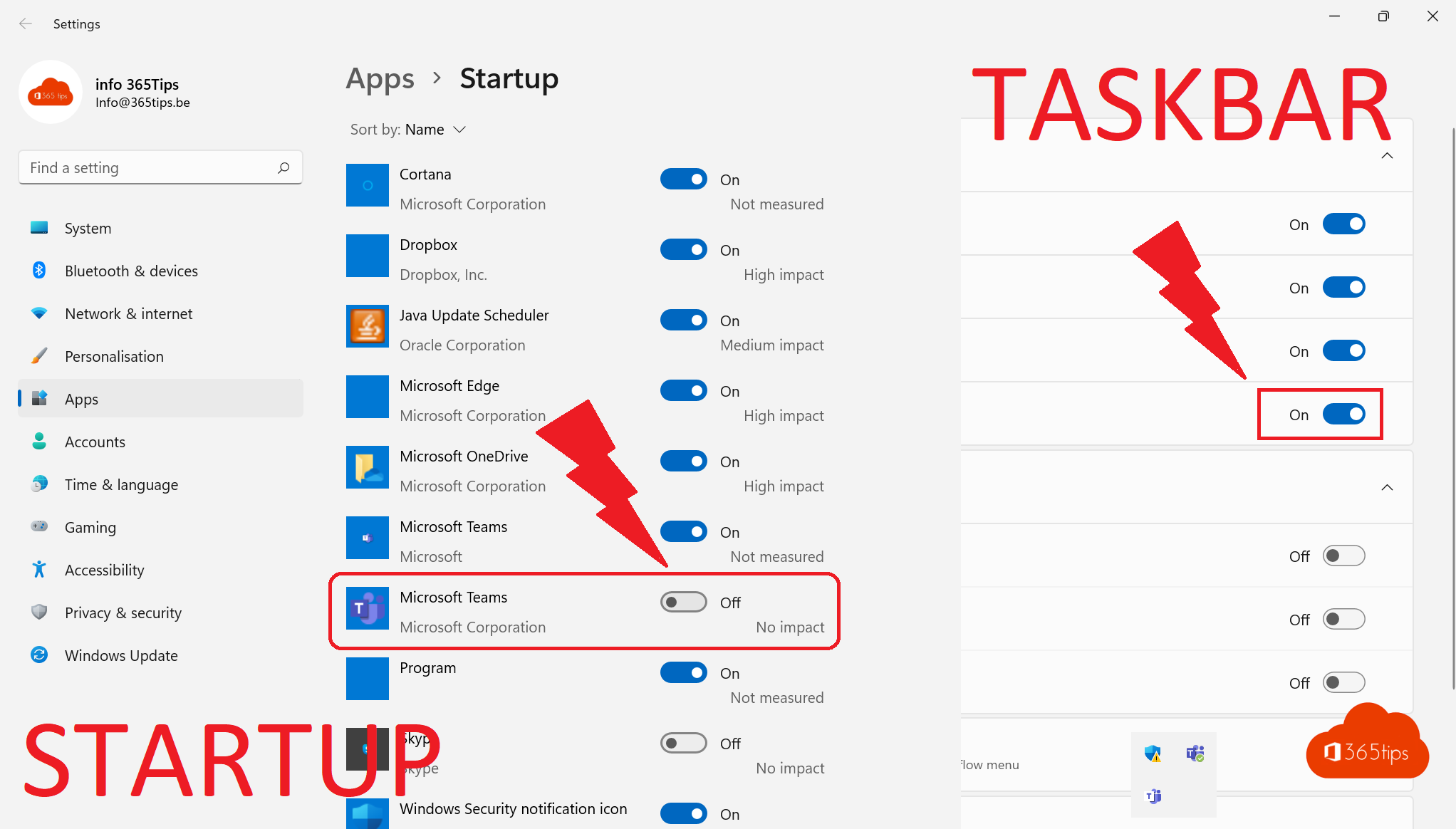
Many Windows 11 PCs come with Microsoft Teams preinstalled, sometimes twice: the free version for personal use and Teams for work or school. Don't use it, or does it start uninvited at boot? You can stop it starting automatically, uninstall it, or as an admin block it so it doesn't come back. This article shows how.
Which Teams do you have?
| App name in Settings | What | Package name |
|---|---|---|
| Microsoft Teams (free) | For personal use with a Microsoft account | MicrosoftTeams |
| Microsoft Teams | For work or school (the new Teams) | MSTeams |
Only remove the version you don't need. If your employer uses Teams, keep the work version.
Stop Teams starting automatically
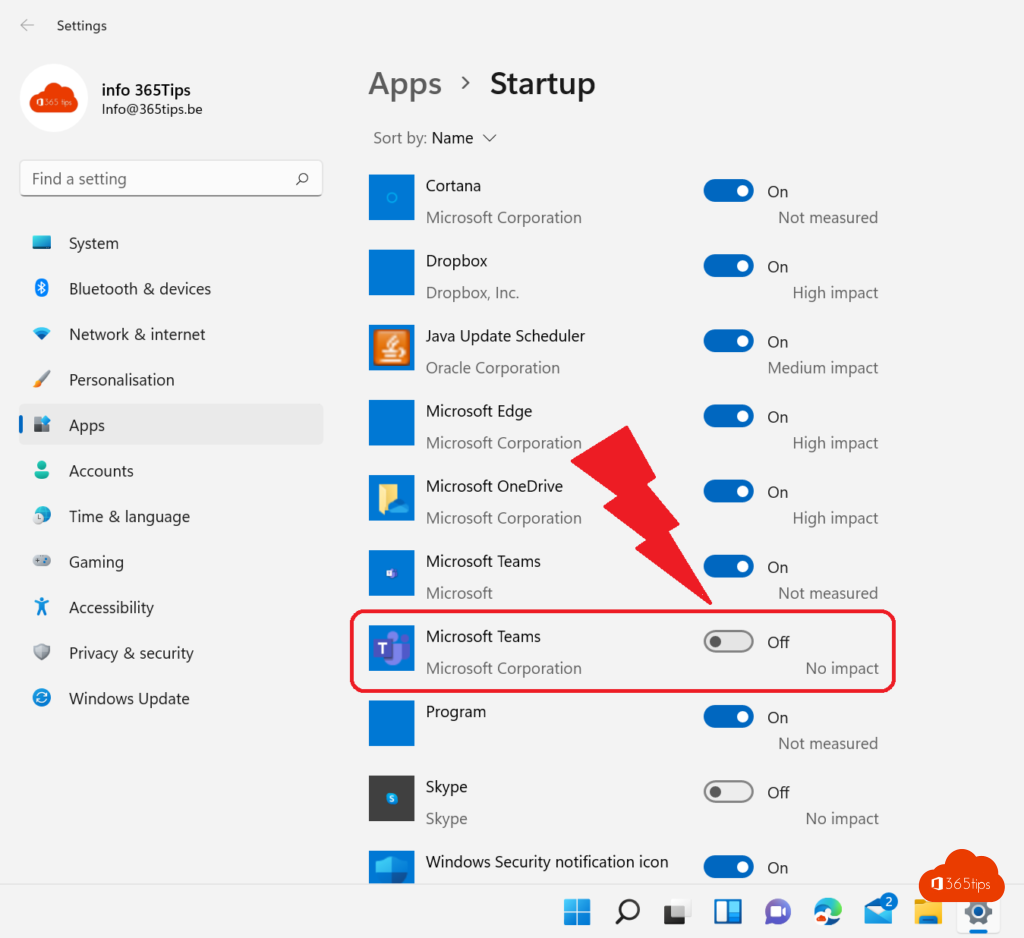
- Open Settings > Apps > Startup.
- Turn off Microsoft Teams.
Or in Teams itself: ... > Settings > General and turn off Auto-start Teams. Teams stays installed and only starts when you open it.
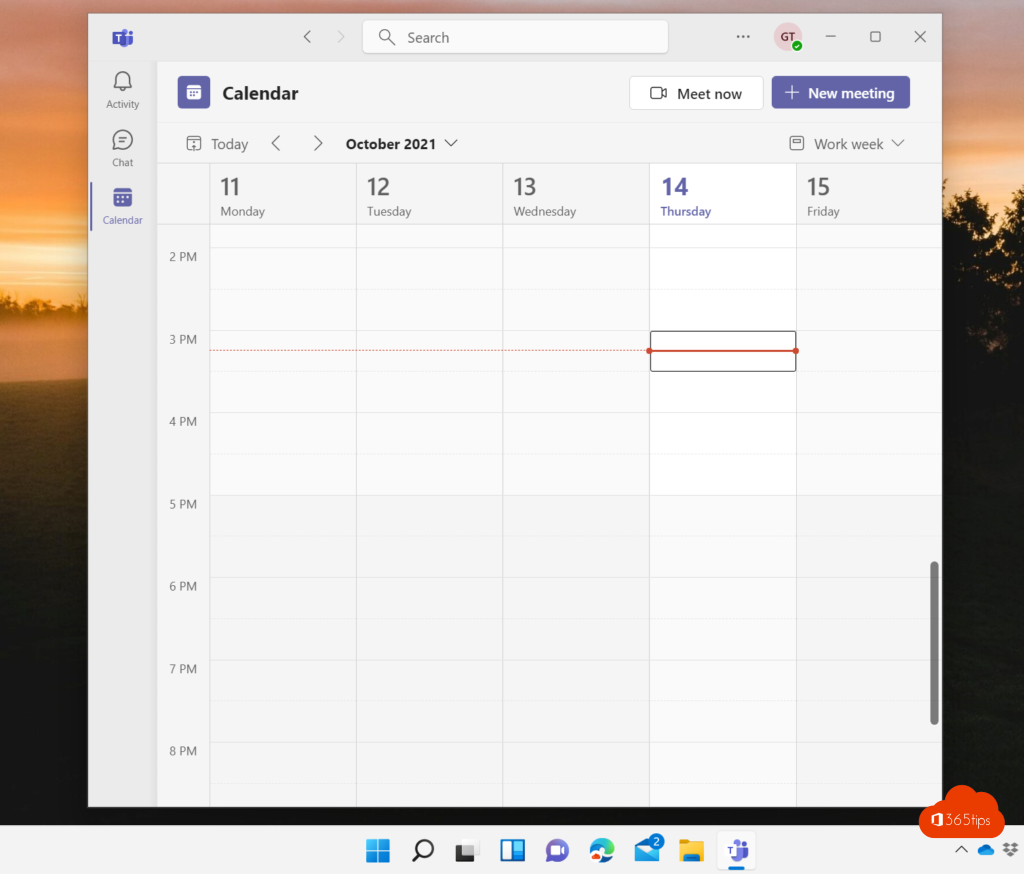
Uninstall Teams
- Open Settings > Apps > Installed apps.
- Search for Teams, select ... next to the right version and choose Uninstall.
- Confirm with Uninstall.
With PowerShell as administrator, remove the free version for the current user:
Get-AppxPackage MicrosoftTeams* | Remove-AppxPackage
To stop Windows reinstalling the app for new users on that PC, also remove the provisioned package:
Get-AppxProvisionedPackage -Online | Where-Object DisplayName -like "MicrosoftTeams*" | Remove-AppxProvisionedPackage -Online
For admins: block it on all PCs
- Intune: create a Settings catalog policy and search for Configure Chat Icon (Experience) to hide the Chat or Teams icon on the taskbar. Remove the free app with a PowerShell or remediation script that runs the commands above.
- Group Policy: Computer Configuration > Administrative Templates > Windows Components > Chat > Configures the Chat icon on the taskbar > Disabled.
- Work Teams is managed separately: if you don't want the new Teams installed automatically with Microsoft 365 apps, change that in your Office deployment configuration.

Need it back?
Reinstall the free version from the Microsoft Store (search for Microsoft Teams), or the work version from microsoft.com/microsoft-teams/download-app. Using Linux instead? See Microsoft Teams on Ubuntu and Linux.
Read also
Install and use Microsoft Teams on Ubuntu and Linux
Turn Windows features on or off in Windows 11 and 10: 4 ways
How to customize the Windows 11 Start menu: left, without Recommended or like Windows 10
Nederlandstalige versie: Microsoft Teams uitschakelen, verwijderen of blokkeren in Windows 11